

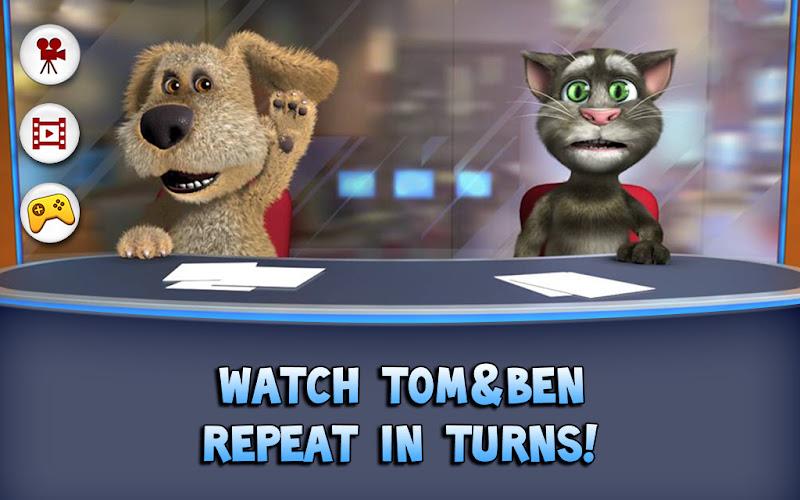



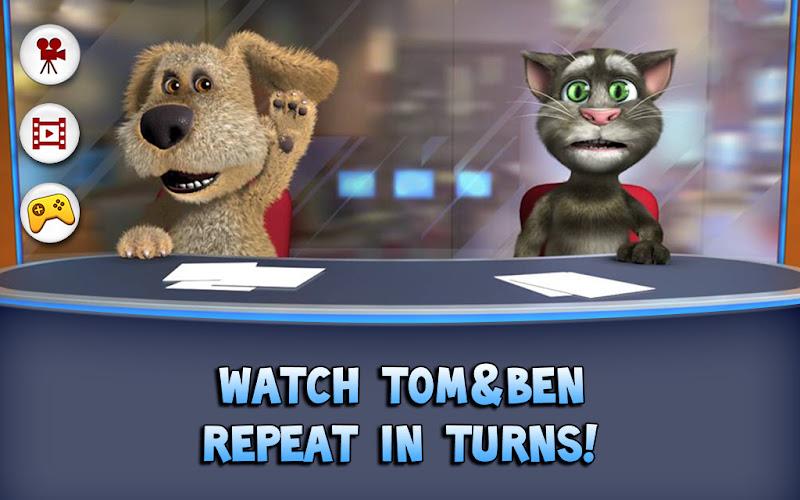



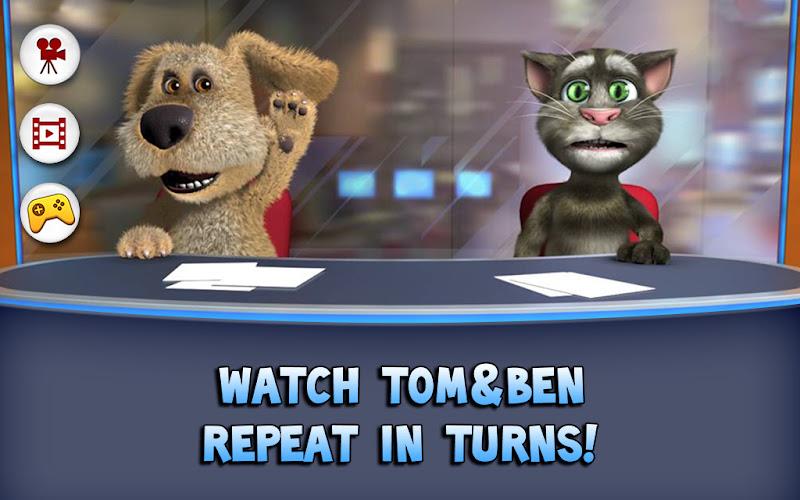



Talking Tom & Ben News turns two familiar animated anchors into a compact, camera-driven mini-studio where you speak, record and share short, humorous broadcasts. The app captures your voice and plays it back through the characters in real time, lets you combine live camera clips or uploads with the stage action, and provides a simple recorder and gallery for quick saving and exporting. This editor-style introduction explains the main systems, control ideas, creative scope and practical limits so you know what to expect before you install Talking Tom & Ben News.
The core mechanics are voice mimicry and direct touch interaction. When you speak into your device microphone the two anchors repeat your words with synchronized mouth animation, creating instant comedic dialogue. Touch gestures work alongside audio: taps produce pokes and physical gags, press-and-drag moves props and characters on stage, and swipes trigger larger reactions like exaggerated falls or stage effects. A compact camera view can be layered into a broadcast so you can include real-world footage or personal clips in the studio frame.
Controls are deliberately simple to support quick one-handed sessions and casual play. Large buttons start and stop recording, switch between character stage and camera mode, or open the media upload tool. Gesture zones on the stage let you provoke animations without navigating menus, and on-screen indicators show when the app is listening, recording or ready to save a clip. Clear visual and audio feedback helps reduce accidental recordings and makes the app approachable for first-time users and children under supervision.
The built-in recorder focuses on short, shareable segments rather than long-form editing. Saved clips appear in an in-app gallery where you can play back, trim slightly, or export files to your device. Sharing options include exporting to local storage or sending via email or other apps; online sharing and playback of integrated services require an internet connection. Many of the app’s interactive features—voice mimicry, touch reactions and local recording—work offline so you can create without constant connectivity and later upload or share when you’re online.
Customization is lightweight and aimed at blending your personal media with the two anchors. You can upload a photo or a short video clip to place on the stage and resize or reposition it with simple pinch-and-drag controls. The characters retain their recognizable look while a selection of on-stage animations react to both voice and touch, enabling playful interactions around your uploaded media. These tools are designed to encourage experimentation without requiring advanced editing skills.
Rather than structured levels, progression in Talking Tom & Ben News is user-led: replay value comes from refining timing, experimenting with inflection and sequencing gestures to produce diverse outcomes. The challenge is creative—arrange props, time voice cues and mix camera inserts to coax unpredictable reactions from the anchors. Over time you can assemble a personal archive of clips that document different comedic beats, character interactions and staged gags instead of advancing through formal stages or rankings.
The app uses colorful, cartoony studio graphics and exaggerated animations that read well on small screens. Visual cues, concise icons and short audio prompts improve accessibility: vibration and visual highlights indicate successful taps, and the interface keeps common actions within thumb reach. The developer’s PRIVO certification and privacy practices emphasize child safety and limited data collection, making the app suitable for family use with age-appropriate supervision.
Talking Tom & Ben News contains advertising and optional in-app purchases to remove ads for uninterrupted sessions. Some features that rely on third-party video services or online sharing require internet access, so availability of certain integrated content may vary by connection or service status. The app is focused on single-device creativity—there are no online multiplayer or ranking systems—and it performs best on devices with a functioning microphone and camera hardware.
If you enjoy quick creative experiments, short social clips or family-friendly sketches, Talking Tom & Ben News offers a low-friction way to make playful broadcasts without complex editing tools. It suits short solo play, collaborative family sessions around a single device, or casual content creation for social sharing when internet access is available. The combination of voice-driven comedy, simple touch controls and easy export makes it a practical choice for anyone looking to produce brief, shareable animated segments.