
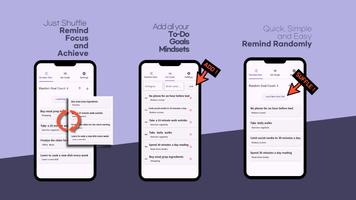
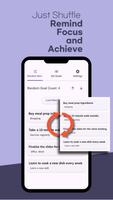
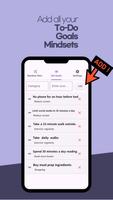
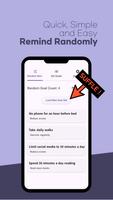
To Do Random Reminder helps you create unpredictable alerts for tasks and habits so reminders feel less repetitive. The To Do Random Reminder app lets you define task groups, set allowed time windows and choose frequency to receive randomized notifications at suitable times without fixed patterns.
Randomized scheduling generates reminder times within the range you specify to avoid fixed patterns. Task groups let you organize reminders by work, health, chores or other categories. Flexible time windows allow you to set start and end times for each group and exclude specific hours. Repeat and frequency control lets you choose how many alerts per day or per week for each task group. Quiet hours support prevents alerts during sleep or important meetings.
Open To Do Random Reminder, create a task group, define the allowed time window and desired frequency, and enable notifications. The To Do Random Reminder scheduler will select times at random within your settings and deliver reminders accordingly. Adjust settings any time to refine the schedule or pause reminders when needed.