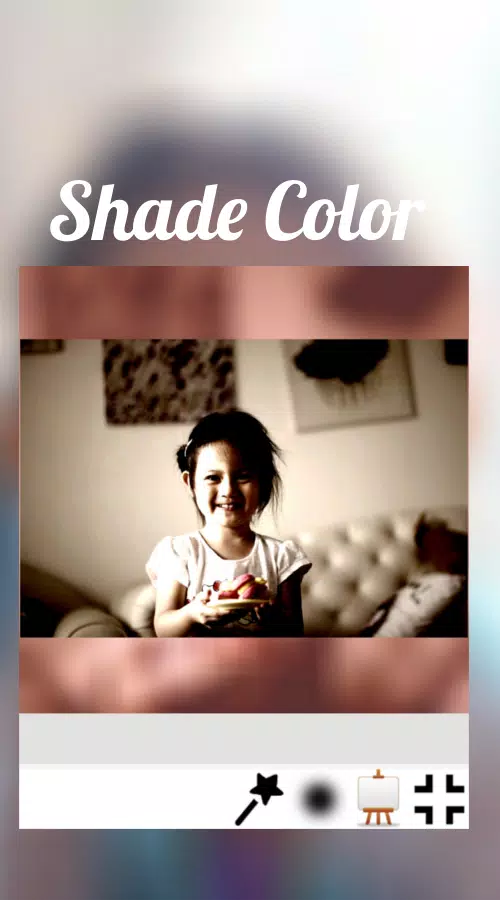
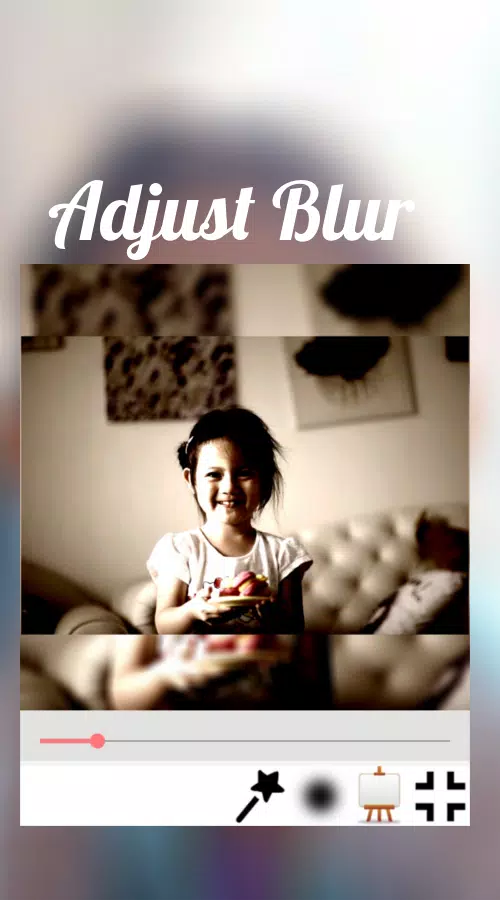
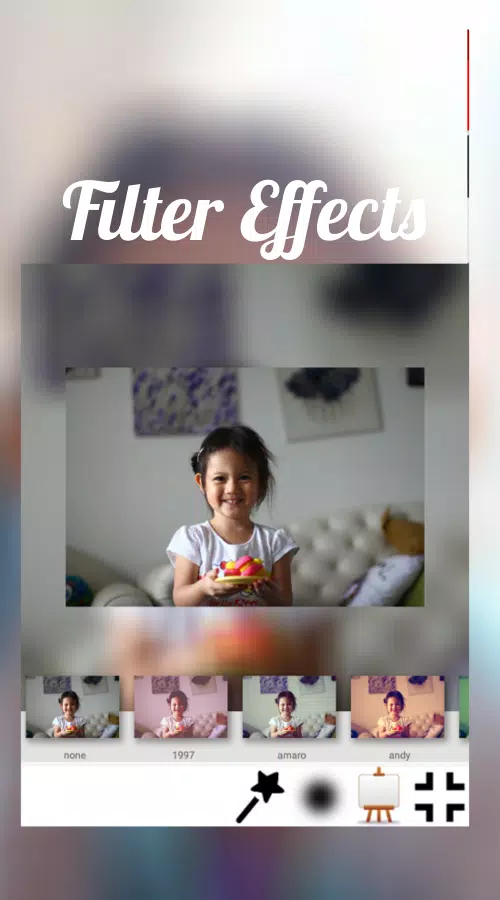
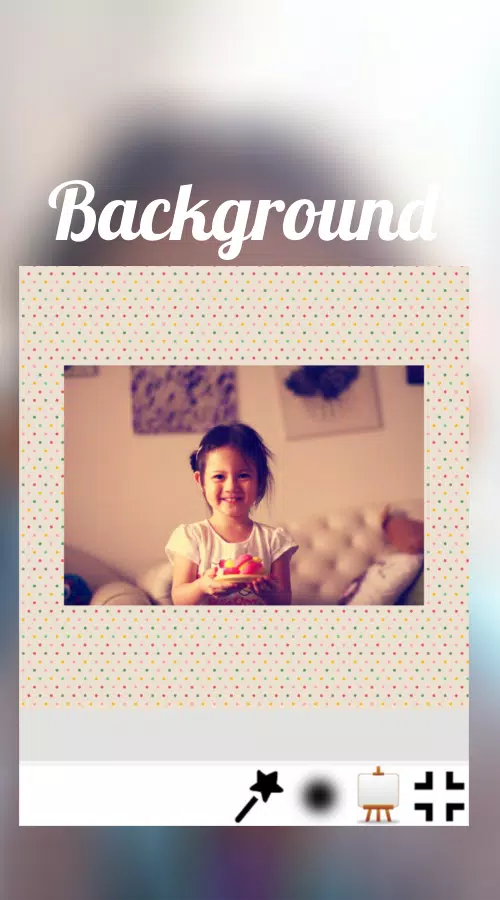
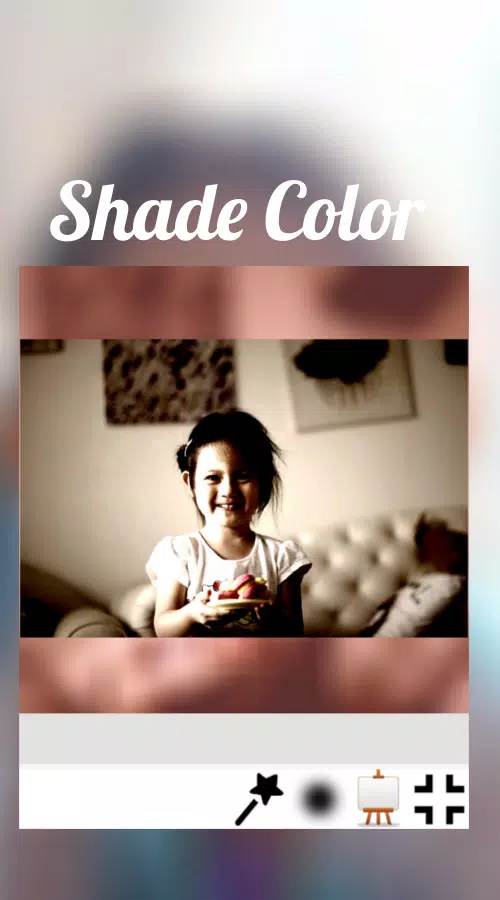
Square No Crop is a compact photo utility designed to help social media users post full images without trimming important edges, and it puts composition first by automatically resizing wide or tall photos into square-friendly canvases. Square No Crop keeps your original frame intact while offering practical options such as blurred or patterned backgrounds, quick filters, and basic size adjustments so images look consistent across feeds that favor square previews. Editors and casual posters will find the workflow straightforward: import a photo, pick a background or border style, tweak brightness or contrast with simple sliders, and export at the resolution you need for sharing.
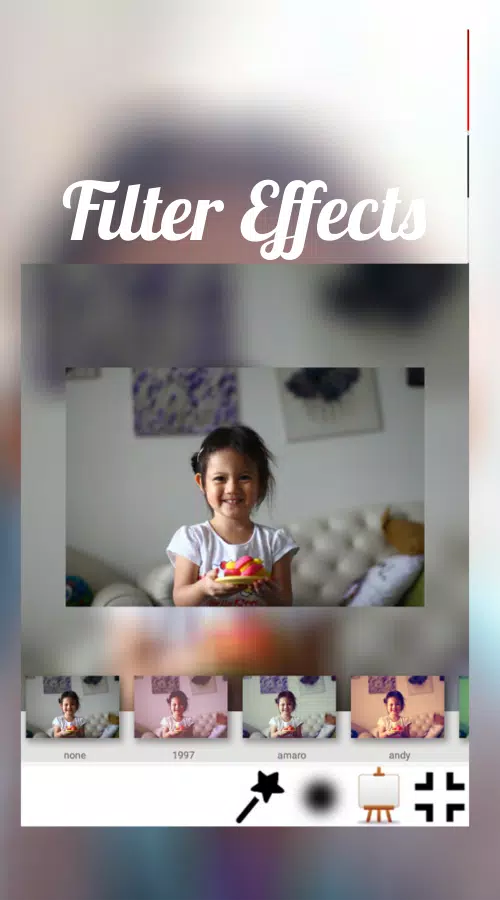
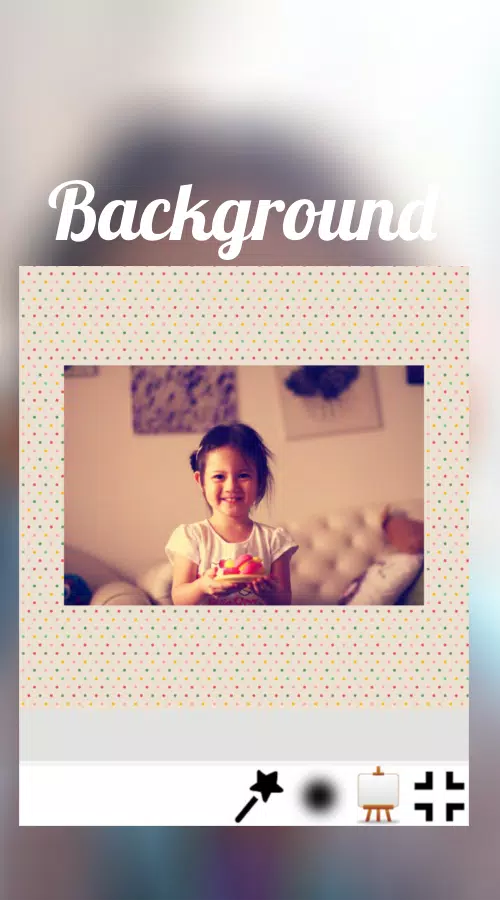
The app streamlines several routine tasks that mobile creators do repeatedly. Automatic resizing preserves the subject and avoids forced cropping, and background modes let you choose a subtle blur, a soft gradient, or a repeat pattern that complements your image. Quick filter presets provide a fast way to refine color and tone without diving into complex tools, while basic transformations—rotate, flip, and scale—help you fine-tune framing before export. One-tap sharing integrates with the Android share sheet so you can publish to social networks or messaging apps directly from Square No Crop.
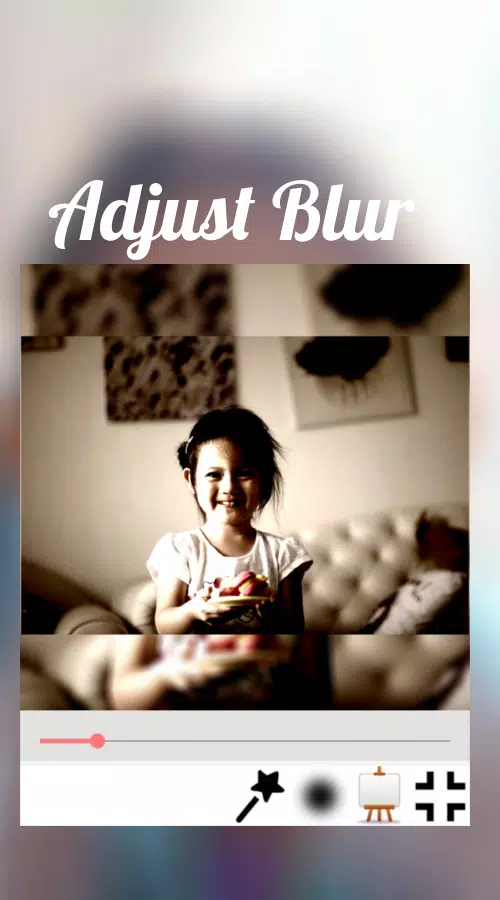
Under the surface Square No Crop operates with a simple, clearly labeled set of controls that are intentionally lightweight. Thumbnails and a live preview show how background fills and padding will look at different crop sizes, and sliders control padding width, blur intensity, and filter strength. The resize algorithm keeps image detail by adding non-destructive margins rather than removing pixels, so your original photo is preserved in the output file. Typical use takes only a few taps: select an image, choose a square template or custom aspect ratio, apply a background and a filter, then save or share.
Controls are built for speed and clarity rather than deep retouching. Buttons and icons are grouped by task—frame, background, adjustments, and share—so you can learn the layout quickly and work without menu hunting. Background options can be mixed: use a blurred extension of the photo for a cohesive look or pick from patterned fills and solid colors for a more graphic result. Filters are tuned to provide pleasant color shifts at a glance, and the basic adjustments let you correct exposure and contrast without introducing a steep learning curve. While the app does not replace a multi-layer editor, these choices are enough to make most social posts look deliberate and polished.
The visual approach favors neutral, unobtrusive edits that keep attention on the photograph. Square No Crop exports at the resolution you start with when possible, so image quality is preserved for feeds and printing. Backgrounds are rendered to match the image’s aspect ratio seamlessly, and padding options let you control how much of the added border is visible. Because the app focuses on presentation rather than heavy manipulation, the results are predictable: cleaner feeds, consistent thumbnails, and fewer surprises when platforms generate previews.
Square No Crop is designed to work without an internet connection for its core functions, so resizing, background fills, and local exports are available offline for privacy and convenience. The interface emphasizes legibility with readable labels and sufficiently large tap targets for one-handed use. Users with varying proficiency can follow an intuitive linear workflow, and returning users will appreciate the speed of repeated actions when preparing multiple images. Basic accessibility considerations such as contrast-friendly controls and straightforward navigation reduce friction for a wide audience.
Although Square No Crop excels at preserving full images for social sharing, it is not intended as a full-featured photo editor: advanced retouching, layered compositing, and fine-grain healing tools are limited or absent. Background fills may not suit every photographic aesthetic, and some images might still benefit from additional edits in a separate application if you need high-end color grading or object removal. For everyday posting, however, Square No Crop offers a fast, dependable way to maintain composition and image quality when platforms prefer square previews.