

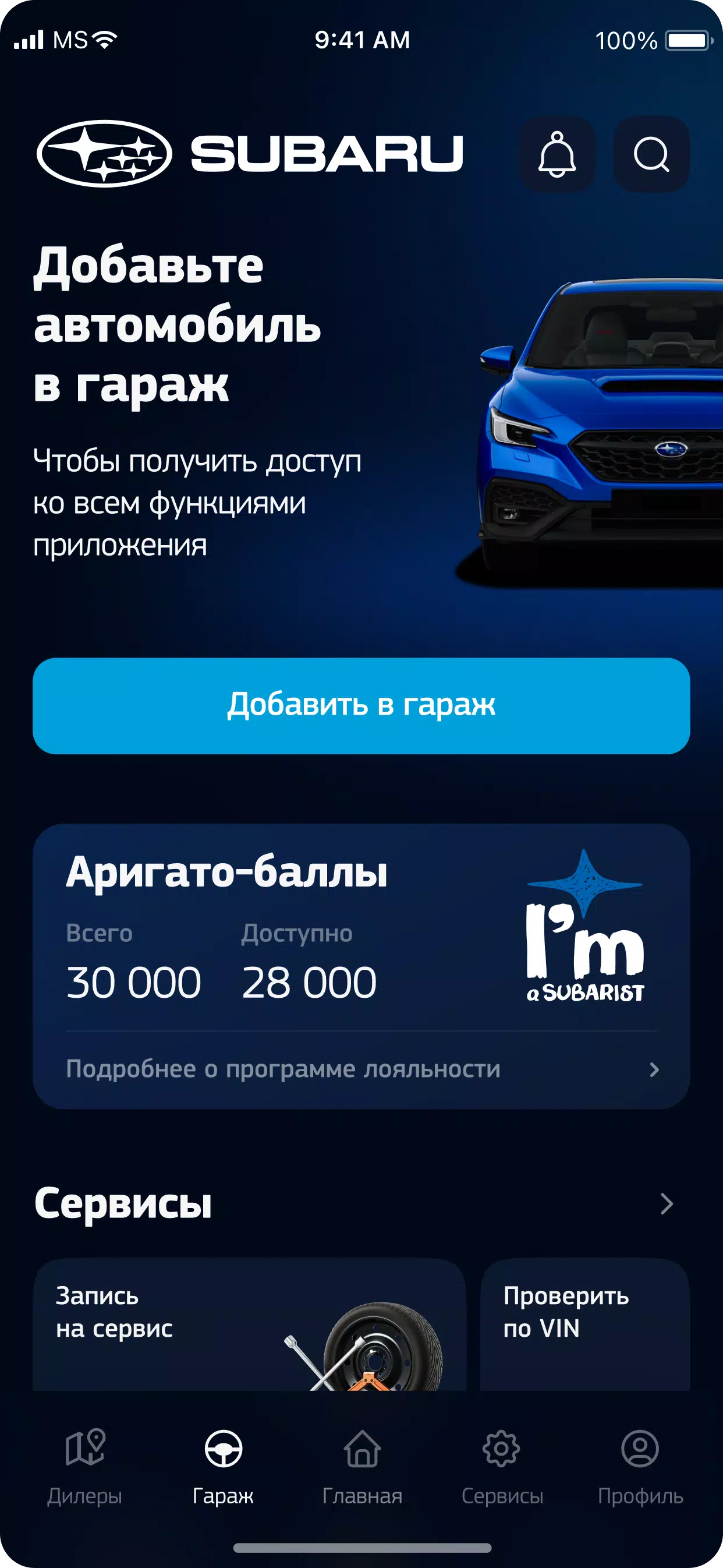
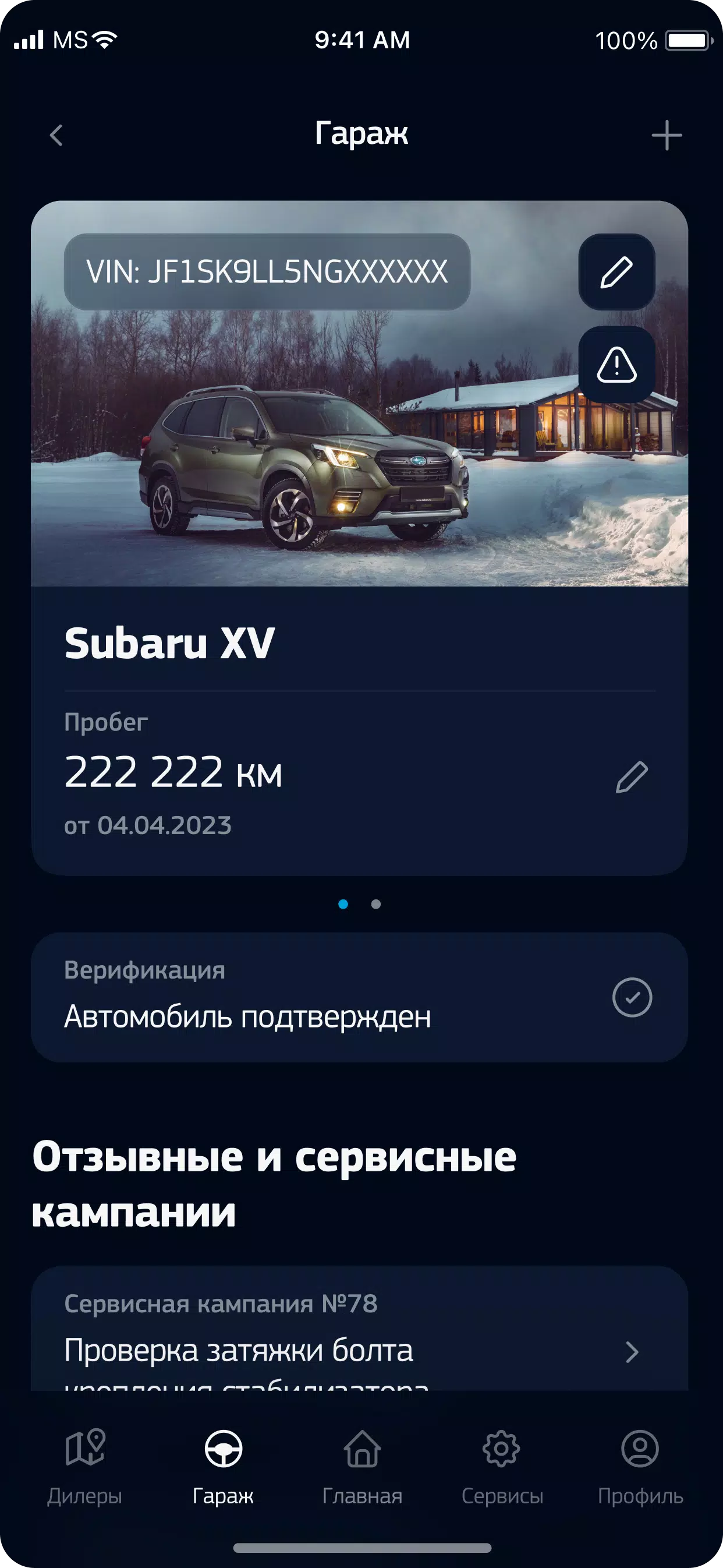
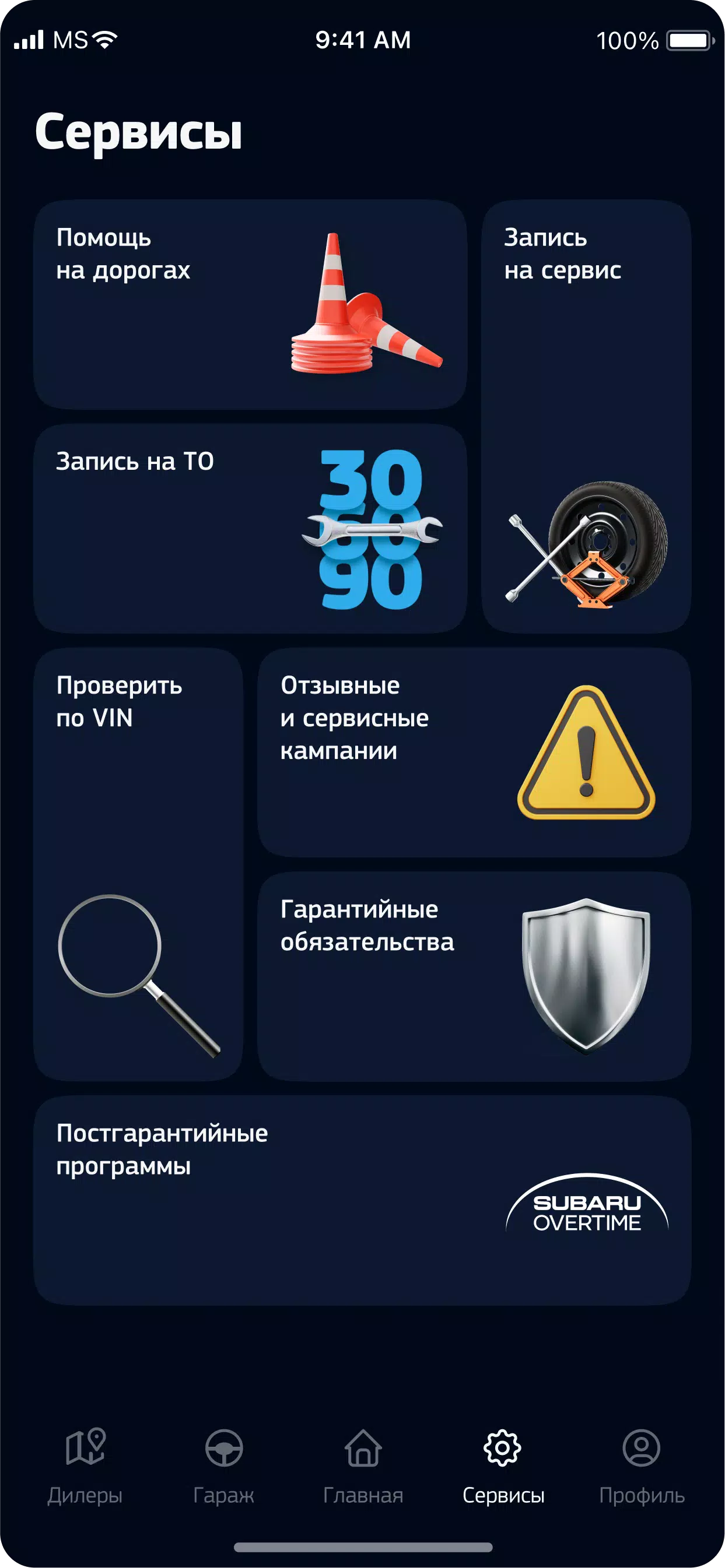
My Subaru helps Subaru owners manage ownership, maintenance and brand engagement. My Subaru centralizes warranty, service history and vehicle specifications. My Subaru connects a personal account to dealer contacts, a loyalty program and an online store for genuine parts.
The app provides a single, organized place to keep vehicle documents, review past maintenance and reference factory specifications. The interface is built around a compact dashboard that surfaces the most relevant information first: next scheduled service, recent service entries, current warranty period and quick links to contact your preferred dealer or to browse the parts catalog. The design favors clear controls and straightforward workflows so routine tasks take fewer taps.
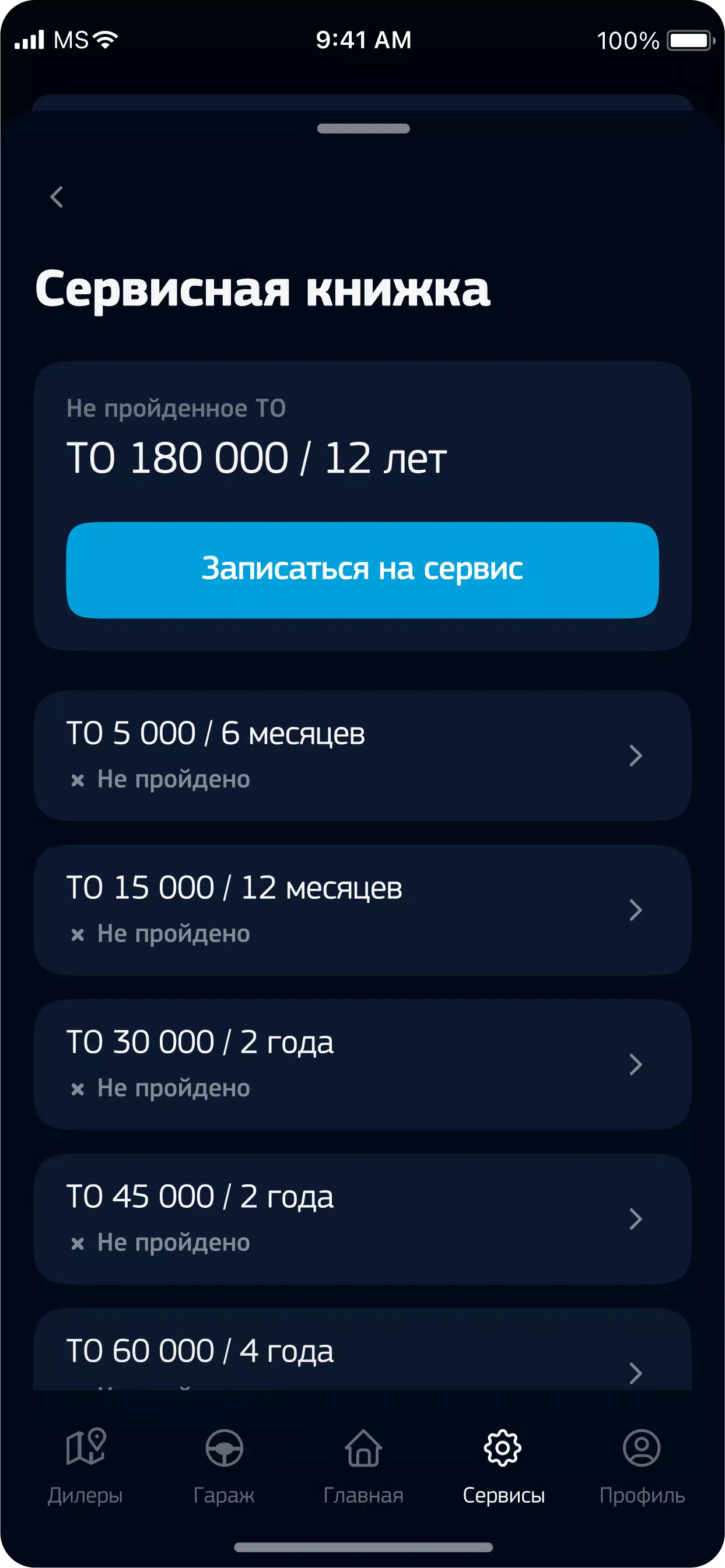
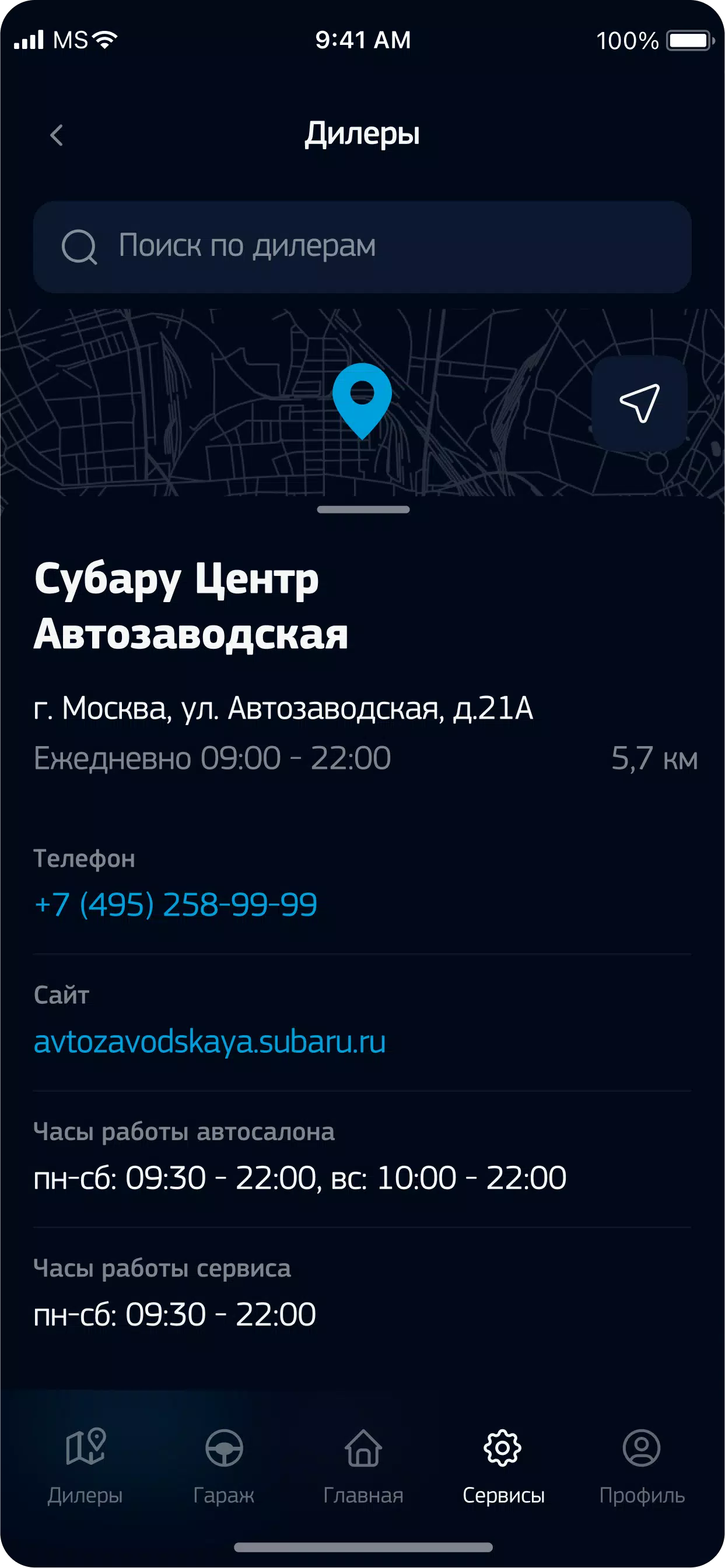
Digital warranty and service history let you store and review maintenance records and receipts. Upload photos or attach documents to individual service entries so every visit is cataloged and searchable. The personal account area stores ownership details and preferences; it keeps a timeline of interactions so owners can track past communications and planned appointments. Dealer and service center contact pages include phone, email and location details where available, plus notes about offered services and hours.
Service scheduling works through an in-app interface that prepares your request for dealer review or phone follow-up. A built-in calendar view displays upcoming appointments and allows easy rescheduling. Customizable reminders notify you about oil changes, inspections and manufacturer-recommended checks; reminder settings can be adjusted by interval or mileage estimates so you receive reminders that match how you use the vehicle.
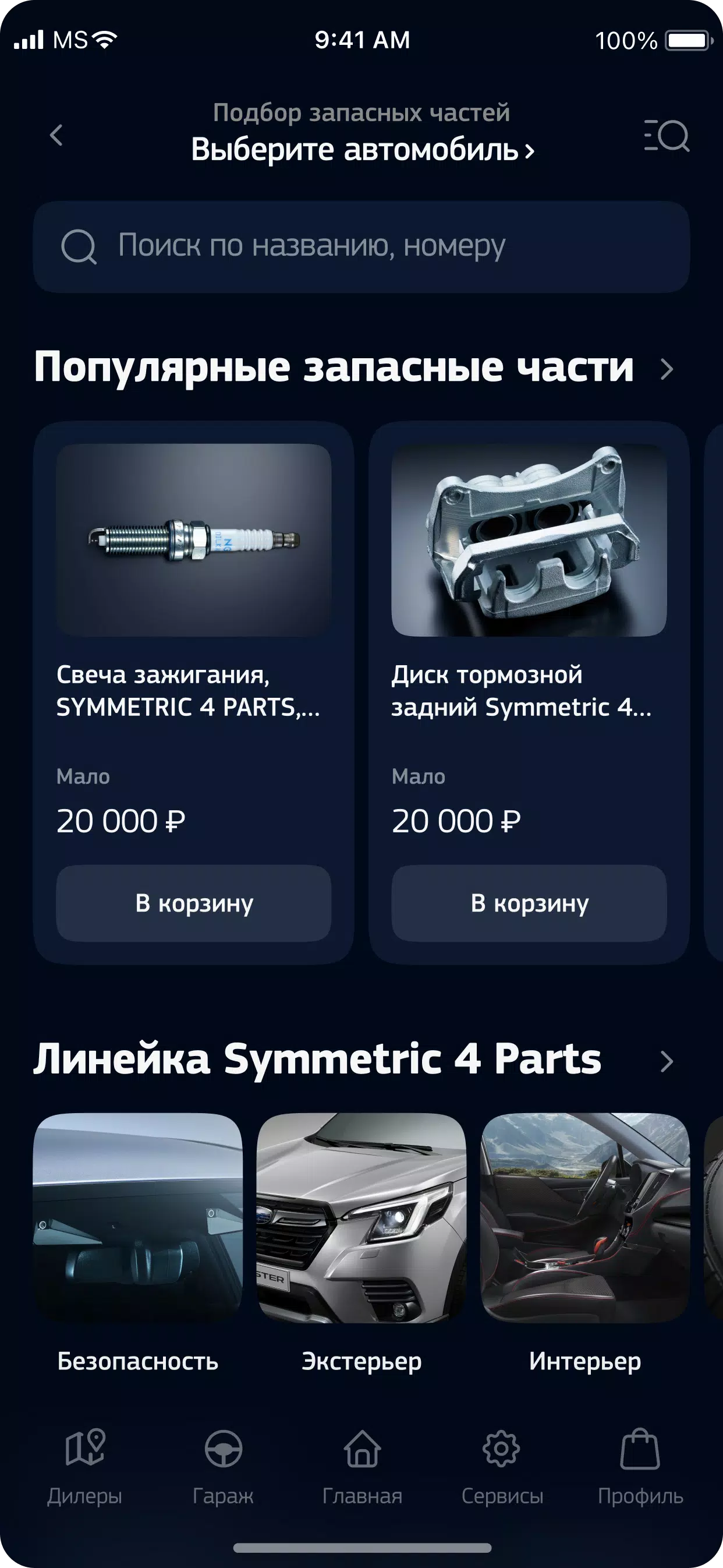
The integrated online store presents genuine spare parts, accessories and Subaru-branded merchandise along with clear product descriptions and images. Order history and simple checkout controls let you track past purchases and view delivery information. The loyalty area shows your current status with program benefits and available promotions, making it easier to redeem offers and monitor any brand engagement rewards available in your region.
My Subaru organizes functionality into familiar sections accessible from a persistent navigation bar. Common tasks use simple controls: tap to view details, long press to edit frequently used items, and forms minimize required fields to speed entry. The visual style is clean and vehicle-focused, with readable typography, consistent color cues for status and intuitive iconography to speed recognition. High contrast options and scalable text help maintain legibility on different screen sizes.
Rather than game-like mechanics, the app applies a progression model to vehicle care: maintenance milestones, service intervals and warranty milestones are presented as a sequence you can follow. Completing scheduled maintenance updates the service timeline and advances your vehicle through recommended care stages. Challenge-style reminders can be enabled to encourage timely inspections and seasonal checks, which improves long-term upkeep and ownership confidence.
Owners can add multiple vehicles to a single account, customize vehicle nicknames, set fuel type and drive mode preferences where applicable, and mark preferred dealers. Personalization extends to notification preferences, language selection and default payment or shipping details for parts orders. These options reduce repetitive input and tailor the experience to how you manage your Subaru day to day.
Key documents and recent service records are cached for offline access so you can view essential information when you do not have a network connection. The app synchronizes changes when connectivity returns. Account credentials and stored documents are protected by industry-standard measures and you control sharing permissions for dealer communications and marketing opt-ins through privacy settings.
The interface supports common accessibility features such as larger text, screen reader compatibility and clear contrast modes. The workflow reduces unnecessary screens and minimizes data entry, which benefits a wide range of users including busy owners who need to complete tasks quickly. Tooltips and inline help provide context-sensitive guidance for less familiar features.
Service availability, parts assortments and promotions vary by region and individual dealers. The app displays location-relevant information and will note when certain services or store items are not available in your area. For questions about coverage or warranty specifics, dealer contact pages provide the fastest route to local support.
My Subaru is primarily designed for Subaru owners and brand enthusiasts who want a practical, centralized tool for ownership records, routine maintenance and parts shopping. It reduces paperwork, simplifies scheduling and keeps relevant information at hand, making ongoing vehicle care easier to manage over time.





















