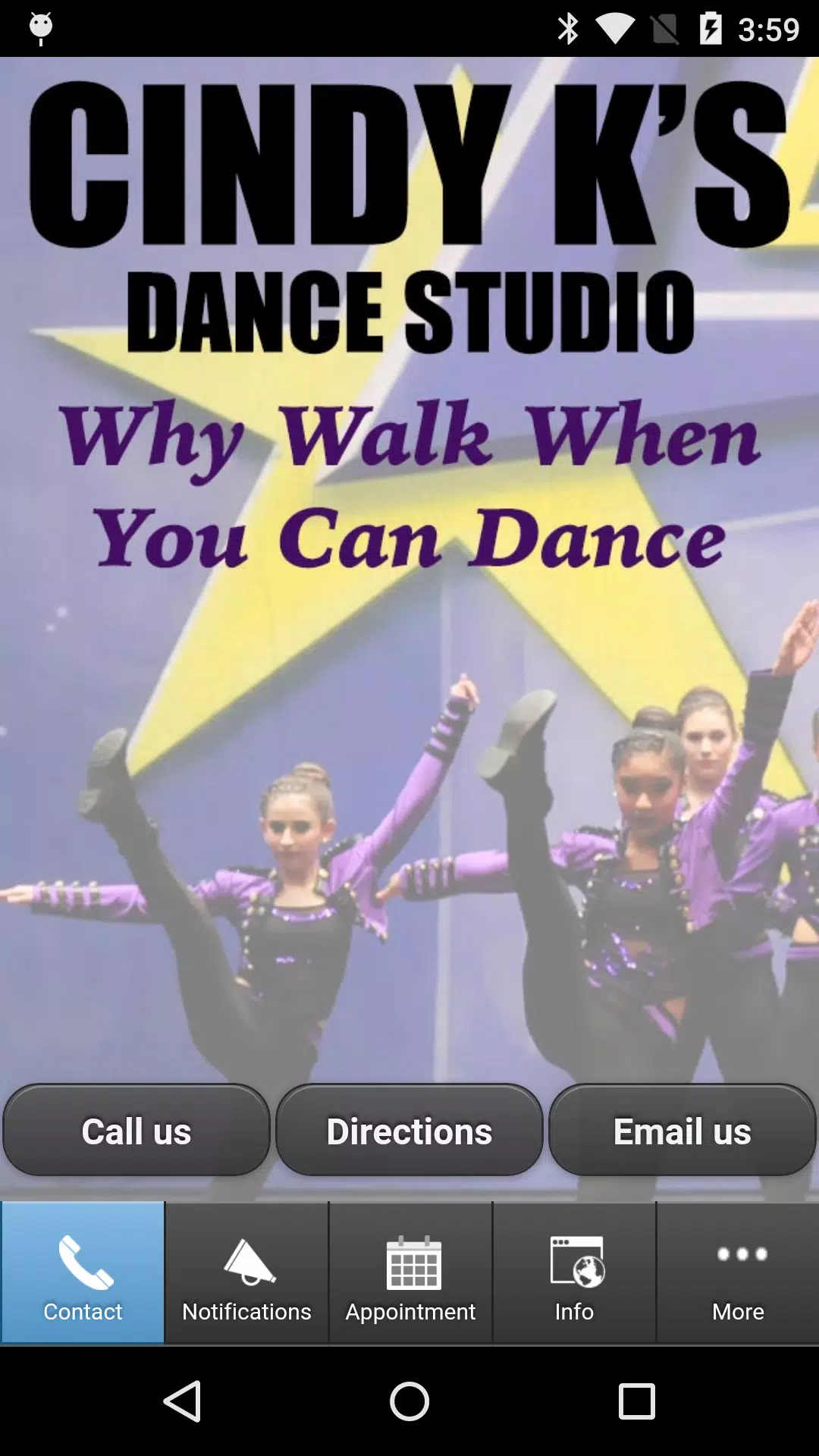
Cindy Ks brings your dance studio’s schedule, announcements and registration tools into a single mobile hub so families and students always stay informed. Cindy Ks puts class times, instructor messages and event notices on your phone, letting parents quickly sign up children for classes, receive practice reminders and follow student progress. The app is designed for dancers of every age and level and aims to centralize communication so the studio community can operate smoothly from rehearsals to performances.
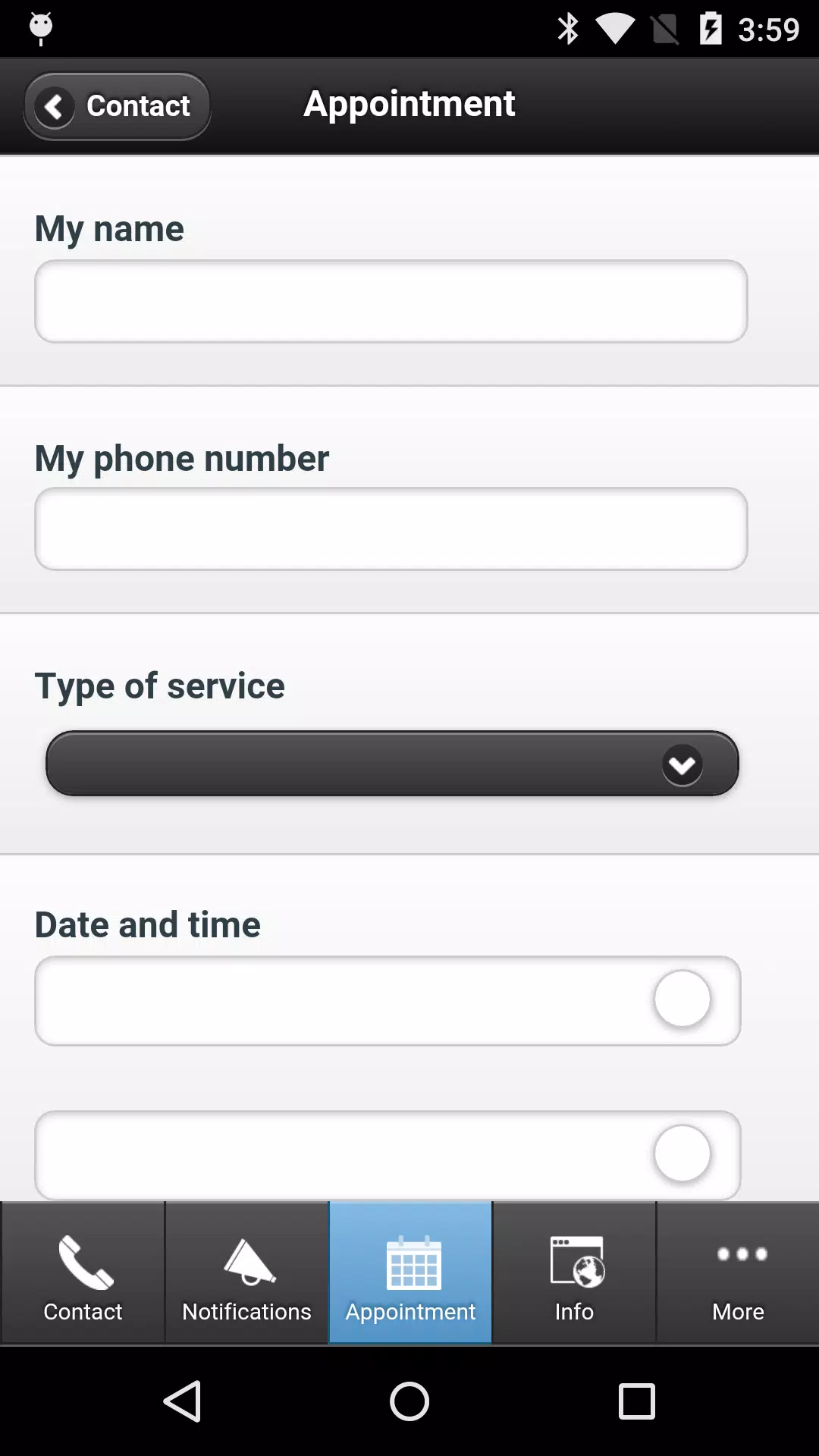
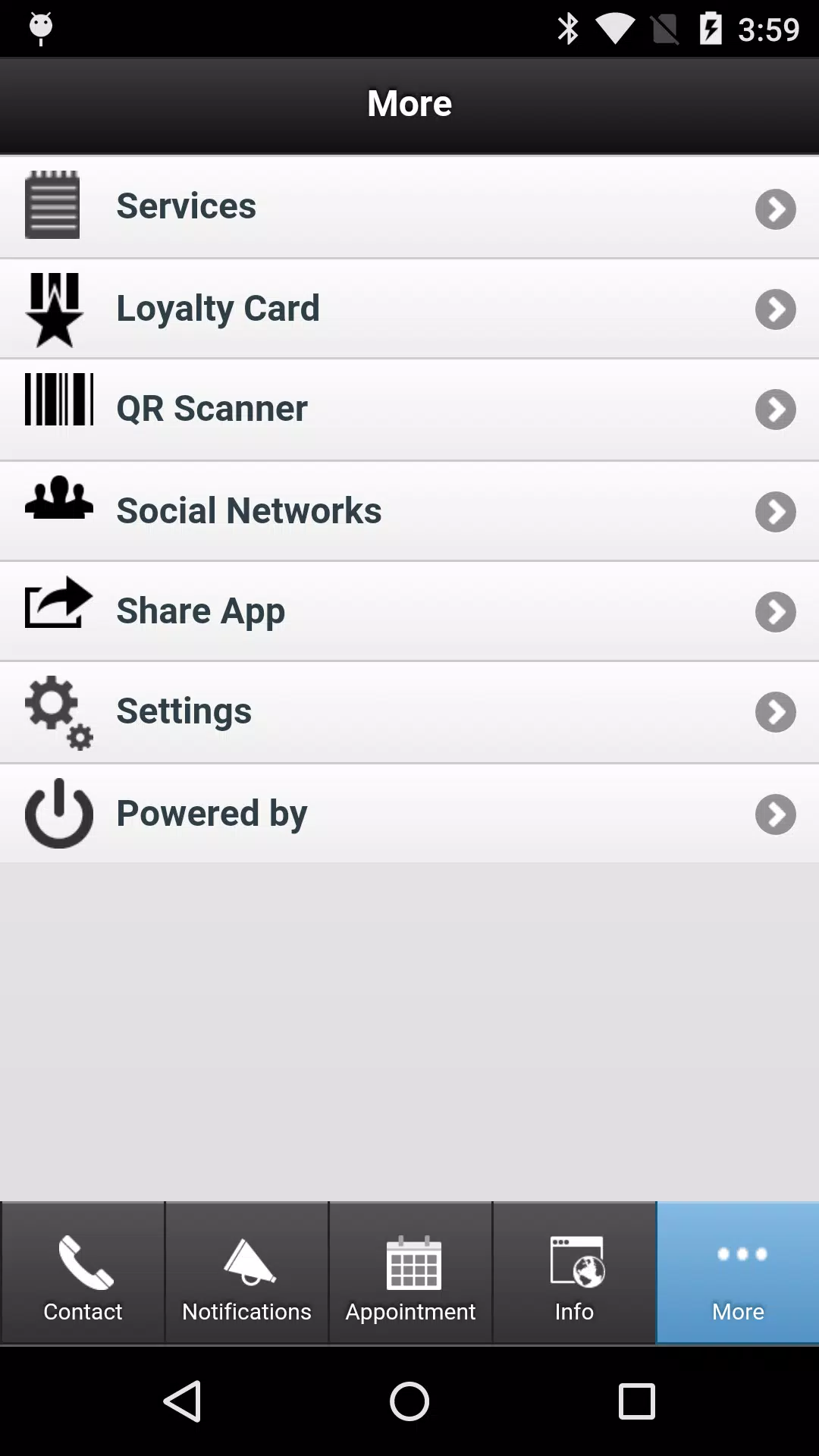
The interface gives clear, tap-driven access to up-to-date class schedules, easy online registration and a timeline of studio announcements. Navigation is handled through a compact menu and context-aware screens so users can view daily or weekly timetables, register for a class in a few steps and read detailed event information without searching through email threads. Push notifications deliver time-sensitive information and instructor messages directly to your device; you can control which alerts you receive and how they appear in the notification center. Registration forms are pre-filled when possible to speed repeat sign-ups, and calendar integration allows one-touch adds to your device calendar.
Using the app is straightforward: tap a class to view details, select a session to enroll, and use in-app forms to confirm attendance or update account information. Progression tools track class levels and milestones as students move from beginner to advanced classes; teachers can post progress notes and parents receive summaries to support at-home practice. Practice reminders and scheduled drills can be enabled per student so daily routines become part of a learning progression rather than ad hoc tasks. The app’s control system focuses on efficiency — clear call-to-action buttons, contextual help and simple confirmation steps reduce accidental registrations and keep records accurate.
The visual design emphasizes legibility and calm, using high-contrast text, generous spacing and intuitive icons to make schedules and messages easy to scan. Accessibility settings include larger type, simplified layouts and alternative labels for screen readers so caregivers and students with different needs can use the app comfortably. A consistent visual hierarchy guides users from important alerts to optional details, and content is organized so new users can find common tasks such as signing up for a class or checking performance details within seconds. The app also aims for low cognitive load during busy times, such as the run-up to a recital, by surfacing only the most relevant items first.
Families can personalize notifications, choose favorite instructors or classes to pin, and set recurring practice reminders to encourage steady progress. Teachers can attach short practice plans or video links to class entries, helping students reinforce lessons between sessions. Because the app stores class history and attendance, users can review past schedules and practice notes to see growth over time, which adds replay value in the sense of returning to lessons and tracking advancement. Personalization options help make the app a daily tool rather than a one-time download.
For studio administrators, Cindy Ks reduces paperwork by centralizing registrations, payments and roster information in one place. The app is useful for sending mass announcements, organizing performance lineups and managing waitlists; it supports common administrative workflows so front-desk staff spend less time on calls and manual entry. Built to reflect the operational needs of a long-running dance school, the app preserves records of student progress, attendance and communications to simplify reporting and parent-teacher interactions.
The app caches recent schedules and messages so basic viewing is possible when connectivity is limited, but full functionality — including real-time updates and registration — depends on internet access. Some advanced features and certain studio-specific modules require an active studio account or membership to access fully. Push notifications must be enabled on the device to receive live alerts. The development team follows standard privacy practices for personal information and messaging, and studios control who can post announcements and view student notes. Overall, Cindy Ks is intended as a practical companion to in-person instruction, helping families and instructors stay coordinated while respecting the boundaries of training and community interaction.