
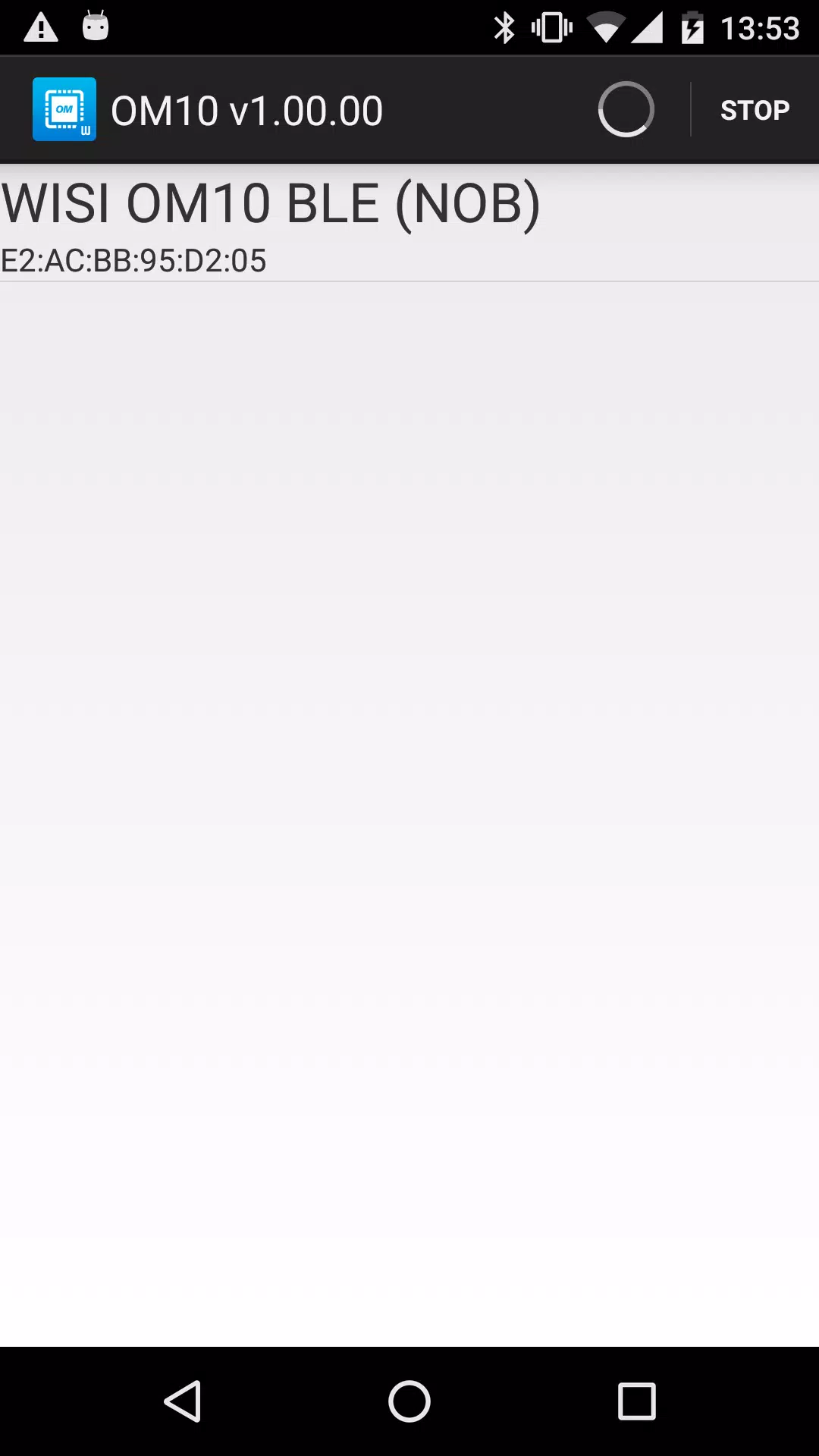
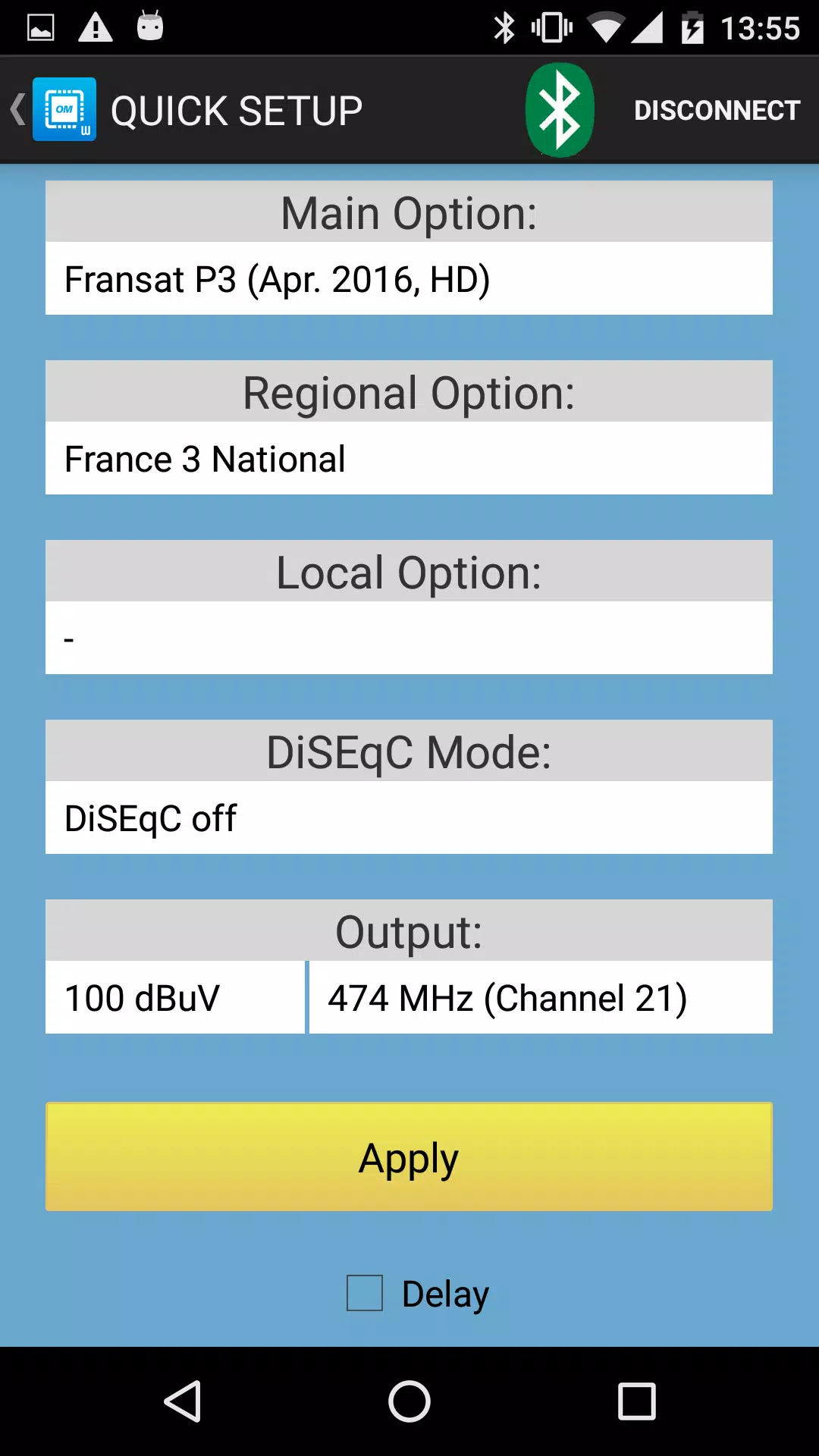
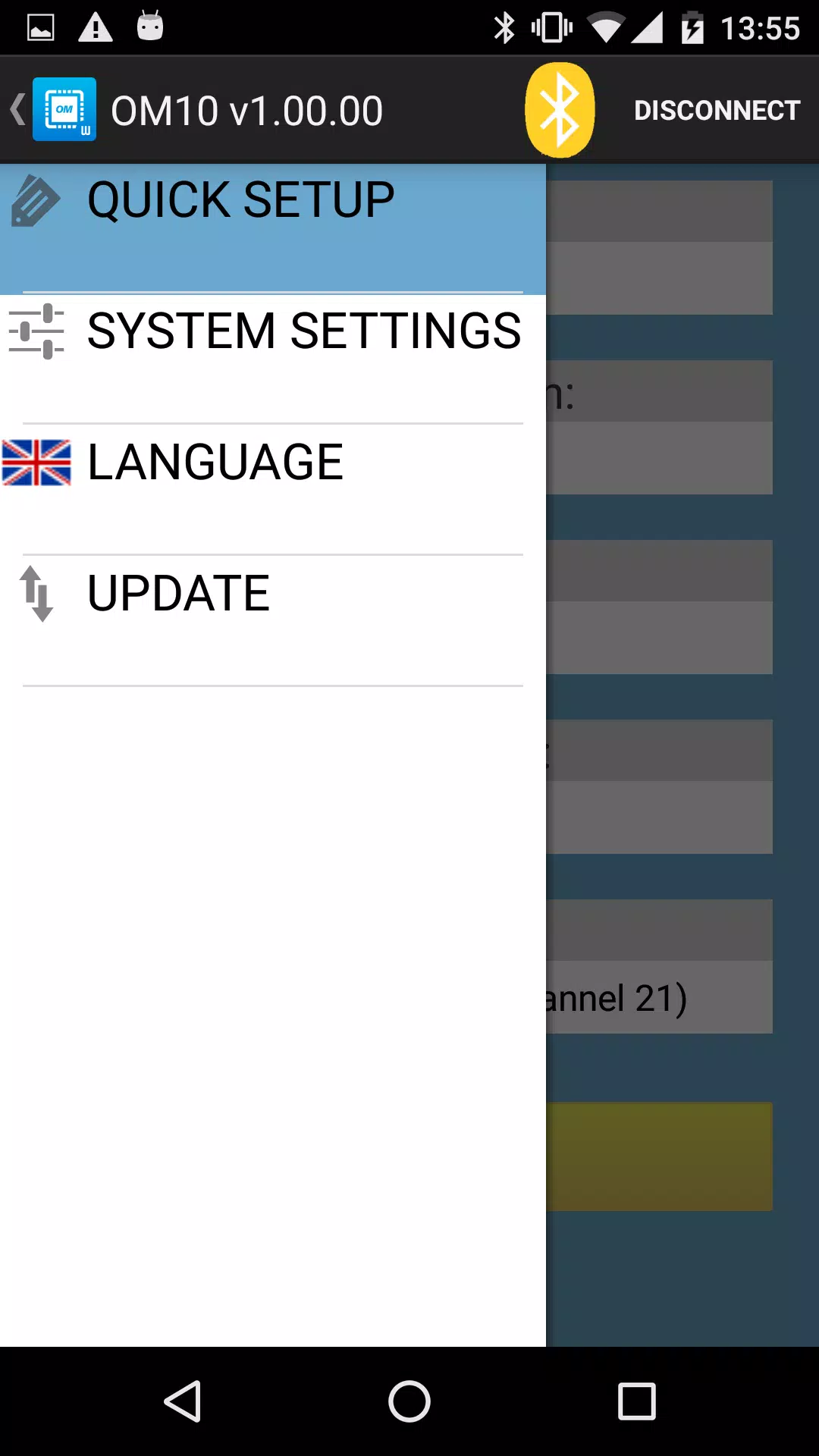
OM Manager is a mobile utility that lets technicians control WISI OM10 micro headend devices directly from a smartphone or tablet. It removes the need for a PC by using an integrated Bluetooth link to configure IP addresses, device names and DHCP settings while also handling user accounts and password management. The app can load and save configuration files to standardize setups across multiple units and provides guided quick‑setup menus for OM10F 0646 and OM10F 0648 models. For anyone managing one or several WISI OM10 headends, OM Manager simplifies deployment and routine maintenance with a compact touch-based interface.
⭐ Integrated Bluetooth connection for direct communication with WISI OM10 micro headends.
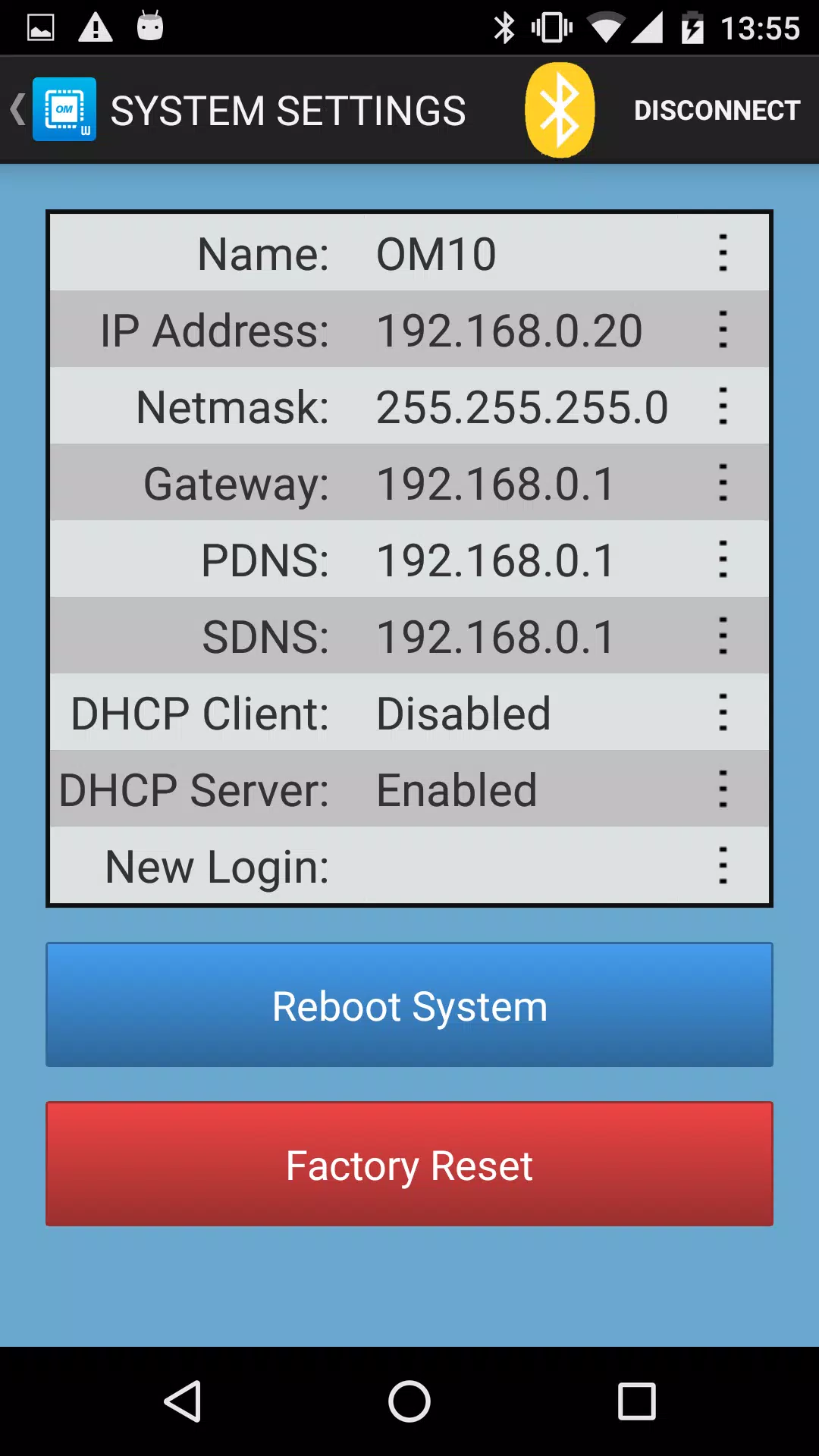
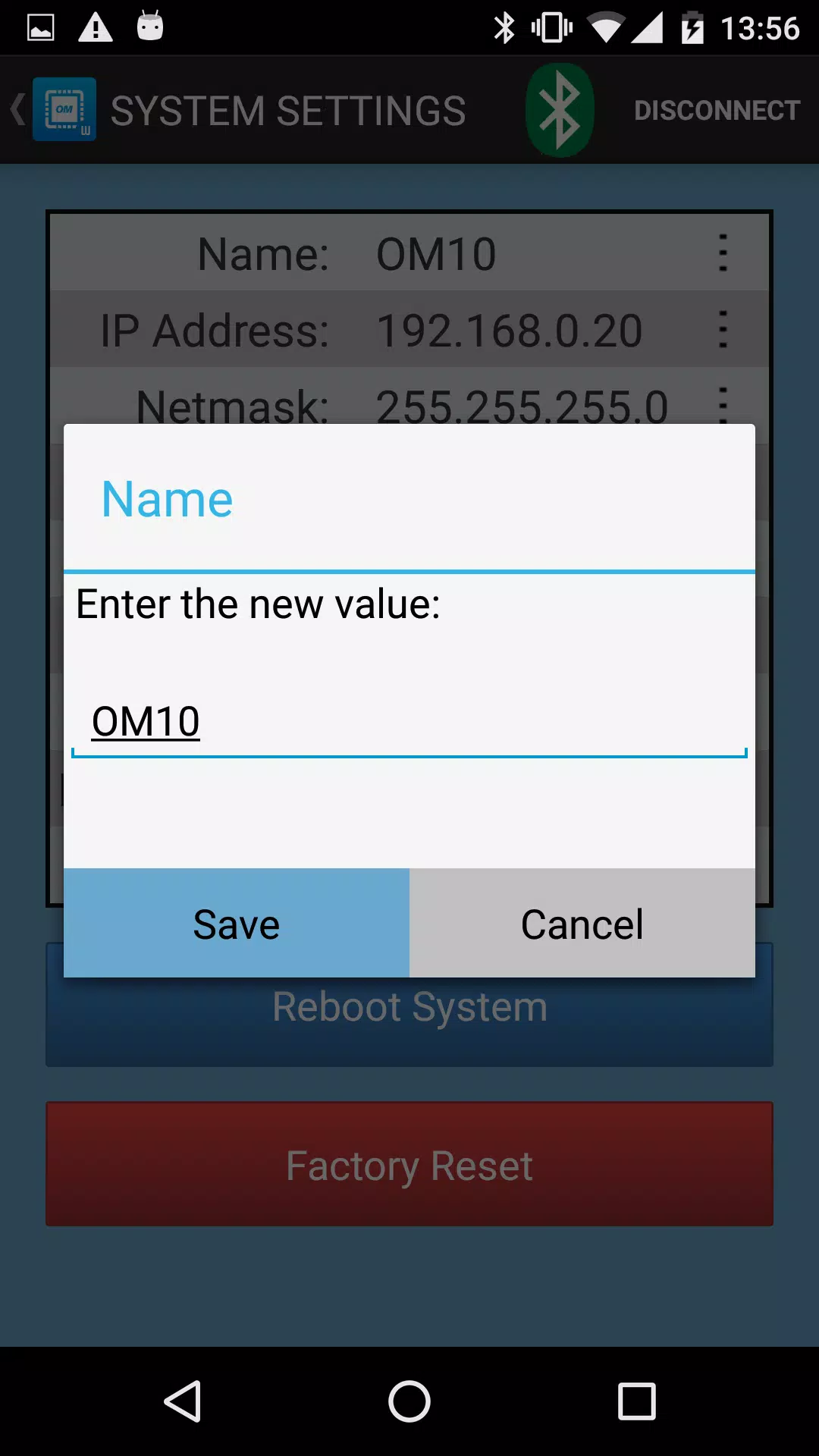
⭐ Configure network settings such as IP address, DHCP and device naming from your mobile device.
⭐ Built-in user and password management to control administrative access.
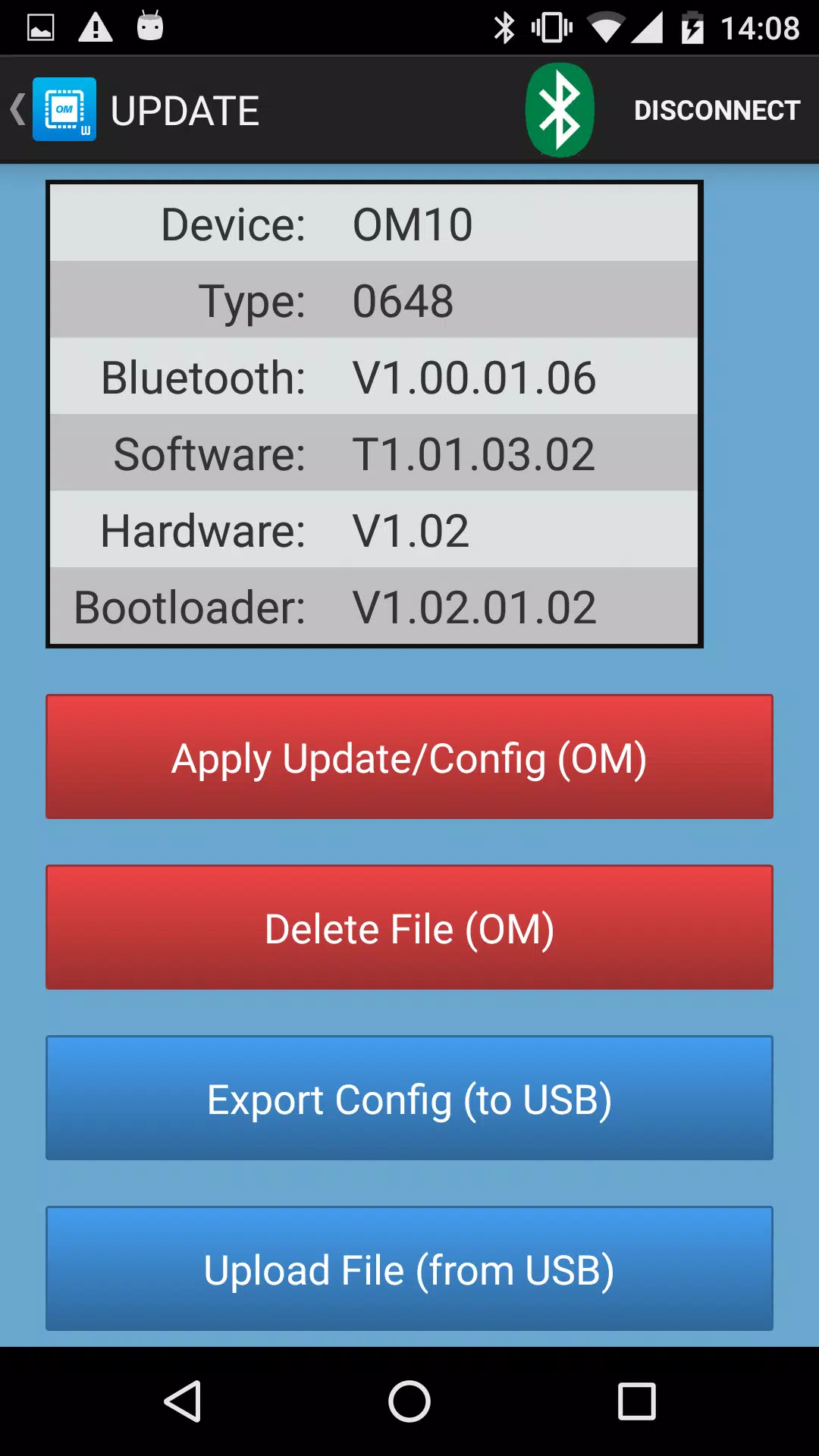
⭐ Save, load and reuse configuration files to speed up multi-unit deployments.
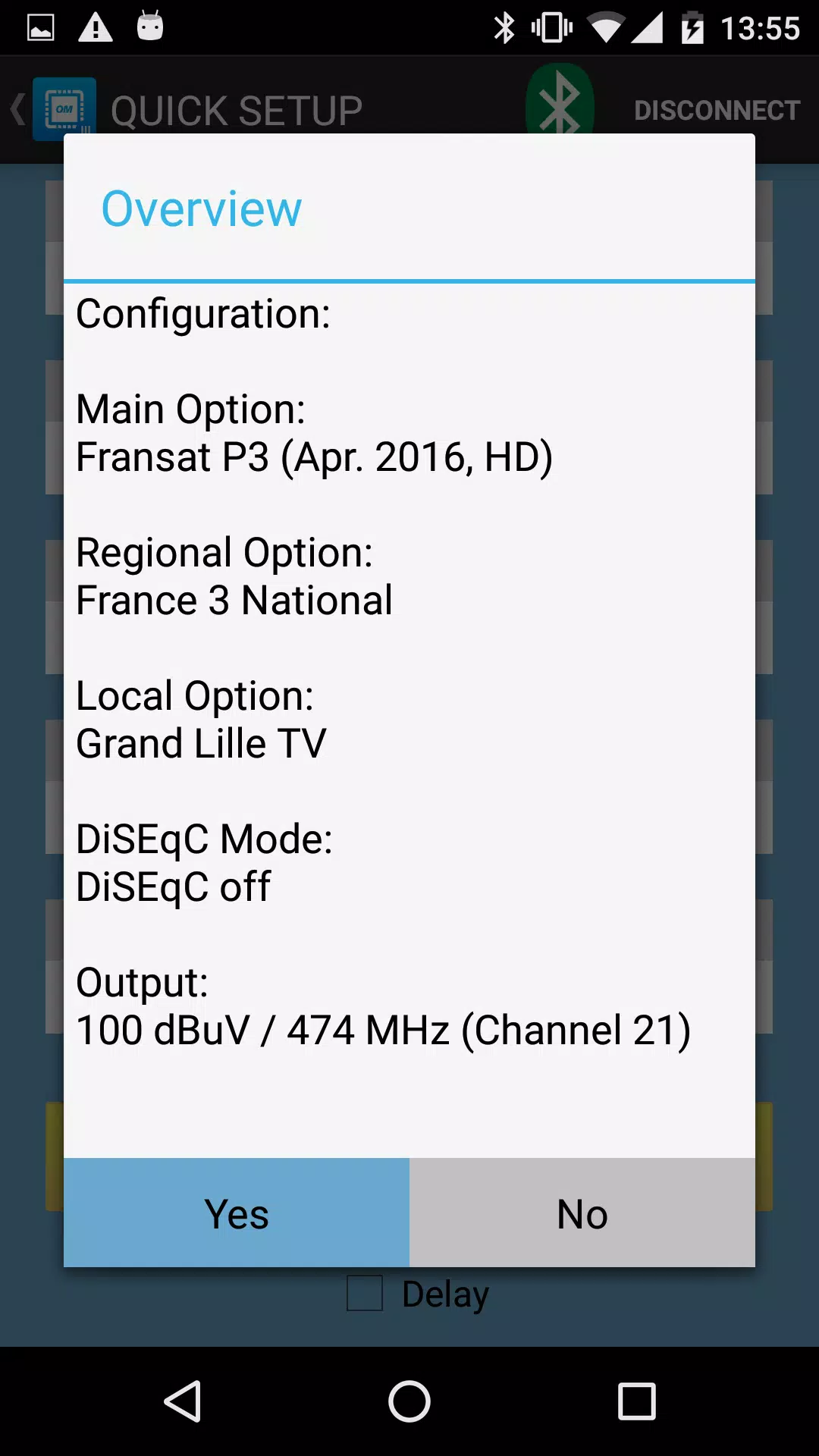
⭐ Quick setup menus for OM10F 0646 and OM10F 0648 models to simplify initial tuning.
✅ Eliminates the need for a PC or laptop, offering fast on-site configuration with a phone or tablet.
✅ Ensures consistent settings across multiple units by reusing configuration files.
✅ Speeds up installation and troubleshooting with model-specific quick setup options in OM Manager.
✅ Centralizes administrative controls, improving security and reducing configuration errors.
❎ Supports a limited set of WISI OM10 models (OM 10 0646, OM 10 0648, OM10F 0646, OM10F 0648), so it may not work with other headend hardware.
❎ Relies on a Bluetooth connection, which requires close proximity to the device and may be constrained by radio range or interference.