

ExpertOption Broker is a mobile trading platform designed to make global markets accessible from your Android device, offering a focused interface and practical tools for analyzing and trading more than 100 popular assets. ExpertOption Broker places the essentials within reach: real-time prices, interactive charts, and a clear path between demo practice and funded accounts so both newcomers and experienced traders can work on strategy and execution with minimal friction.
The app centers on straightforward trade mechanics that emphasize clarity over clutter. Real-time price feeds are presented alongside interactive charts where you can open and close positions with simple tap controls; pinch-to-zoom and horizontal pan gestures make it easy to examine short- and long-term behavior. Trade dialogs summarize the expected entry, current market price and hypothetical outcomes before you confirm, while configurable overlays and commonly used indicators — such as moving averages and RSI-style oscillators — support quick technical checks. The workflow is built so you can act quickly when markets move but also drill into detail for careful strategy work.
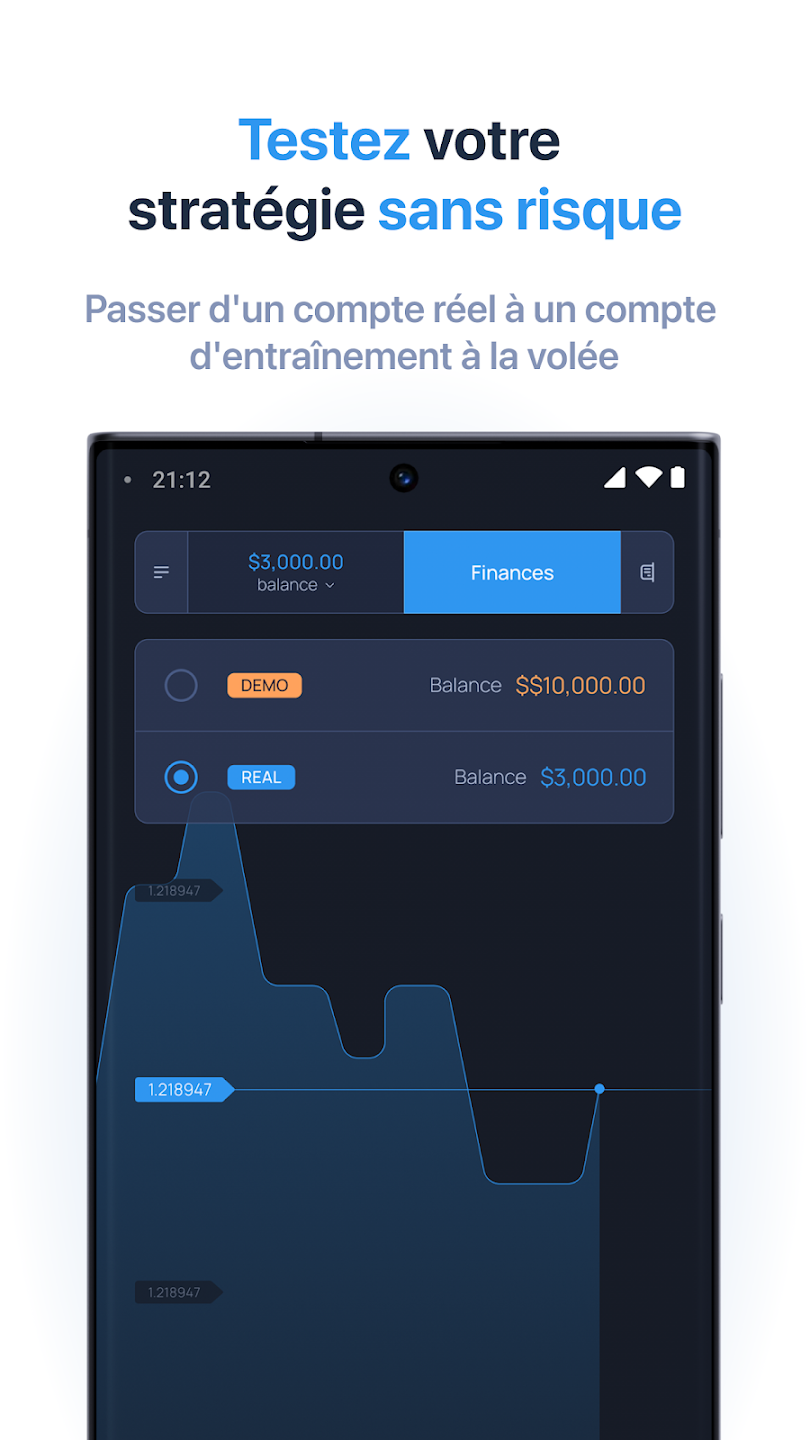
A built-in demo account comes loaded instantly with $10,000 in virtual funds so you can practice without registration and without risking real capital. The demo supports deliberate progression: start by observing price action, place simulated trades to test hypotheses, then track outcomes and adjust risk settings. You can create repeatable practice routines that focus on one asset class or timeframe and measure improvement by reviewing simulated trade histories. When you choose to move to a funded real account, the transition preserves your workspace and chart settings so the same basic workflow applies to both practice and live trading.
Visual clarity is a priority in ExpertOption Broker: muted backgrounds, high-contrast price lines and adjustable chart palettes reduce eye strain during extended sessions. Layouts are flexible so you can prioritize charts, order panels or account summaries depending on your workflow; chart settings let you toggle common indicators, change line thickness, adjust grid visibility and pick color schemes for different assets. Consistent controls across sections mean learning how to place orders, set stop levels or review historical performance carries over between features without surprises.
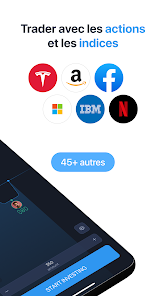
The platform supports a broad selection of instruments, from major stocks and widely followed indices to a range of other liquid assets, which makes the app suitable for multiple trading approaches. Research tools are oriented toward practical, situational analysis: time-based charting, comparison overlays to view multiple instruments on the same timeframe, and clear price labels for quick context. A customizable watchlist helps you keep track of preferred instruments, and the ability to review historical charts supports hypothesis testing and pattern recognition without overwhelming the interface with marginal features.
Accessibility features include readable font sizes, scalable elements and layouts that adapt to both small phones and larger tablets so the app remains usable across devices. Previously loaded chart data can remain viewable offline for reference, but live trading and real-time quotes require an internet connection. The app is optimized for responsive performance so navigation and order placement feel immediate on modern Android devices; demo mode in particular provides a low-pressure environment where you can practice even when your connection is intermittent.
The replay value comes from structured practice and incremental improvement rather than one-off attempts at profit. Users can set personal practice goals — for example, focusing on a single asset class, mastering a particular indicator, or refining risk management rules — and then measure progress by reviewing simulated trade histories. Repeating scenarios in the demo environment helps you internalize pattern recognition and trade execution routines, which encourages disciplined development of trading skills over time.
Security and account management are kept straightforward: a funded, verified real account is required to execute live trades and experience actual market risk while demo funds are virtual and cannot be withdrawn. ExpertOption Broker does not promise returns and is intended as a tool for market access and skill development; live trading involves inherent risk, so appropriate funding and account verification are necessary to participate in real markets. The app includes basic safeguards to protect account access and encourages users to follow recommended verification and security practices.