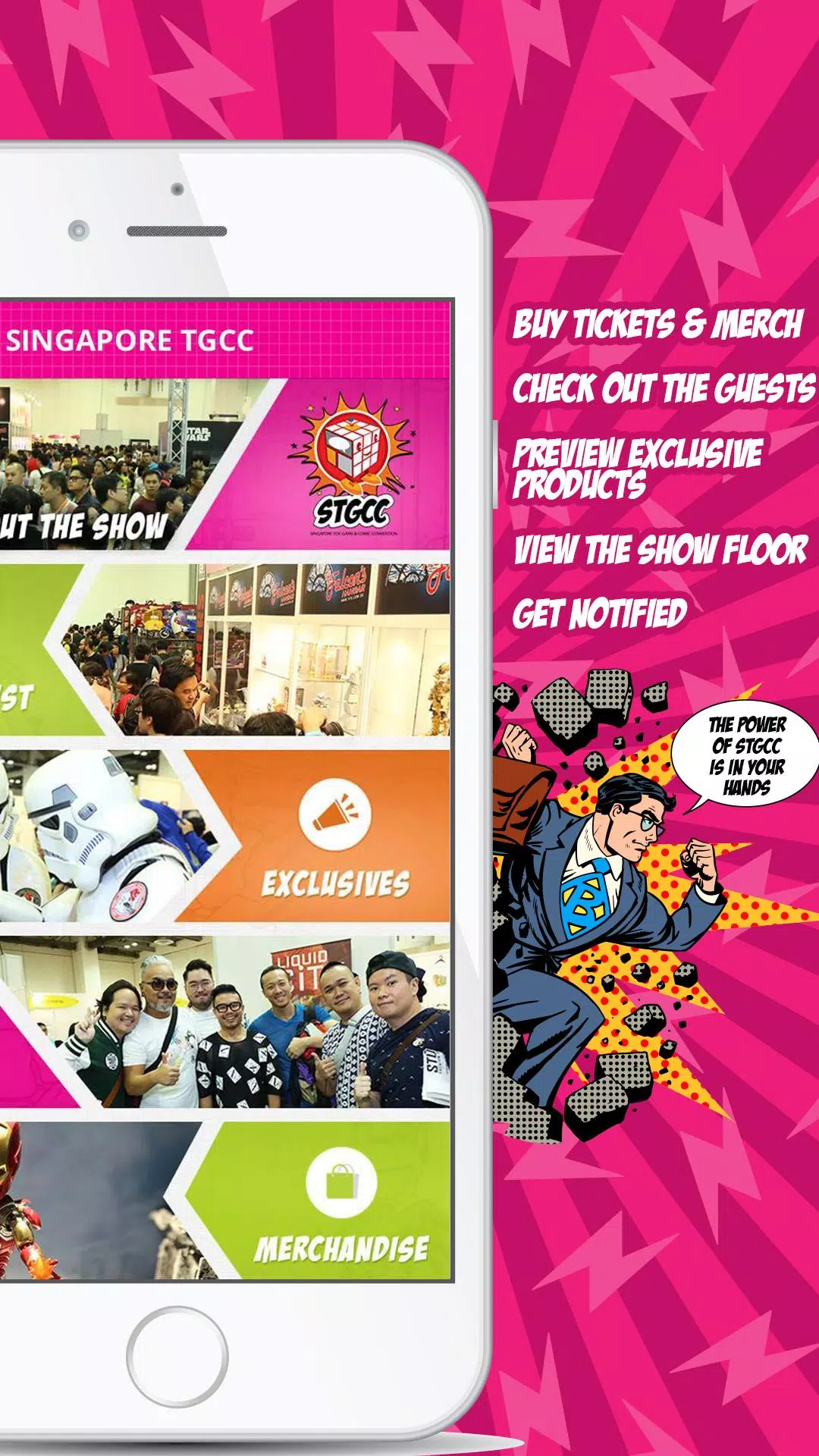
STGCC Mobile is a companion app designed to streamline your experience at fan conventions, offering fast access to schedules, exhibitor maps, and live updates in one compact package. Whether you’re planning panels or tracking special guests, this app keeps essential event information organized and easy to navigate.
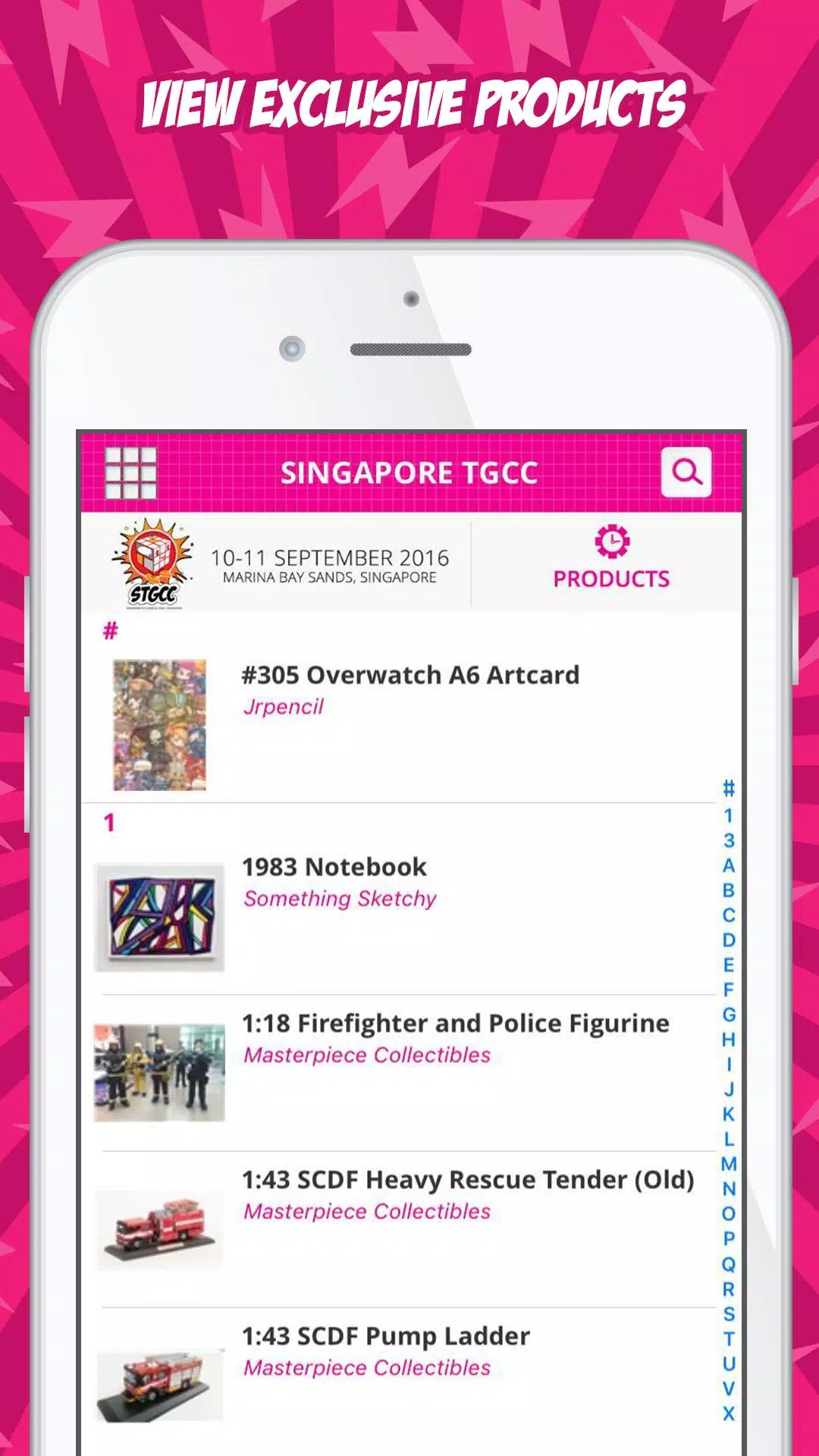
STGCC Mobile targets convention-goers who want a tidy digital hub for everything happening on the floor. The interface prioritizes quick lookups and context-aware notifications so users can find panels, artist booths, and official announcements without digging through multiple sources. The design balances visual clarity with dense event data, giving both casual visitors and power users what they need.
The UI focuses on legibility: bold headings, concise cards, and clear action buttons reduce friction when you’re on the move. Performance is optimized for fast load times even on older devices, with lazy-loading for images and offline caching for schedules. Switching between map view and timetable feels seamless, and the app preserves your place when you reopen it.
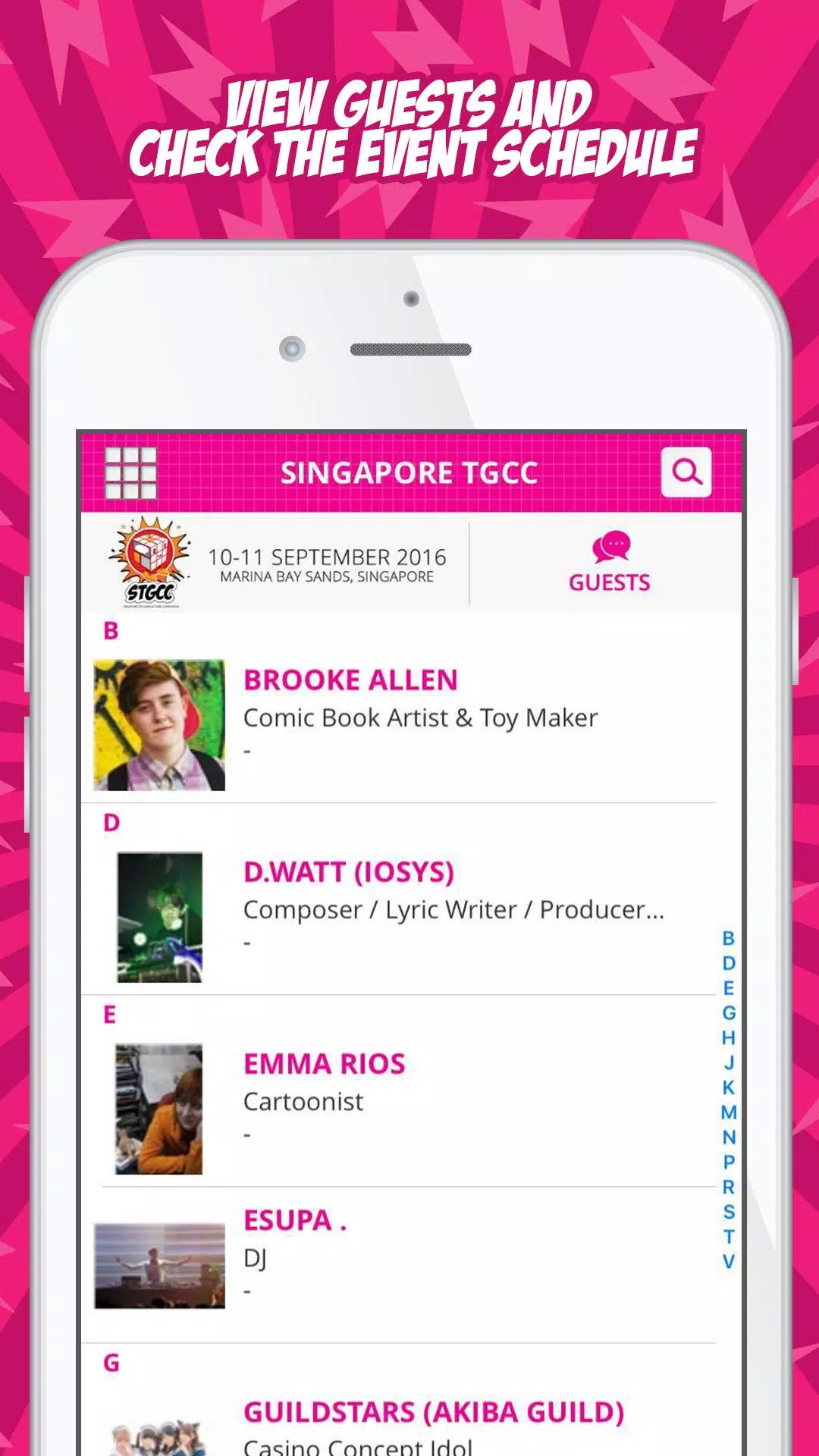
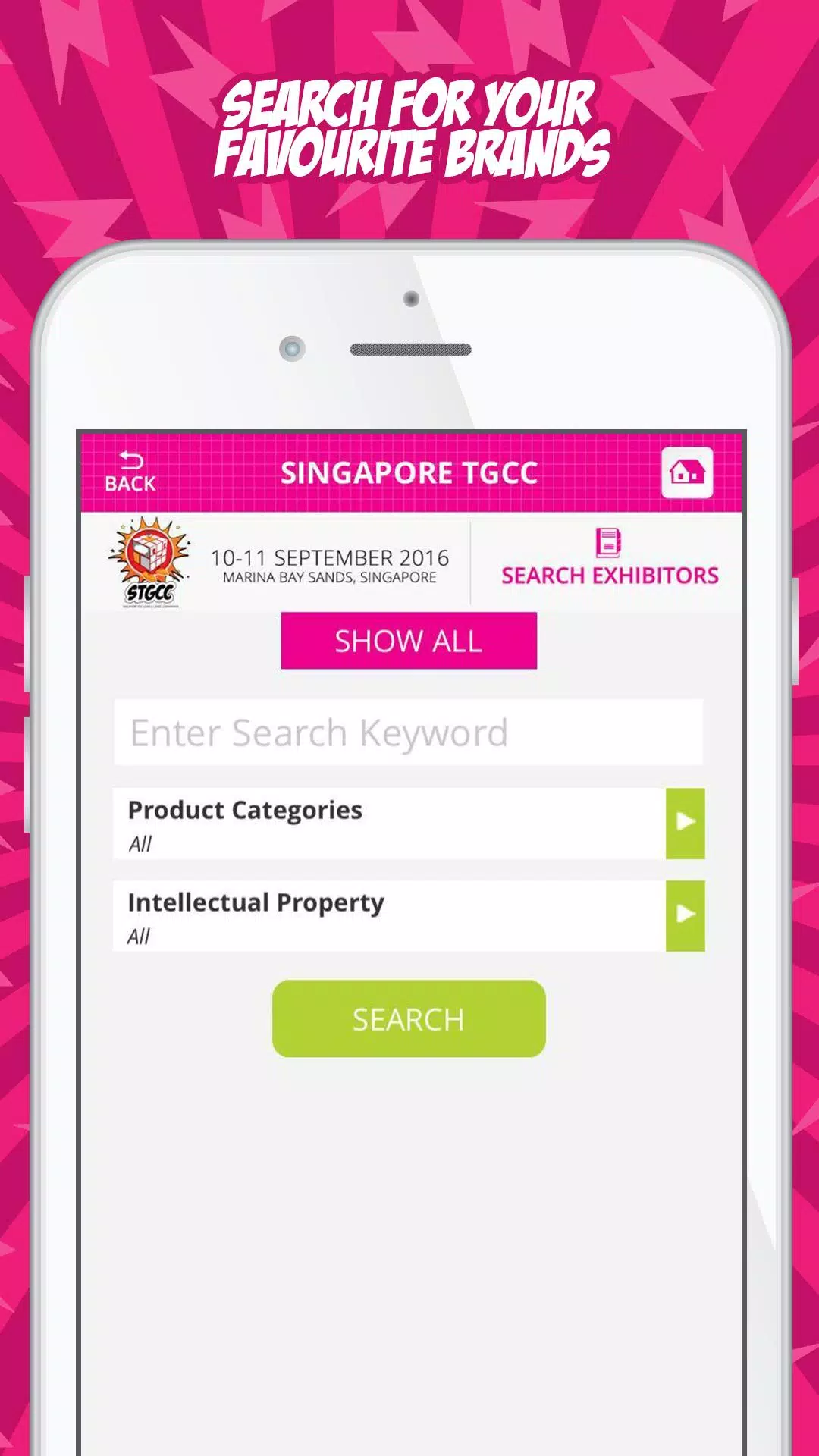
Schedules are presented in a timeline that supports filters by category or guest. Tapping any session shows a detail view with speaker bios, room location, and related activities. Maps are layered and interactive: tap a booth for details, use the search box to jump to a vendor, or toggle overlays for special zones like autograph lines or demo areas.
Personalization features let you tailor the app to your needs. Create a custom itinerary, mark must-see exhibitors, and set reminder alerts before sessions start. The app can sync selections across devices if you sign in, making it simple to plan with friends. Theme options and font-size adjustments improve accessibility for extended use during long convention days.
Built-in social features encourage interaction without leaving the app. Share your schedule or favorite exhibitor with a friend, follow guest announcements, and access curated social feeds that highlight panels and cosplays. These tools help attendees coordinate meetups and discover trending activities during the event.
Installation is straightforward: download from your store, grant optional permissions for notifications and location-based services, then browse the current event or sign in to restore a previous profile. The onboarding flow walks new users through creating an itinerary and locating their first panel within minutes.
For many users, STGCC Mobile eliminates the chaos of juggling printed programs and multiple social feeds. Its combination of an interactive map, consolidated schedule, and timely alerts makes it easier to focus on the experience rather than logistics. Frequent updates and offline caching preserve functionality even in crowded venues.
If you attend public conventions often or are planning to visit large exhibitor halls, the app offers a clear productivity boost. Regular updates improve features and address edge cases like last-minute room changes. For an organized, less stressful event day, STGCC Mobile provides the essential toolkit most attendees will find valuable.