Sunoh.ai is a compact productivity app that streamlines voice notes, transcription, and AI-assisted summaries into a single workflow. Designed for busy professionals and creators, Sunoh.ai converts spoken ideas into searchable text, refines content with intelligent editing tools, and saves time on routine documentation tasks.
Sunoh.ai targets users who need fast, accurate speech-to-text and lightweight editing without leaving their devices. The app blends automated transcription, context-aware corrections, and export options suited for meetings, interviews, and research. It’s positioned as a practical assistant rather than a heavy-weight editor, making everyday documentation faster.
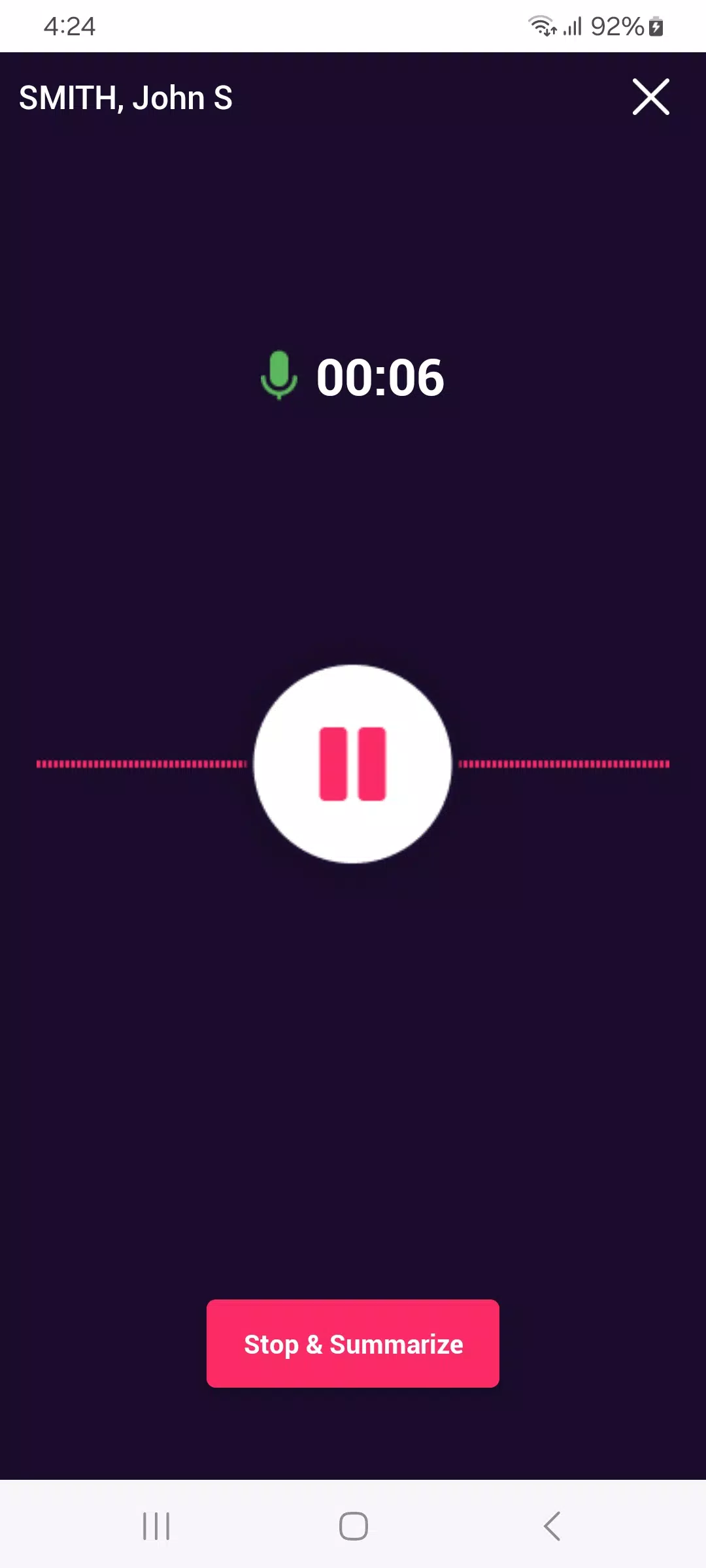
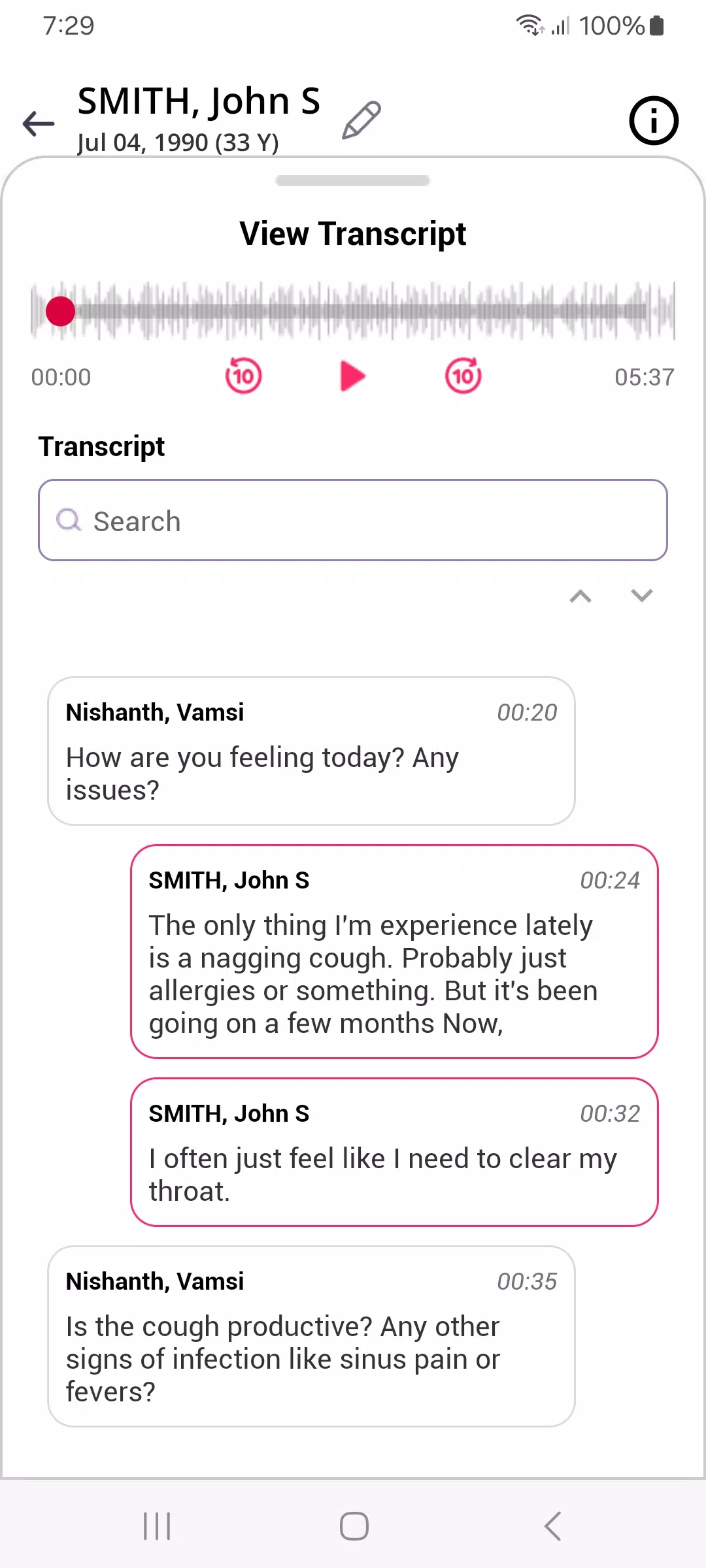
The heart of Sunoh.ai is real-time transcription. Record audio within the app or import files and let the engine produce readable text. Transcripts are automatically segmented and time-stamped, which helps when you want to jump to specific passages. Basic noise handling and speaker separation reduce post-processing effort, while on-device caches speed up repeated tasks.
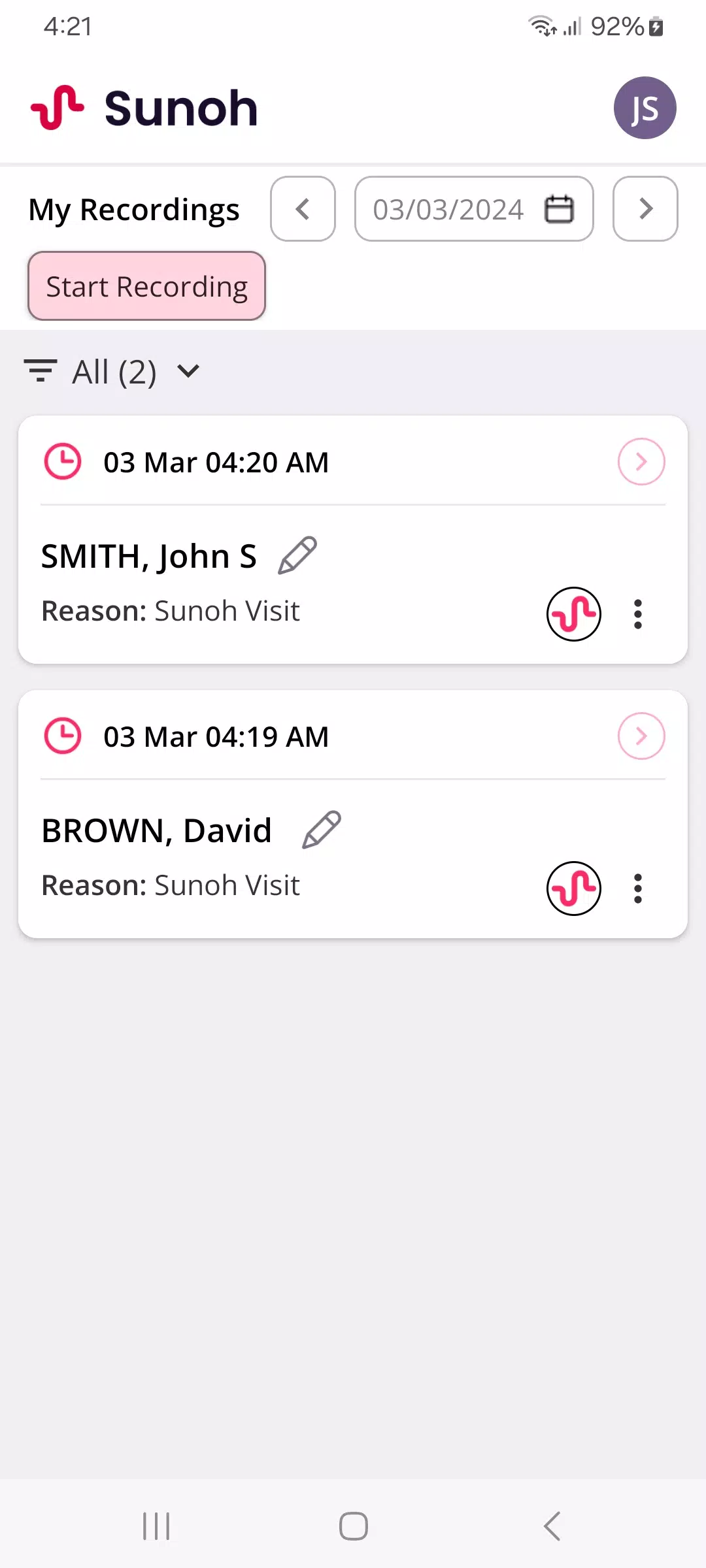
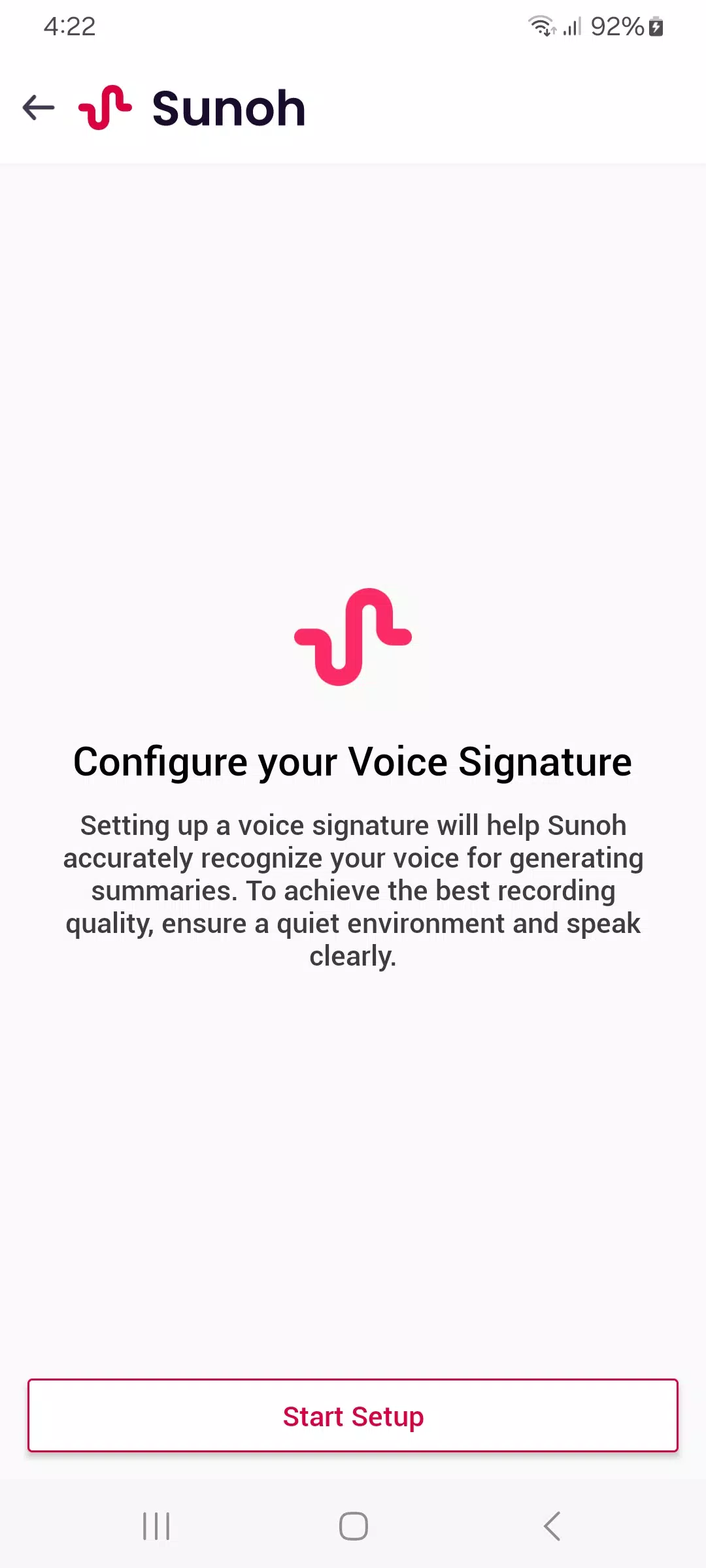
Sunoh.ai presents a minimalist interface with clear controls. The main screen emphasizes record, import, and recent projects. Transcripts open in a readable editor where you can apply quick edits, add highlights, or prompt the built-in assistant for rewrites. The layout balances simplicity with enough tools for professional use, avoiding clutter that slows down common tasks.
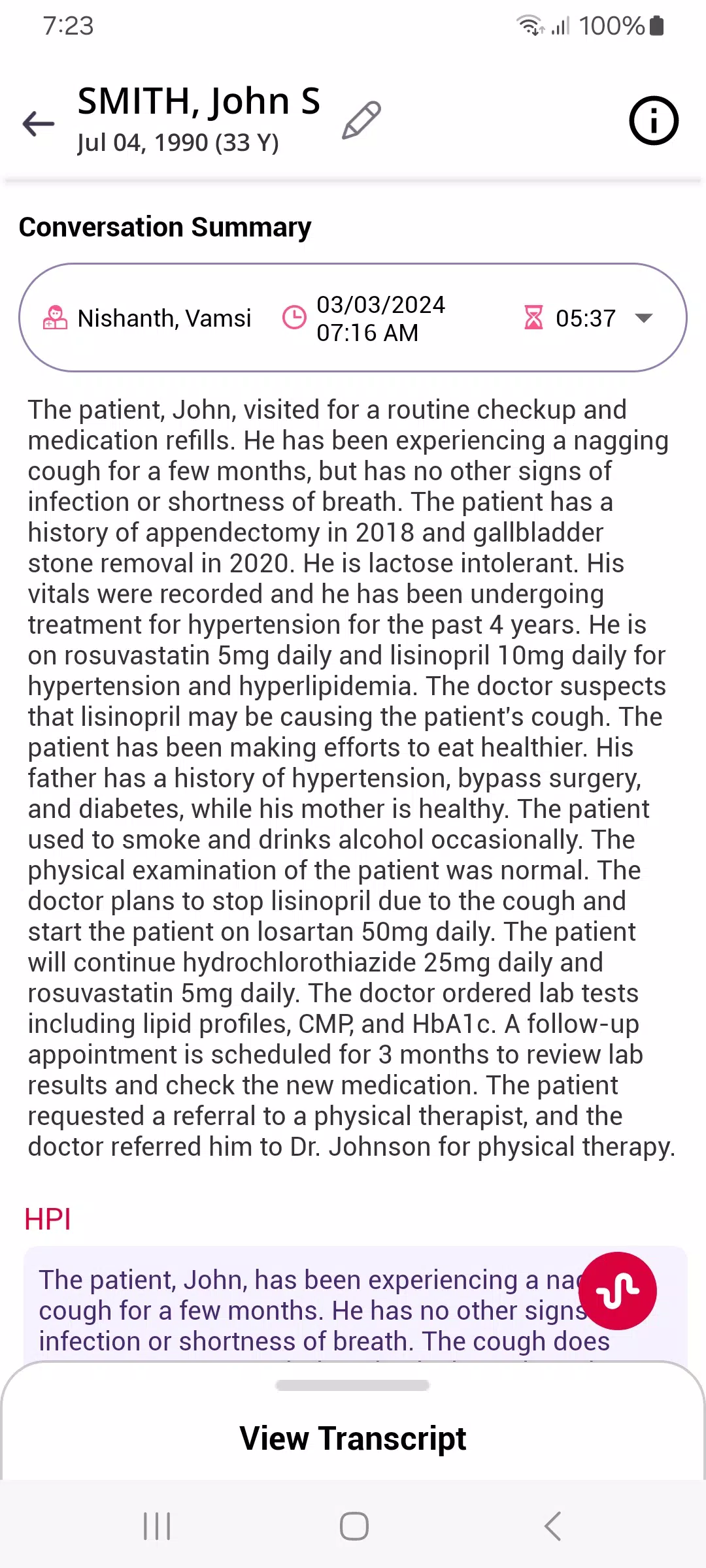
For a journalist, Sunoh.ai can replace manual note-taking: record interviews, generate a time-stamped transcript, highlight quotes, and export for publication. For a product manager, it’s useful during stand-ups and stakeholder calls: capture action items, summarize decisions, and distribute summaries to the team. Students can record lectures and produce searchable study notes.
Transcription speed depends on device hardware and audio length, but Sunoh.ai is optimized for modern Android devices and supports background processing. The app handles mid-length sessions without excessive battery drain. Offline transcription is available for privacy-conscious users, while cloud options accelerate complex tasks.
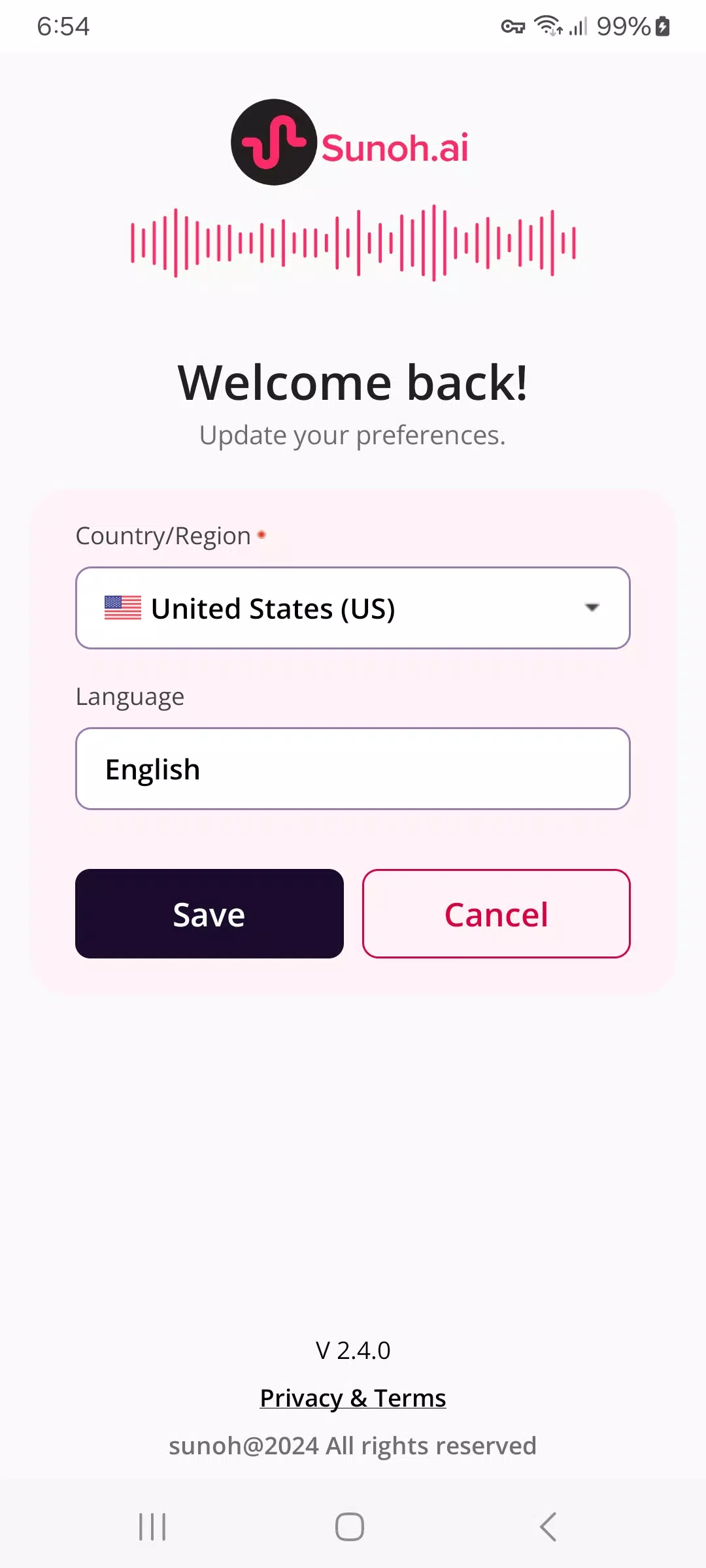
Users can tune transcription language models, adjust sensitivity to background noise, and configure automatic punctuation. The app supports multiple languages and allows custom vocabulary entries—handy for industry terms and names that otherwise produce errors. Notification settings and autosave intervals provide additional control over how work is preserved.
Sunoh.ai emphasizes user control over data. Recorded files and transcripts can be stored locally or synced with preferred cloud providers. Optional end-to-end encryption and a clear permission model help maintain confidentiality, which matters for legal, medical, and corporate environments.
Sunoh.ai stands out by focusing on quick, reliable speech-to-text workflows with meaningful editing and export tools. It’s a practical companion for anyone who regularly turns spoken content into written work, offering sensible defaults alongside options for power users. Try a few sample sessions to see how it fits your routine and which settings yield the best results for your use case.