
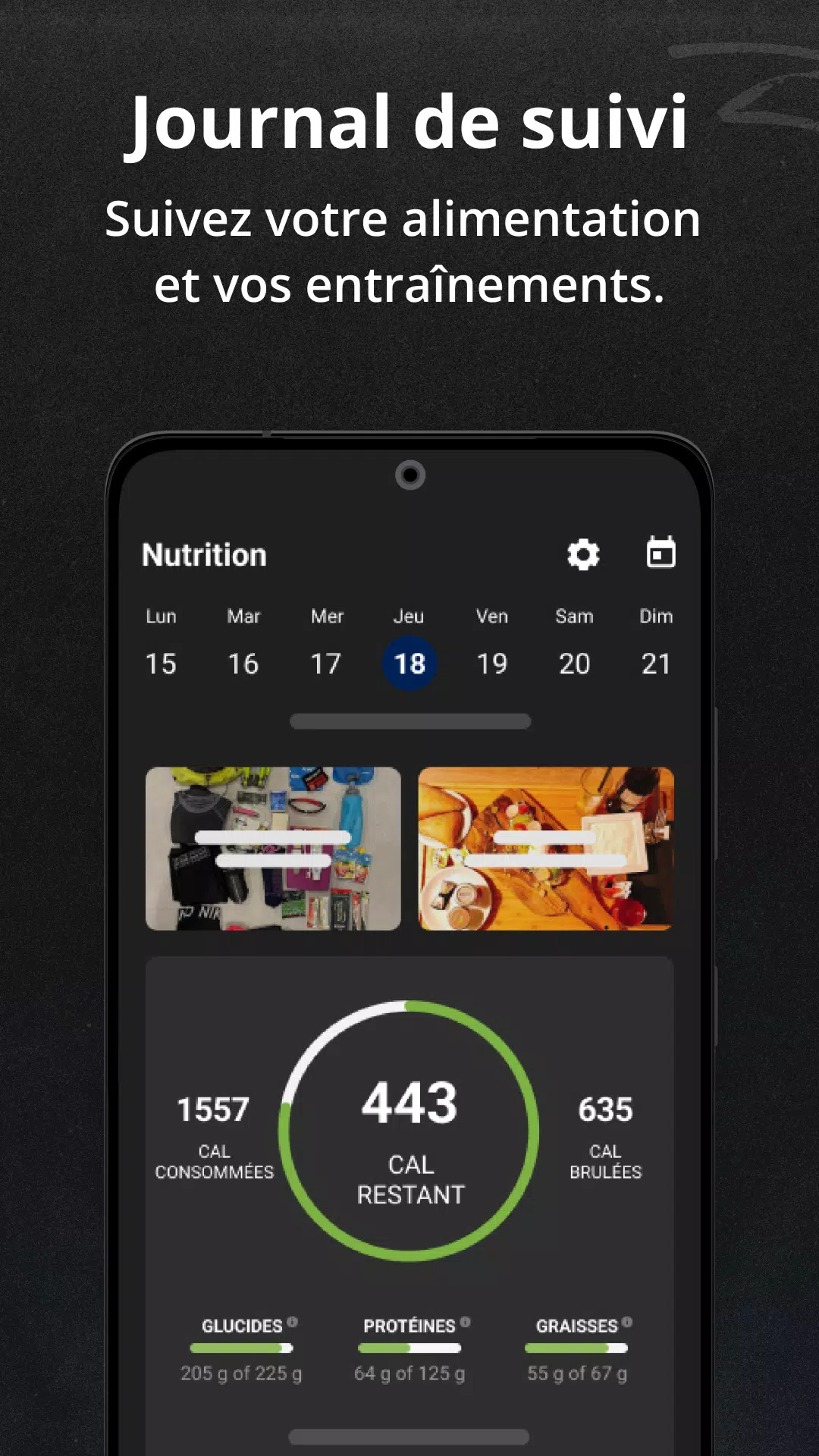
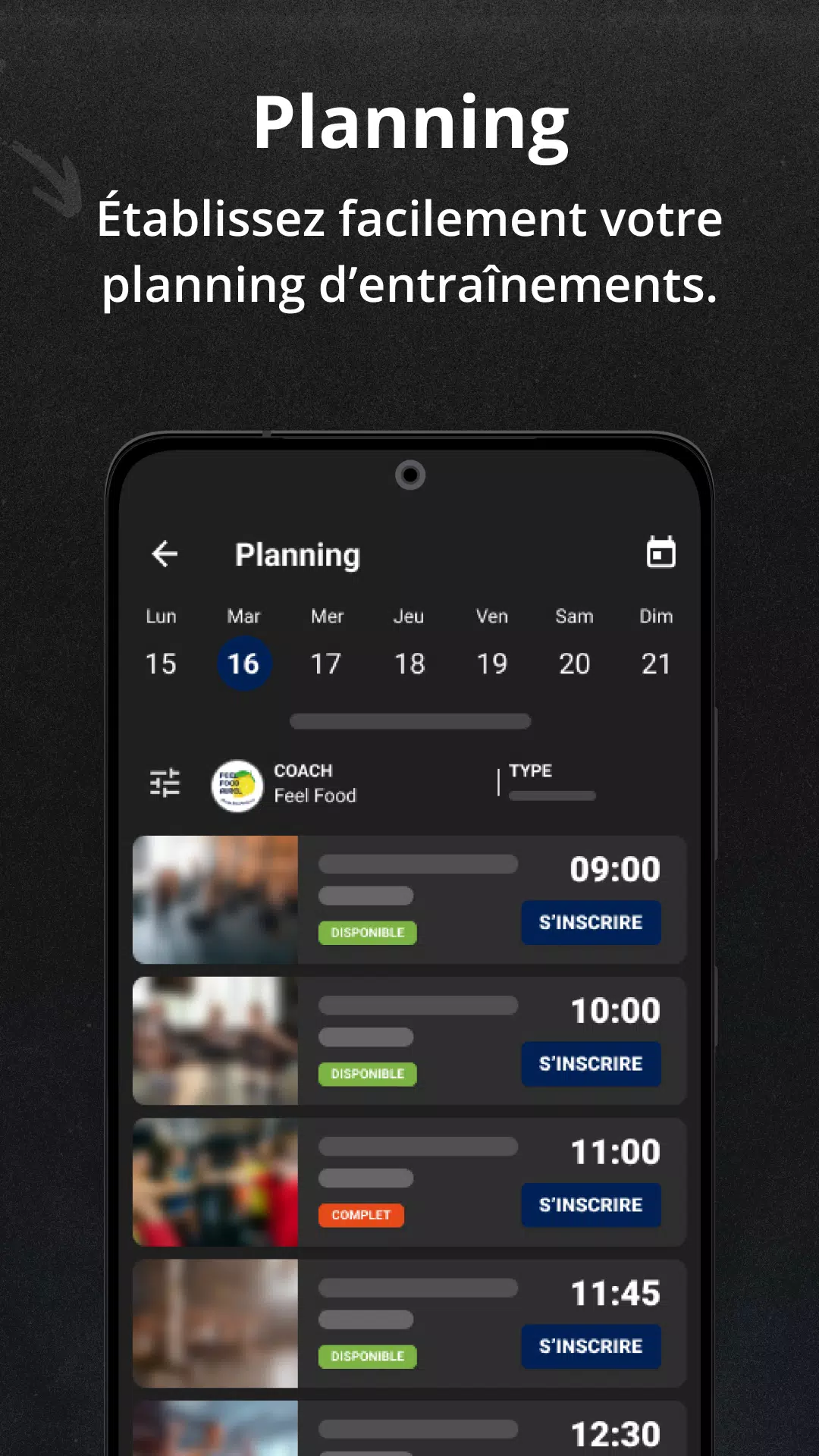
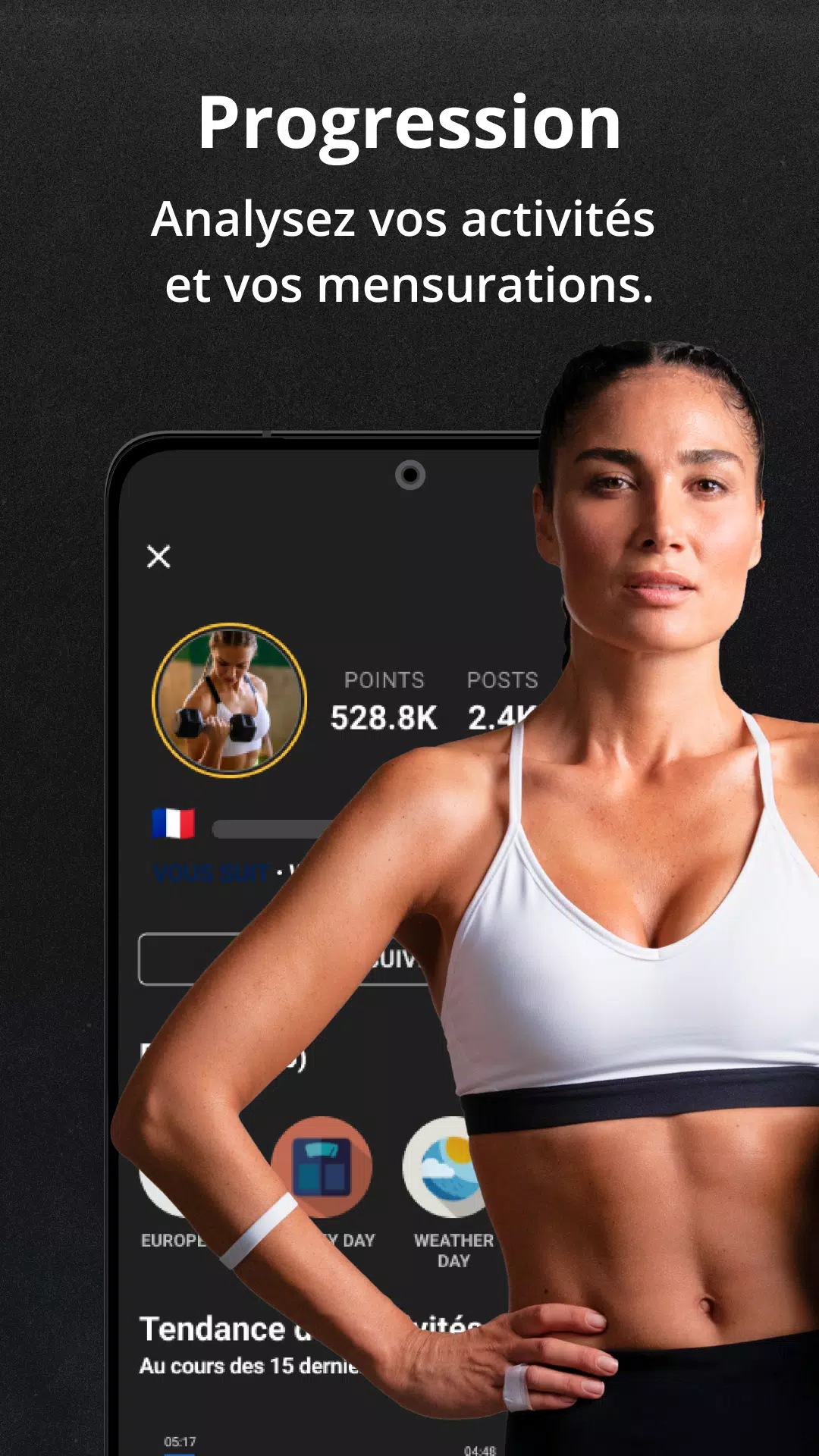
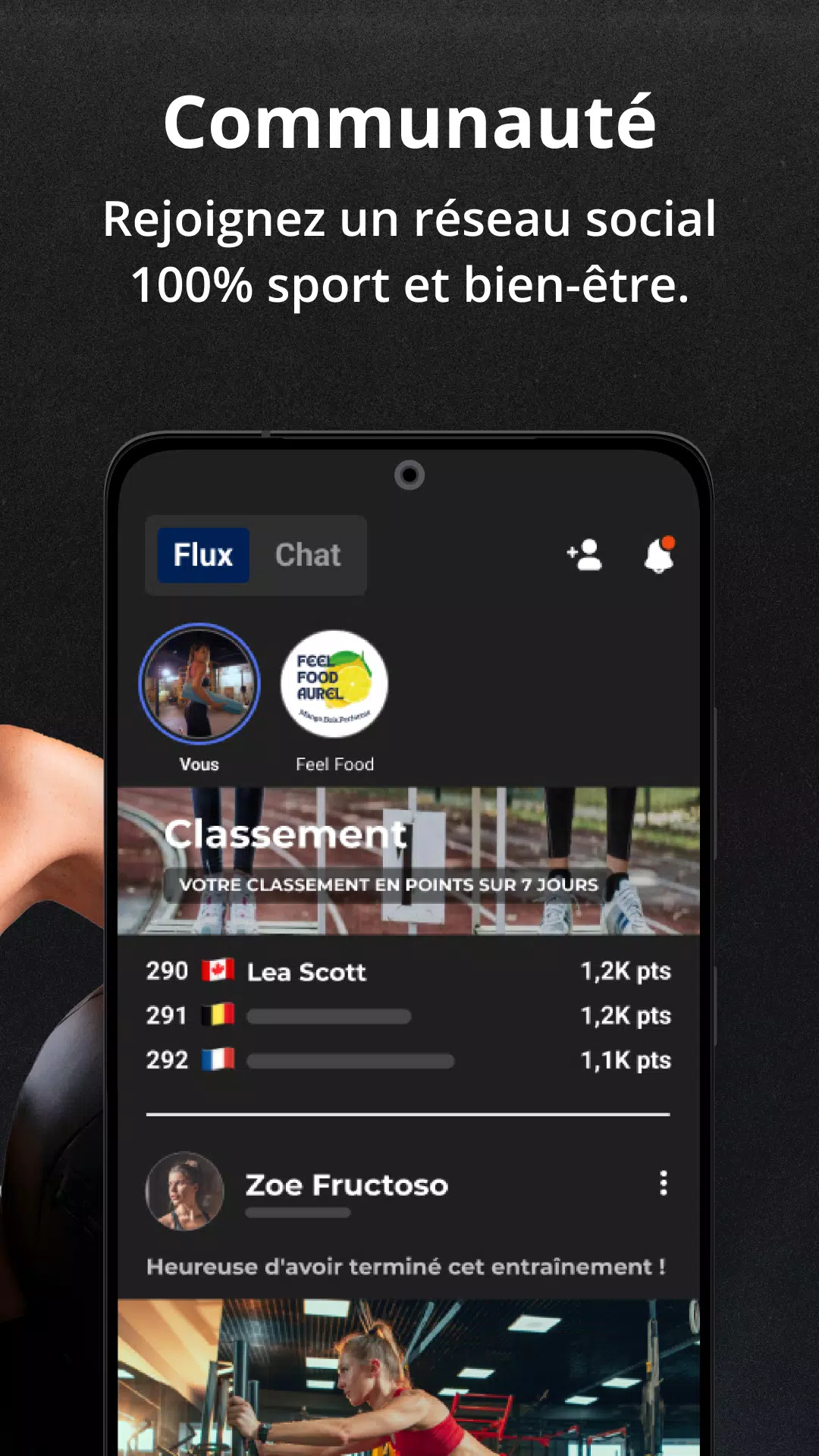
Feel Food is a mindful eating and meal-tracking app designed to help you understand how food affects your body and mood. It combines simple logging, mood tracking, and nutrition insights so you can build healthier habits and make more informed choices about meals without getting lost in numbers.
Feel Food focuses on practical food awareness rather than calorie counting. The app captures meal timing, portion impressions, and immediate post-meal feelings to create a timeline of how different foods influence energy, digestion, and mood. It’s aimed at users who want actionable feedback and clearer patterns across days and weeks.
Using the app is straightforward. When you finish a meal, open Feel Food and create a quick entry. Choose or type the food items, assign a portion size, then tap a few simple sliders to record how you feel. The app then correlates these entries with time of day and previous logs to suggest likely relationships. Over time, visual charts reveal whether a certain meal tends to precede low energy, bloating, or improved concentration.
Feel Food blends several supportive systems that make tracking lightweight but useful. The tagging system lets you attach contextual labels such as "busy day," "late snack," or "exercise before meal," which helps the algorithm separate food effects from situational variables. The analytics engine uses rolling averages and frequency counts to reduce false positives and surface only repeated correlations.
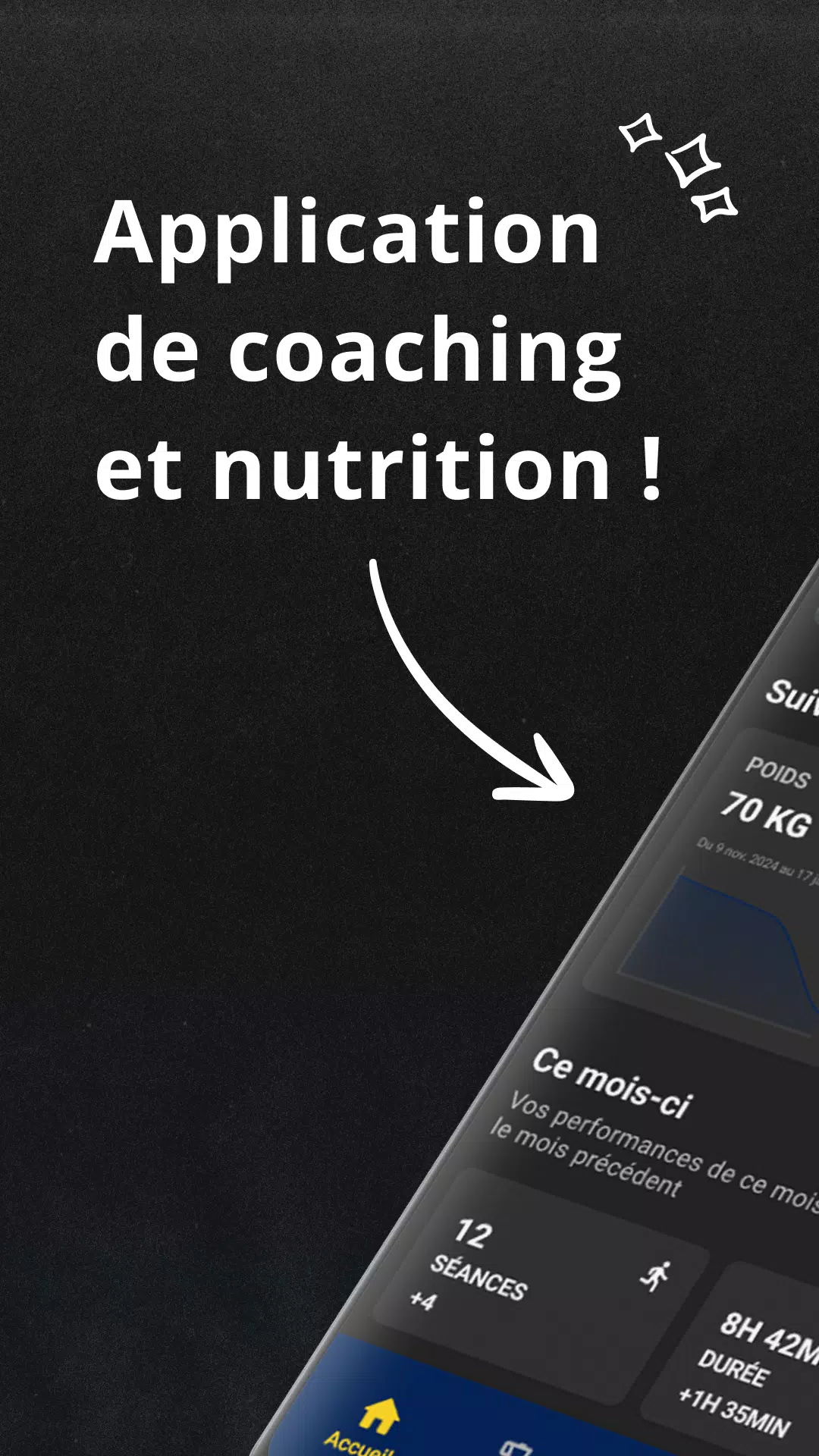
The interface prioritizes speed: large buttons, minimal typing, and preset portion options let you log meals in under a minute. Color-coded charts and simple trend lines make patterns readable at a glance. Performance is smooth on mid-range devices, and offline mode keeps entries synchronized when connectivity returns. Developers emphasize privacy; local storage is available and cloud sync is optional.
Personalization is a strong point in Feel Food. You can define your own symptom categories, rename meal types, and create shortcuts for frequently eaten items. Notifications are adjustable: reminders for meal logging, hydration nudges, or reflective prompts after a meal. The app also supports exporting data so you can share a concise report with a dietitian or healthcare provider.
For people who want tangible change, Feel Food encourages small experiments: swap a breakfast item, note effects, and let the app show whether the change made a difference. This iterative approach helps users build lasting habits without feeling overwhelmed.
Many users appreciate how Feel Food turns subjective impressions into useful evidence. Instead of relying on memory, the app captures snapshots that make talking to a nutritionist or adjusting a routine easier. The combination of fast logging, meaningful charts, and exportable summaries makes the app practical for everyday life and for sharing with professionals.
Installing Feel Food is simple: download from the Play Store, allow optional permissions for notifications and storage, and complete a short setup with dietary preferences and primary goals. The starter tutorial walks through logging and tagging so new users can begin tracking immediately. Regular updates add refinements based on user feedback.
Whether you’re curious about how specific foods affect your concentration or trying to reduce post-meal discomfort, Feel Food provides a lightweight, evidence-focused toolkit. It’s designed to fit into busy schedules while giving clear, actionable feedback that supports lasting dietary adjustments.