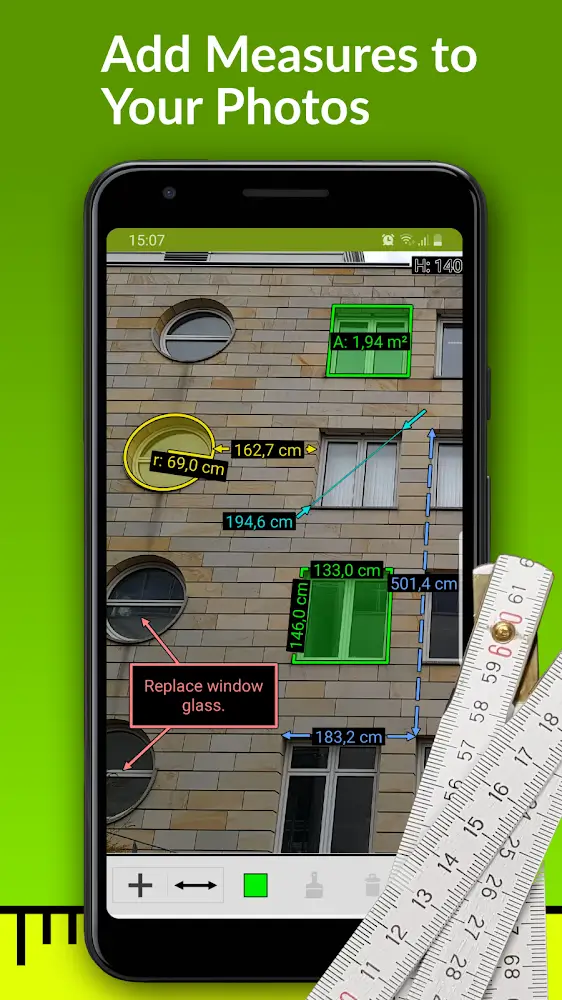
ImageMeter is a powerful mobile utility that turns photos into accurate measurement diagrams, allowing users to capture dimensions directly from images. Designed for professionals and DIY enthusiasts, the app combines easy calibration, multiple unit support, and clear annotations to speed up site documentation and planning tasks.
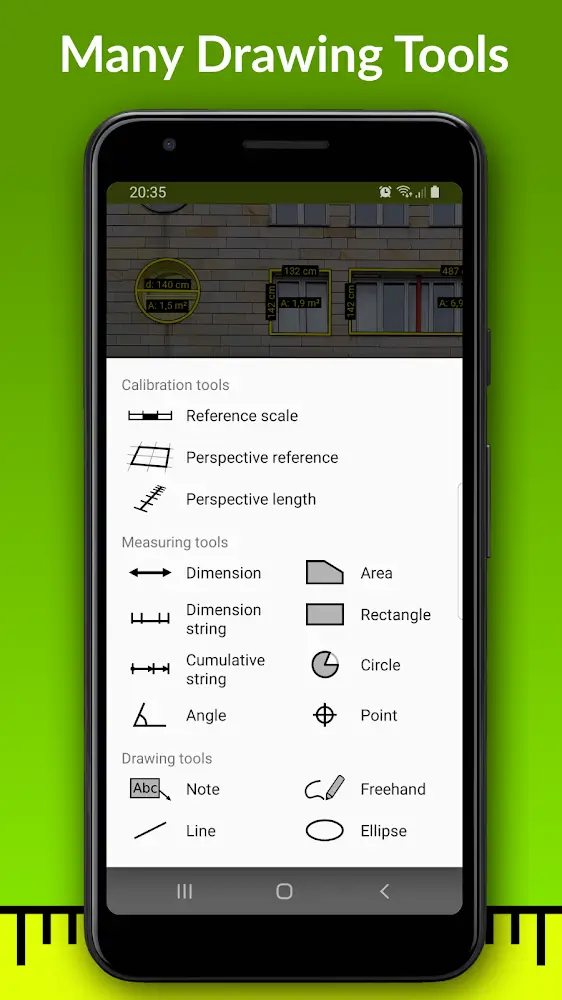
ImageMeter provides a collection of measurement tools tailored to different scenarios. You can add linear dimensions, angles, circles, and area calculations to any photo. The app supports chained measurements for complex shapes and lets you lock reference lines to maintain consistency across images. Built-in rulers and scale references ensure that results remain reliable even when photos are taken from an angle.
Accurate output starts with calibration. ImageMeter offers several calibration methods: use a known-length object in the photo, define two points and enter the real-world distance, or set a scale using the image metadata. The app compensates for perspective distortion through corner-based calibration, enabling measurements on walls, floors, and inclined surfaces. Calibration profiles can be saved for repeated workflows, improving speed and consistency.
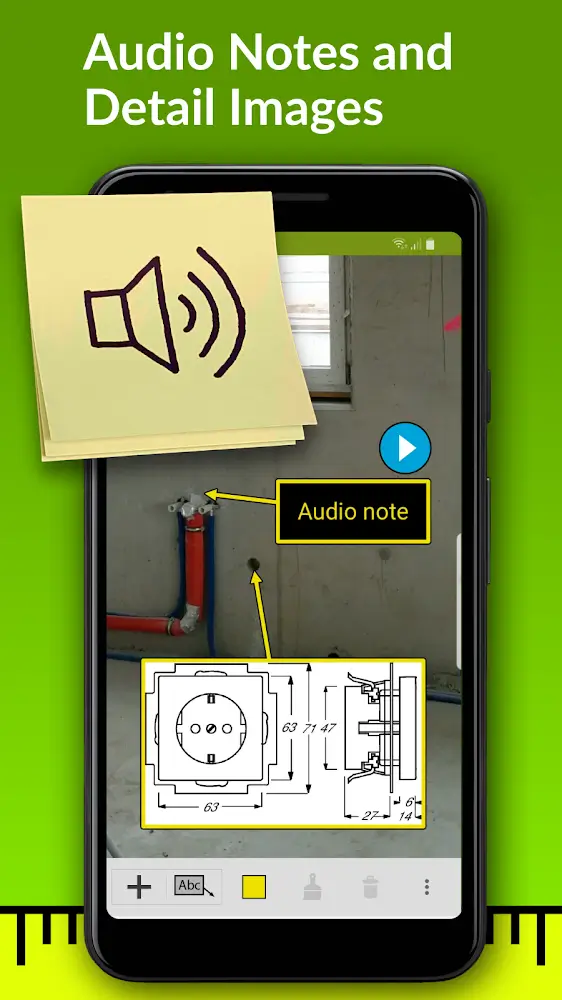
The interface is optimized for quick, practical use on a handset or tablet. Import a photo from your gallery or capture one inside the app, then tap to place measurement anchors. Contextual menus let you change units, adjust precision, and add notes without leaving the image view. The layer-based annotation system helps keep dimensions, labels, and sketches organized while editing.
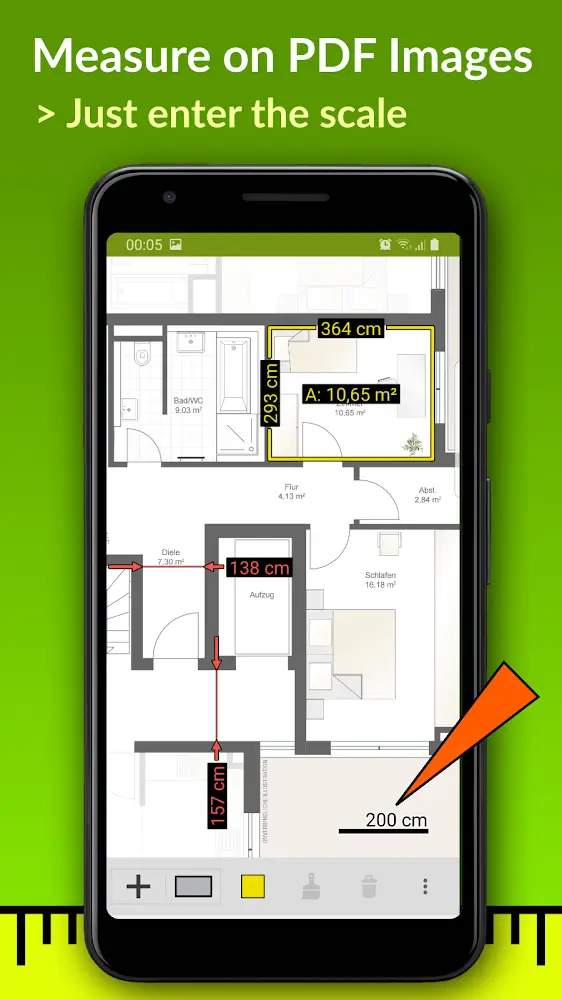
Once annotated, images can be exported to common formats for documentation and collaboration. ImageMeter supports high-resolution JPEG and PNG exports, PDF reports with embedded measurements, and CSV/JSON data for integration with spreadsheets and CAD tools. Exports include a measurement legend and scale reference so recipients can verify dimensions independently.
ImageMeter is engineered to run smoothly on a wide range of Android devices. It handles large images without lag, thanks to optimized memory management and adaptive rendering. The app works offline for fieldwork and syncs with cloud storage services when connectivity is available. Support for different screen sizes and multi-touch gestures makes precise placement of anchors straightforward.
Customization options let users adapt ImageMeter to specific professional needs. You can create presets for default units, decimal precision, annotation colors, and label formats. Save project templates that include common measurement sets and export settings to speed up repetitive tasks. Custom symbols and legend entries are available for industry-specific workflows.
To maximize accuracy, include a reference object of known length when possible and take photos with consistent lighting. Use the corner calibration for planar surfaces and avoid extreme oblique angles unless you can capture multiple reference points. Regularly update calibration profiles and keep the app updated to benefit from improvements in measurement algorithms.
ImageMeter receives periodic updates that extend compatibility and add features such as additional export options and improved calibration routines. In-app help covers common tasks and troubleshooting, and many users find the tutorial examples useful when adapting the app to new project types. For teams, consider standardizing presets to ensure consistent documentation across projects.
With its blend of precision, export flexibility, and field-ready performance, ImageMeter streamlines the process of turning photos into actionable measurement records for professionals and hobbyists alike.