


iStoria is a modern storytelling and journaling app designed for anyone who records daily thoughts, creates multimedia stories, or organizes project notes. It blends slick templates, cloud sync, and privacy controls into a streamlined interface that helps you capture moments fast and shape them into searchable, exportable narratives.
iStoria combines a minimalist writing environment with tools usually found in more complex note apps. It targets users who want structured diaries, creative journals, or portable story drafts. The app emphasizes clarity: entries are easy to tag, timeline views make navigation intuitive, and lightweight editing tools keep distractions low.
Start by creating a new story or journal entry. Each entry can be assigned a title, date override, tags, and location metadata. The editor supports paragraph styles and inline media, making it suitable for both quick notes and longer drafts. Entries appear in a chronological feed but can be filtered by tags, folders, or custom collections.
iStoria uses a tag-and-folder system that balances structure and flexibility. Tagging is fast and predictive, while full-text search scans titles, body text, and attached file names. Filters let you combine tags, date ranges, and media types so you can find an old idea or photograph in seconds.
The design prioritizes speed. The interface remains responsive even with large archives, and animations are subtle to avoid distraction. A compact toolbar gives quick access to formatting and media insertion. Offline editing is supported; changes sync automatically once a connection is re-established.
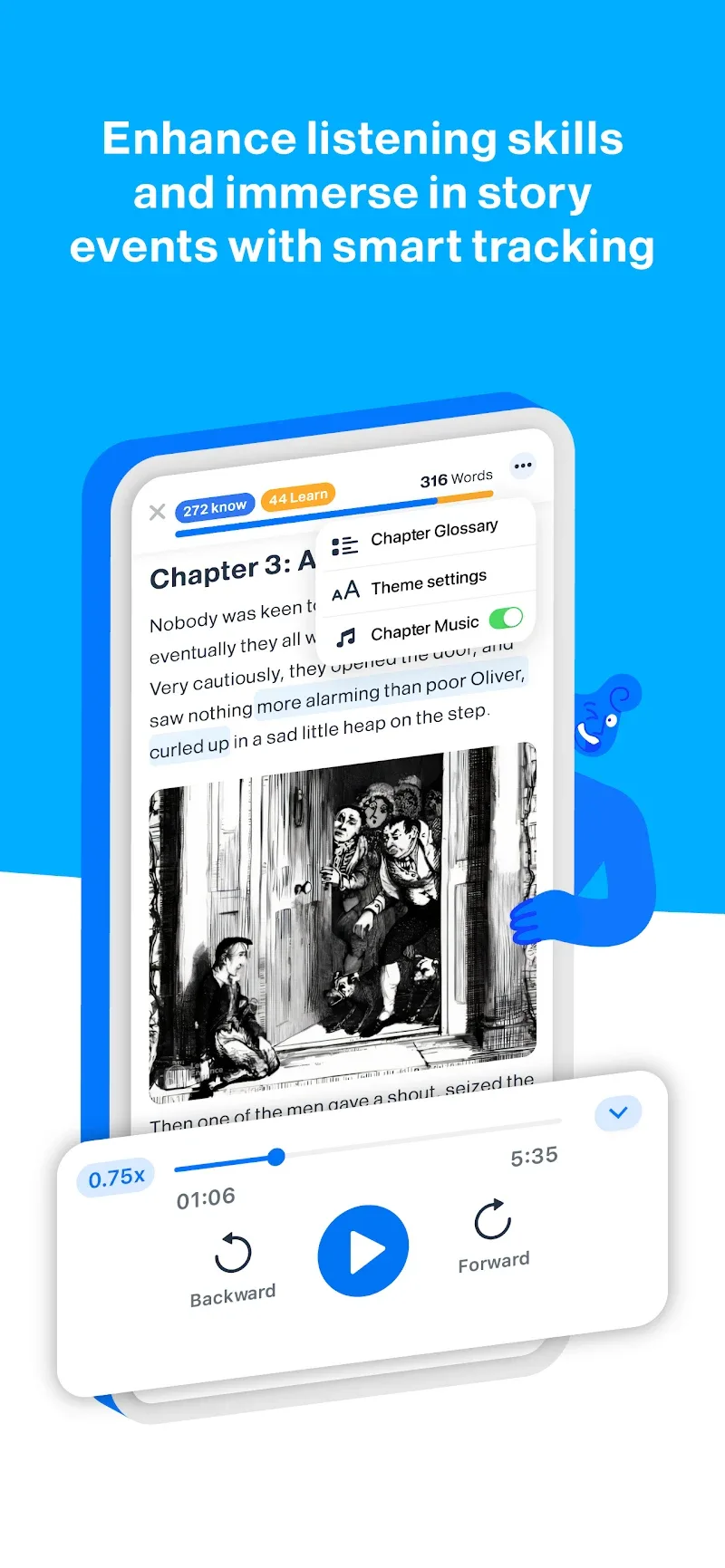
Users can personalize their workspace with a selection of themes, font sizes, and layout modes. Templates are available for common use cases—daily logs, travel journals, plot outlines, and meeting notes. Templates are editable so you can refine the structure to match your workflow.
Beyond simple journaling, iStoria includes export and collaboration utilities that content creators will find useful. You can export a sequence of entries as a single PDF, bundle media for backup, or share a read-only link for review. Drafts can be marked for revision and pinned to the top of a project.
Security is treated seriously. Encrypted cloud backups prevent accidental loss, and local export gives you control over copies. Biometric unlocking and optional passcodes protect private entries. Sync settings offer selective folder synchronization to save bandwidth.
People pick iStoria for its balance of simplicity and power. It’s lightweight enough for daily journaling but capable for professional notes and story drafts. The clean design reduces friction, while features like multimedia attachments and robust export options add practical value for serious users.
Installing iStoria is straightforward. Download from your Android store, grant basic permissions for media and storage, then sign in or create a local profile. Onboarding lets you import content from common formats and shows core functions with short, interactive tips.
Whether you’re building a daily habit or drafting a long-running project, iStoria helps you keep ideas organized and accessible. Its combination of efficient tools, privacy controls, and export capabilities makes it a solid choice for writers, travelers, and anyone who values a dependable digital journal.