
Headunit Reloaded transforms Android devices into a customizable car infotainment interface that mirrors Android Auto functionality and offers advanced controls for touchscreen and rotary knob setups. It delivers navigation, media, and system integration tailored for aftermarket head units, providing a responsive in-car experience optimized for driving use.
Headunit Reloaded is designed to run as a dedicated in-vehicle interface, consolidating navigation, audio, phone, and vehicle inputs into a single, driver-friendly environment. Instead of switching between multiple apps, users access essential tasks through a simplified layout that emphasizes large buttons, quick access to media, and stable background audio.
Installing Headunit Reloaded is straightforward: download the APK, enable installation from unknown sources, and run the setup wizard. For certain head units you may need to enable developer options or USB debugging to fine-tune input mapping. Calibration steps typically include adjusting screen size, touch mapping, and button assignments to match your vehicle’s controls.
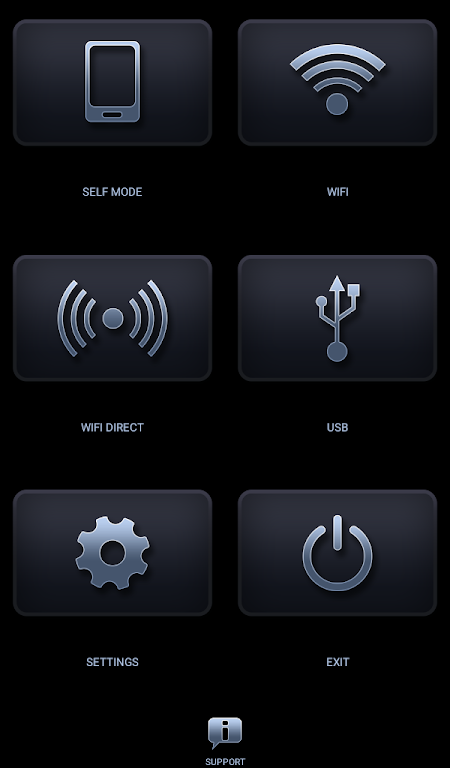
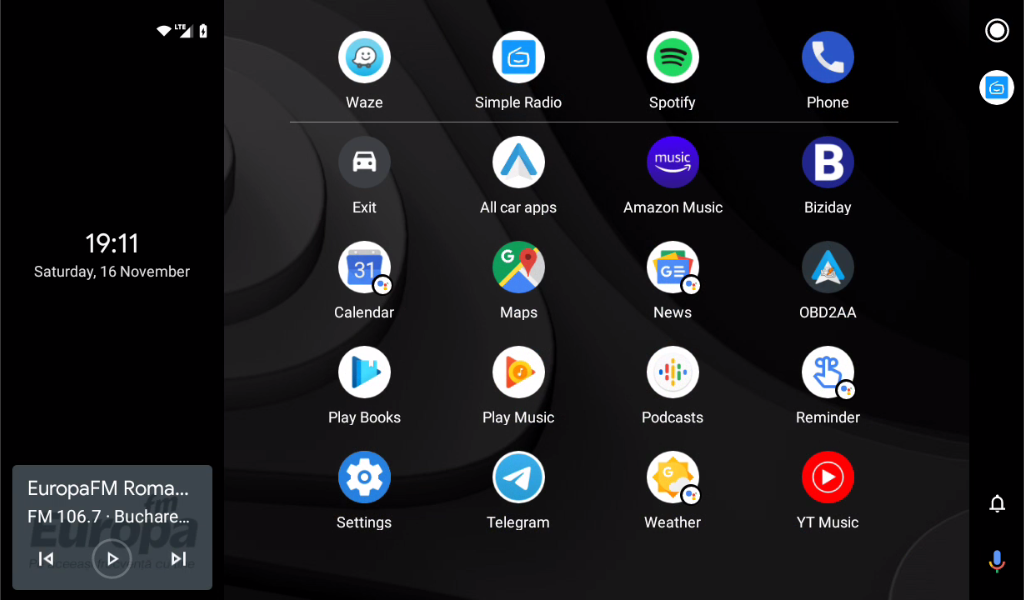
The interface is built for distraction-free operation. Large, readable icons replace cluttered menus, and a persistent media bar keeps playback controls accessible. Workflows are optimized for short interactions—play music, start navigation, or answer calls with minimal taps. Programmable shortcuts allow frequently used destinations or playlists to be launched with one press.
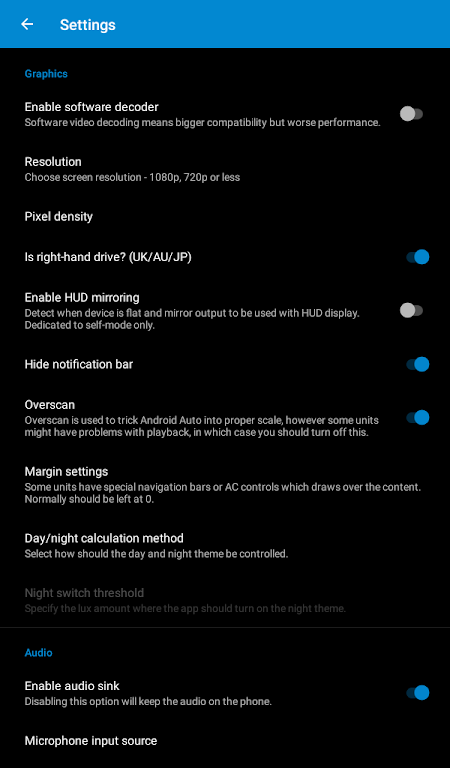
Headunit Reloaded offers multiple customization layers so users can tailor the experience to their setup. Change the theme, rearrange quick-access tiles, adjust brightness and night-mode schedules, or create profiles for different drivers. Advanced users can remap physical buttons and configure how external controllers interact with on-screen elements.
Performance depends on the hardware of the host device. The app is optimized for automotive processors and wide displays, and it strives to keep audio playback stable while other functions run in the foreground. Most Android-based head units and tablet-style systems are compatible; some features may require additional configuration, such as assigning input devices or granting permissions for camera and location access.
Drivers who install Headunit Reloaded gain a unified interface for commuting, long trips, and urban navigation. The app reduces distraction by centralizing key functions and providing tactile control options for hardware buttons. It’s also useful for installers and hobbyists who want to convert Android tablets or aftermarket displays into reliable car head units.
To maximize stability, test the setup on short drives before relying on it for navigation in unfamiliar areas. Create backups of custom profiles and export button mappings so you can restore settings quickly after updates or device swaps. Regularly check permissions to ensure navigation and camera feeds remain accessible when needed.
Headunit Reloaded delivers a robust, adaptable solution for anyone looking to modernize an Android-powered head unit. With sensible customization, input support, and a focus on safety, it helps turn general-purpose devices into purpose-built in-car systems that suit a variety of vehicles and driving styles.