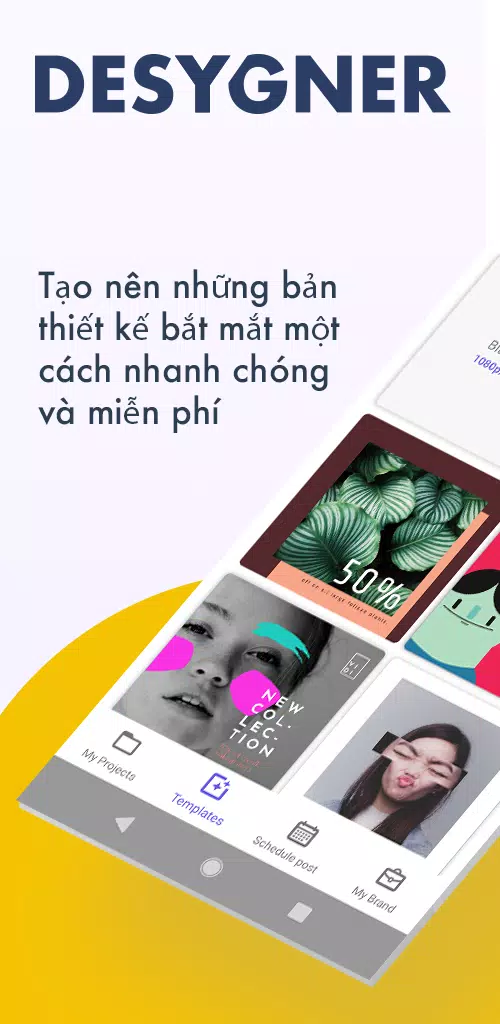
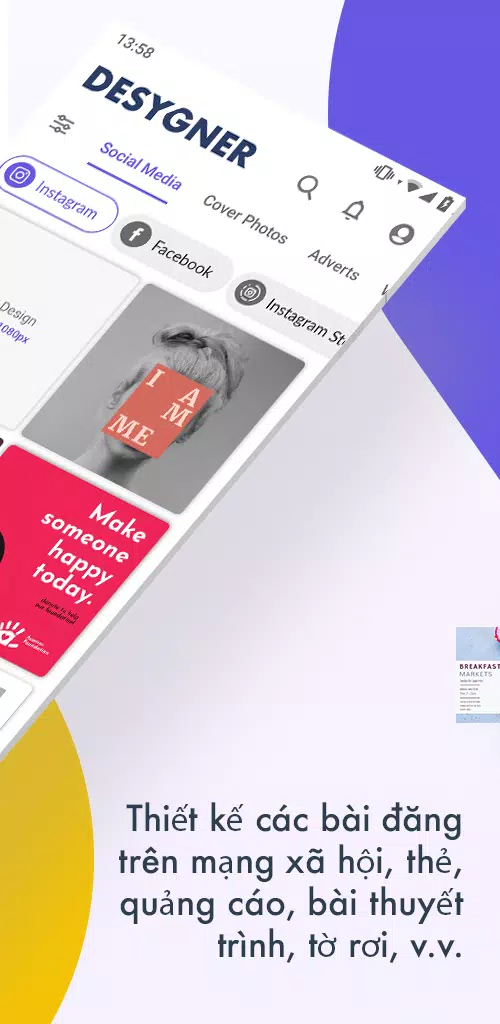
Desygner is a mobile and web design studio that simplifies graphic creation with drag-and-drop tools, ready-made templates, and easy export options. It targets marketers, small businesses, and casual creators who need professional-looking visuals quickly without complex desktop software or steep learning curves.
Desygner combines template libraries, asset management, and simple editing into a compact package. The app supports social posts, flyers, banners, and documents so users can produce marketing materials or personal projects from a single interface. Integrated stock images and preset sizes speed up common workflows.
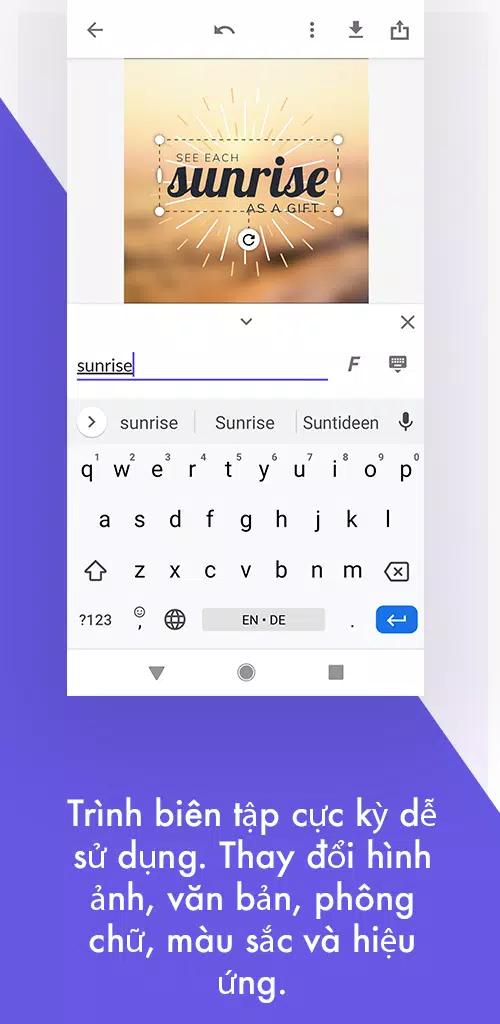
The toolset focuses on accessibility: drag-and-drop layout, text formatting, image layers, and quick resizing. Users get control over fonts, color palettes, transparency, and alignment guides. Common file types are supported for export, and there are options to save projects in the cloud for later edits.
Starting a project in Desygner typically follows three steps: pick a template or blank canvas, add or replace text and images using the editor, then adjust layout details before exporting. The interface keeps editing tools visible without overwhelming newcomers, letting you iterate rapidly and preview changes instantly.
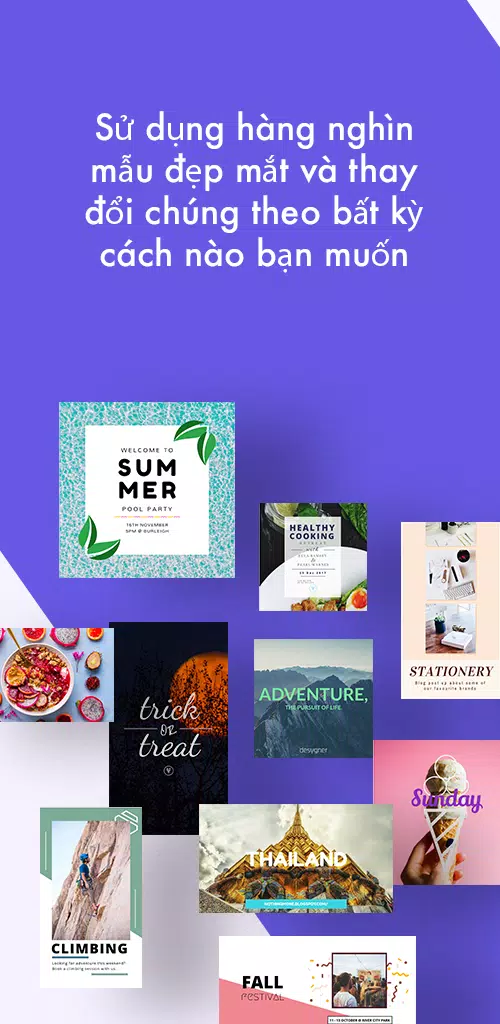
A wide selection of templates is one of the app’s biggest productivity gains. Templates span social media, presentations, resumes, and print-ready flyers. Each template is editable, letting you swap assets and adapt the design for different platforms without rebuilding layouts from scratch.
For teams, Desygner supports shared folders and brand kits. Administrators can lock brand colors and logos to keep designs consistent. Collaborative features let multiple contributors view or edit projects, reducing back-and-forth when working on campaigns or client deliverables.
The interface is lightweight and responsive on modern Android devices. Tools load quickly and typical edits—text changes, image replacements, resizing—feel immediate. Complex files with many layers can require more memory, but the app manages project autosaves to prevent data loss during unexpected interruptions.
While aimed at non-professionals, the app includes advanced options such as PNG export with transparency, PDF generation, and custom size presets. Users who need high-resolution outputs for print or detailed digital assets will find the export settings flexible enough for most use cases.
Desygner enables users to create reusable components and save brand assets like fonts and logos. This makes it easier to maintain visual consistency across multiple projects. Layer controls and grouping tools help manage complex layouts, while simple alignment tools speed up precise positioning.
The learning curve is gentle. A new user can produce a polished social post within minutes. Tooltips and contextual menus guide users through less familiar features, and the template-driven approach reduces the need to understand design fundamentals before producing effective results.
People pick Desygner when they want a balance between power and simplicity. It provides many of the design capabilities found in desktop software while removing setup time and steep learning curves. The cross-platform access and cloud storage also make it a practical choice for freelancers and small teams who work on the go.
Installation is straightforward: download from the app store, sign in or create a free account, and start with templates or a blank canvas. Optional upgrades unlock additional stock images, advanced export options, and team features for professional environments.
Whether you need social media visuals, printed marketing materials, or quick edits on the move, Desygner offers a capable, approachable alternative to complex design suites. It’s especially useful for users who value speed, collaboration, and consistent branding without sacrificing essential creative controls.