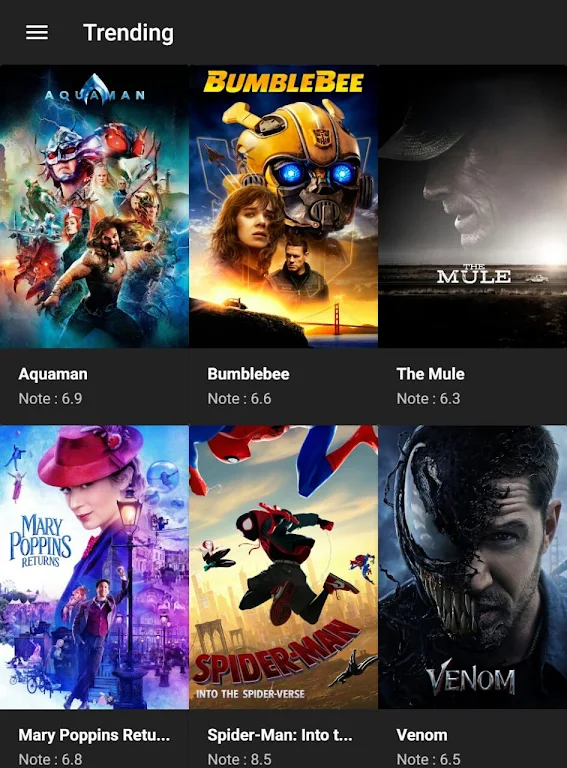
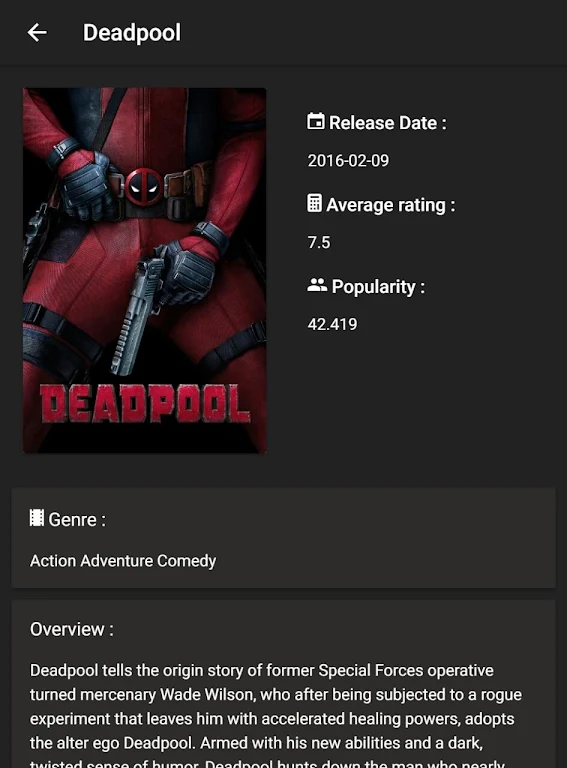
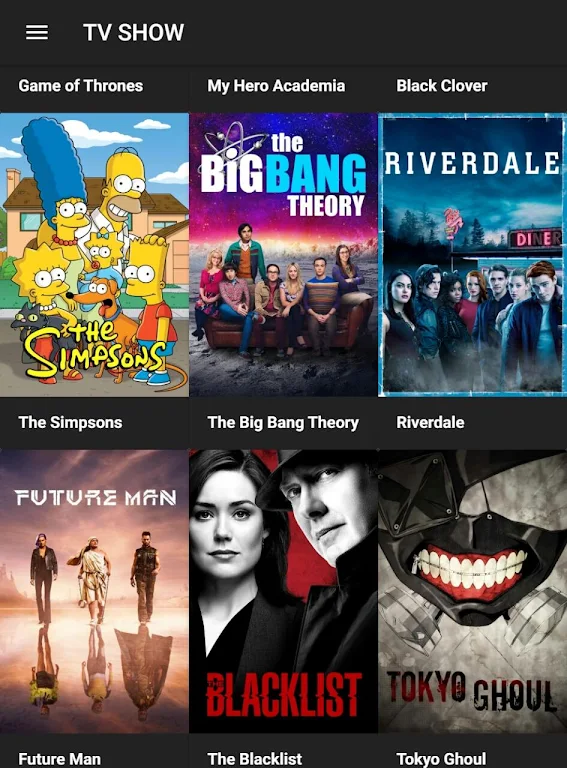
Flixtor is a lightweight media discovery app that helps users browse, organize, and stream video content from multiple sources with a simple, fast interface. It prioritizes clear navigation, smart search filters, and responsive playback controls to make finding and watching media effortless on Android devices.
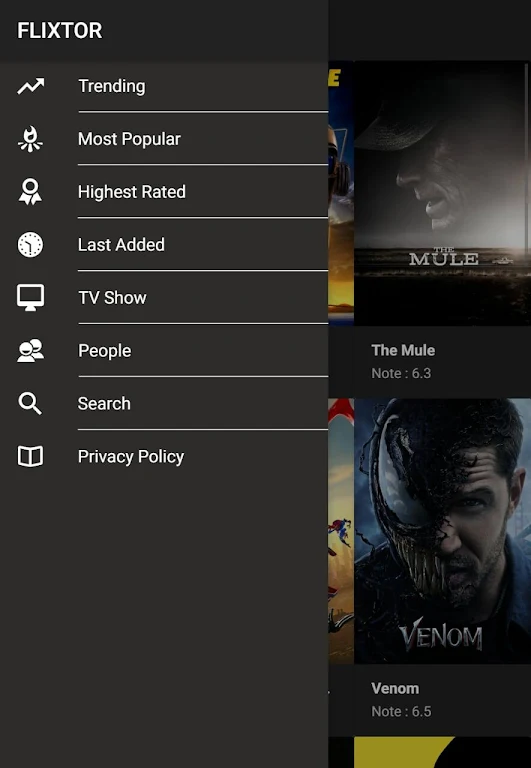
Flixtor is designed for users who want a consolidated hub for exploring films, series, and video clips without jumping between multiple services. The app aggregates metadata, posters, and playback links in a single view, letting you sort by genre, release date, rating, or language. It aims to reduce friction between discovery and viewing.
The interface keeps interface elements minimal and readable. Key actions like play, add to list, and download are placed where thumbs naturally fall on phones. Artwork and metadata dominate the content screens so that users can make choices at a glance. Dark and light themes are available to match system settings.
Performance is a priority: searches return results with low latency and navigation remains smooth even on mid-range devices. Caching reduces repeated network requests, while adaptive streaming chooses the best quality according to bandwidth. Background tasks like metadata updates are handled efficiently to avoid interrupting playback.
The app indexes publicly available metadata and links, then presents them through a curated interface. When you select content, Flixtor opens a playback option—either using an internal player or redirecting to a compatible external player installed on your device. Subtitles are matched automatically when available, and users can upload or adjust subtitle timing if necessary.
Installing Flixtor is straightforward: download the APK from a trusted source, enable installations from unknown sources if needed, and follow on-screen prompts. During the first run, you can set default players, choose preferred languages, and enable data-saving features. The onboarding screens introduce key features without being intrusive.
Privacy options let you control telemetry, personalized recommendations, and local data storage. The app stores watch history locally by default and offers an option to export or clear it. Network preferences let you restrict high-resolution streaming to Wi-Fi to preserve mobile data.
Advanced users can configure cache sizes, adjust prefetching behavior, and set preferred subtitle languages. There are options to prioritize higher-quality streams or prioritize stability on lower bandwidth connections. These settings let you tailor the balance between responsiveness and data usage.
Many users appreciate how Flixtor streamlines content discovery without adding clutter. Its clean layout, smart filtering, and playback flexibility reduce the time between finding something interesting and watching it. Regular updates focus on stability and adding small quality-of-life improvements requested by the community.
Overall, Flixtor functions as a practical media companion for users who value speed, convenience, and control when managing streaming and local video collections on Android devices.