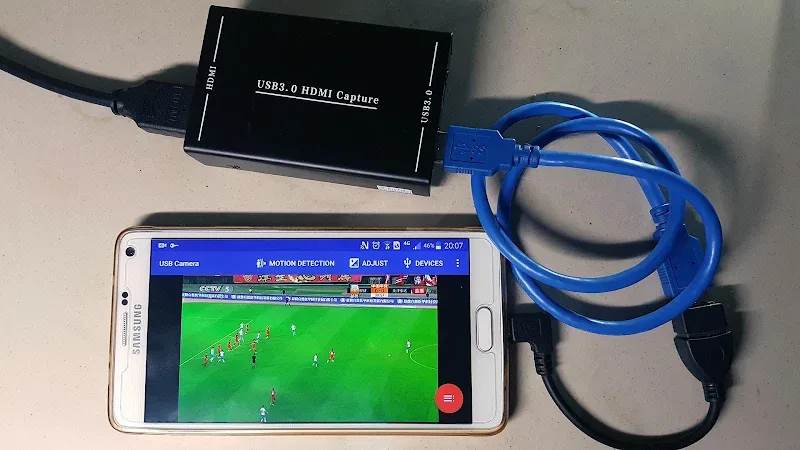
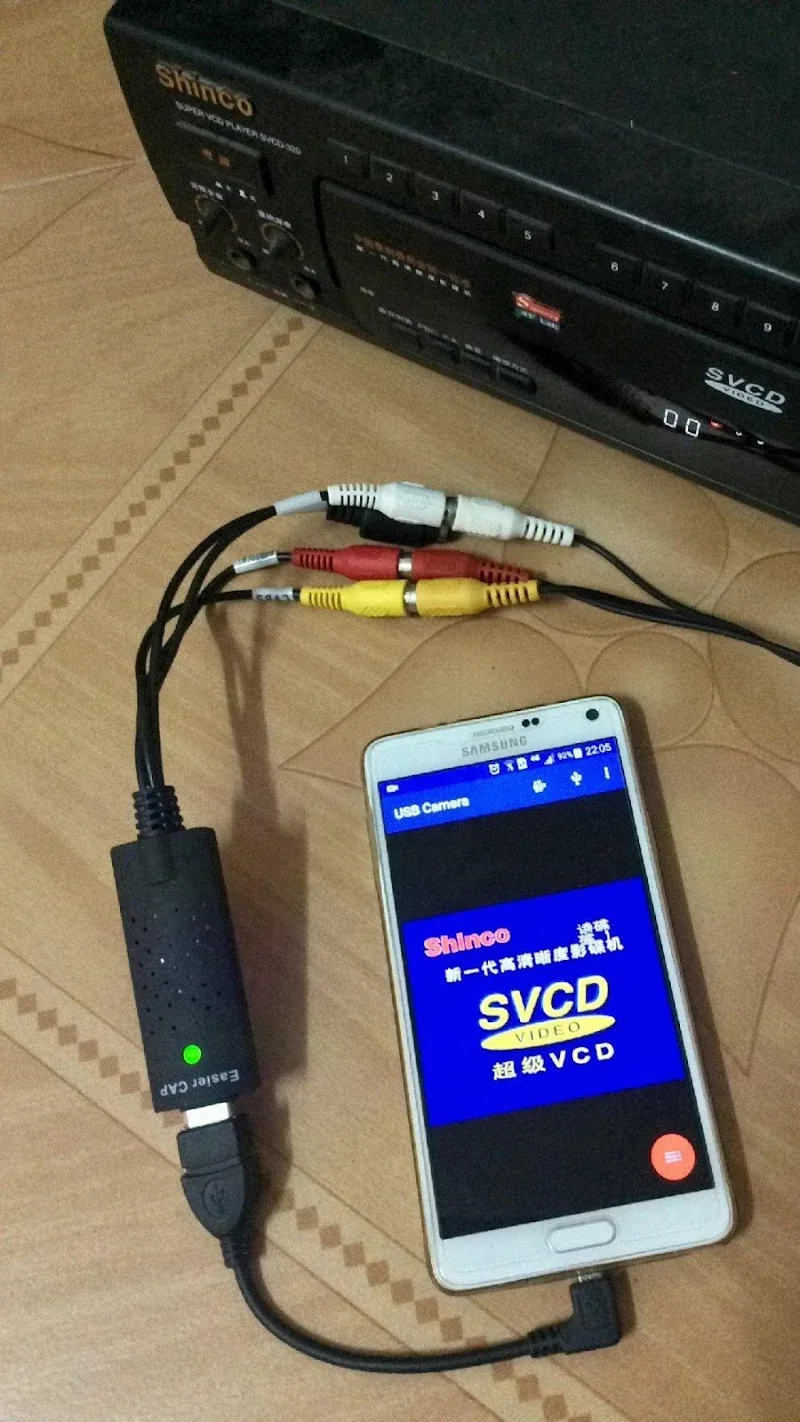
USB Camera Pro lets Android devices use external USB webcams and UVC cameras for live viewing, recording, and streaming. Designed for photographers, developers, and remote monitoring, the app simplifies connection setup and offers real-time controls, making USB video sources accessible on phones and tablets without extra drivers.
USB Camera Pro provides a set of practical tools for getting the most from external cameras. Live preview supports multiple resolutions with adjustable frame rates, while manual exposure, focus, and white balance controls let you fine-tune the image. The app includes still capture, continuous recording, time-lapse, and snapshot overlays for annotations and timestamps.
The app is built around the USB Video Class (UVC) standard, so most plug-and-play webcams and industrial USB cameras will work without additional drivers. It also supports standard MJPEG and YUYV formats and can handle common resolutions up to full HD depending on the camera and device USB port. Compatibility information is presented in-app so users can verify support for popular chipsets and camera models.
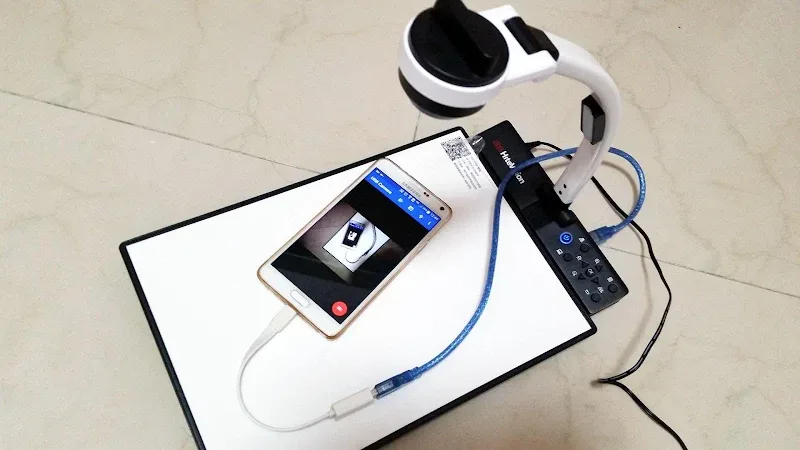
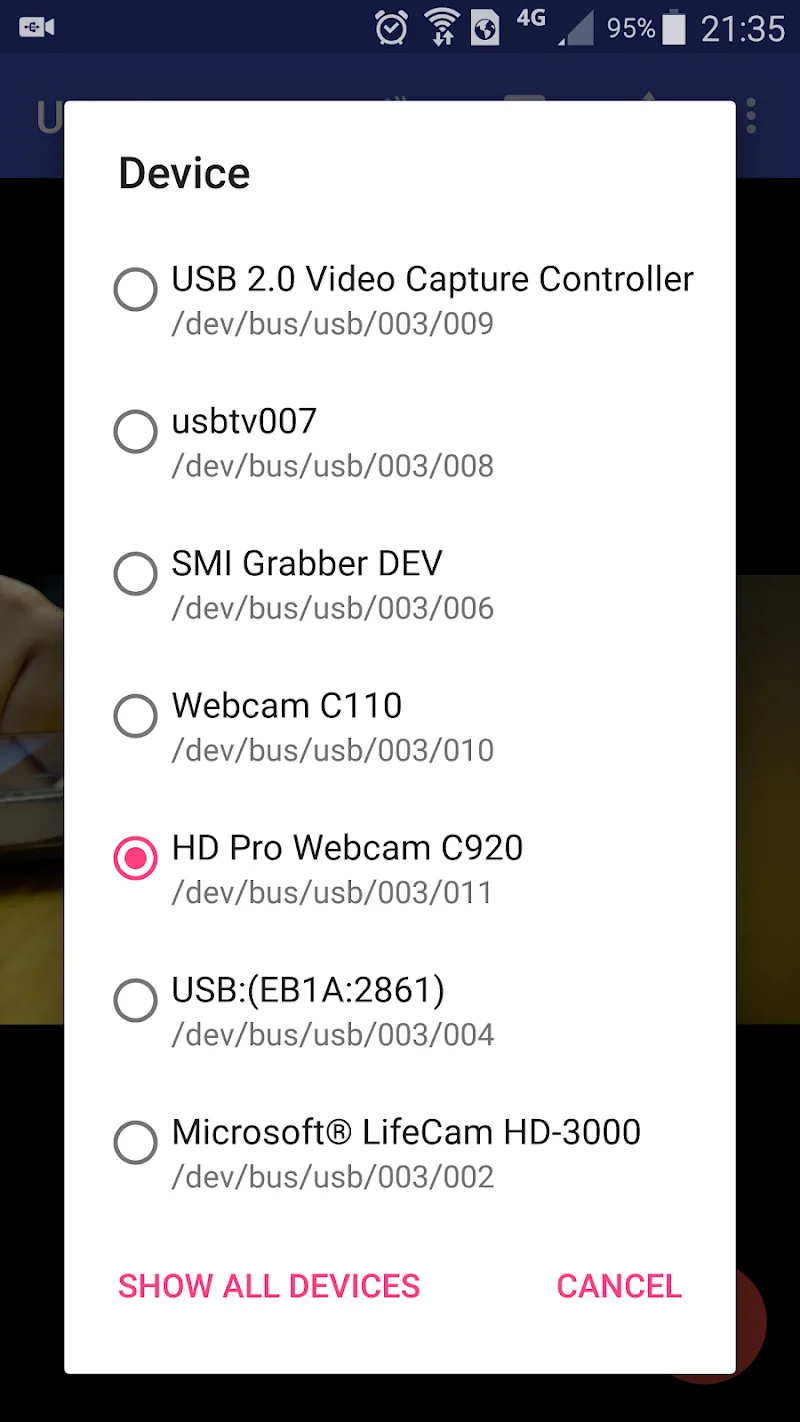
Getting started is straightforward: connect your camera via an OTG cable or USB hub, grant the required permissions, and select the camera from the device list. USB Camera Pro detects available video inputs automatically and displays live video immediately. For multi-camera setups, the interface allows quick switching between sources and remembers preferred settings per device.
The interface focuses on efficient workflows. A compact control panel exposes gain, shutter speed, and focus controls with sliders and preset buttons for common lighting scenarios. Users can create and save custom profiles for different locations or tasks, speeding up repeated setups. Overlay options let you add grids, aspect guides, and recording indicators to the preview, useful for framing and diagnostics.
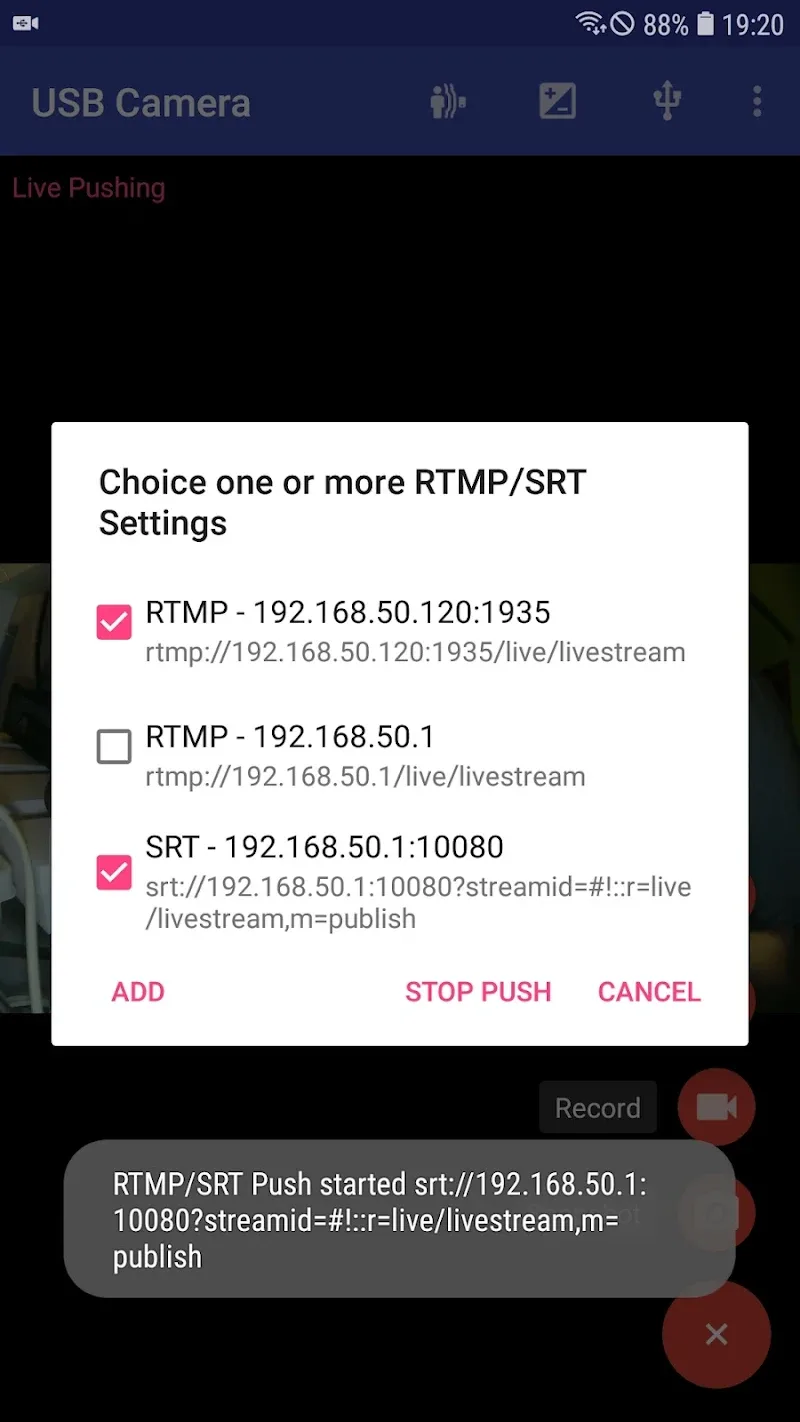
Recording formats include standard MP4 and AVI containers with adjustable bitrates to balance quality and file size. Live streaming integrates with RTMP endpoints, enabling direct broadcast to streaming platforms or private servers. Export features include local file saving, FTP upload, and cloud transfer options so captured video can be archived or shared quickly with collaborators.
USB Camera Pro is optimized to minimize CPU load by leveraging hardware encoding when available on the device. Frame drop prevention and buffer controls help maintain smooth preview and capture even on mid-range hardware. Power management settings allow users to limit recording length or set automatic sleep behavior to preserve battery during long monitoring sessions.
USB Camera Pro fits a wide range of needs: field inspection with rugged USB cameras, live-streaming product demonstrations, setting up temporary surveillance for events, and testing vision systems for robotics development. Its profile saving and remote streaming features make it a good choice for professionals who need repeatable setups across different sites.
Users appreciate the combination of broad camera support, hands-on controls, and flexible output options. The app balances advanced features with an accessible interface, providing customization without overwhelming casual users. Regular updates focus on compatibility improvements and performance tuning.
USB Camera Pro aims to bridge the gap between consumer Android devices and professional USB video hardware, making external webcams practical tools for recording, inspection, and streaming on the go.