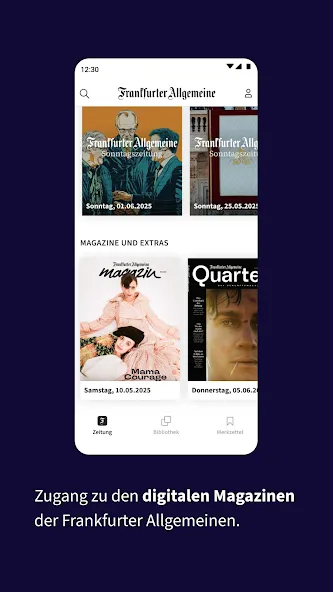
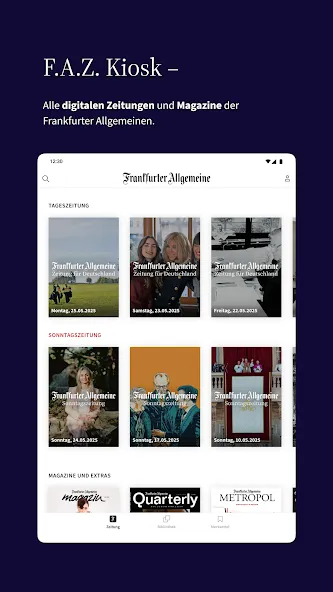
Looking for a single app that collects the week's major papers for relaxed reading? F.A.Z. Kiosk packs recent editions and multimedia extras into one Android-friendly hub, so you can switch between a classic newspaper look and a more interactive digital view. The app stores issues locally, remembers where you left off, and gives tools to adjust type size, enable night mode or listen to articles aloud. Whether you want to dive into business analysis or skim the weekend supplements, this app aims to bridge print clarity and mobile convenience.
Newspaper-style layout: Pages are rendered to resemble the printed edition, keeping column flow and image placement familiar for long-form reading.
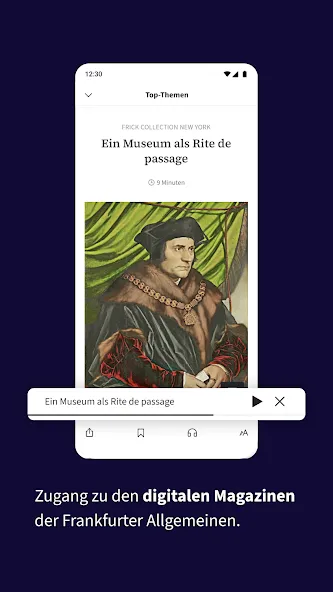
Multimedia edition: A modern view complements the e-paper with enriched content such as embedded links and optimized photos for touch screens.
Early access: Most issues appear in the app in the evening before the physical paper hits stands, so you can read ahead.
Offline reading: Downloaded editions stay on your device so you can read when a connection is limited, for example on a flight or in a waiting room.
Editorial reliability: Content is curated and checked by a sizeable editorial staff, with reporters covering major beats to keep stories accurate and timely.
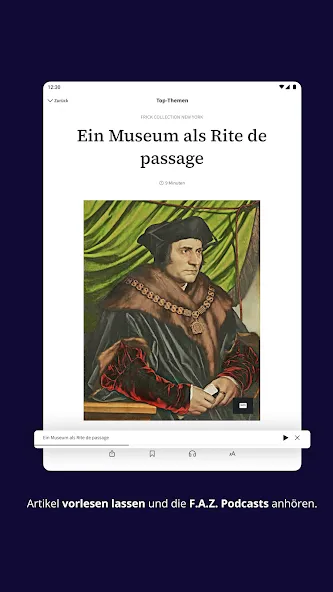
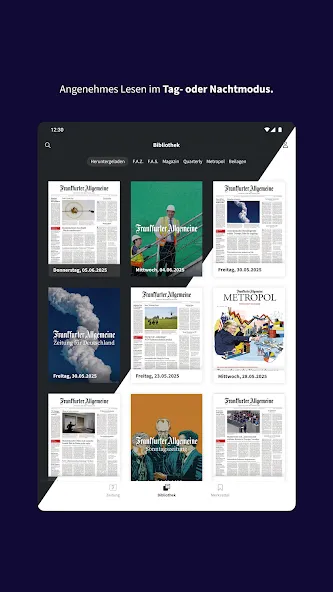
Personalization: You can tweak font size, toggle night mode and activate text-to-speech to tailor how stories are presented and consumed.
Powerful search: Topic search scans across issues so you can follow a subject across days without hunting manually.
Library and storage controls: Save important pages in a notepad area and let the app remove older downloads automatically to free space when needed.
Install and explore: After installing, claim the complimentary sample issues to get a feel for the layout and navigation.
Pick your view: Switch between the traditional paper replica or the digitally enhanced multimedia mode depending on whether you prefer a page-like read or interactive elements.
Set reading preferences: Open the settings to adjust type size, enable night mode and turn on the spoken narration feature if you want hands-free listening.
Organize content: Use the topic tracker and save function to collect articles and pages you want to revisit or share later.
Can I read purchased issues on multiple devices?
Yes, reading progress and purchases are linked to your account so you can pick up an article on another device where you are signed in.
Is there a free trial available?
New users typically get a sample issue of several editions to test the app before subscribing to ongoing access.
How does offline reading work?
Downloaded editions are stored locally on your device and remain accessible without a network connection until you delete them or the app clears older files automatically.
F.A.Z. Kiosk brings the familiar structure of a print newspaper together with features expected from modern apps, making it a solid choice for tablet readers who value both depth and convenience. Compared with a stack of physical papers, it saves space and offers faster search and playback options, and it works best for readers who follow recurring topics or prefer to customize how they consume long articles.