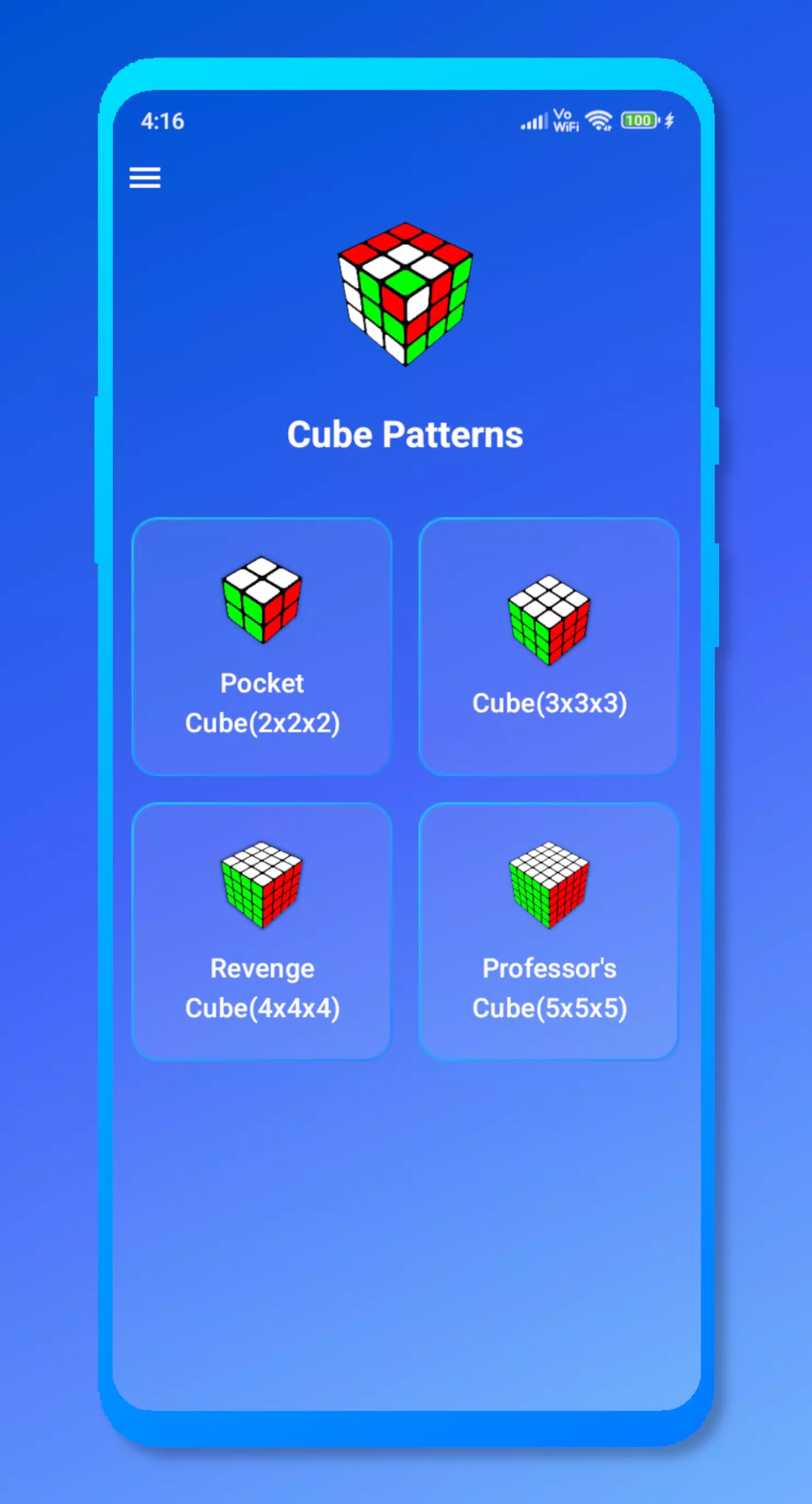
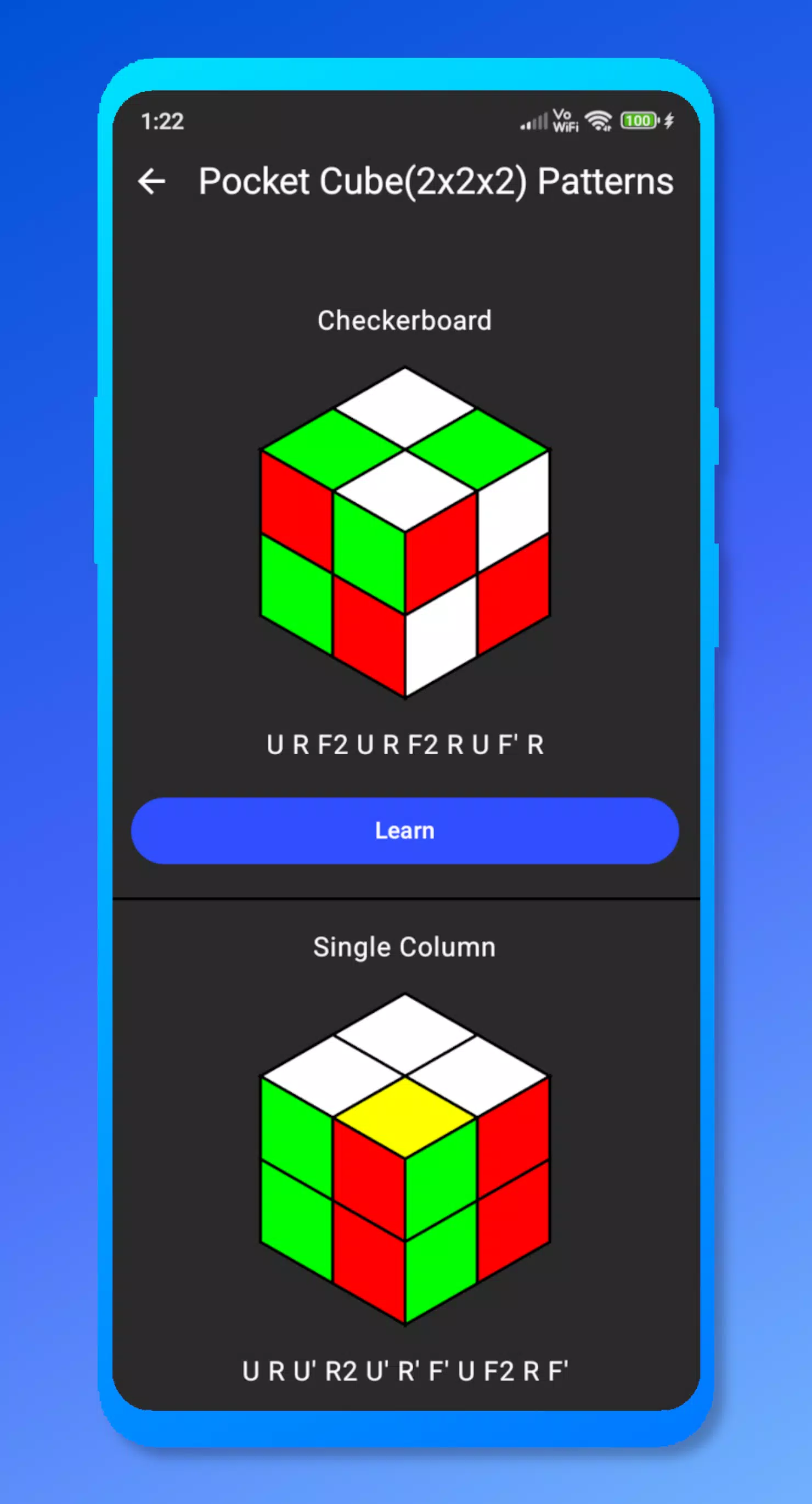
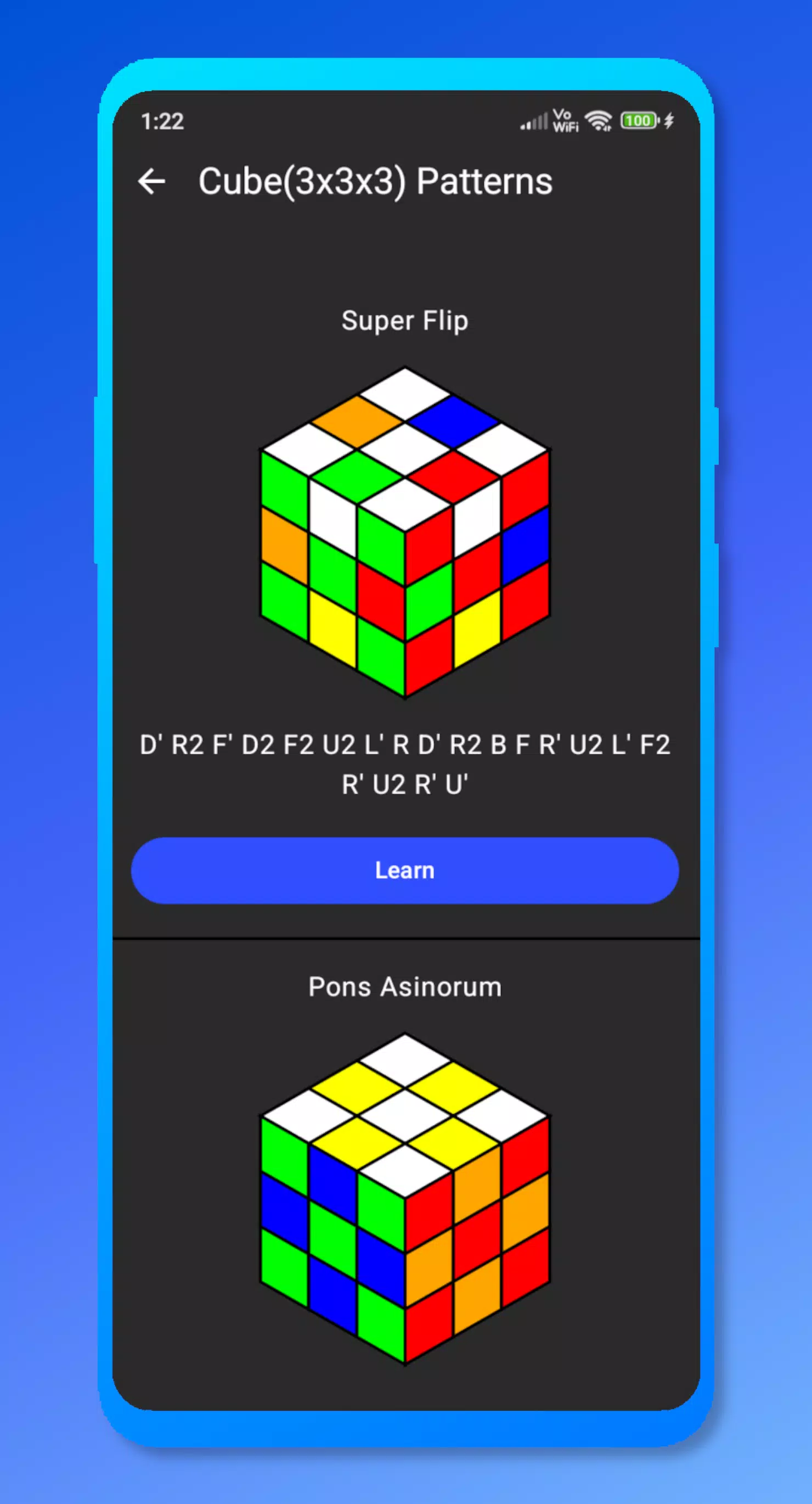
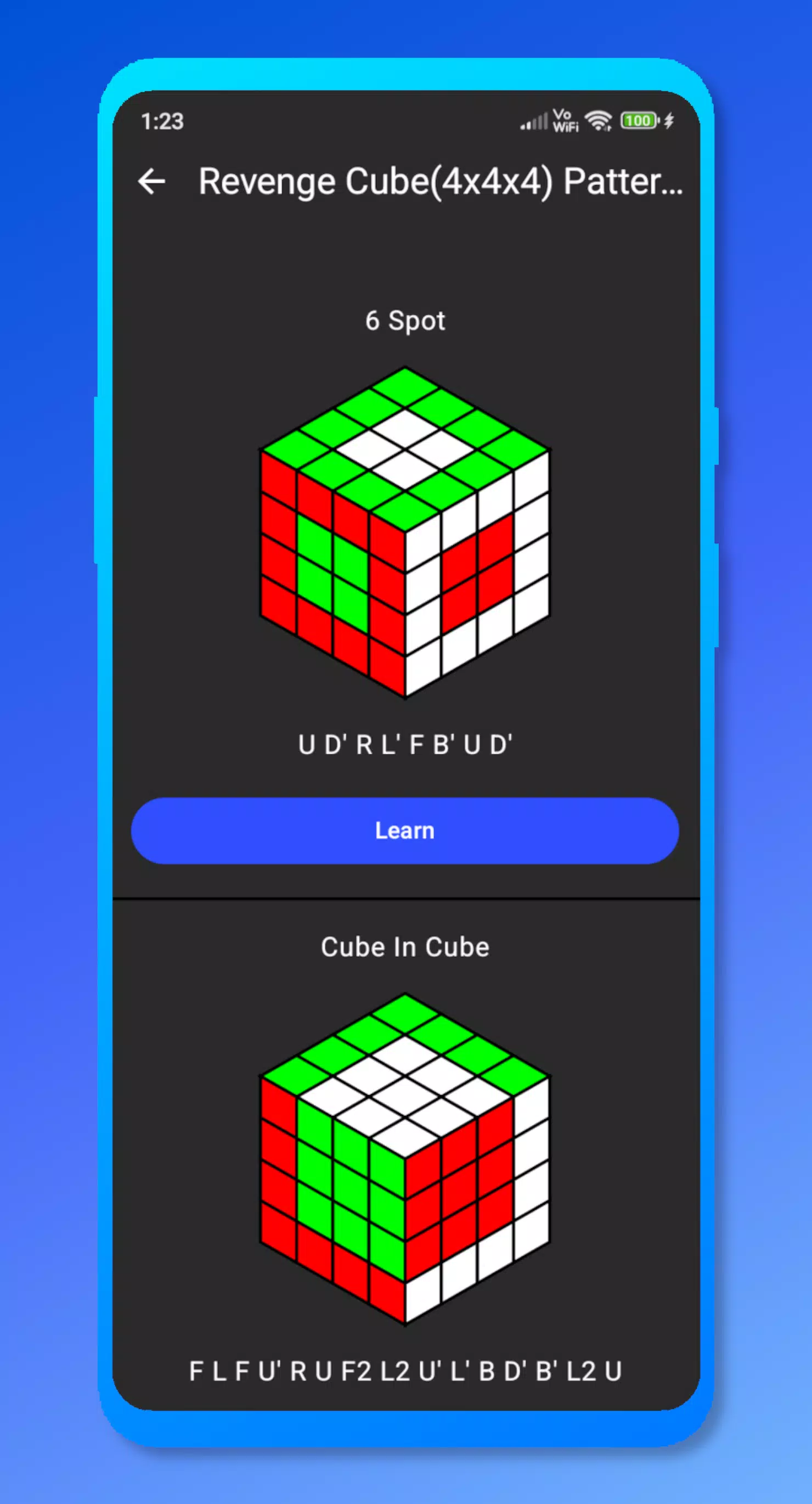
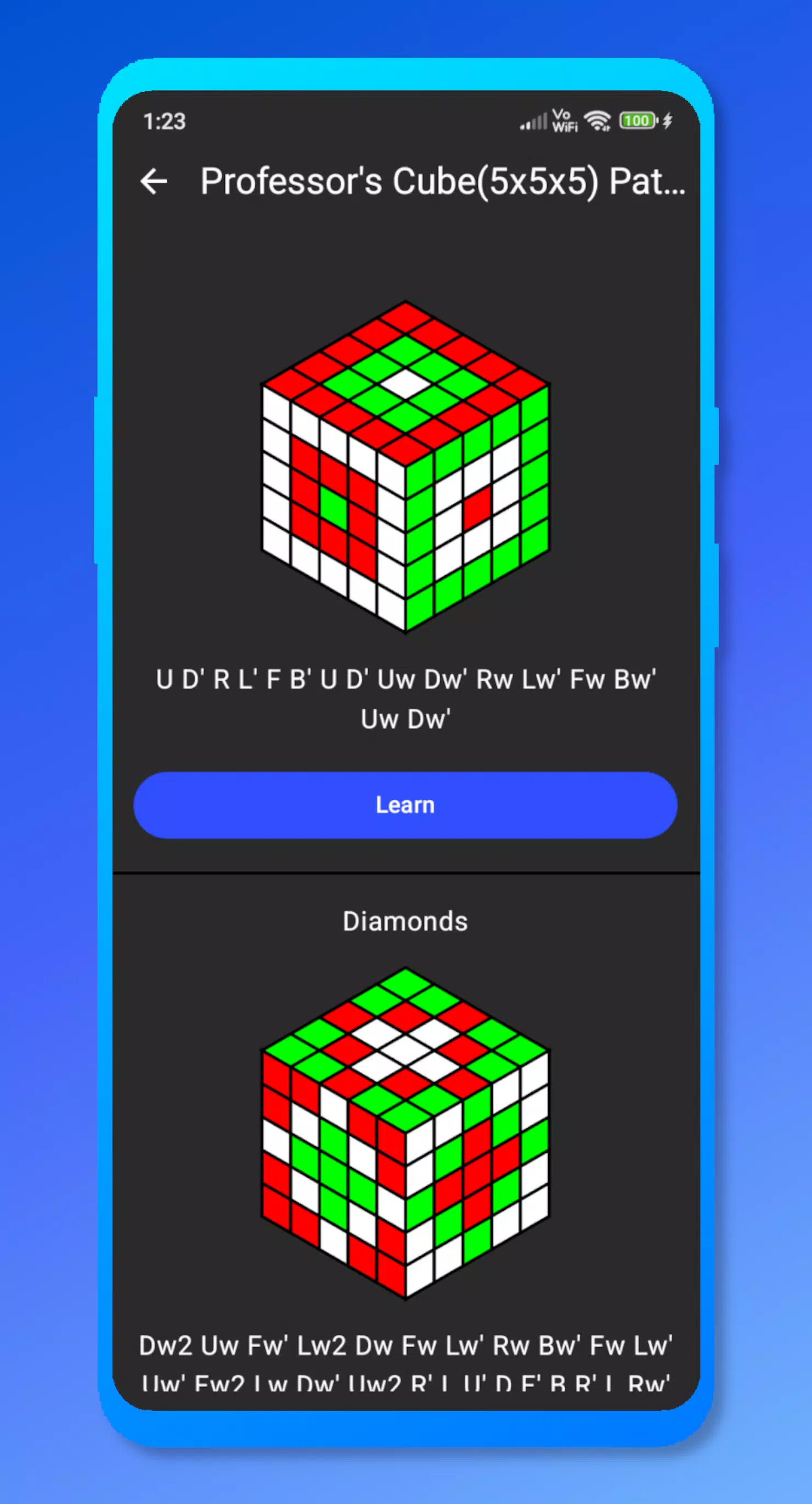
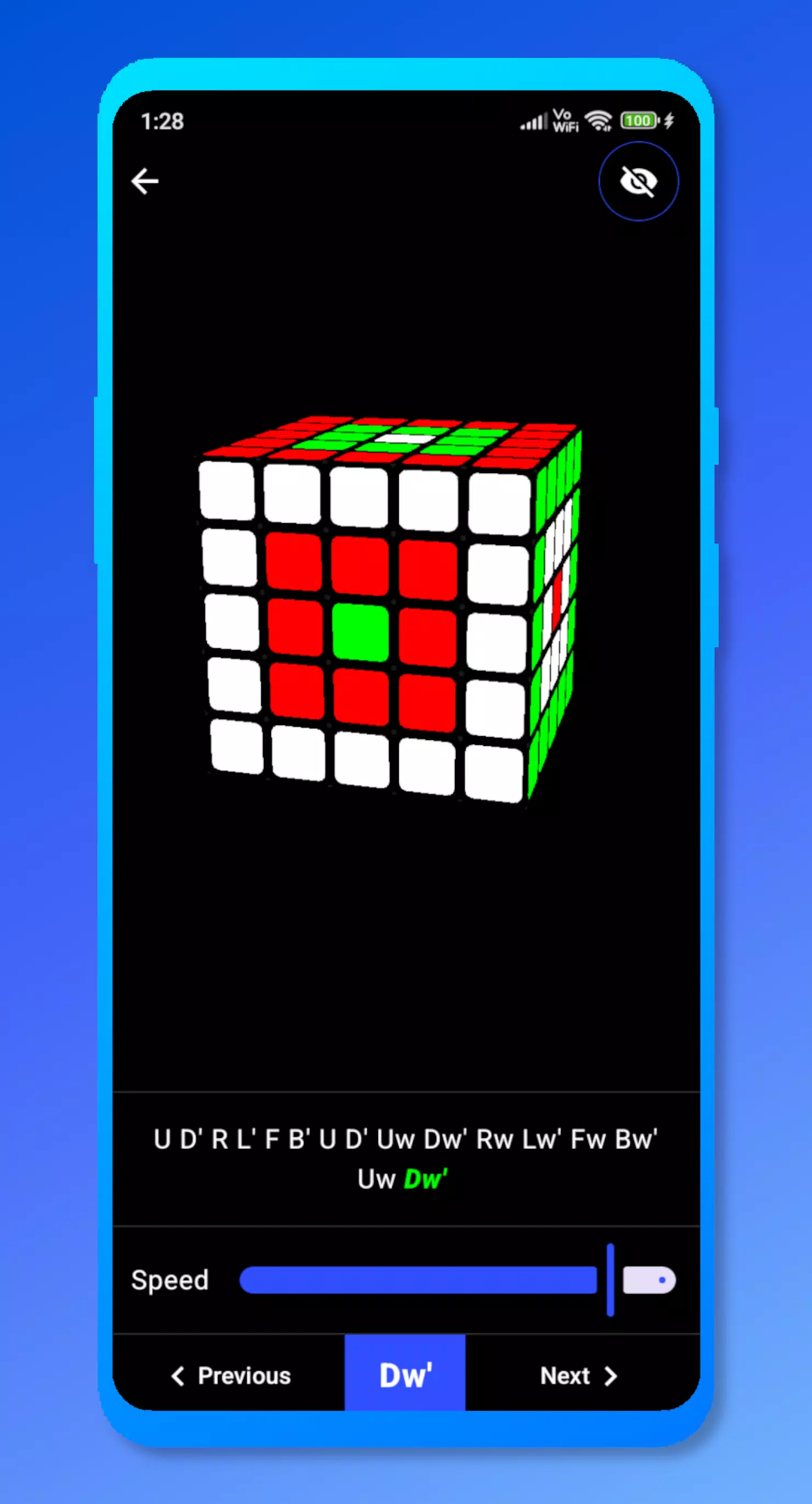
Cube Patterns is a focused educational simulator that teaches pattern construction on 2x2 to 5x5 cube puzzles by turning algorithmic move sequences into clear, visual demonstrations. In the opening screens Cube Patterns presents classic designs such as checkerboards, stripes and cross motifs and then breaks each design down into manageable, move-by-move instructions so learners can see the direct connection between notation and result.
The core gameplay centers on visualizing algorithms rather than timed speed attempts: each pattern is created through a sequence of turns that the app animates on a realistic 3D model. Moves are shown using standard cube notation and are accompanied by incremental snapshots so players can follow the transformation after every turn. Tutorials start with simple motifs on smaller cubes and gradually introduce patterns that require planning across multiple layers for larger puzzles.
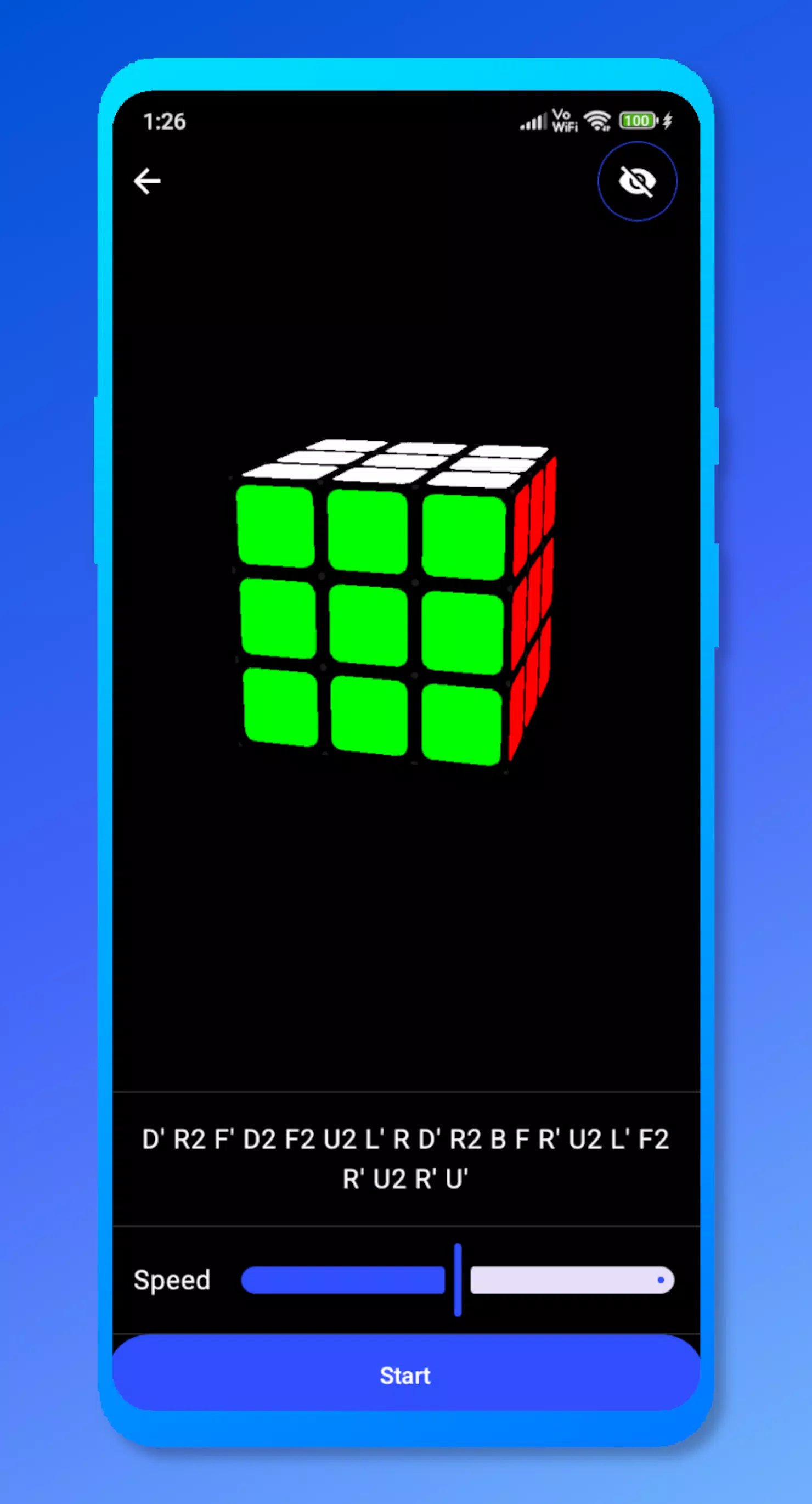
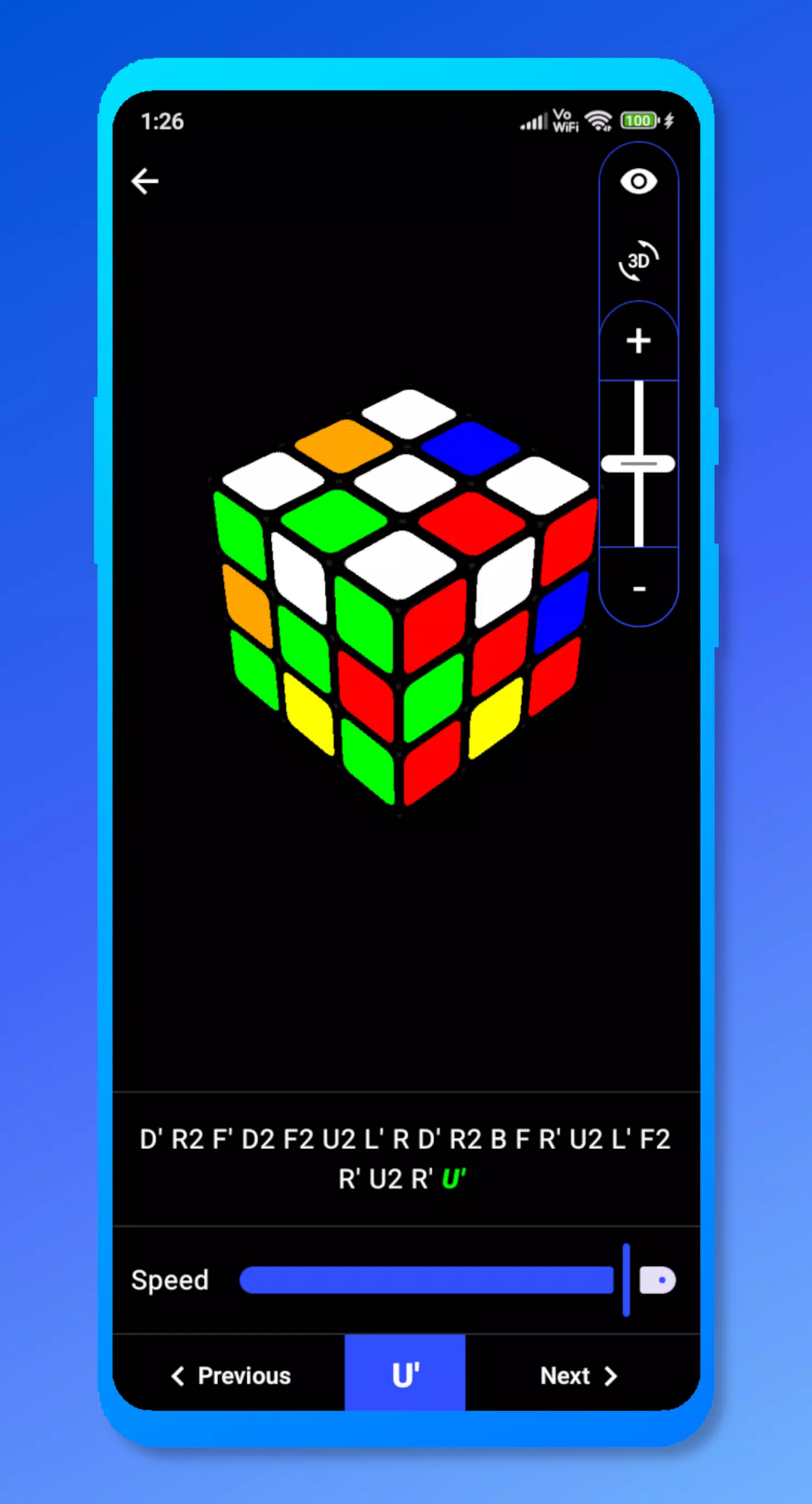
An interactive 3D simulator gives you full control over how you observe each sequence. Use pinch gestures or on-screen controls to zoom, rotate and pan the model so you can inspect any face from any angle. Playback speed is adjustable so you can slow down a complex algorithm to study each move or speed up routine steps when you’re reviewing. The simulator supports manual stepping and rewind controls so you can repeat particular moves until they click.
Patterns are organized by complexity and cube size, with a learning curve that helps players build a mental library of algorithmic building blocks. The included library covers puzzles from 2x2x2 through 5x5x5, grouped into beginner, intermediate and advanced tiers. Each tier focuses on particular mechanics—face turns, layer rotations and multi-layer sequences—so practice sessions have a clear direction and measurable progression without relying on artificial gating or online requirements.
Beyond pre-made motifs, the app encourages experimentation: you can construct your own patterns from a blank cube, step through your custom algorithm, and save those creations for later practice. A dedicated practice mode removes scoring or timers and provides a sandbox to rehearse algorithms repeatedly. This mode is useful for memorization, testing variations on known sequences and refining hand-eye coordination for when you switch to a physical cube.
The visual presentation emphasizes clarity and legibility: faces use distinct color contrasts, move notation is presented in plain text alongside animated turns, and optional guides highlight the pieces affected by the current move. Accessibility options let players increase text size and adjust visual contrast to make notation and cube faces easier to read, which is helpful for players with visual sensitivities or for use on smaller screens.
Replay value comes from experimenting with different patterns, increasing puzzle size and attempting to reproduce designs from memory. Challenge modes suggest sequences that combine several motifs into longer algorithms, and randomized practice drills provide fresh configurations that test pattern recognition. Because the app focuses on hands-on understanding rather than leaderboard competition, it rewards repeated study and gradual mastery.
The interface is designed for focused study: concise instructions accompany each pattern, tooltips explain notation and common move prefixes, and the camera controls remain available throughout playback. Cube Patterns works without a network connection for the core simulator and library, making it suitable for offline practice on mobile devices. Performance is optimized for smooth animations across supported hardware so each turn is easy to follow.
Cube Patterns is useful for beginners who want to learn how patterns map to algorithms, as well as intermediate hobbyists who want a visual reference for building or refining designs. The app assumes some familiarity with basic cube notation to get the most from step-by-step guides, but the pacing and visual aids make it approachable for motivated newcomers. While Cube Patterns is not affiliated with any official puzzle brands, it provides a practical, device-based way to study pattern mechanics and improve problem-solving on mechanical and virtual cubes alike.