
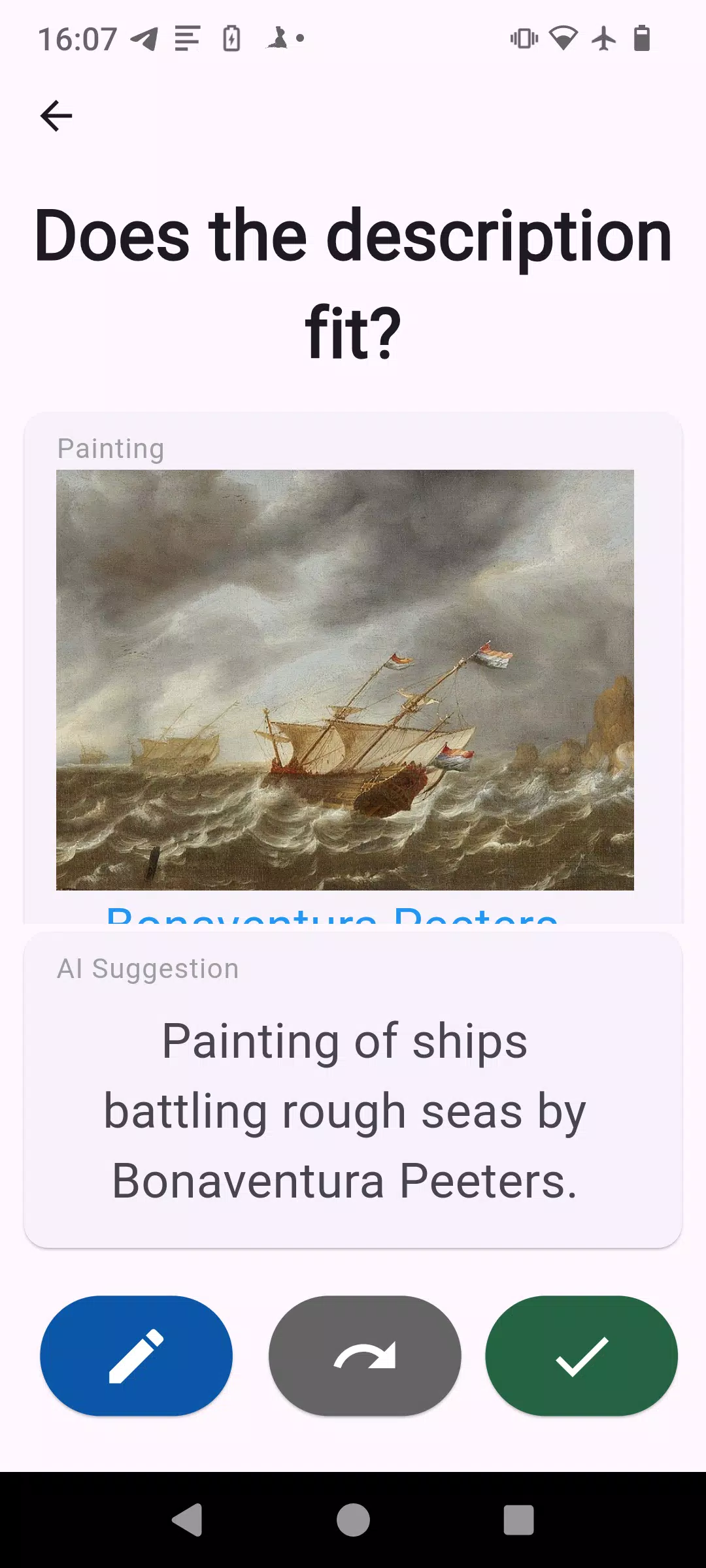

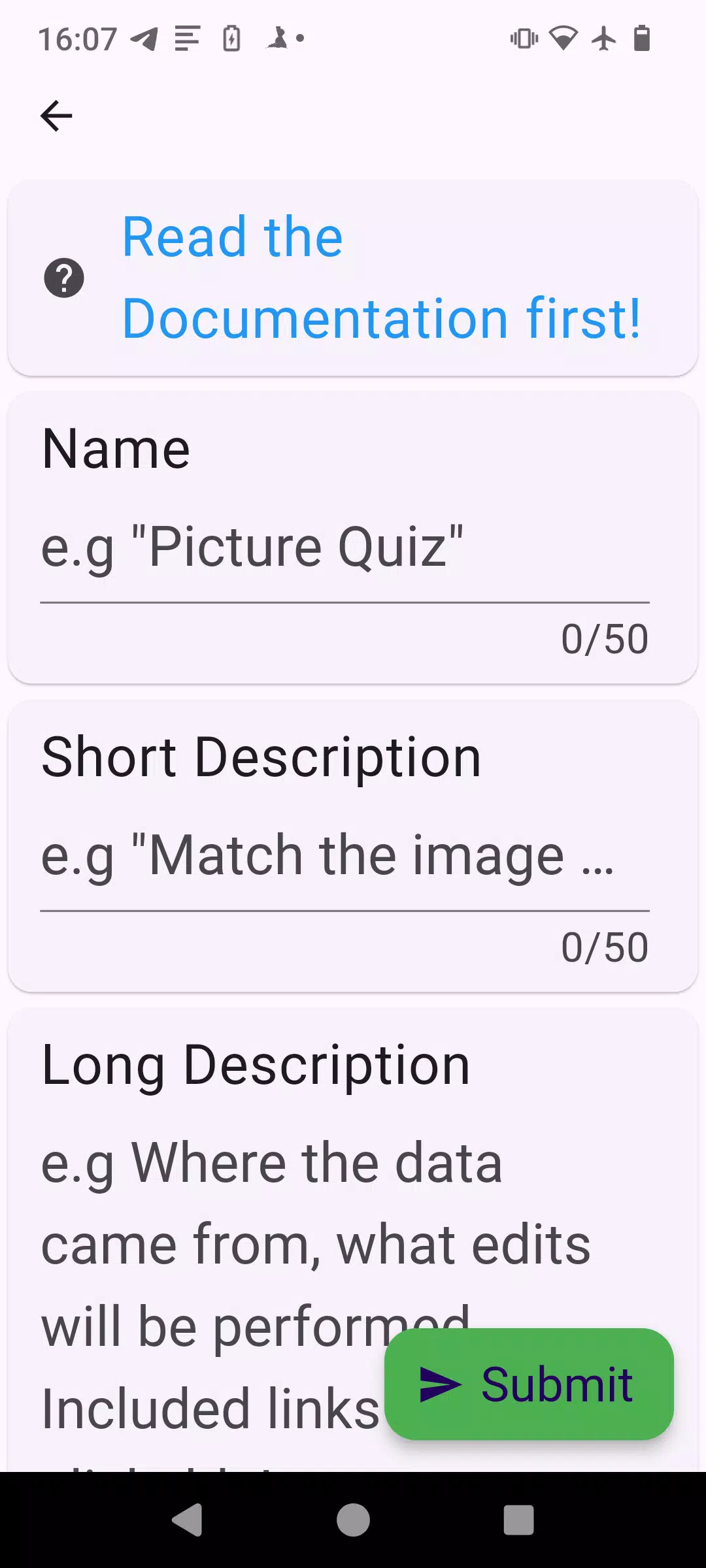
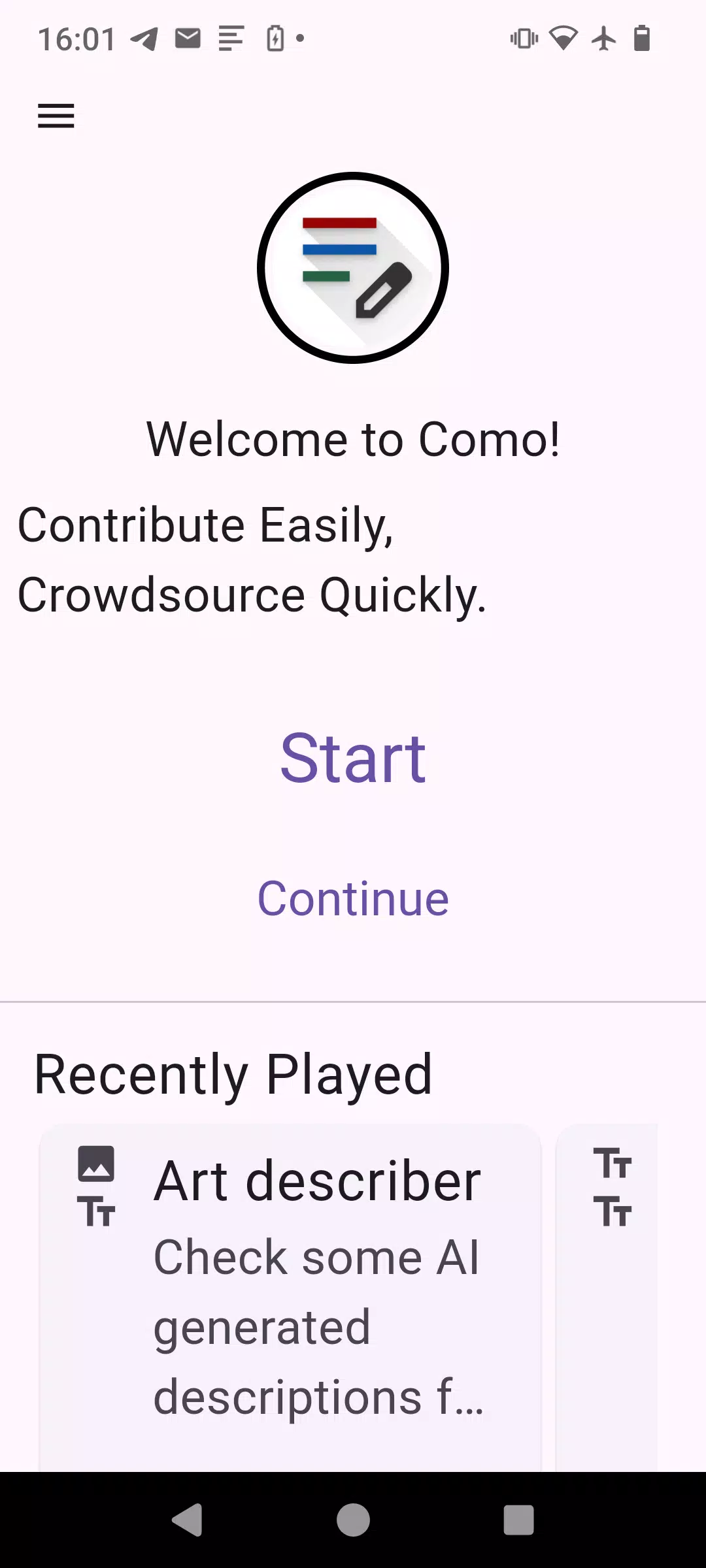

Como is a game that turns crowdsourcing into an engaging, bite-sized experience, inviting players to contribute small pieces of knowledge while they play. The app frames contribution as part of the gameplay loop so that individual inputs add up over time, and it balances quick tasks with mechanics that make each session feel meaningful for both casual players and those who enjoy steady community-driven progress. Como emphasizes low-friction participation: short prompts, simple verification steps, and visible progress indicators encourage repeat play without requiring long commitments.
The core of Como is a shared purpose combined with simple interactions. Players see short prompts or fact fragments and can add, verify, or expand entries through a few taps or short text responses. Verification is designed to be lightweight: players vote, suggest edits, or flag items for review so the community can improve accuracy over time. The app highlights contribution history and aggregate progress so that individual efforts are visible and tied to larger goals. Cooperative and competitive elements are present in the form of communal targets and challenge objectives—these motivate contributors without relying on live multiplayer matches or intrusive ranking systems.
Gameplay in Como centers on short rounds that fit into spare moments. Controls are optimized for quick interaction on touchscreens: tap to select an answer or field, swipe to move between prompts, and a simple text entry mode for adding new facts. Hints and inline suggestions help new players contribute without friction, while an edit flow allows more careful refinements. The interface prioritizes clarity so that the act of contributing or verifying doesn’t interrupt the game’s rhythm; tooltips explain actions and progress markers show immediate feedback after each contribution.
Progression in Como is built around contribution milestones and task tiers rather than traditional levels. Players unlock increasingly involved tasks as they complete core activities: initial rounds focus on simple additions or verifications, while later tiers introduce more complex editing opportunities and multi-step prompts that deepen the knowledge base. Milestones are visible in an in-app activity log, which also records the types of tasks completed, providing a sense of growth and clear short-term goals that support long-term participation.
Como uses a clean, legible design that keeps focus on content rather than flashy effects. The visual style favors readable type, clear contrast, and uncomplicated layouts so information is easy to scan during brief sessions. Customization options let players adjust display settings, font sizes, and color contrast to suit personal preferences, and simple profile elements allow users to present a username or avatar that appears alongside their contributions. These cosmetic controls help people tailor the experience while preserving accessibility.
The replay value comes from a steady stream of fresh prompts and a challenge system that cycles through short objectives. Daily tasks, themed rounds, and rotating prompt categories encourage players to return and contribute in different areas. Difficulty is tuned so that new contributors can participate immediately while optional tougher tasks offer deeper engagement for those who want to research or refine entries. Because the app’s content grows with user input, replaying sessions remains meaningful as the shared knowledge base becomes richer.
Accessibility is a focus in Como’s design: scalable text, high-contrast modes, and simplified input options lower barriers for players with different needs. While Como’s crowdsourced nature relies on shared contributions, the interface supports short practice sessions and local drafts so players can compose entries even when connectivity is limited; drafts sync when a connection is available so work isn’t lost. The app aims to be approachable on mid-range devices and includes settings to reduce data usage and disable nonessential animations.
Como is designed around transparent contribution workflows and clear feedback: every submission shows status and attribution, and community review tools help improve overall quality over time. The experience favors cooperative improvement rather than competitive escalation, with prompts to review and refine content rather than forcing immediate judgments. For users who care about the social aspect, Como surfaces collective achievements and milestone reports so the community impact of individual contributions is easy to understand. This steady, design-focused approach keeps the app accessible to newcomers while offering depth for those who want to invest in building a useful shared resource.