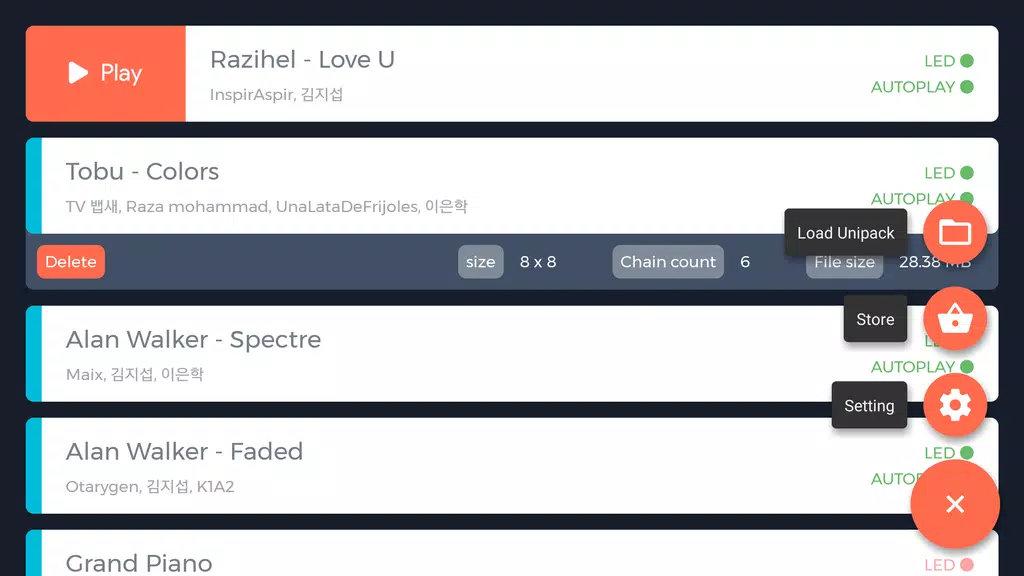
UniPad brings the Launchpad-style button matrix to Android phones and tablets, offering a rhythm-focused music performance and practice environment that fits both casual players and musicians. UniPad includes more than 40 built-in songs and an editor for creating and saving custom project files, plus automatic playback and practice helpers to help you learn patterns and improve timing; the app also supports custom visual skins and can connect to external Launchpad or other MIDI hardware, while storage permission is requested only to keep your projects and sound resources on the device.
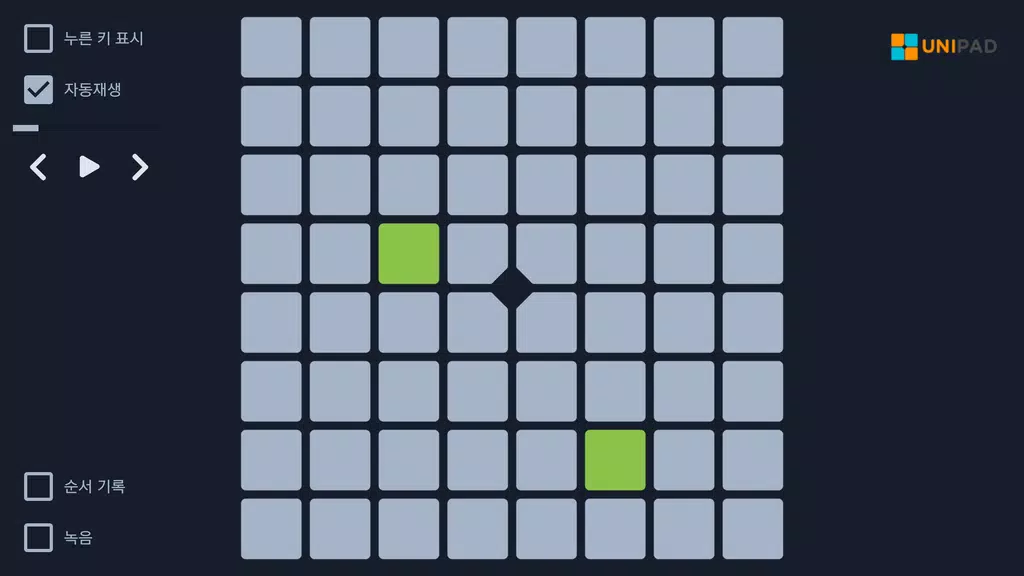
At its core UniPad maps musical parts to a grid of tappable pads so you perform songs by tapping in time, using the device touch screen. The control scheme is designed for direct interaction: responsive tap detection, support for multiple simultaneous touches where a device allows it, and optional hold/release gestures for sustained sounds. Automatic playback can demonstrate patterns and arrangements while practice helpers slow playback or repeat sections so you can isolate tricky passages and build muscle memory.
The included song library is arranged to support gradual progression: tracks range across tempos and rhythmic complexity so you can start with simpler patterns and move toward denser arrangements as your timing improves. Practice modes offer tools to reduce tempo, loop measures, and emphasize timing windows so learning is incremental rather than abrupt. Rather than relying on competitive rankings, UniPad encourages steady improvement through repeated practice, editing your own projects, and revisiting songs to track personal progress.
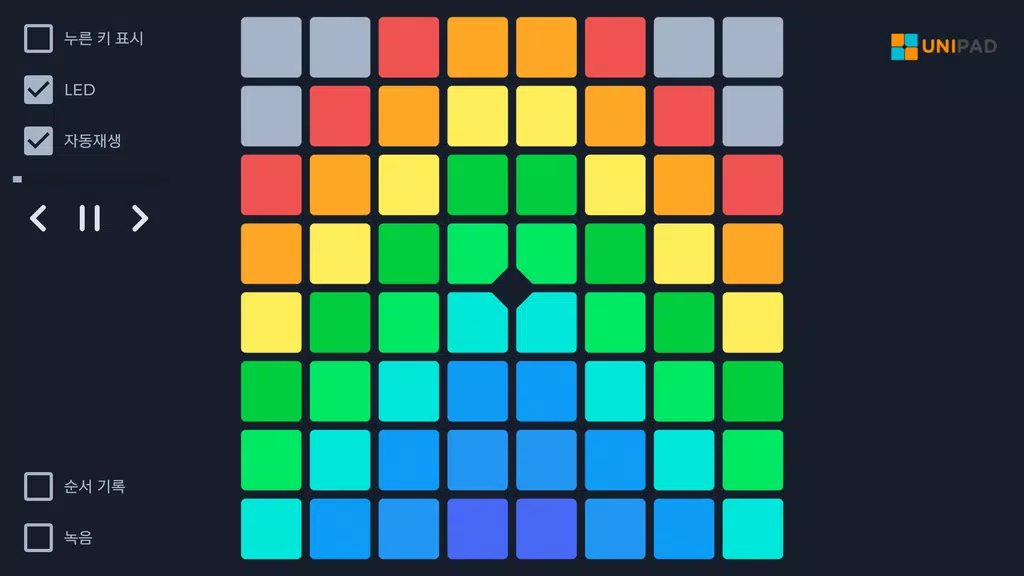
UniPad’s interface is focused on fast, repeatable actions: pads are laid out for clear visual feedback and can be customized with skins that change colors and contrast to suit your preferences. Visual cues are provided during playback and practice sessions so you can follow which pads belong to the current pattern, and optional haptic feedback gives a tactile signal on supported devices. Controls for tempo, volume, and pattern looping are accessible from the main screen so you can make adjustments without interrupting a session.
Project files let you build and preserve arrangements: record pad sequences, edit timings and patterns, and save iterations to local storage so projects remain available offline. The app uses storage permission to read and write these project files and sound resources; this keeps your saved work on-device and lets you back up or move files manually if you prefer. Project management is kept straightforward so you can create variations, restore earlier versions, and organize arrangements by name.
Personalization is a notable part of the UniPad experience: custom skins change the pad appearance, contrast, and color palettes to match your workflow or accessibility needs. In addition to skins, you can adjust pad size and layout density on devices with larger screens, helping to find a comfortable balance between precision and the number of pads visible at once. These visual options support long practice sessions and make the interface easier to use in different lighting conditions.
For hybrid setups, UniPad supports connection to physical Launchpad controllers and other MIDI devices when compatible hardware and adapters are available. External connectivity lets you combine the tactile response of real pads with the flexibility of mobile sound engines, and the app exposes basic mapping and synchronization options to match pads with UniPad’s layout. Keep in mind that successful hardware connections depend on your device’s support for the necessary USB, OTG, or MIDI interfaces and the cables or adapters you use.
UniPad is designed to be usable without an internet connection: all included songs, saved projects, and sound resources remain available offline once installed and stored locally. Accessibility features and practice settings—such as tempo adjustment, looped practice of selected measures, and clear visual indicators—help players with different skill levels and physical needs. The combination of editable projects, varied song arrangements, and adjustable practice tools creates strong replay value for casual jam sessions, focused practice, and creative arrangement work.
If you plan to use external hardware, verify compatibility with your device and have the appropriate adapters; connecting some controllers can require additional setup. Storage permission is requested solely to store your projects and sound assets on-device. UniPad aims to provide a compact, flexible environment for learning, performing, and arranging Launchpad-style patterns on Android while keeping controls, customization, and offline use straightforward and transparent.