Kids Multiplication Math Games is a free, colorful educational app created to help young learners gain confidence with multiplication through short, playful practice sessions. In the opening minutes a child can try simple flashcard drills, move images with drag-and-drop interactions, and complete short quizzes — all presented with bright visuals and touch controls suitable for preschoolers through third graders. Kids Multiplication Math Games balances repetitive practice and puzzle-like mini-games so times table learning feels like a series of small, achievable challenges rather than a dry drill.
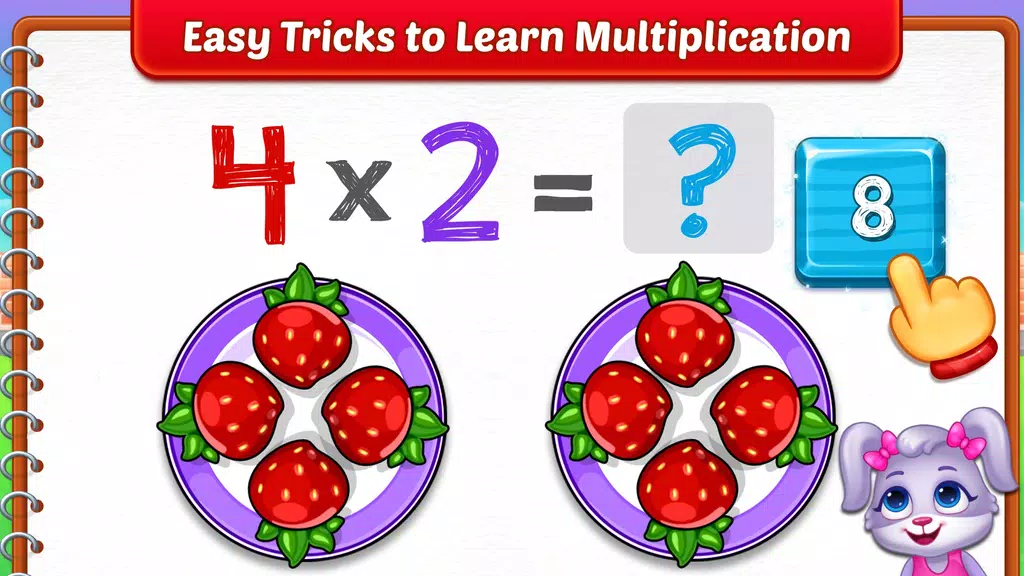
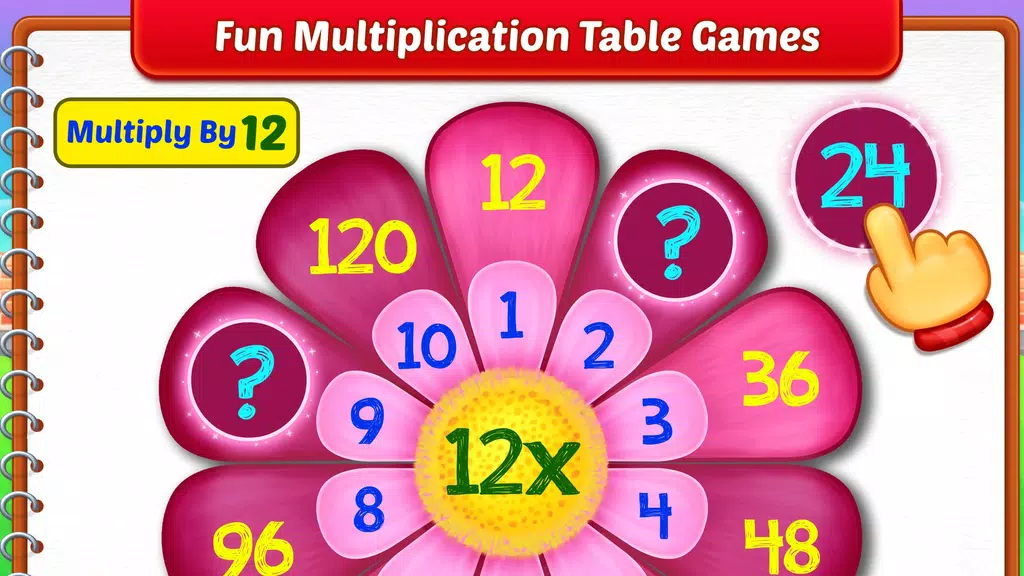
The core set of learning modes in Kids Multiplication Math Games focuses on multiplication as repeated addition and visual grouping. Flashcard drills reinforce single facts, while picture-based counting and the See & Multiply mechanic use recognizable object groups to reveal multiplication shortcuts. A pattern-driven Flower Times Table helps children recognize relationships across an entire table, and a gentle Chinese Stick Method mini-game introduces an alternative counting technique for older or curious learners. Quizzes are divided into Beginner, Intermediate and Advanced tiers so sessions stay short, targeted and progressively more demanding.
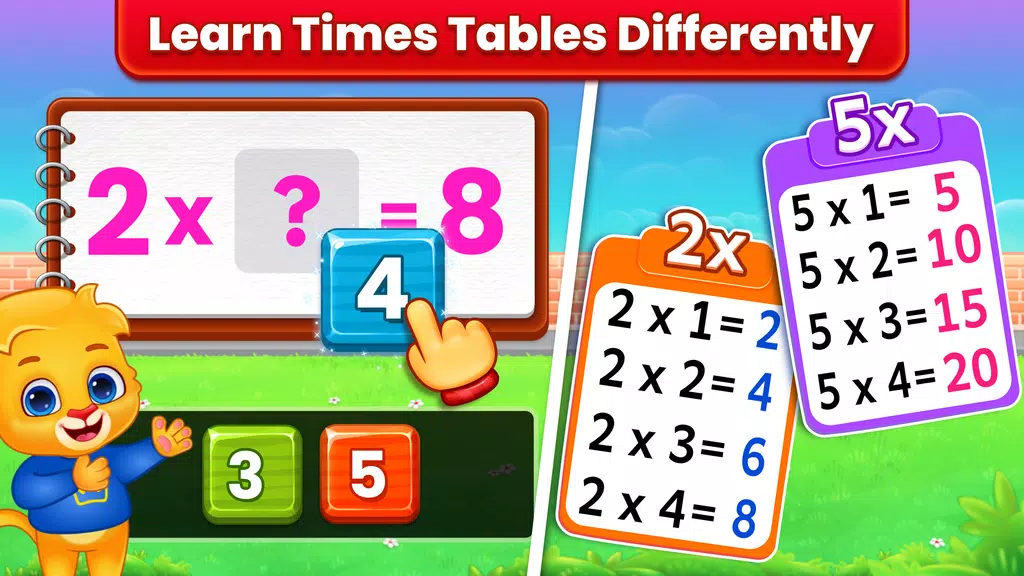
Instruction comes from a combination of visual explanation, hands-on interaction and timed memory practice. Visual aids convert abstract problems into tangible groups of objects so a child can see that 3 x 4 means three groups of four. Drag-and-drop activities let learners build answers with their fingers, reinforcing motor skills as well as numerical understanding. Repeated short drills support memorization while puzzle elements encourage thinking about structure and pattern rather than rote recall. The design emphasizes understanding the link between addition and multiplication so children develop a conceptual foundation as they practice.
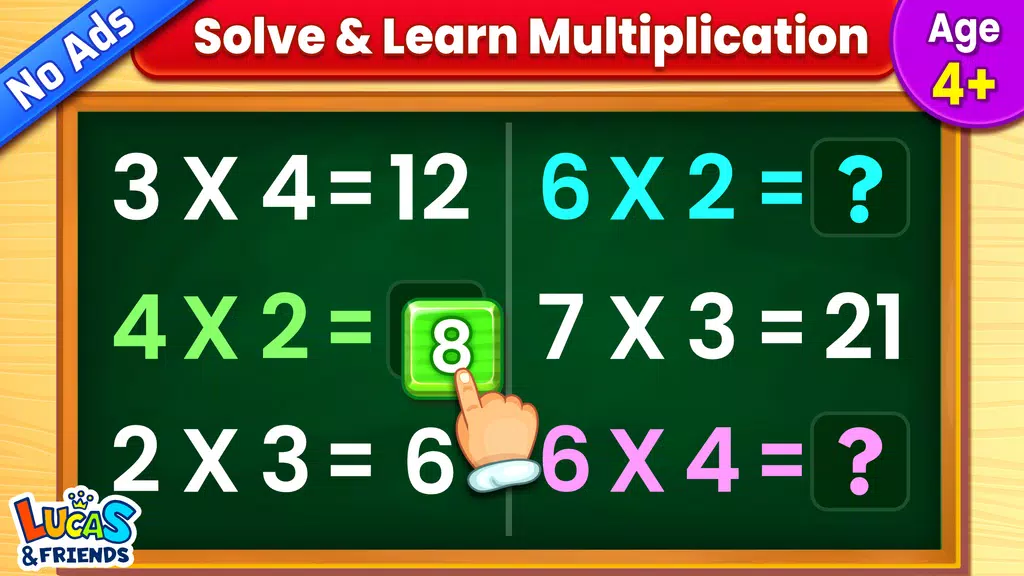
Controls are intentionally simple and designed for small hands: most interactions use taps and drag-and-drop with large, clearly labeled buttons for navigation. On-screen prompts are concise and guided, reducing the need for reading in earliest levels. Mini-games include matching, grouping and puzzle-style tasks that reward accuracy and gradual speed, and timed drills let families set short sessions that fit into busy routines. Menus stay uncluttered so play remains focused on the math tasks, and immediate visual feedback highlights correct and incorrect answers in a constructive way.
The progression model is straightforward: learners move through levels that increase in complexity, starting with counting and repeated addition and advancing toward faster recall of multiplication facts. Practice modes include beginner and advanced settings and the app tracks emerging skills so parents can see which facts need more attention. Challenges are tuned to be replayable — problems are shuffled between sessions to avoid predictable repetition and sustain engagement — and short-session formatting encourages daily practice without overwhelming young players. Occasional milestone screens summarize progress and suggest which table to focus on next.
Visually the app uses bright colors, high-contrast shapes and friendly icons to keep focus and reduce distractions. Each level or mini-game has a clear objective and a tidy completion screen that summarizes accuracy and time spent so a child and caregiver can quickly understand the next goal. Levels are grouped by skill area — basic grouping, pattern recognition for times tables and recall drills — allowing parents or teachers to select practice that aligns with curricular needs or a lesson plan. The interface maintains consistent visual cues so children learn where to look for feedback and controls.
Parents can adjust difficulty settings and select specific practice modes to tailor sessions to a child’s current ability, and short rewards for consistent practice encourage regular use without pressure. Replay value comes from shuffled problem sets, multiple game types and graduated difficulty so each session feels fresh. Sound and visual feedback reinforce correct answers in a calm way, while the app’s pacing supports brief, repeatable practice windows that fit into school and home routines. The combination of game variety and progression makes steady skill building feel manageable.
The app is built with accessibility in mind: touch targets are large, instructions are concise and visual scaffolds help non-readers follow activities. Because the core features run offline after the initial download, families can use the app during commutes, on flights or in areas with limited connectivity. While focused specifically on multiplication practice rather than a full math curriculum, Kids Multiplication Math Games serves as a practical companion for home practice and classroom reinforcement, offering targeted modes that complement teacher-led lessons and help establish reliable times table recall.