
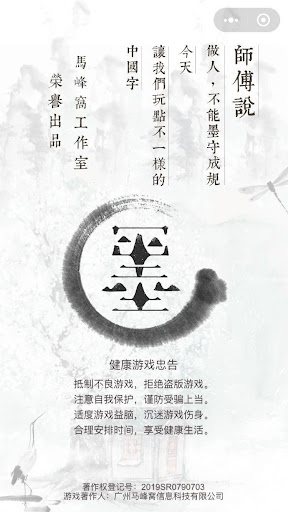
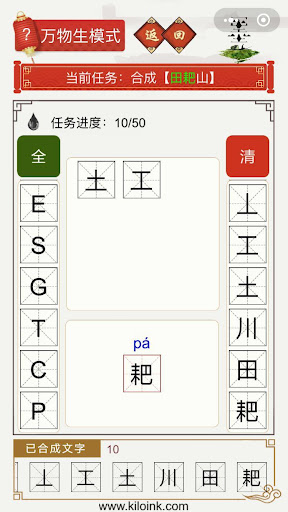
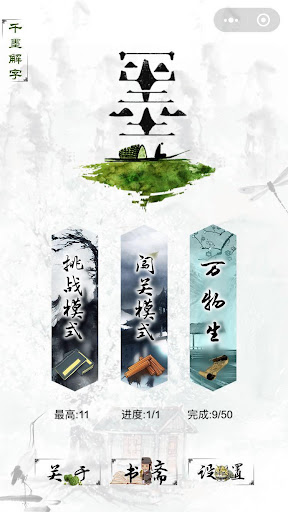
千墨 turns Chinese characters into an engaging puzzle-adventure that blends calligraphic art with playful learning. This HTML5-based experience, presented both for browser play and as a lightweight mobile app, invites players to combine strokes and radicals, explore idioms and classical poetry, and experiment with composition while strengthening visual memory and stroke order understanding.千墨 frames study as levels and creative moments where ink, balance and cultural context become the instruments of discovery, and it is suitable for casual players and language learners who prefer interactive practice over rote repetition.
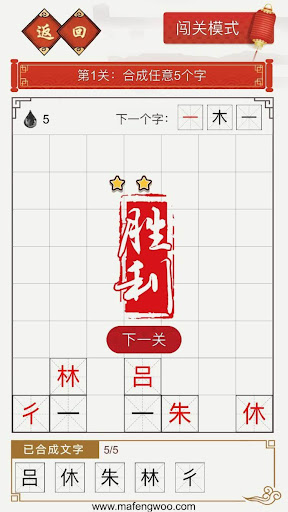
Gameplay in 千墨 centers on tactile, puzzle-like mechanics that feel intuitive on touch screens and desktop browsers alike. Players drag-and-drop strokes, tap to rotate or flip radicals, and use simple swipe gestures to undo or replay an action. Each puzzle presents an outline or partial structure and the controls are designed so learners can focus on composition: assemble radicals in the correct spatial order, adjust stroke thickness with pinch controls, and trigger pronunciation cues by tapping characters. Hints are available within puzzles to reveal a correct component or to highlight stroke direction, and a practice mode removes time pressure so users can repeat exercises until comfortable with new forms.
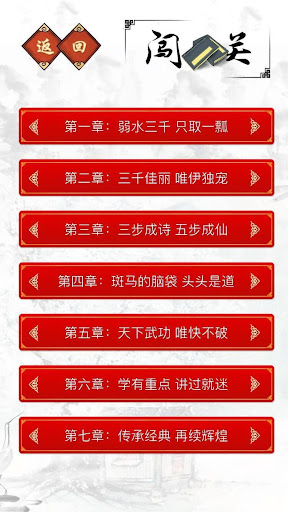
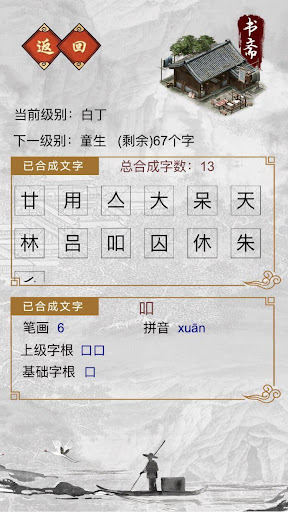
The progression system is organized into progressive tiers that move from single-stroke exercises to more complex idioms and poetic fragments. Early levels introduce basic radicals and common stroke sequences; mid-game stages require combining multiple radicals into compound characters; advanced sections present idioms, classical lines and fragmented texts that must be reconstructed in context. Players unlock new chapters and themed packs as they complete sets of levels, and difficulty scales through increasingly subtle visual puzzles, limited-move challenges, and composition constraints that reward observation and cultural knowledge rather than speed alone.
千墨 emphasizes an artistic ink-and-brush aesthetic: textured paper backgrounds, realistic brush strokes and subtle ink bleed effects create a painterly presentation that complements the learning goals. The app provides customization options such as selectable brush styles, adjustable ink color and background paper tones so users can choose a look that reduces eye strain or enhances contrast for accessibility. These visual choices are preserved between sessions, and a preview mode lets players see how alternate brushes affect stroke shape before attempting a puzzle.
Challenge systems in 千墨 are designed to encourage repeated practice without introducing repetitive grind. Levels may include constraints like limited strokes, randomized component order, or timed composition rounds to test recall and execution under pressure. Many puzzles are procedurally varied so the same level can present slightly different component layouts on subsequent attempts, increasing replay value. A target-based practice mode invites players to repeat specific stroke combinations until they reach a personal accuracy goal, and an archive of solved puzzles allows revisiting earlier challenges for review.
The user experience prioritizes clarity and gradual learning: stroke animations demonstrate correct order, optional audio provides pinyin and character readings, and adjustable contrast and font size support players with different visual needs. 千墨’s HTML5 architecture keeps the app lightweight and responsive, and the dedicated mobile package supports offline play for single-player puzzles so learners can continue practice without a constant network connection. Settings also allow toggling pronunciations, simplifying visual cues, and enabling a slow-play mode that animates each stroke step-by-step to accommodate beginners.
千墨 is developed by 马峰窝工作室 using HTML5 technologies with a focus on cross-device compatibility. The studio designed the project to run smoothly in modern browsers and to provide a downloadable app for convenient mobile use. System requirements are modest: recent versions of major browsers or a mid-range Android device are sufficient for full functionality, and the app’s lightweight footprint makes it suitable for offline practice sessions and educational settings where network availability can be intermittent.