Crazy sounds is a compact soundboard app that lets users browse, play, and mix hundreds of short effects and loops for fun or production use. Its straightforward controls and low-latency playback make it suitable for live streams, parties, and quick audio experiments without heavy editing knowledge.
Designed for people who want instant audio effects on their Android device, Crazy sounds focuses on speed and simplicity. It doesn’t try to replace a full digital audio workstation; instead, it provides a curated set of clips and easy tools to trigger, loop, and layer sounds. The interface organizes content into categories and searchable lists so you can find the right sample fast.
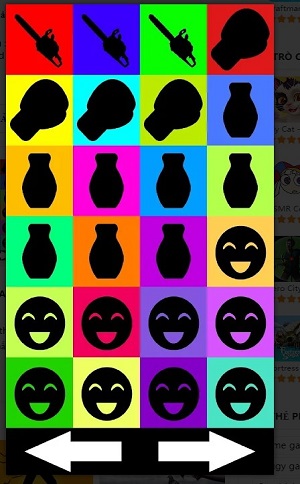
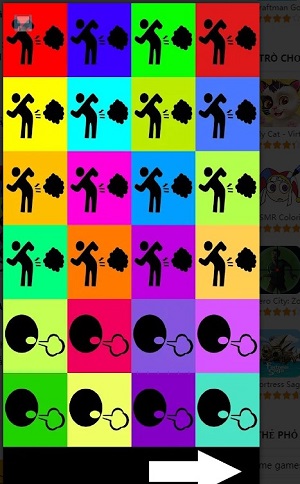
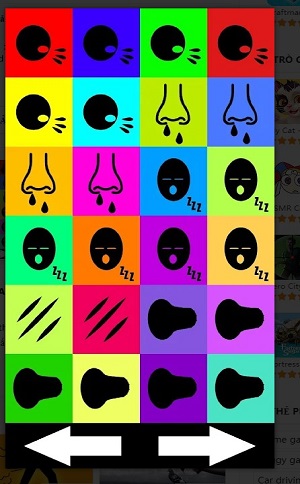
Crazy sounds centers around a grid-based soundboard. Tap any tile to play its sample immediately. Long-press offers options like setting a loop or assigning the sound to a playlist. The app supports simultaneous playback of several clips, so you can stack a bass drop with a crowd cheer for instant effect. Playback controls are visible on a compact transport bar that includes mute and stop-all buttons.
For streamers and podcasters, the app saves time by assigning common cues—intros, applause, laugh tracks—to dedicated buttons. Hosts can also prepare sequences for transitions during live broadcasts. DJs and party hosts will appreciate the quick layering features for on-the-fly creativity. Teachers and presenters can use short attention-grabbing clips to refocus an audience or signal segment changes.
Customization is straightforward: import your own WAV or MP3 files, trim start and end points, and label them for searching. Organize sounds into folders or playlists to reflect different themes or events. The settings menu includes options for default loop behavior, output routing (use device speaker or Bluetooth), and a choice of interface density to show more or fewer tiles per screen.
The UI is intentionally minimal to prioritize responsiveness. Buttons are large enough for quick taps, and visual feedback shows when a clip is active. Resource usage is light, but performance scales with how many samples are loaded into memory. For best results on older phones, the app offers a low-memory mode that unloads inactive clips after a configurable idle time.
Crazy sounds pays attention to accessibility: color-contrast options, larger button modes, and haptic feedback for tactile confirmation. The learning curve is short—basic operation is intuitive, while advanced features like crossfade timing and scheduled loops are tucked into contextual menus so they don’t overwhelm new users.
Users often pick Crazy sounds because it hits a sweet spot between utility and ease. It’s small enough to run on mid-range phones, yet capable of flexible setups for live audio cues. The import features and playlist management turn the app into a customizable sound utility rather than a static novelty app.
Install the app, grant microphone and storage permissions if prompted, and browse the built-in library. Import custom files as needed, then create playlists for different use cases. With a few taps you’ll have a tailored board ready for streaming, events, or casual fun.