Classic Solitaire: Regal Card delivers a polished take on the timeless Klondike experience with smooth controls, elegant visuals, and thoughtful scoring options. Players can enjoy casual relaxation or focused play sessions, featuring undo, hint systems, and daily challenges that keep classic solitaire fresh for newcomers and veteran card players alike.
At its core, Classic Solitaire: Regal Card is a single-player card game that prioritizes readability and responsive gameplay. The app balances traditional rules with modern conveniences like autosave, statistics tracking, and a helpful tutorial. Whether you want a five-minute break or a longer strategic run, its pacing suits both.
Many solitaire apps clutter the screen with flashy ads and distracting animations. This title emphasizes clarity and subtle polish. Card animations are smooth without being intrusive, and the interface adapts to phones and tablets so layout and touch zones remain consistent.
Solitaire remains a game of patience and planning. Classic Solitaire: Regal Card rewards moves that prioritize foundation setup and long-term tableau flexibility. Common tactical reminders include prioritizing empty tableau columns for kings, exposing face-down cards before moving suits, and choosing when to draw from the stock versus moving from the tableau.
Because the app supports both draw-one and draw-three variants, strategy shifts subtly. Draw-one games favor methodical clearing while draw-three introduces more dependence on memory and sequence planning. Use the built-in statistics to study win rates and adjust your approach.
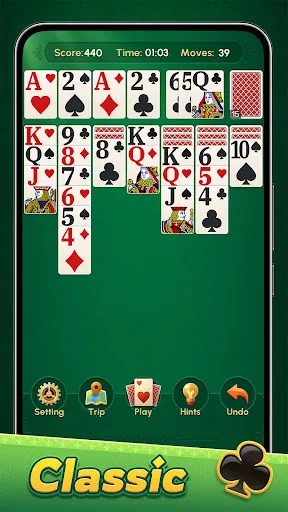
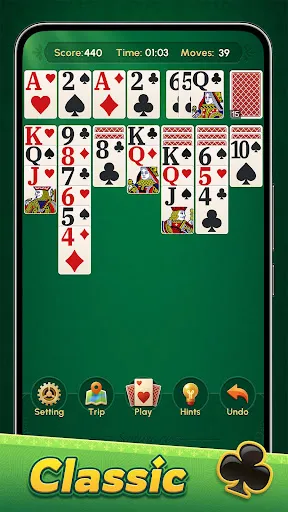
Users can tailor the visual experience with multiple themes and card backs. The settings panel lets you toggle sound, animation speed, and difficulty. Adjustments are saved across sessions so you can build a consistent look and feel that matches your play style.
The interface is designed to reduce friction. Card contrast is high for readability and the layout scales across device sizes. Load times are minimal and the app maintains consistent frame rates on most modern devices. For users concerned about battery usage, a low-power mode limits background activity.
Start with draw-one mode and enable hints until patterns become familiar. Focus on freeing up face-down cards in the tableau and avoid moving cards to foundations prematurely if doing so blocks useful plays. Use the undo sparingly to test alternatives and review statistics to learn which tactics yield better wins.
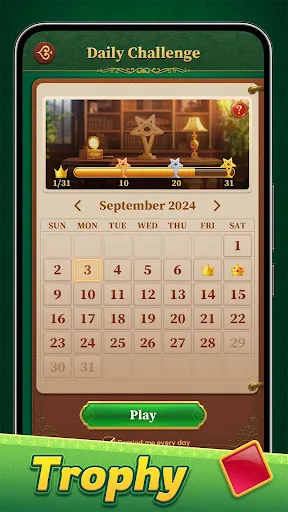
Classic Solitaire: Regal Card combines the comfort of a well-known game with modern conveniences that respect the player. Daily challenges and unlockable visuals add long-term goals, while the smooth UI and thoughtful assistance keep sessions satisfying. Players praise the balance between traditional rules and intuitive help features.
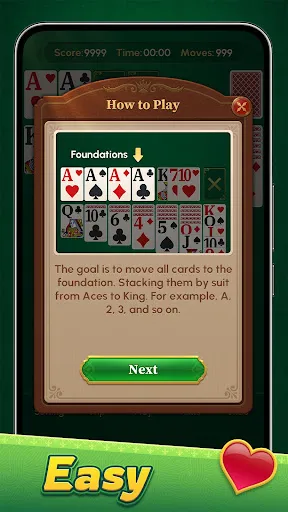
Find Classic Solitaire: Regal Card on your device’s app store, install it, and allow any requested permissions for storage or notifications if you want reminders. The first-run tutorial walks through basic moves and settings. From there, choose a difficulty, pick a theme, and start your first game.
For anyone seeking a reliable, visually pleasing solitaire experience that stays true to the classic rules while offering modern niceties, Classic Solitaire: Regal Card is a strong choice. It’s approachable for beginners and deep enough for players who enjoy refining their strategy over time.