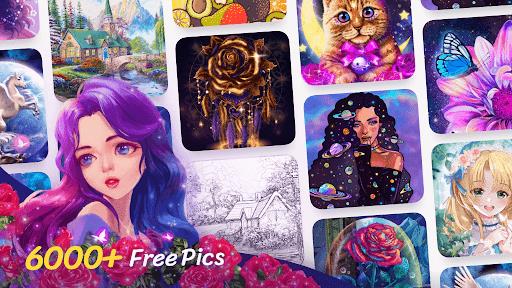
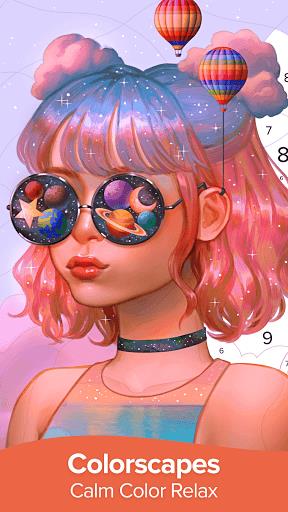
Colorscapes® - Color by Number puts pixel art into a calm, tap-to-fill painting experience suitable for casual players and creative hobbyists alike. This app combines simple controls with hundreds of themed illustrations so you can complete images at your own pace, collect finished works, and return anytime for short relaxed sessions or longer, more detailed projects.
Colorscapes® - Color by Number emphasizes low-pressure engagement: no timers, no penalties, and a gentle reward loop that unlocks new galleries and palettes as you finish pictures. The app is designed for mobile play across short breaks or extended sessions, offering an approachable start and gradual access to more complex canvases as you progress.
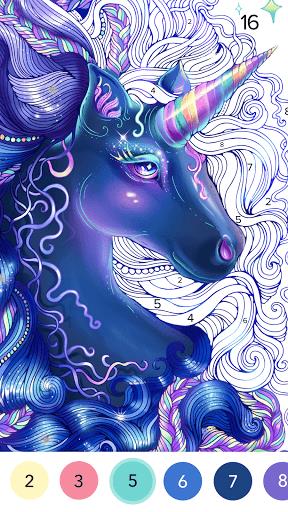
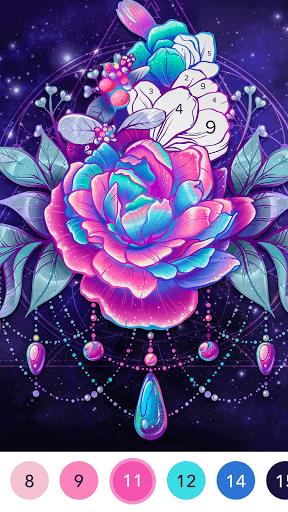
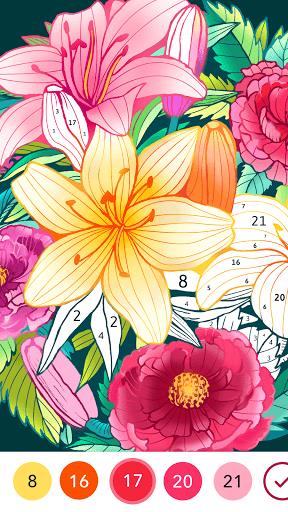
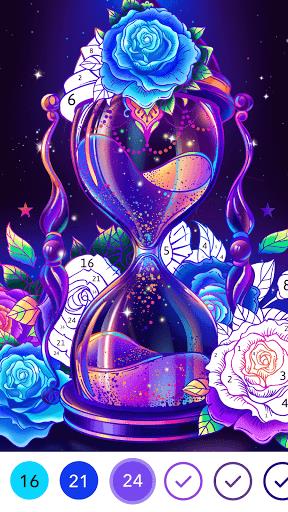
Each illustration is divided into numbered cells that map to a color palette displayed at the bottom of the screen. Tap a palette color to fill all matching numbers or work cell by cell for precision. The gameplay encourages focus on neat completion rather than speed, and the step-by-step reveal of the image creates a steady sense of accomplishment while avoiding frustration.
The interface keeps interactions straightforward: large touch targets, an intuitive palette bar, and a pinch-to-zoom option for detailed areas. A hint mode highlights the next area to color and an auto-fill feature completes contiguous regions when you want a quicker result. Controls are responsive across devices and the layout adapts to portrait and landscape orientations to suit personal preference.
Progression is arranged through themed galleries and unlockable packs that vary in size and complexity. Early galleries contain smaller images for fast completion, while higher-tier packs include larger, intricately detailed canvases that take longer and offer richer visual payoff. Completing collections can unlock additional palettes, cosmetic effects for finished images, or new artwork categories that expand the available themes.
Beyond the color-by-number core, customization options let you refine the finished pieces. Apply subtle filters, choose simple frames, or save multiple versions of the same image to compare different palettes. The visual style favors clear outlines, vibrant fills, and occasional shading to deliver polished results even on modest hardware, and rotating seasonal packs keep the art library feeling fresh.
Replay value comes from a mix of collectibility and gradually increasing challenge. Smaller images provide quick gratification while larger canvases require patience and attention to detail. Optional challenge modes or timed event images may appear to test speed and accuracy for players wanting a different pace, but the core experience remains focused on relaxation and visual completion rather than competition.
The app prioritizes comfort with adjustable settings for reduced animations, togglable sound effects, and clear numerical labeling to support players with different needs. Large controls, readable palettes, and zooming make the game accessible to a wide audience. Most artwork and basic tools are available offline so you can color without a constant connection; occasional optional content updates and offers require internet access but are not necessary to enjoy the free base experience.
Exporting finished images is straightforward: save to your device or share through installed social apps while retaining control over privacy and sharing permissions. The experience is primarily single-player and designed to respect local device storage and settings, with optional in-app purchases presented as extras rather than requirements for progress.
Install Colorscapes® - Color by Number, grant basic permissions if prompted, and follow the short tutorial image to learn the interface. As you complete pictures you’ll earn rewards that speed up gallery unlocks, but the free content remains generous and playable without purchases. With consistent updates to themed packs and interface tweaks, the app provides a long-term casual creative outlet for decompressing, practicing patience, or producing shareable colorful art on the go.