
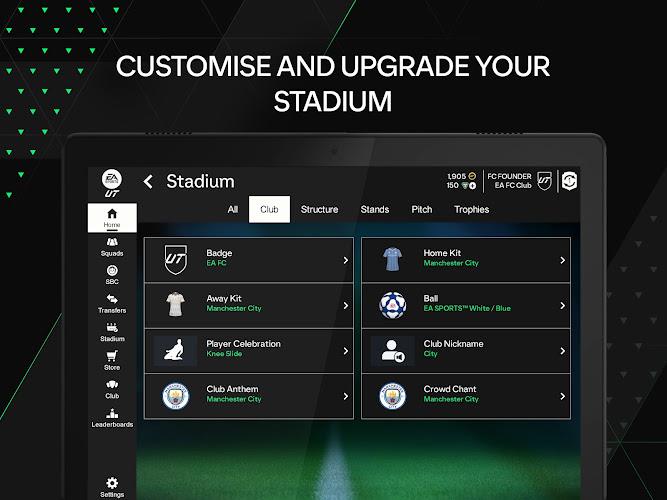
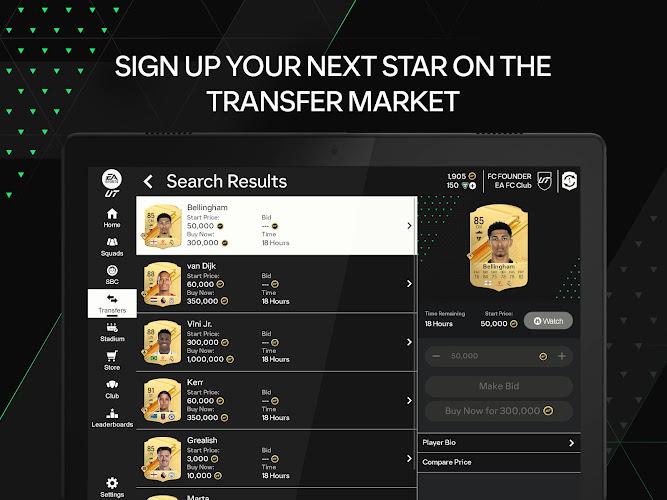
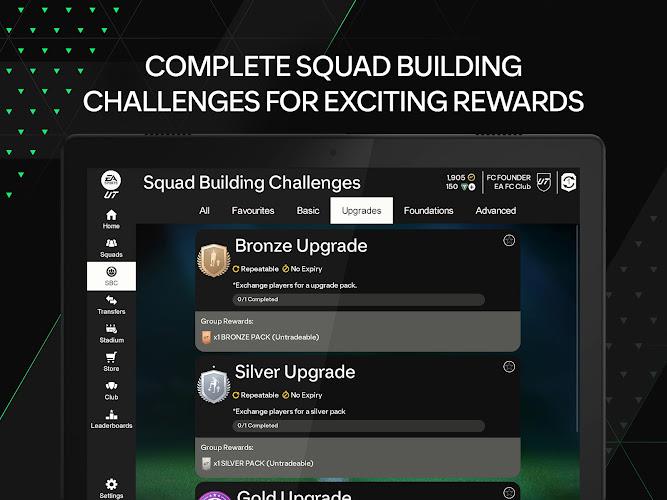
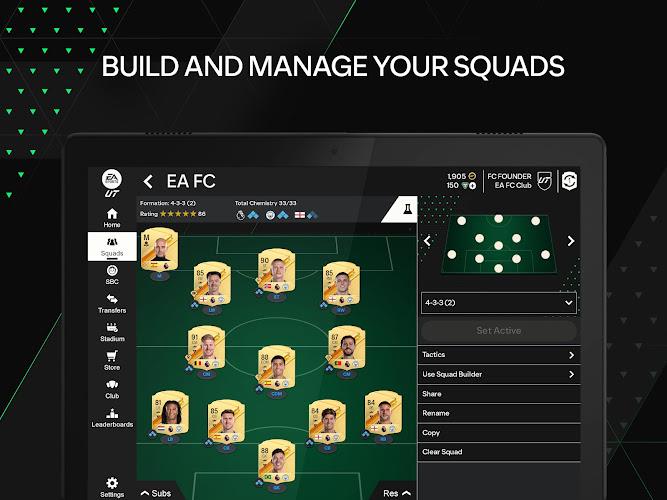
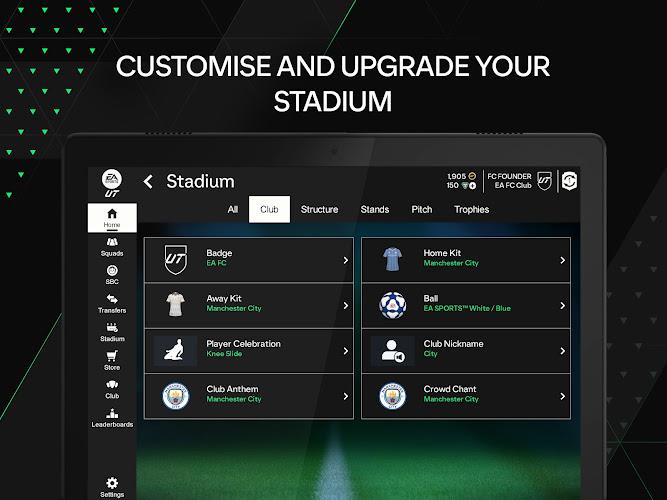
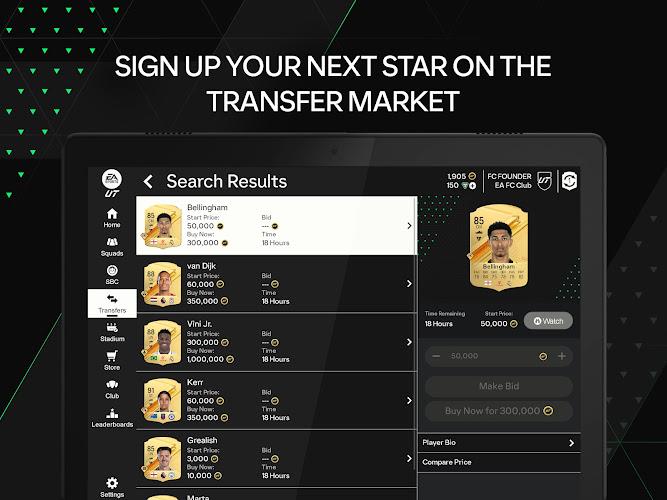
EA SPORTS FC™ 24 Companion connects your mobile device to your EA SPORTS FC 24 experience, giving squad management, in-game transfers, and real-time notifications. Designed for quick team edits and market tracking, the app streamlines daily tasks so players can manage clubs and progress without launching the console or PC game.
The EA SPORTS FC™ 24 Companion is a mobile utility that complements the main game by focusing on off-field activities. Rather than delivering full matches, it targets the repetitive but essential actions that keep a club competitive: managing squads, handling the transfer market, and tracking objectives. For players who log daily, the app saves time and reduces friction in team progression.
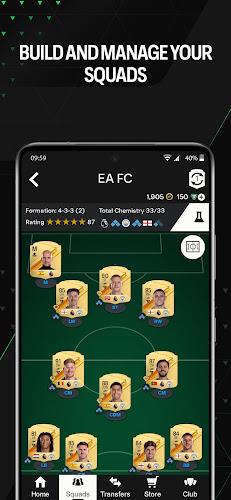
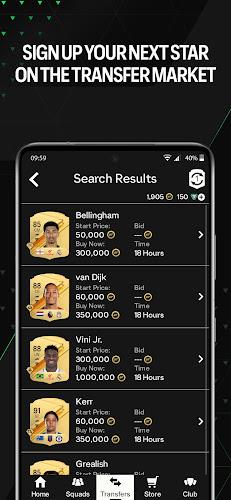
The Companion app acts as a remote control for your club ecosystem. When a match session ends on console or PC, your inventory and squad data sync to the cloud, allowing you to make roster changes from the mobile interface. Transfers placed on the app update instantly and can be confirmed in-game later, creating a continuous workflow across devices.
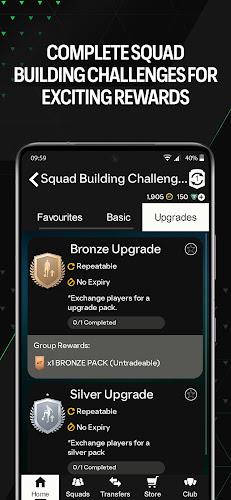
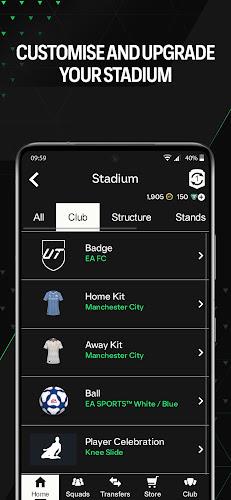
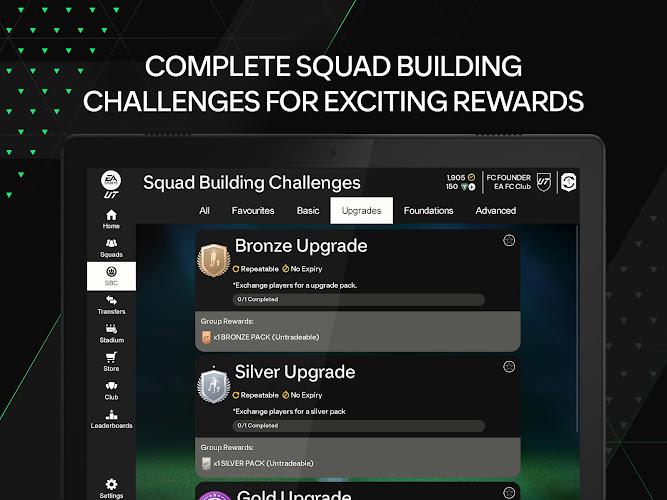
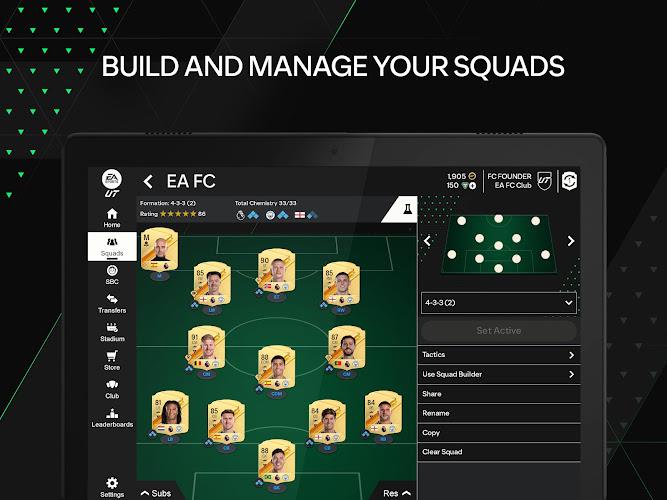
Design emphasizes clarity over ornamentation. The layout separates major areas—Squad, Transfers, Store, and Objectives—with large touch targets and streamlined menus for fast operation. Performance is generally smooth on modern Android devices; loading times depend on network conditions and server load, but navigation is responsive during typical use.
Smaller screens get condensed views while tablets can display expanded lists and grids. Visual cues highlight bid expirations and active offers so you can prioritize actions. While animations are restrained to keep resource use low, the interface communicates progress clearly when performing market transactions or applying consumables.
Keep your account protected by enabling two-factor authentication and avoiding public Wi-Fi when making high-value transactions. The app relies on your game account for access, so standard EA account security practices apply to prevent unauthorized trades and protect club assets.
For many, the key attraction of the EA SPORTS FC™ 24 Companion is focused efficiency. It shifts routine management out of the full game and puts it on the device you carry. That makes daily maintenance faster, helps capitalize on market windows, and reduces downtime between play sessions. Competitive players and casual managers both benefit from the seamless cross-device workflow.
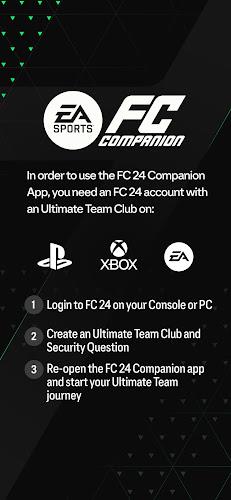
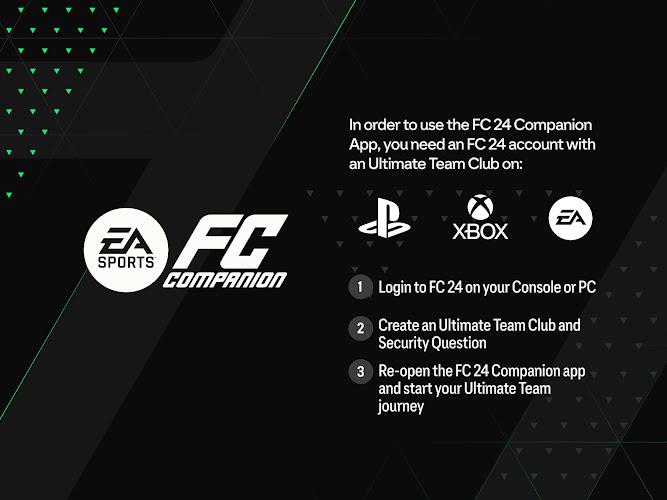
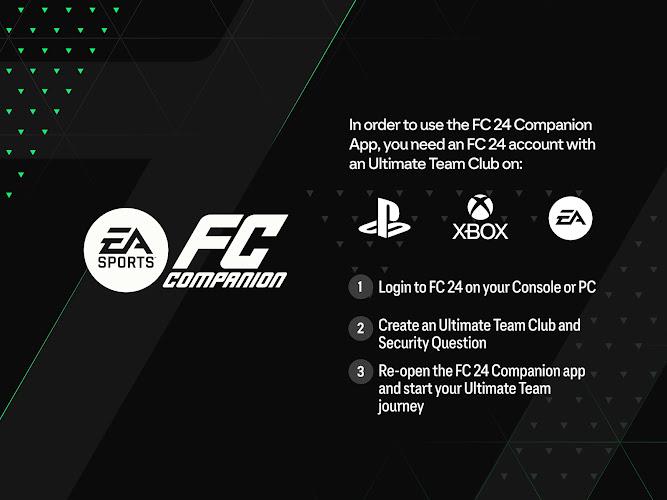
Download and sign in with your EA account, grant the requested permissions, and allow synchronization with your main game profile. Spend a session exploring the Transfers tab and setting up at least one squad template—these initial steps unlock the app’s value immediately and make next sessions more productive.
The EA SPORTS FC™ 24 Companion is a practical companion tool designed to keep your club moving forward. By centralizing team management and market activity into a mobile experience, it helps players stay engaged and efficient without being tethered to a console or PC.