


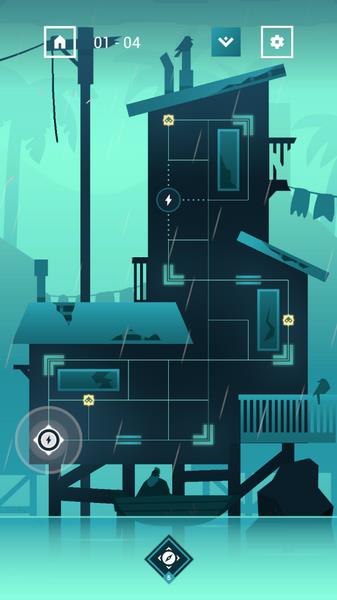


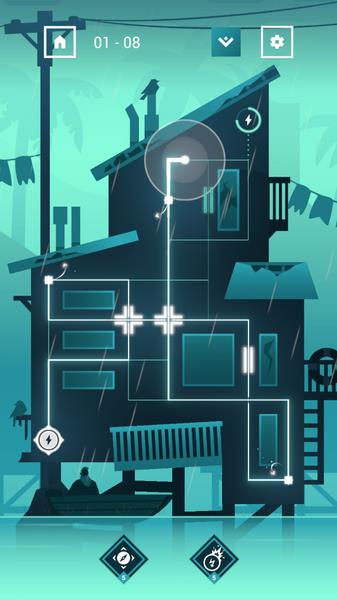
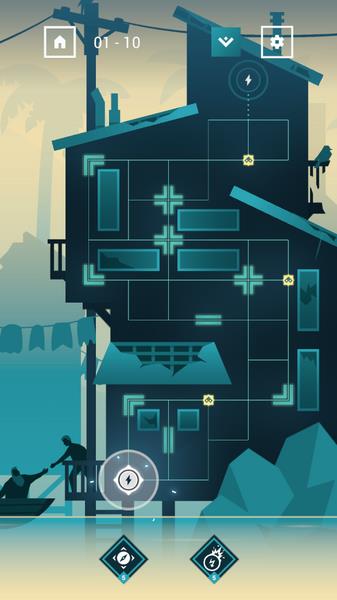
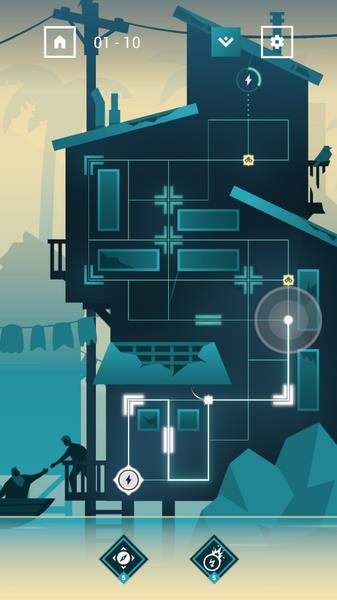
Linea is a minimalist sketching app that balances precision and speed, offering layered drawing, smooth tools, and a sleek, distraction-free canvas for creatives. It streamlines quick ideas and detailed illustrations alike with responsive touch controls, tasteful presets, and a compact interface designed for mobile artists and productive sketch workflows.
Designed with clarity in mind, Linea focuses on the essentials of digital drawing: reliable brushes, straightforward layer handling, and an uncluttered workspace. It removes unnecessary menus and replaces them with contextual controls so artists can stay inside the creative loop rather than hunting through tool palettes. The result is a nimble app that encourages experimentation and fast iteration.
The toolset is deliberately concise but versatile. Linea presents a selection of pens, markers, fill tools and erasers that are tuned for responsive input from touch and stylus devices. Stroke smoothing and pressure sensitivity are available where the hardware supports them, and a set of preset palettes and paper textures helps you set the mood quickly.
Workflow in Linea revolves around swift idea capture and painless refinement. Start with a thumbnail on a fresh canvas, block in shapes with a broad tool, then refine with detail brushes. Layers make it easy to separate sketch, ink and color stages. Snap-to-grid and guides help maintain proportions when you need precision.
The interface uses subtle, context-aware controls that fade away when not needed. This creates a calm workspace without sacrificing access to power features. Animation and tool transitions are lightweight, keeping the app responsive even on mid-range devices. Battery and memory footprints are optimized so Linea remains stable during extended sessions.
Linea places emphasis on discoverability: commonly used tools are reachable with minimal taps, while advanced functions remain accessible but unobtrusive. Touch gestures are consistent and customizable, reducing accidental actions. Ramped opacity and pressure curves can be adjusted to match the feel of different styluses and user preferences.
For newcomers, begin with sketching daily thumbnails to exploit the app’s speed. Use layer masks to experiment with different colorings without destroying underlying lines. When working on larger projects, export incremental PSDs to preserve editability on desktop software. Take advantage of presets to maintain visual consistency across multiple pieces.
Artists who prefer a focused, distraction-free environment will find Linea especially appealing. It doesn’t overwhelm with excessive complexity, yet it supports professional output through exports and compatibility with standard file formats. The balance between simplicity and capability is its main strength.
Installation is straightforward and the app integrates cleanly with file managers and cloud storage providers for backups. For the best results, use a device with stylus support and enable any available pressure sensitivity options. Regular updates refine brushes and improve stability, so keeping the app current brings incremental benefits.
Many creators choose Linea because it respects the drawing process. It encourages quick exploration while providing the finishing tools needed for polished results. Whether you’re sketching concepts, producing web graphics, or preparing assets for animation, Linea fits into a modern creative pipeline without adding friction.
Give Linea a spin for rapid ideation and dependable sketching. Its focused design helps free creative energy for what matters most: making better drawings, faster.