

Text Fiction delivers a streamlined mobile platform for interactive fiction fans, letting you play classic text adventures with a clean, touch-friendly interface. The app supports multiple story formats, fast save and restore, and intuitive navigation so readers can focus on exploring branching narratives and puzzle-solving without distractions.
At its core, Text Fiction is designed for narrative exploration. Rather than relying on graphics or timed reactions, the experience revolves around reading, decision-making, and typing commands when needed. It recreates the feel of old-school text adventures while adding conveniences modern players expect: quick saves, a searchable transcript, and straightforward controls that work well on phones and tablets.
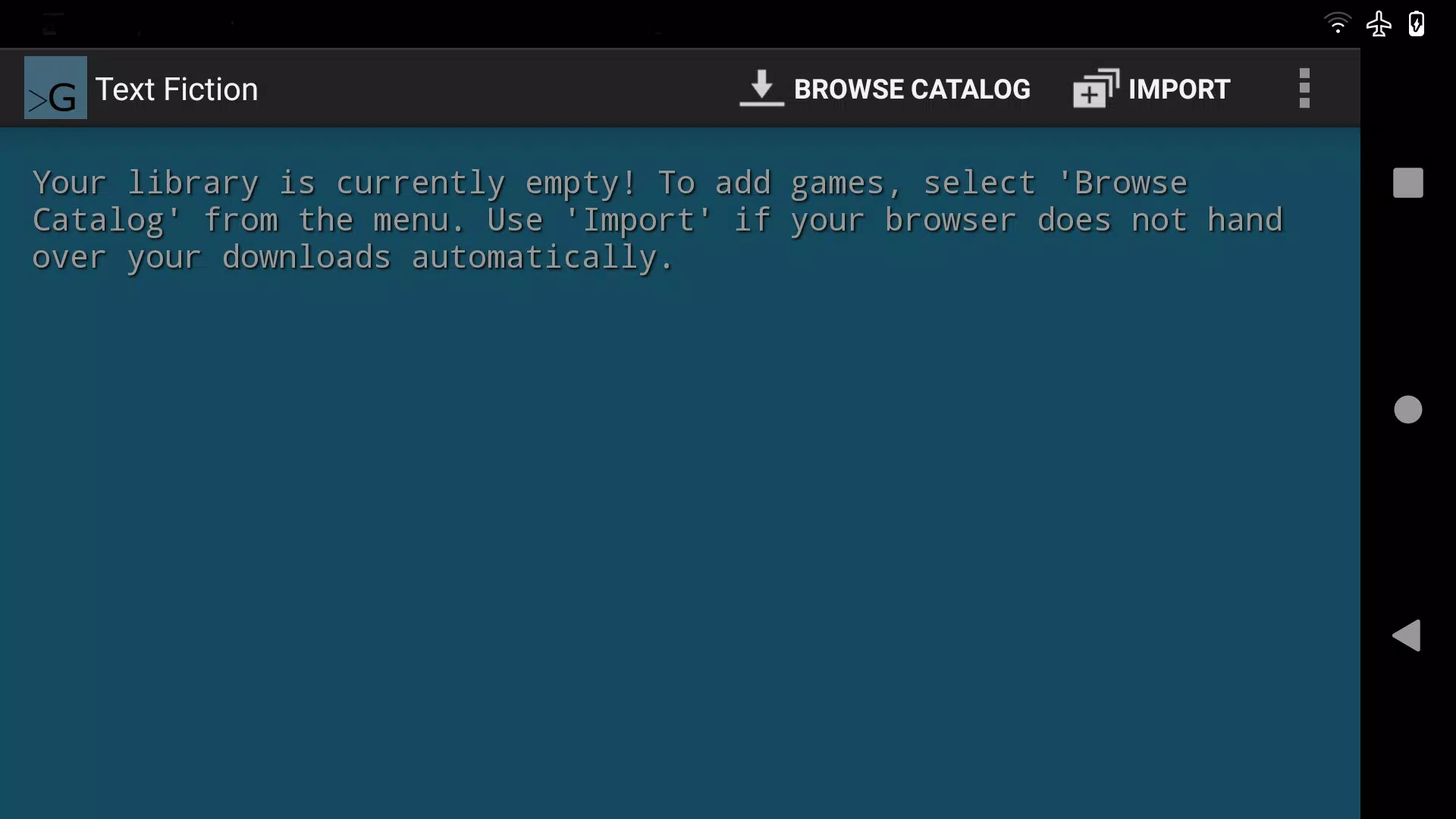
Compatibility is a major strength. The app plays several interactive fiction formats commonly used by authors and archives, making it easy to import classic works or contemporary pieces from online libraries. You can load files directly from device storage or access bundled story collections. This flexibility means Text Fiction serves both collectors of vintage games and newcomers interested in current interactive narratives.
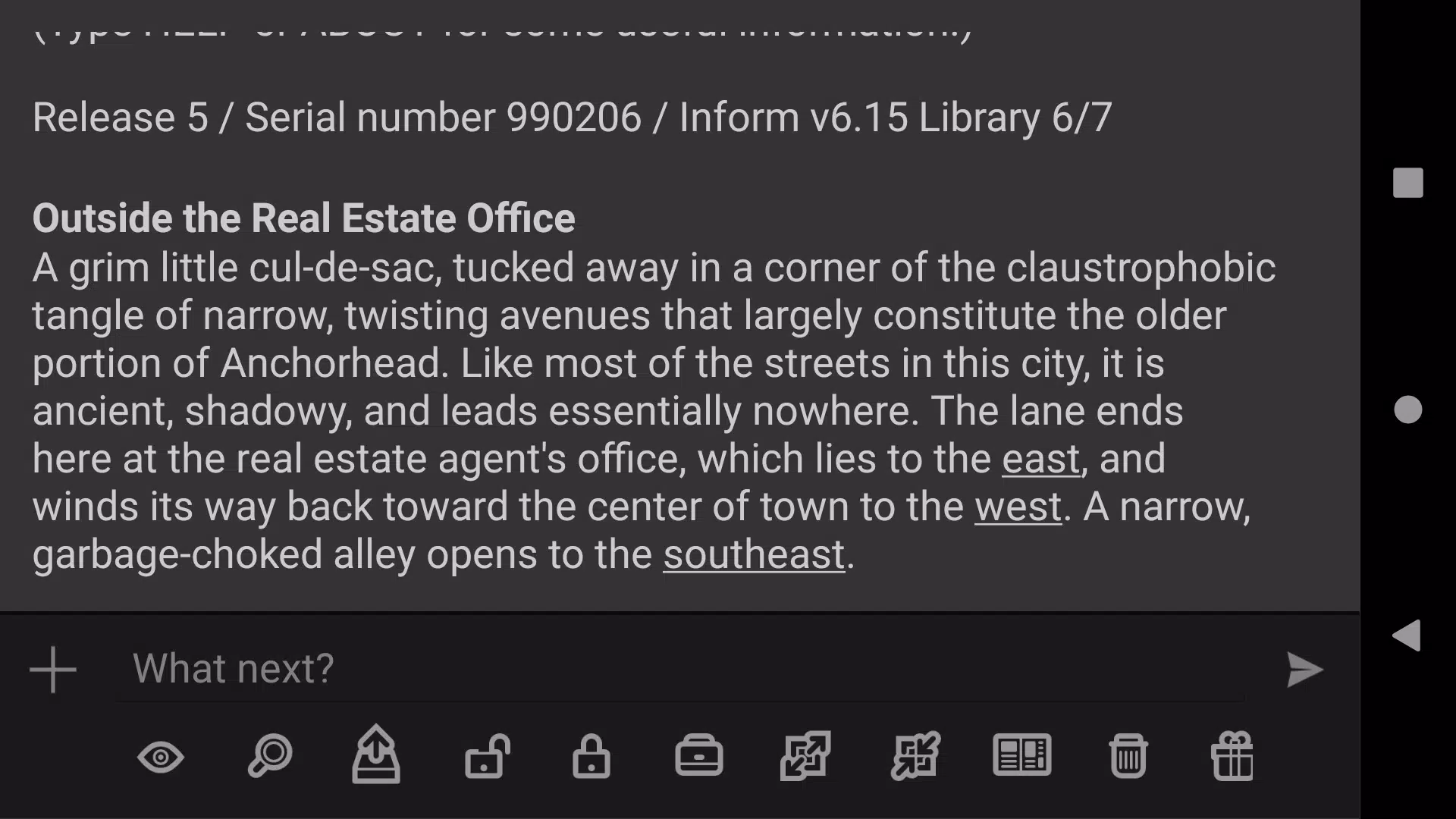
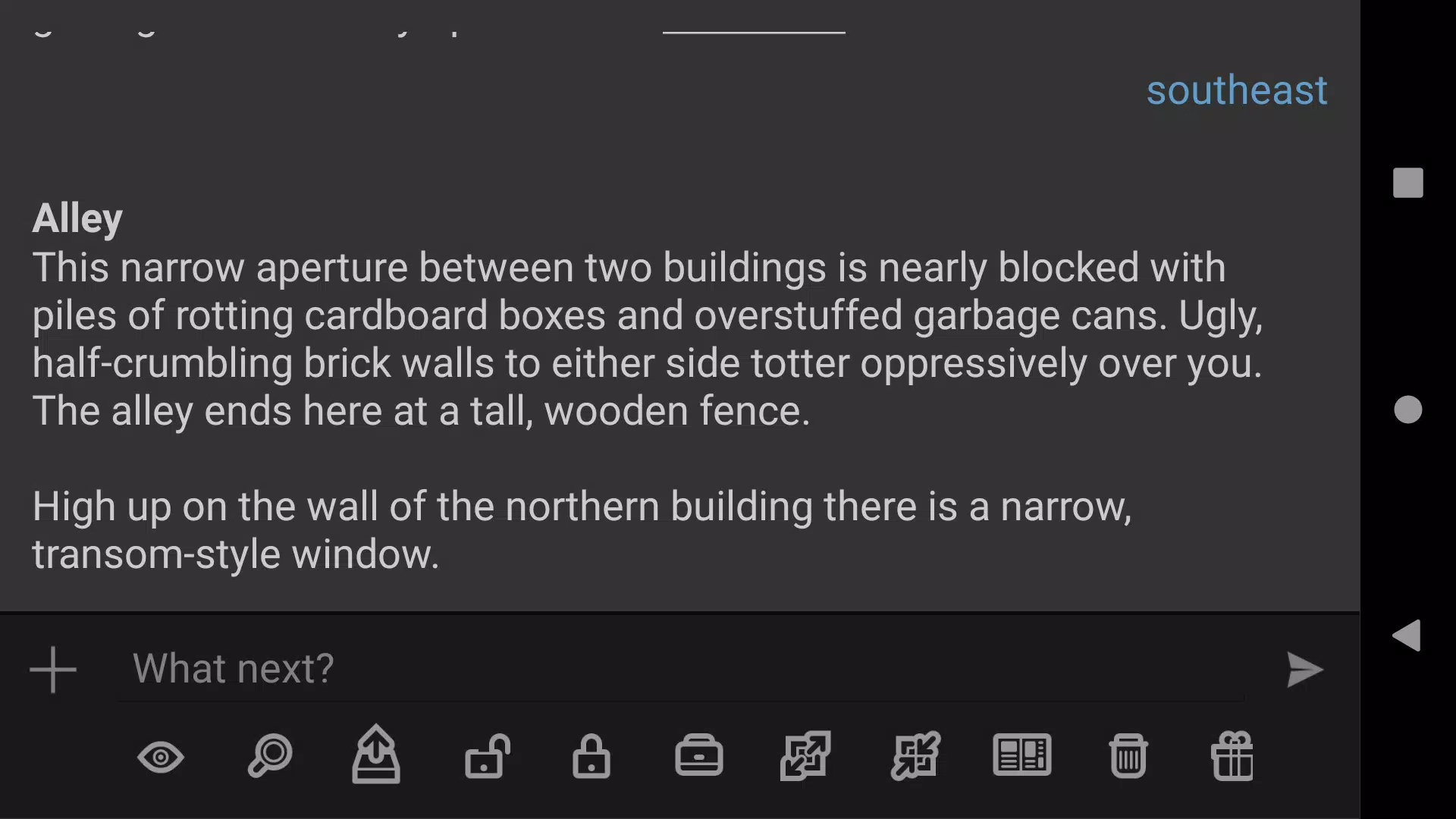
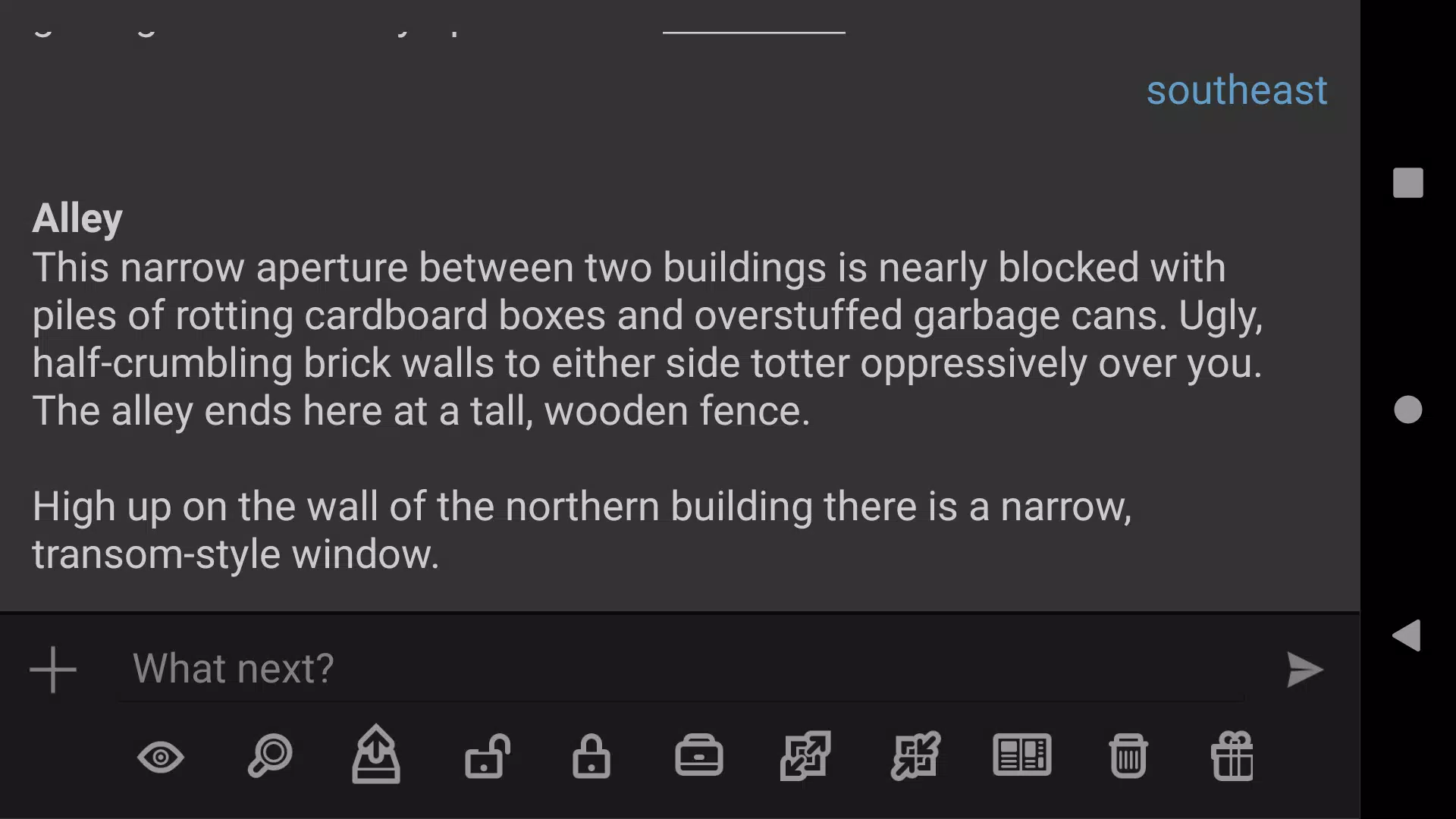
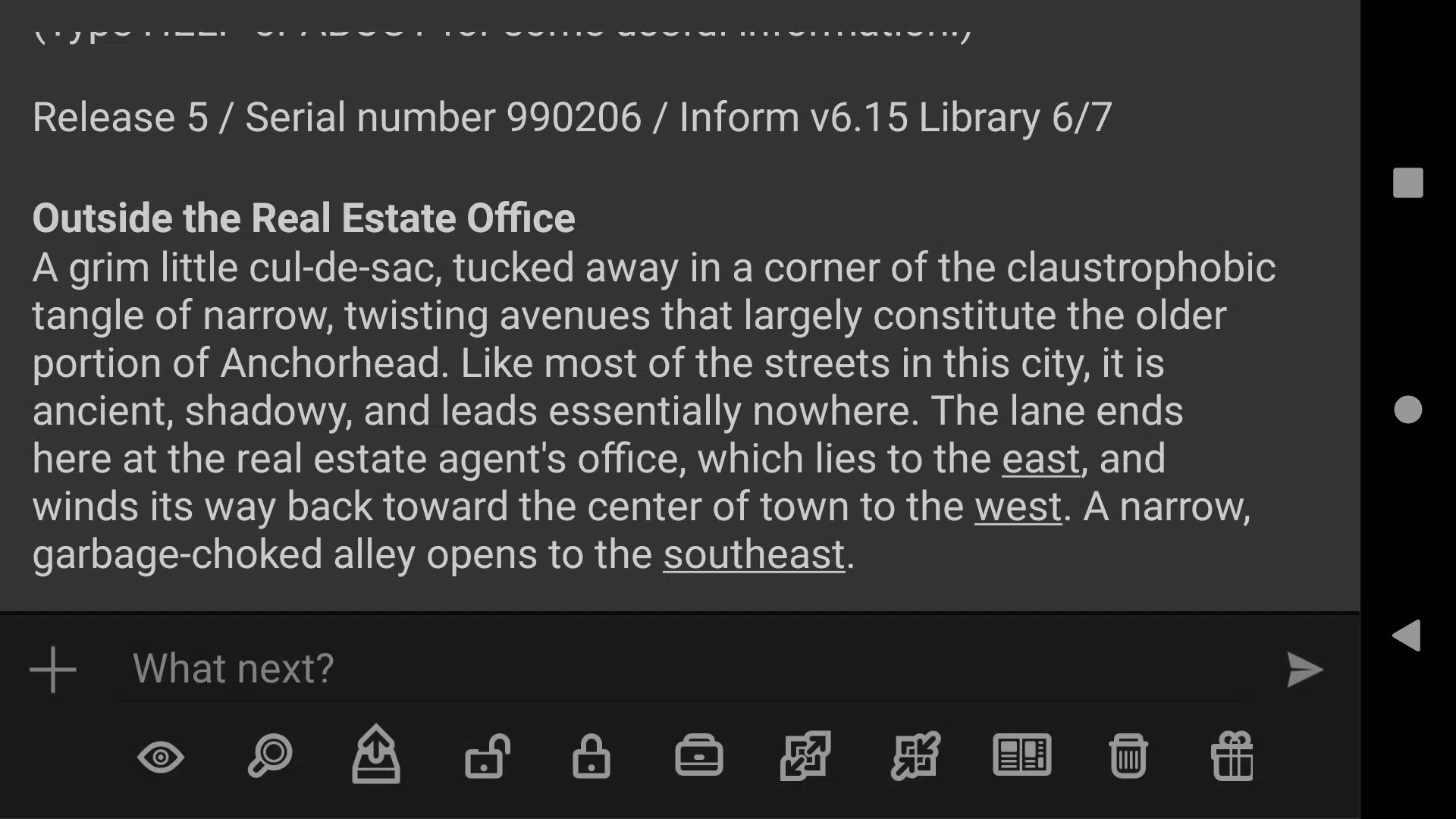
Gameplay in Text Fiction centers on reading descriptive passages, choosing responses, and entering short text commands when required. The parser handles standard verbs and phrases, while a tap-driven menu can assist with common actions to reduce typing. The layout keeps the current scene prominent, with a persistent transcript that lets you review earlier lines without losing your place.
Progression is inherently story-driven rather than level-based. Success comes from exploring locations, collecting items, solving puzzles, and making decisions that affect outcomes. Text Fiction offers multiple save slots and an autosave option so you can experiment with choices and return to earlier points for alternate endings. A restore feature ensures you won’t lose lengthy sessions after interruptions.
The interface is minimalist by design. Text is presented in a clear, readable font with options to adjust type size, contrast, and line spacing. Input methods include an on-screen keyboard, suggested commands, and a command history for quick reuse. The clean presentation reduces eye strain and keeps attention on the story rather than decorative elements.
Text Fiction includes simple but effective customization tools that make reading comfortable across devices. You can tweak display preferences, switch to high-contrast modes, and control how the transcript is shown. These settings help accommodate different reading styles and accessibility needs, ensuring longer play sessions remain pleasant.
Because it’s text-based, Text Fiction runs smoothly on most Android devices and uses minimal system resources. Load times are fast, and battery impact is low compared with graphics-heavy games. The app scales well to different screen sizes, so playing on a phone or tablet offers a consistent experience.
While the app itself focuses on presentation and playback, its real strength is access to a broader interactive fiction ecosystem. Many titles are distributed freely or via archives maintained by the community. For players who enjoy writing, Text Fiction also serves as a convenient way to test and share short works with others.
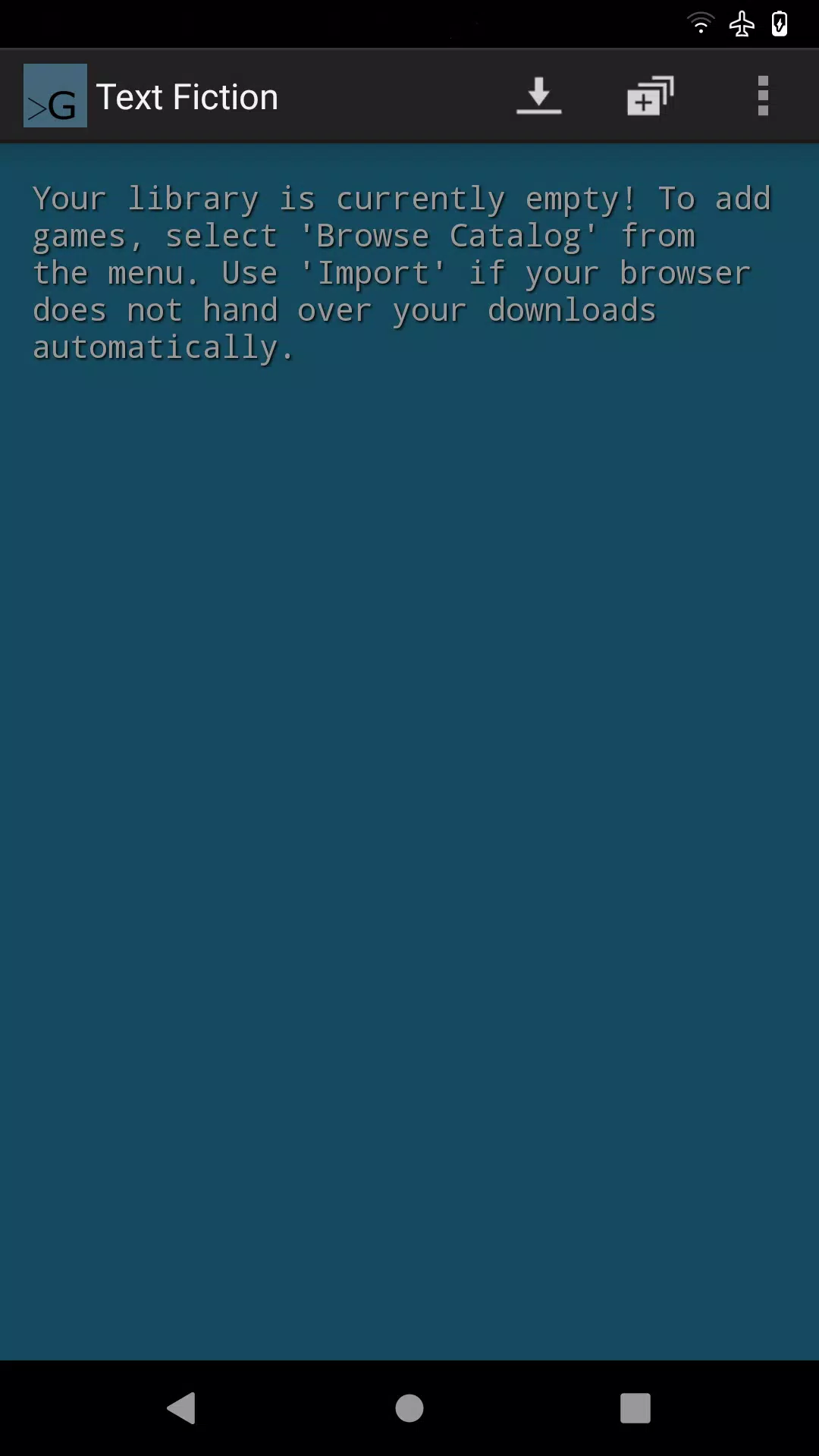
Begin by loading a sample story or importing files from your device. Adjust display and input settings to suit your comfort, then step into your first scene. With a gentle learning curve for commands and navigation, new players can quickly become immersed in puzzles and plots, while longtime fans will appreciate the faithful reading experience.
Text Fiction provides a portable, focused way to enjoy interactive stories. Its combination of format support, usability features, and performance makes it a solid choice for anyone who prefers narrative depth over flashy visuals and wants to explore branching tales on the go.