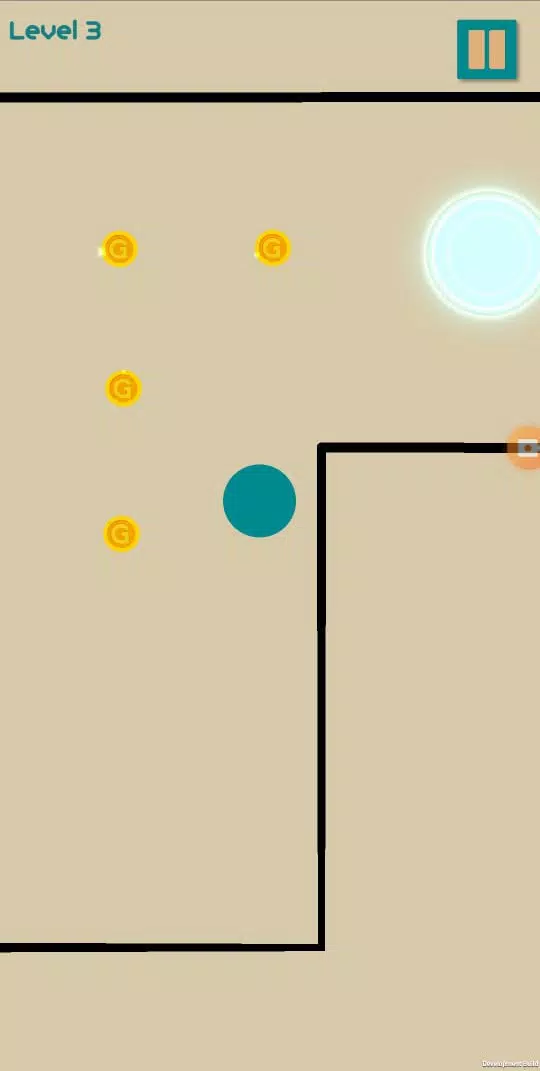
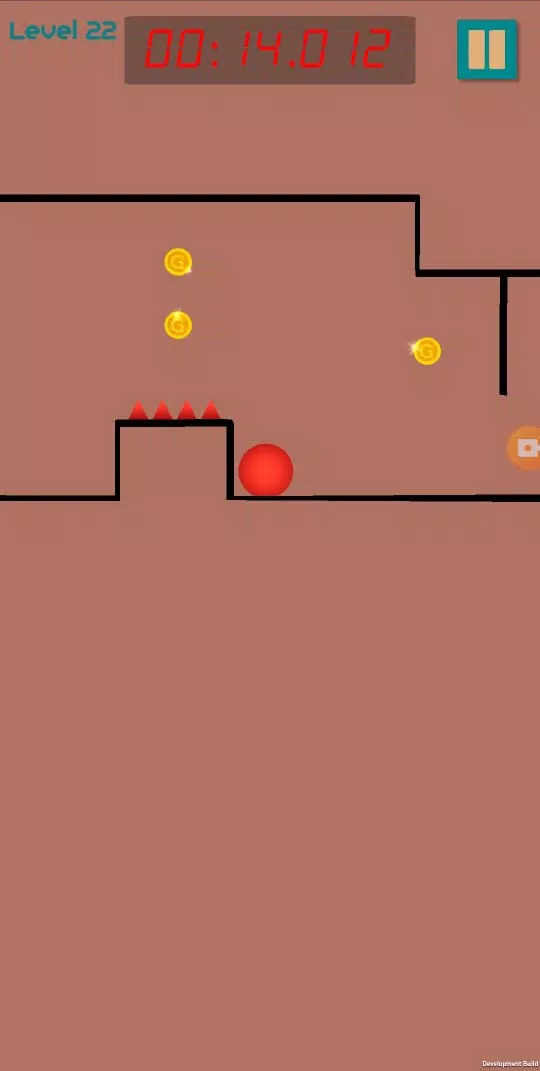
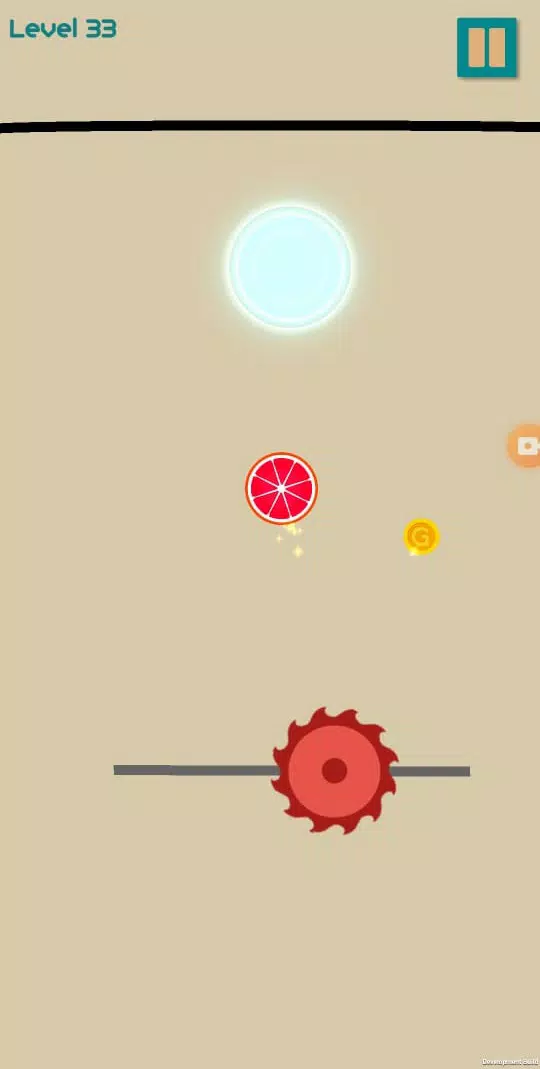
Draw n Jump is a fast-paced arcade puzzle game that challenges players to sketch platforms and propel a small character across hazardous terrain. The core appeal of Draw n Jump lies in the blend of creative drawing mechanics with timing-based jumping: players draw bridges, ramps and launch points using limited ink, then refine their strokes to control slope, momentum and collision. Levels are compact and designed for short sessions, filled with obstacles, collectibles and escalating challenges that reward both planning and improvisation.
The gameplay centers on turning simple lines into functional pathways. Each stage gives a finite amount of ink and a constrained play area, so sketches must be efficient: short strokes create tiny footholds, longer curves become ramps, and carefully angled lines act as catapults. A realistic physics model responds to slope, momentum and impacts, so drawing a steep ramp may produce a fast launch while a shallow incline preserves forward speed. Hazards include spikes, moving traps and disappearing platforms; some levels present time-sensitive elements where drawn structures degrade or environmental changes force quick adaptations. Creative solutions are encouraged—many stages have multiple viable approaches, from steady bridges to multi-step launch sequences.
Progression unfolds across dozens of handcrafted levels grouped into themed worlds. Early stages serve as tutorials for basic drawing and jump timing, then later maps layer puzzles with reflex challenges and branching paths. Collectibles such as stars and coins provide optional objectives; collecting them unlocks cosmetic items and new stage packs that alter visual themes or introduce new mechanics. Replay value is high: secret routes, alternate exits and optional mastery goals give players reasons to revisit levels and experiment with different drawing techniques to achieve higher ratings.
Controls are intentionally simple and responsive: tap and drag to sketch a line, release to place it, and tap the jump control to launch the avatar. The interface supports quick undo and targeted erasing so players can iterate rapidly during trial-and-error runs. Touch sensitivity and gesture recognition scale stroke outcomes—short gestures create small platforms while longer, continuous strokes make ramps—so mastering stroke length, angle and timing becomes a primary skill. A pause-and-plan feature lets players halt dynamic elements to test strategies on more challenging puzzles.
Visuals favor a clean, colorful aesthetic that highlights player drawings and interactive elements without visual clutter. Backgrounds change between themed worlds—forests, neon arenas and industrial zones—while foreground objects react to sketches. Snappy animations communicate momentum and impact, and particle effects emphasize successful jumps or collisions. The soundtrack uses upbeat loops and subtle sound cues for drawing, landing and collecting items to enhance tactile feedback without distracting from concentration. Options allow you to reduce effects for clarity or battery savings.
Cosmetic customization is tied to progression: optional collectibles unlock character skins, platform styles and themed stage packs. These cosmetic rewards let players personalize appearance without affecting core gameplay. Unlockable stage packs introduce fresh environments and new level variants that challenge existing skills with different obstacle patterns or limited-ink rules. The game keeps progression meaningful by offering both immediate visual rewards and new level content for players who pursue optional objectives.
Replayability is driven by multiple completion goals, secret routes and a tiered challenge system. Standard completion is straightforward, but higher ratings require collecting stars, completing levels under specific constraints or finding alternate exits. Some levels include dynamic hazards that change on each attempt, encouraging players to refine timing and develop robust drawing strategies. The combination of emergent physics and level design means creative solutions often emerge, keeping the experience fresh after many runs.
The interface is optimized for quick sessions on touch devices and includes accessibility options such as adjustable touch sensitivity, larger UI controls, and color-contrast modes for visibility. A guided tutorial introduces stroke-to-platform relationships and basic jump mechanics, while optional hints ease the learning curve on tougher levels. The game is playable offline for most content, so short commutes or offline periods do not interrupt progression. Performance settings let you toggle visual effects to conserve battery or improve framerate on lower-end phones.
Begin with the tutorial levels to learn how strokes translate into in-game platforms and how momentum interacts with slope. Focus first on stroke length and placement rather than perfect timing; as your understanding of physics grows, refine jump timing and experiment with angled strokes to gain extra distance. Draw n Jump rewards experimentation—don’t hesitate to reset a level and try a radically different path to discover a faster or more reliable solution. Practicing multi-step moves and conserving ink for long chains of jumps will help you tackle late-game challenges more consistently.