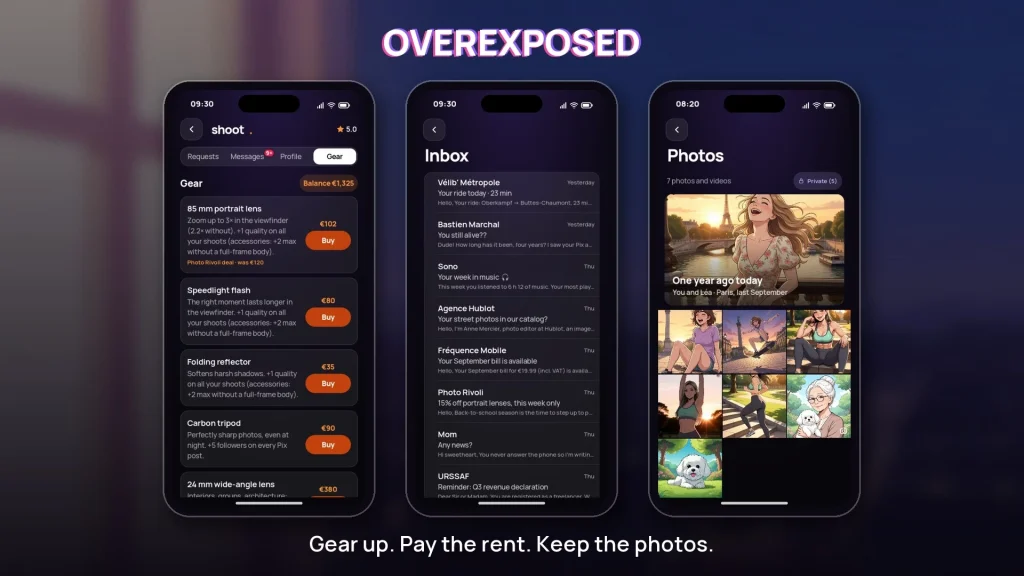
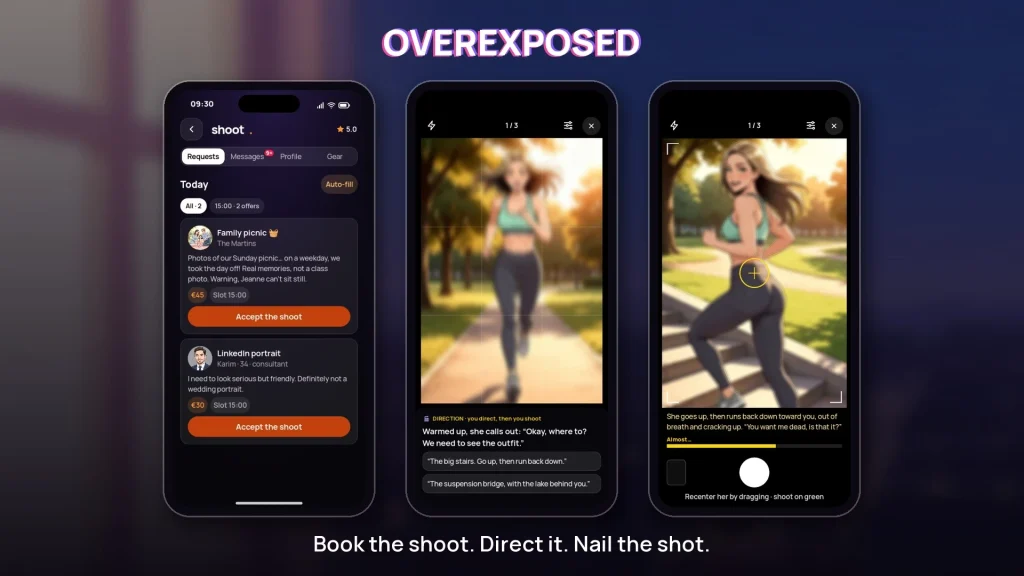
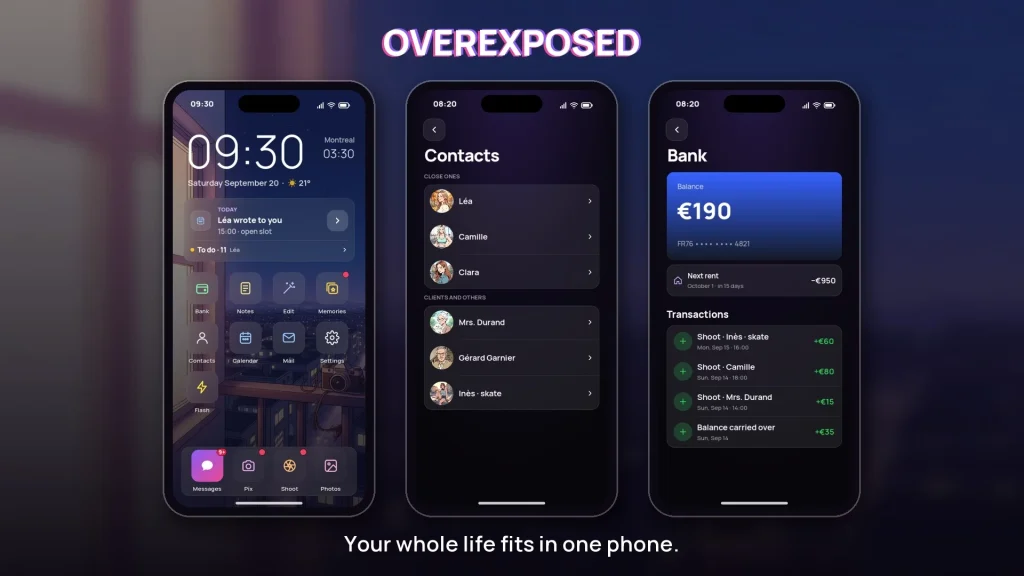


Overexposed is a mobile photo-editing app that helps users rescue and enhance images affected by bright highlights and blown-out areas. With intuitive sliders, selective recovery tools and smart exposure analysis, Overexposed streamlines correction and creative retouching for fast, professional-looking results on Android devices.
Designed for photographers who need to fix exposure problems quickly, this app offers a suite of tools focused on recovering lost detail and balancing contrast. Highlights and shadows can be adjusted independently, while a dedicated recovery brush lets you target problem areas without affecting the entire image. Integrated histogram feedback and a real-time preview make it simple to judge edits before exporting.
The correction engine analyzes tonal distribution and identifies clipped regions, then applies localized algorithms to reconstruct detail where possible. Rather than relying on a single automatic fix, the app presents suggested adjustments that you can refine manually. That approach preserves natural texture and color, avoiding flat or over-processed results.
The interface keeps common adjustments within thumb reach: exposure, contrast, highlights, shadows, whites and blacks are arranged in a concise toolbar. A layered editing stack displays every change so you can revert individual steps or toggle effects for comparison. Presets help accelerate routine fixes, while manual controls provide fine-grained tuning when you need it.
Selective editing tools let you paint or tap to isolate highlights, midtones, or shadows. Use the recovery brush to pull detail back into bright skies or reflective surfaces, then refine edges with feather and opacity controls. A noise reduction toggle appears automatically when highlight recovery introduces grain, and targeted color correction preserves natural hues after exposure adjustments.
For photographers who work with multiple frames from the same shoot, batch processing saves time by applying the same corrections across selected images. Export settings include multiple quality presets and options for JPEG, PNG, or high-quality TIFF. You can also export in DNG for further edits in desktop processors, and the app keeps metadata intact for efficient cataloging.
Optimized for modern Android hardware, Overexposed makes use of GPU acceleration to deliver responsive sliders and fast previews even on large RAW files. Memory-efficient caching reduces lag when navigating between edits, and compatibility extends across common camera file formats. Background processing lets you queue exports while continuing to edit other photos.
Regular updates deliver improved recovery algorithms and compatibility fixes for new camera formats. The app operates offline for privacy-conscious users, and a built-in help section walks through common workflows. Support channels provide guidance on complex merges and RAW handling, and rollback options protect original files during batch operations.
Begin by importing a few test photos to explore the various sliders and the recovery brush. Try the automatic exposure suggestion to see a baseline correction, then refine with selective tools. With minimal practice you can move from a blown-out image to a balanced, export-ready photo in moments using Overexposed’s focused toolset.