
NaughtyPhone is a playful phone utility designed to create realistic prank calls, customizable message templates, and humorous voice effects while keeping user privacy in mind. It combines a simple interface with advanced scheduling and audio tools so users can craft believable scenarios for parties, rehearsals, or lighthearted social pranks.
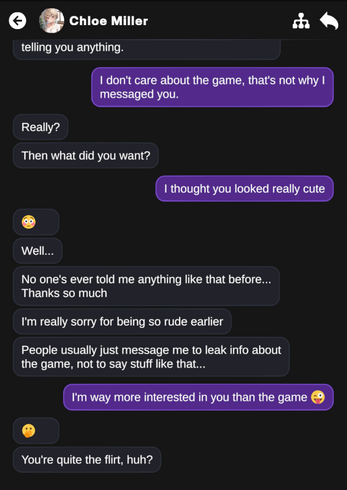
NaughtyPhone gives you a toolkit for generating simulated incoming calls, sending mock text messages, and altering voice output in real time. The app focuses on believable presentation—custom caller names, photo avatars, and ring patterns—so generated events blend with your normal phone behavior and can be used for entertainment or stage practice.
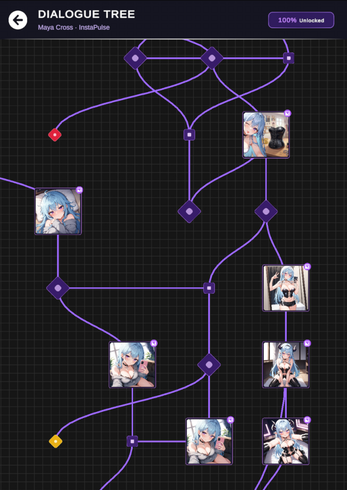
The app presents a clean, card-based layout that guides you through creating an event. Templates streamline common setups: emergency callback, missed-connection message, or comedic interruption. Drag-and-drop controls let you reorder steps, while preview functions simulate a call or message without altering your phone logs.
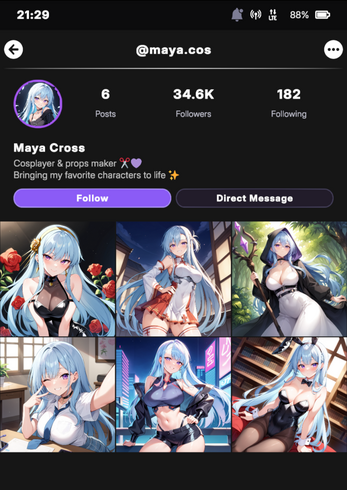
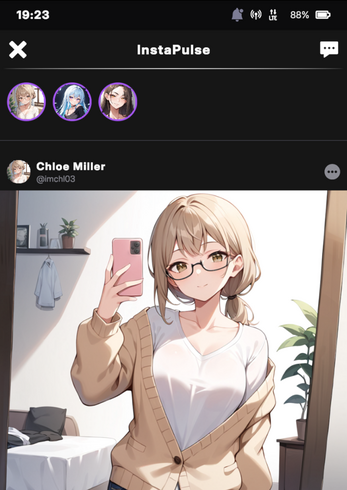
NaughtyPhone offers granular control over presentation. Upload custom contact photos, choose from system or imported ringtones, and adjust notification banners. For voice work, sliders adjust timbre and speed; preset filters let you apply a consistent character voice in seconds. These options help craft an experience that feels uniquely yours.
Privacy features are built into the app: generated events do not modify carrier records, and simulated messages remain within the app unless you choose to export them. The app includes clear usage reminders and encourages respectful behavior; it is intended for entertainment, rehearsal, or storytelling, not harassment or deception that could cause harm.
Designed to run smoothly on a wide range of Android devices, NaughtyPhone minimizes battery impact by deferring heavy processing to scheduled tasks and using lightweight audio codecs. The app supports most common Android versions and adapts its interface for both phones and tablets, with fallback settings for older hardware.
Start by creating a new scenario, pick the type of event (call, message, or combined), then customize the caller and message details. Use the preview button to test timing and visuals. For added realism, chain multiple events so a fake call is followed by a message and a background sound effect.
Regular updates bring new sound packs, additional voice filters, and user-requested templates. An in-app help section explains features step by step and troubleshooting guides cover common issues like permission settings and audio routing. Feedback channels are available for feature suggestions and bug reports.
People looking for a lighthearted way to stage pranks, rehearse scenes, or add dramatic timing to social gatherings will find NaughtyPhone useful. It also suits content creators who need quick, repeatable simulated calls or messages for sketches and short videos.
With straightforward controls, sensible privacy safeguards, and a focus on believable presentation, NaughtyPhone balances creativity and responsibility—making it a solid choice for anyone wanting to simulate phone interactions without altering real service records.