


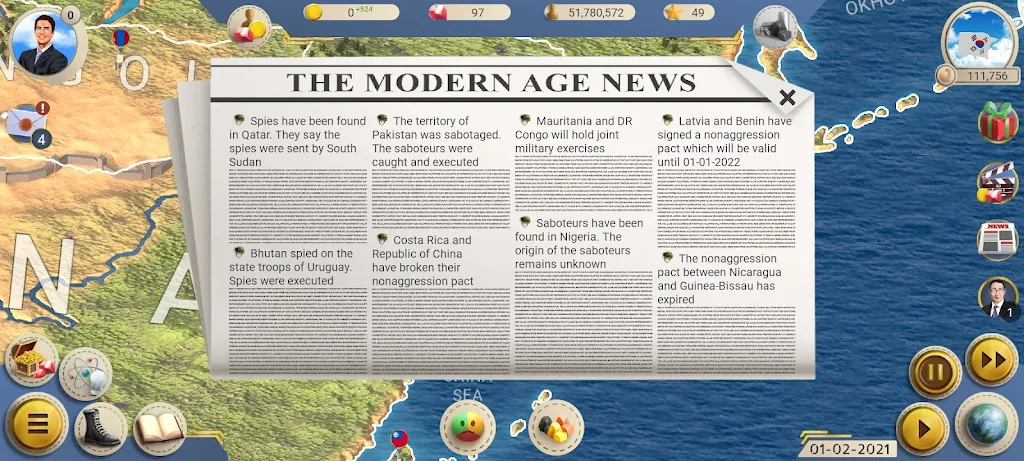

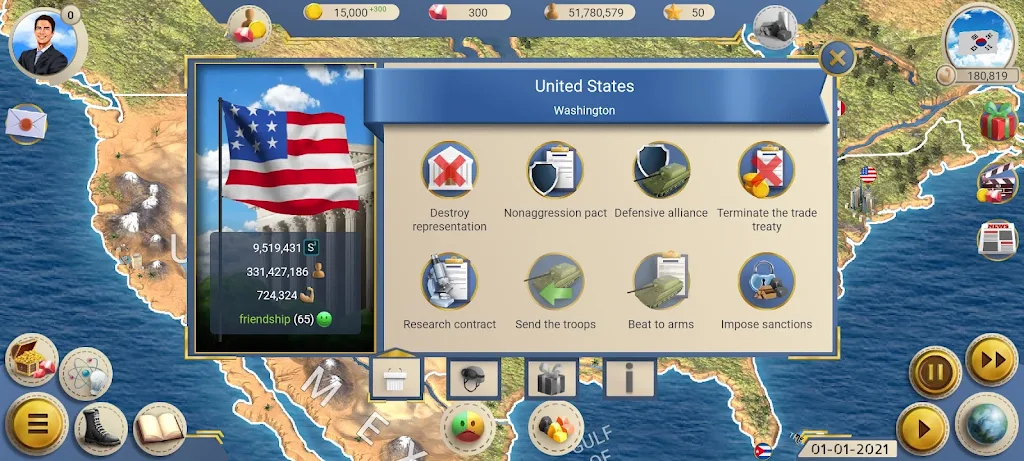


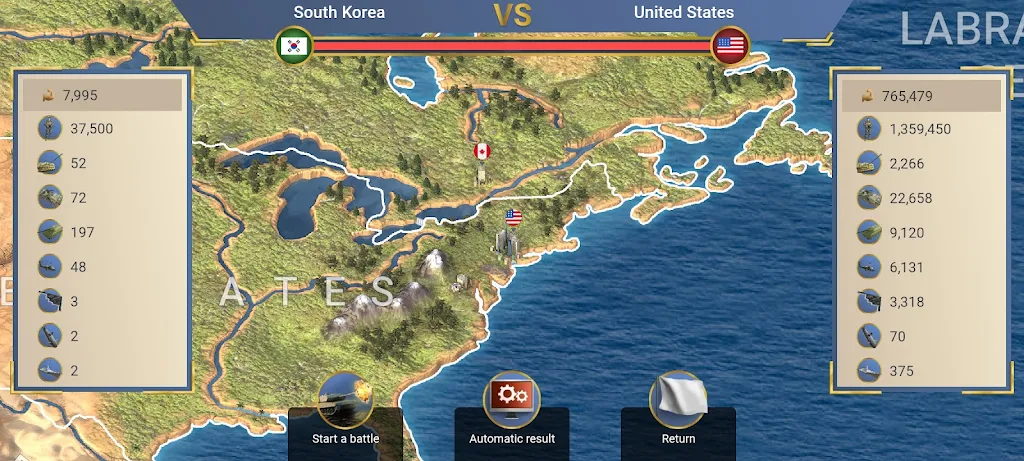






MA 2 is a productivity-focused Android app that streamlines task management, file handling, and device automation into a compact, efficient toolkit. It blends a clean interface with powerful integrations to help users organize workflows, sync data, and automate routine actions without steep learning curves or heavy battery drain.
MA 2 consolidates several utilities commonly scattered across multiple apps. Key capabilities include a unified task manager with nested lists and reminders, a lightweight file browser with quick previews and transfer options, and a rule-based automation engine that triggers actions based on time, location, or device state. Each of these components is designed to be modular so you can enable only the tools you need.
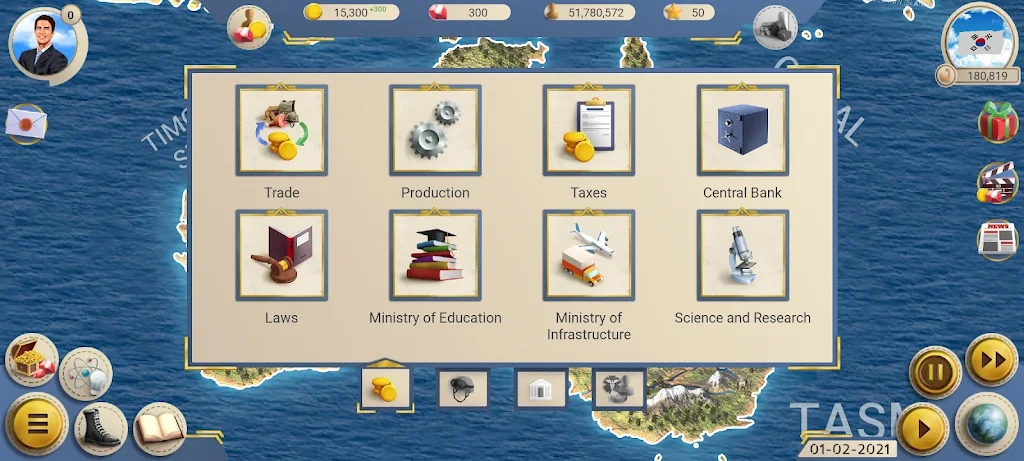
The interface of MA 2 favors clarity and speed. Menus are organized into clear sections with concise labels, and the main dashboard surfaces high-priority items like due tasks and recent files. Gestures and contextual menus reduce taps: swipe actions archive or snooze items, long-press reveals batch options, and a persistent search bar locates content across the app. Visual themes and adjustable font sizes let you tailor readability.
Designed for practical everyday use, MA 2 connects with common services and on-device capabilities to keep your workflow fluid. Synchronization options allow calendar and contact import, while cloud connectors support popular storage providers for seamless file access. The app also exposes share targets so you can send content from other apps directly into MA 2 collections without switching contexts.
One of MA 2’s standout elements is its rule-based automation. Create triggers such as entering a geofence, connecting to a specific Wi-Fi network, or reaching a scheduled time, then assign actions like launching a playlist, toggling Do Not Disturb, or moving files to predefined folders. Rules can be combined with simple conditions and delays, enabling multi-step sequences that run reliably in the background.
Customization is approachable but deep when needed. Preset templates help you get started with common setups—daily planning, project folders, travel mode—while advanced users can craft custom tags, filters, and automation chains. MA 2 also supports third-party plugins and intent-based integrations so additional tools can extend its functionality without bloating the core app.
MA 2 is optimized to minimize resource use. Background processes are consolidated and prioritized to avoid unnecessary wakeups, and the automation engine batches tasks intelligently to conserve battery life. On mid-range devices the app maintains smooth scrolling and responsive UI transitions, while caching strategies speed up file previews and search results.
Privacy is treated as a priority: local data is stored with optional encryption, and cloud sync is performed only with explicit user consent. Permission requests are contextual and limited to what’s necessary for each feature—MA 2 will request location access for geofence automation, for example, and explain how the data is used. Regular updates deliver security patches and improvements.
Begin by adding a few tasks and linking one cloud account. Use the onboarding wizard to import calendars and set up a daily summary. Try a sample automation—such as silencing notifications during calendar events—to test how triggers behave. Within minutes you’ll see how MA 2 reduces repetitive taps and keeps information organized across your device.
MA 2 aims to be a lightweight hub for everyday productivity on Android. Its modular design, robust automation, and sensible privacy practices make it a strong choice for users who want to replace multiple single-purpose apps with a single, coherent toolset that adapts to both simple and advanced workflows.