


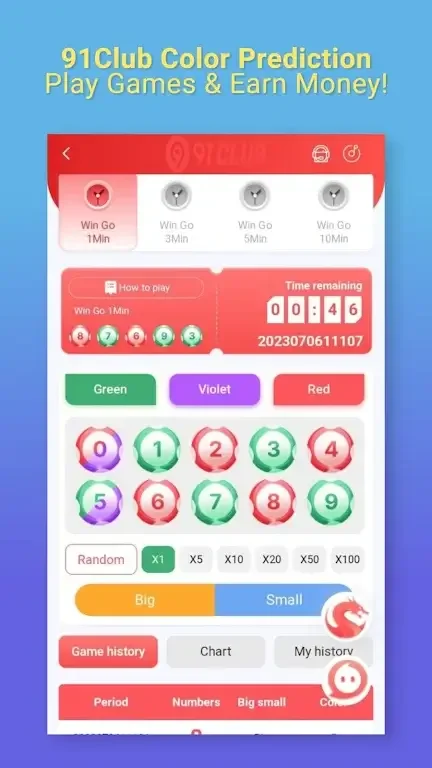

91 Club Hack v1.20 is a modified Android package that streamlines access to premium club-style features inside compatible social and gaming apps. It offers an interface for customizing in-app perks, managing virtual resources, and experimenting with settings without altering original app data files.
91 Club Hack v1.20 bundles a compact set of tools designed for personalization and testing. Highlights include a toggle-based perk manager, a lightweight resource viewer, and configurable presets to quickly apply common setups. The build also emphasizes a non-invasive approach so users can preview changes before committing them to any profile.
The app works as a companion utility that interacts with compatible targets through a measured interface. Rather than rewriting core application binaries, it applies session-level adjustments and visual overlays that influence how content is presented to the user. That design reduces the risk of corrupting original files while still enabling meaningful customization.
Performance is driven by lightweight background processes that monitor app state and apply selected presets. When a session ends, the tool can revert to the previous configuration, offering an easy way to test multiple scenarios without long-term effects.
The user interface follows a simple, card-based layout. Primary controls are grouped at the top, with detailed controls exposed only when needed. Adjustable sliders, on/off switches, and quick-apply buttons keep interactions straightforward, making it easy to tailor settings on the fly.
Customization options include naming presets, setting auto-apply triggers based on app launch, and arranging frequently used tools into a favorites row. The goal is to deliver a workflow that feels natural whether you are exploring different setups or preparing a specific configuration for a session.
Designed to run on a broad range of Android devices, the app targets efficient use of memory and battery. Background tasks are minimal and optimized for delayed execution to avoid competing with foreground applications. Compatibility notes indicate that certain target apps may require specific Android versions or permissions, so checking device requirements before use is recommended.
Graphical overlays and monitoring widgets are rendered with low overhead. On mid-range and newer devices the impact on responsiveness is negligible; older devices may experience small delays depending on the number of active presets and monitoring features.
Setting up takes only a few steps. After installing the package, launch the utility and grant the requested runtime permissions for monitoring and overlay features. Create your first preset by selecting a few options from the perk manager and save it to the dashboard. A built-in tutorial guides new users through basic flows so you can become productive within minutes.
For those maintaining multiple profiles, import and export functions let you move presets between devices or keep backups. The import process validates files to reduce the chance of incompatible configurations being applied.
While the app provides powerful customization, it was built with safety measures like sandboxing and reversible sessions to limit unintended changes. Users should respect the terms of service of any third-party app they interact with and avoid using modifications in ways that could affect other users unfairly. Regular updates are issued to improve compatibility and patch any discovered issues; enabling automatic updates helps maintain a stable experience.
91 Club Hack v1.20 is positioned as a utility for personalization and development testing. Its focus on reversible changes, minimal footprint, and straightforward interface makes it a practical choice for anyone who wants to explore alternate configurations responsibly and efficiently.