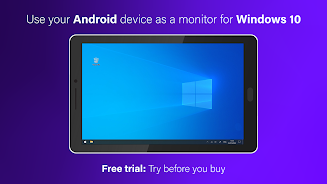

SuperDisplay - Virtual Monitor turns your Android phone or tablet into a high-performance external display for Windows 10, letting you extend or mirror your desktop and use the device as a portable second monitor. It’s ideal for artists, multitaskers, and anyone who needs extra screen real estate on the go because it supports pressure-sensitive styluses, low-latency rendering, and both USB and wireless connections. Install the app on your Android device and a companion driver on the PC, then connect to draw, edit, or expand your workspace with smooth responsiveness and accurate pen input.
⭐ Turn your Android device into a secondary USB or wireless monitor with SuperDisplay - Virtual Monitor for Windows 10.
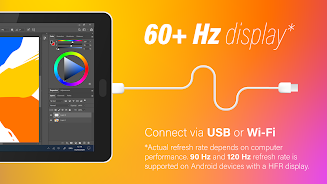
⭐ Smooth, low-latency rendering at up to 60 fps for drawing and screen mirroring.
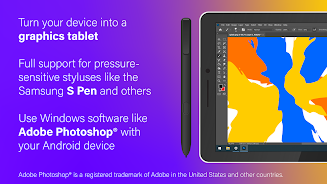
⭐ Pressure-sensitive pen support, compatible with styluses like the Samsung S Pen for precise input.
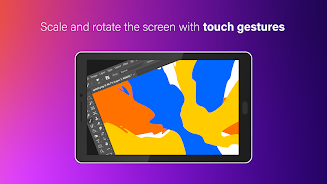
⭐ Works as a graphics tablet with creative apps such as Adobe Photoshop for digital artwork and editing.
⭐ Simple setup using the app on the device and a companion driver on your PC to start extending your desktop.
✅ SuperDisplay - Virtual Monitor delivers fluid performance for drawing and productivity without noticeable lag.
✅ Pressure-sensitive pen input makes it suitable for digital art, retouching, and precise workflows.
✅ Portable and easy to carry—use a phone or tablet as a full second screen wherever you go.
✅ Supports both wired USB and wireless connections for flexible setup options.
❎ Requires a companion Windows driver and is designed specifically for Windows 10, so other desktop operating systems are not supported.
❎ Actual responsiveness and frame rate depend on the Android device, stylus, and connection quality, so results can vary between setups.