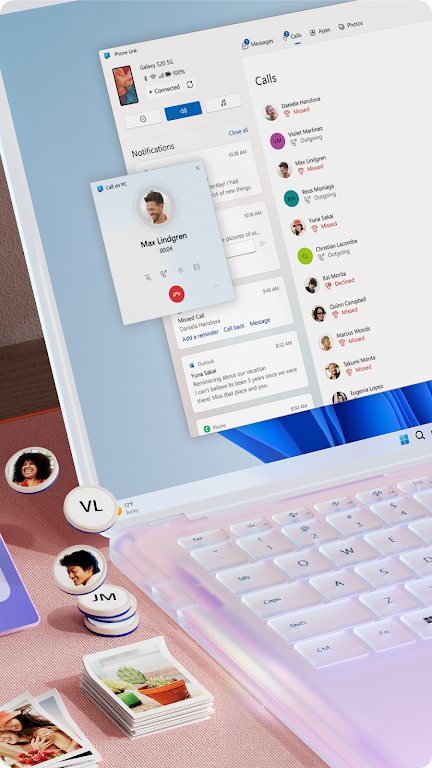
Link to Windows makes your Android phone feel like an integrated part of your PC, giving instant access to messages, calls, notifications, photos and apps from your desktop. Install the Link to Windows app on your phone and pair it with the Phone Link companion on your Windows PC to view and reply to text messages, make and receive calls, manage notifications, and move files between devices without constantly picking up your handset. This streamlines tasks like transferring photos, copying text between devices, and using mobile apps with a full keyboard and larger screen.
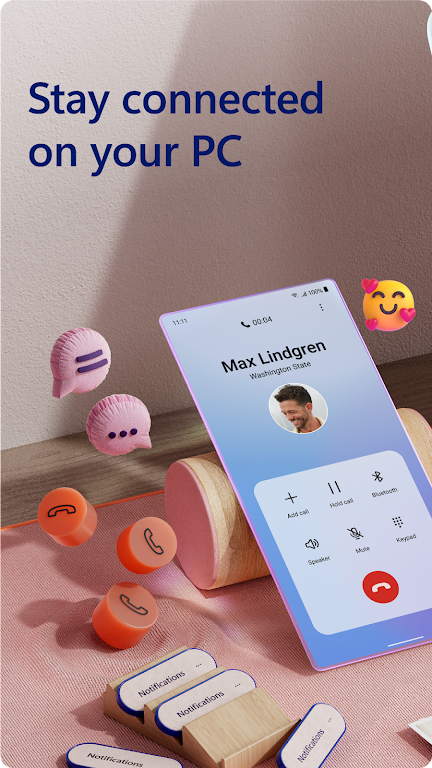
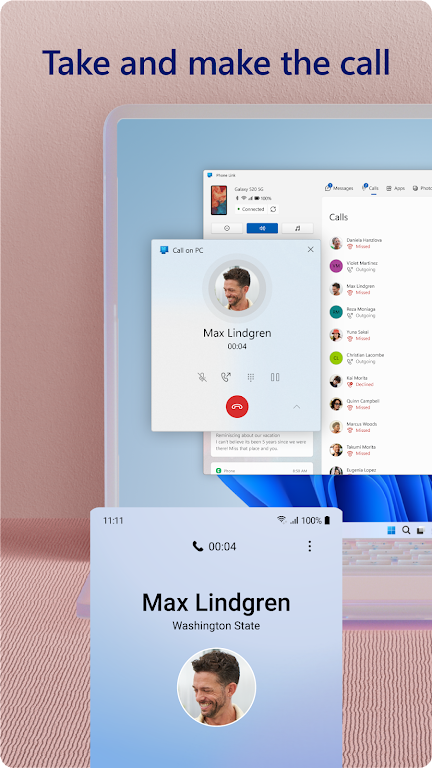
⭐ Make and receive phone calls directly from your PC when connected to your device.
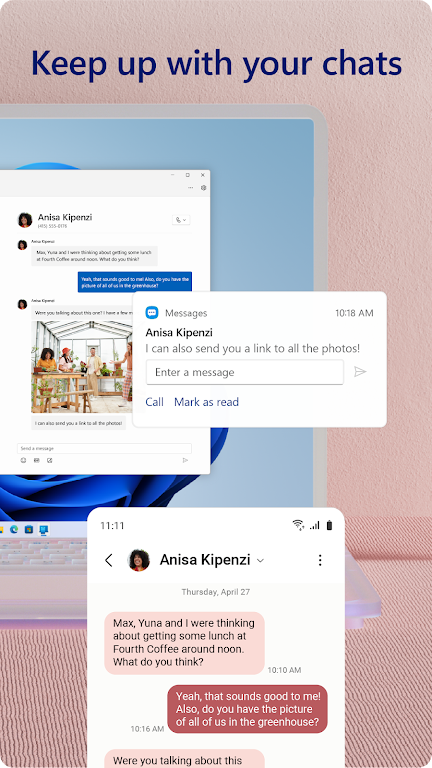
⭐ View and reply to text messages and manage conversations without touching your phone.
⭐ See and act on Android notifications from the desktop so alerts are handled quickly.
⭐ Access and interact with mobile apps, and control your phone screen from your PC for a seamless workflow.
⭐ Transfer photos and files, and copy-and-paste content between phone and computer to avoid emailing yourself.
✅ Link to Windows centralizes phone and PC workflows, saving time when switching between devices.
✅ Instant access to phone photos on your computer removes the need to upload or email images between devices.
✅ Use your PC’s keyboard, mouse and larger screen to edit, drag-and-drop and manage mobile content more efficiently.
✅ On supported phones the app is integrated so no extra downloads are needed and setup is faster.
❎ Making and receiving calls from your PC requires a Windows 10 PC with Bluetooth capability.
❎ Some advanced features such as screen control, app streaming and drag-and-drop require compatible device models.
❎ A companion connection with Phone Link on the Windows PC is required, so functionality depends on the PC-side setup.