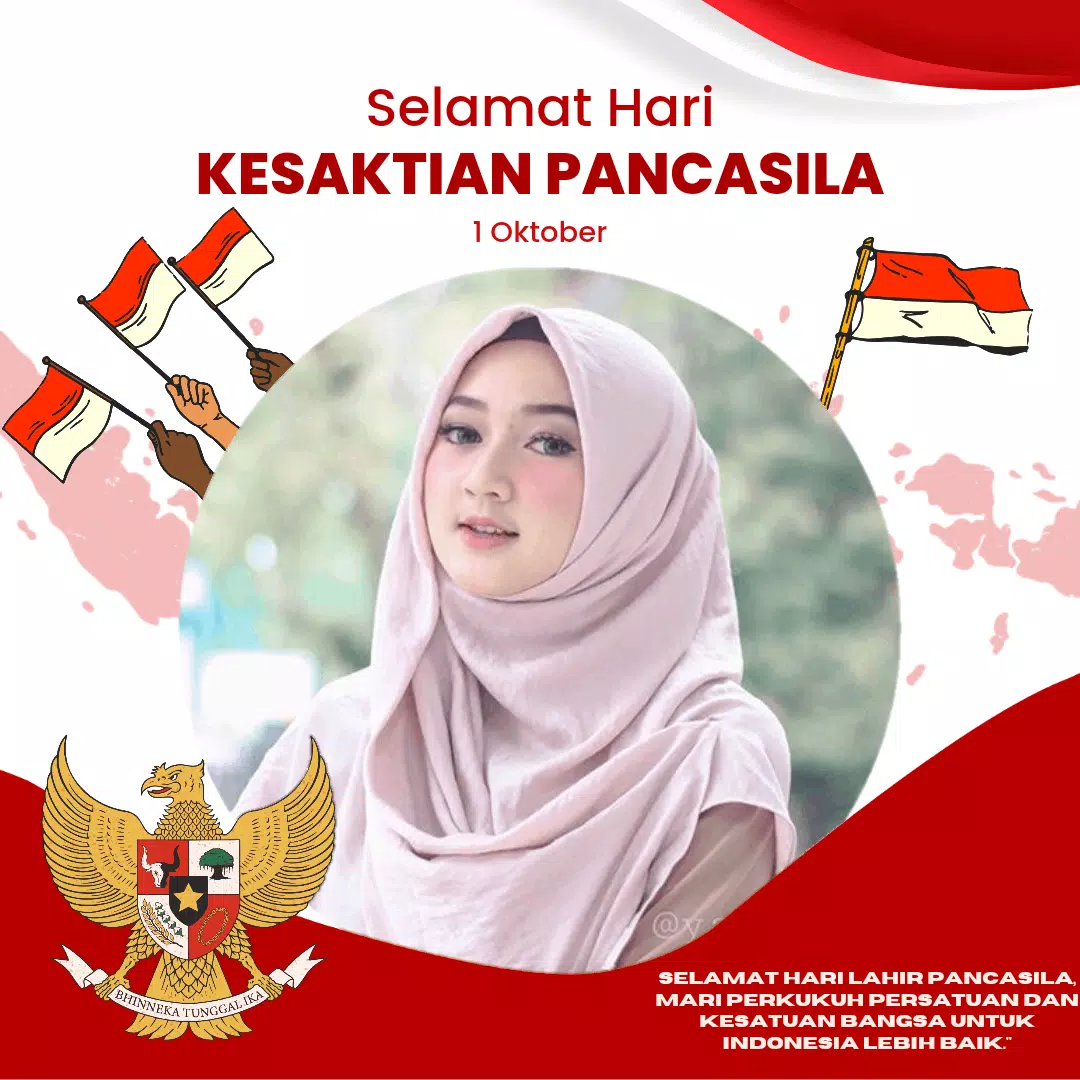
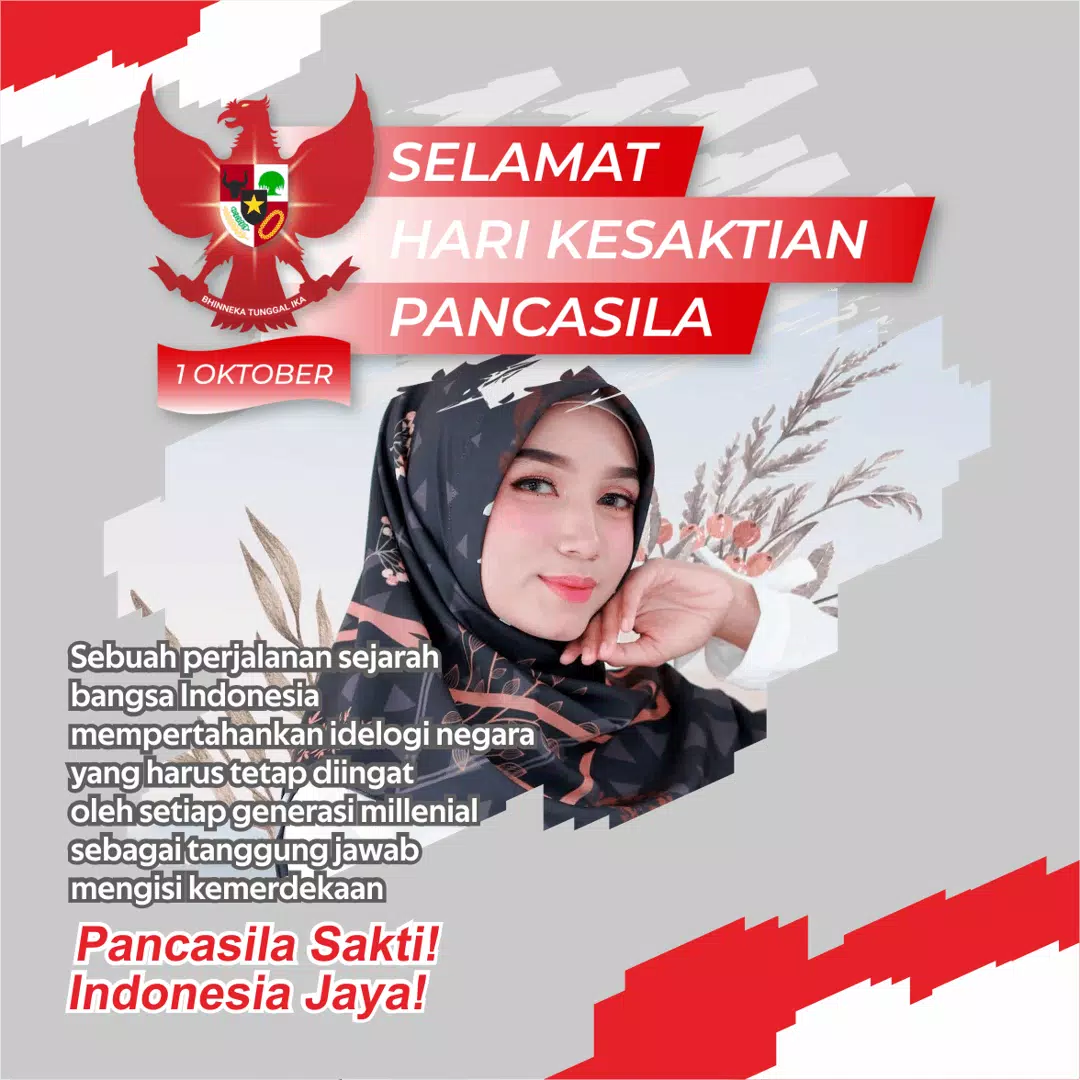
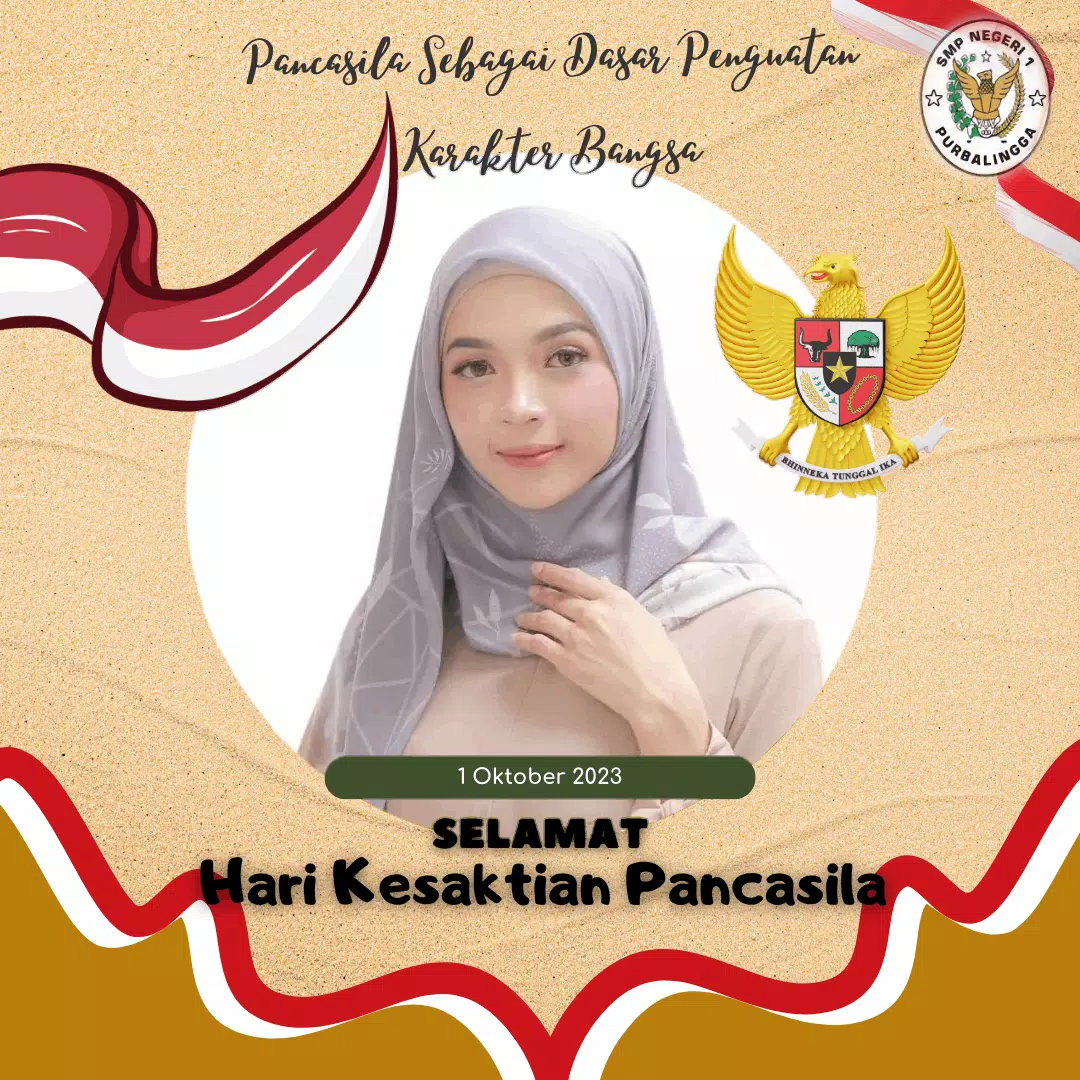
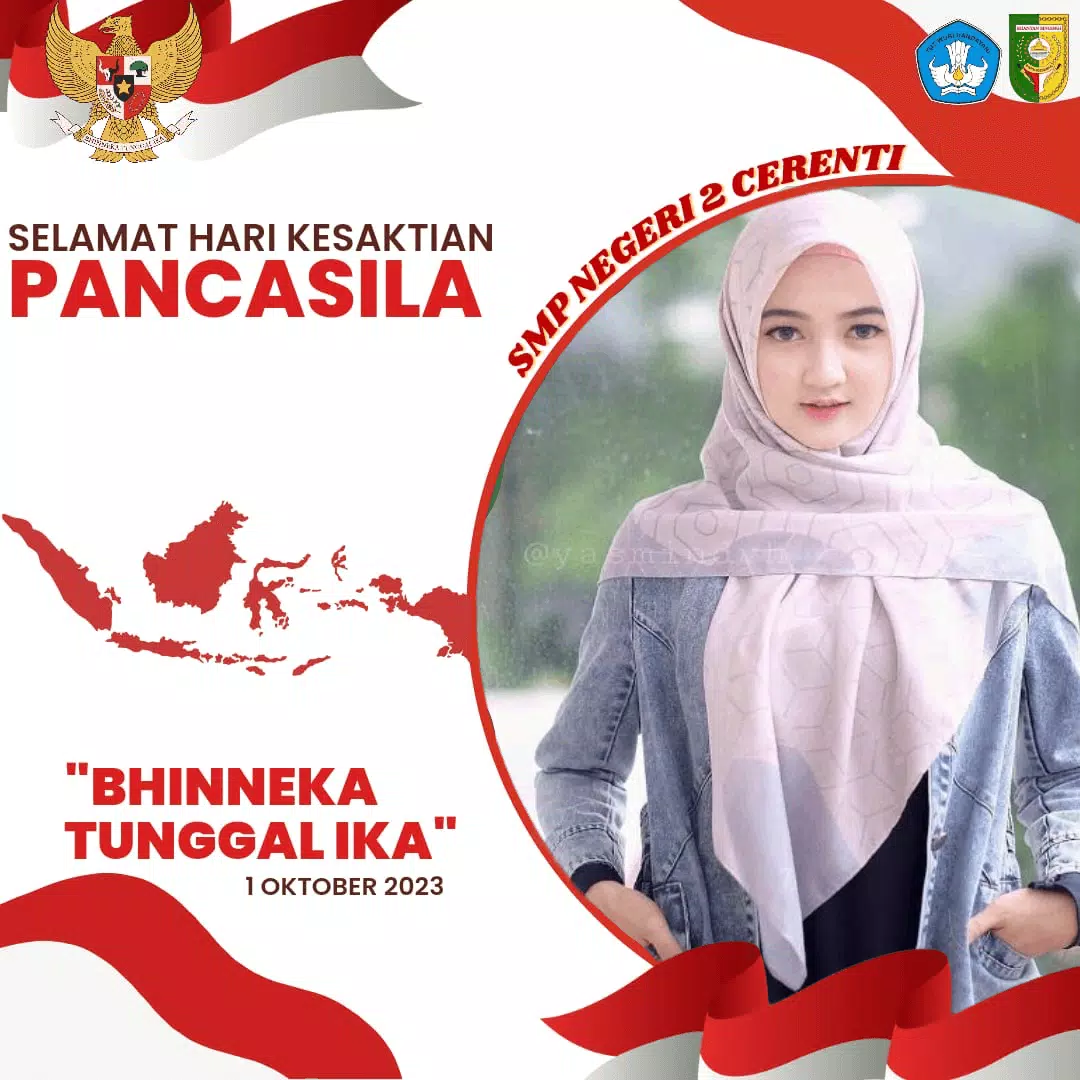

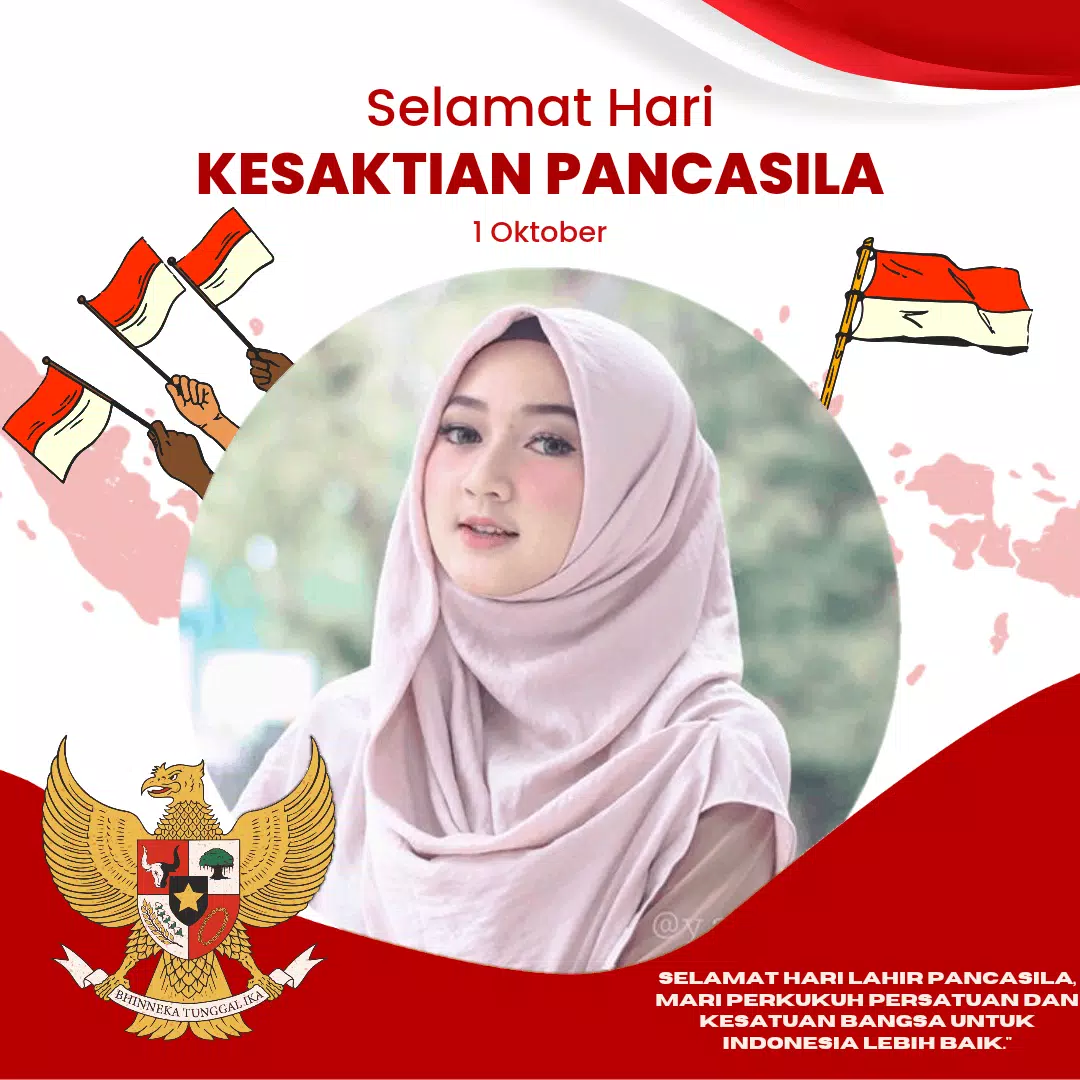
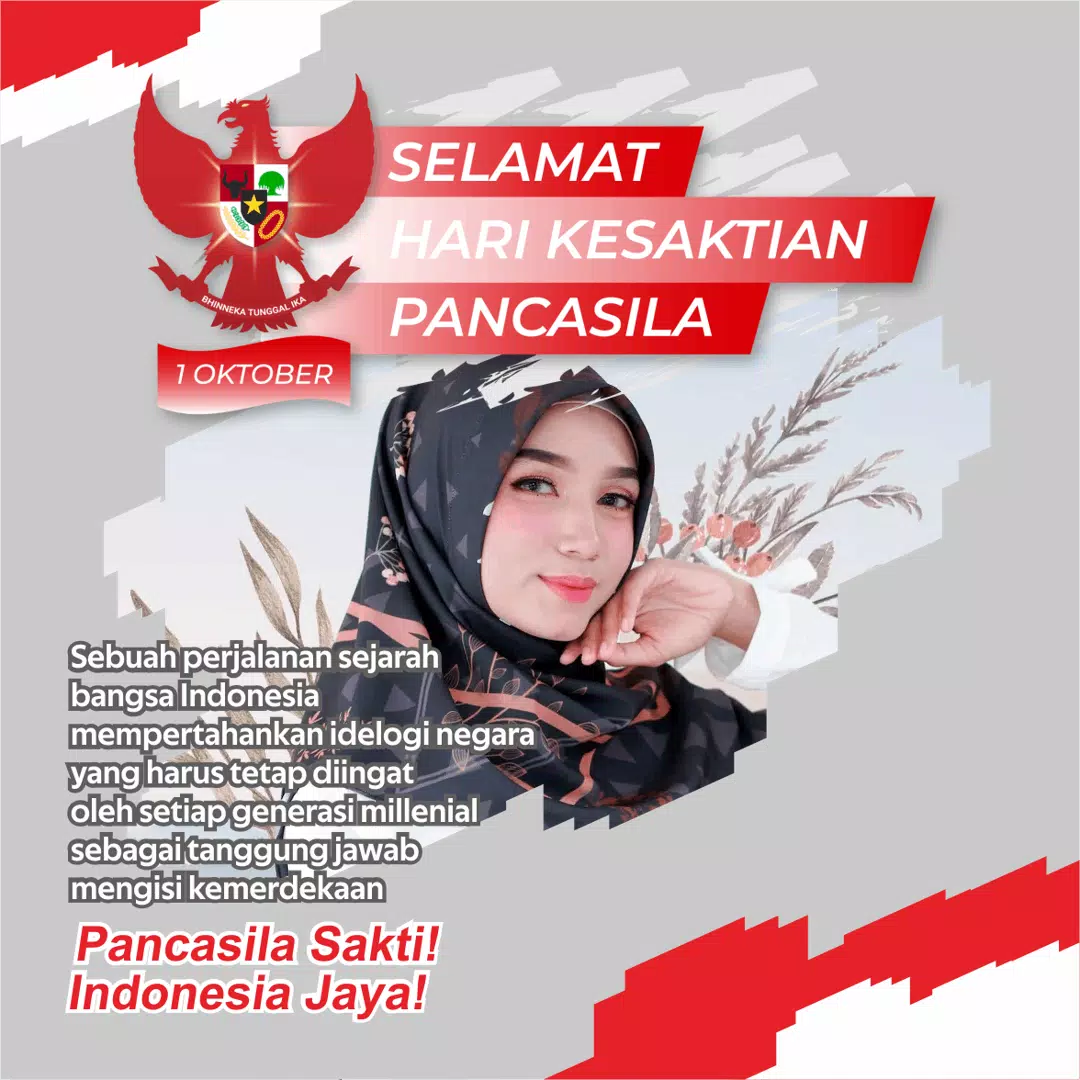
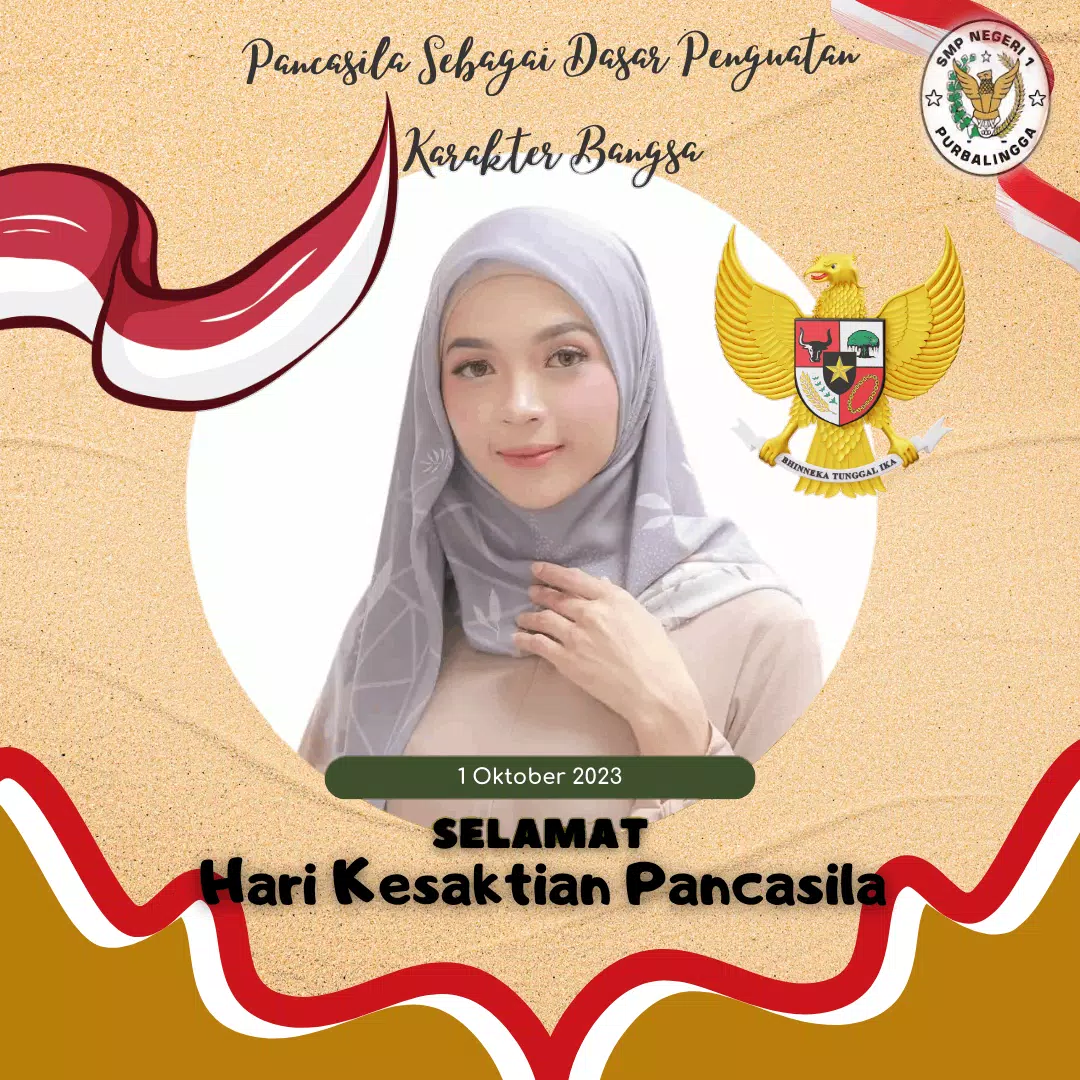
Twibbon Kesaktian Pancasila helps users create patriotic profile frames and social media overlays to commemorate Pancasila Day, offering easy-to-use templates, quick photo import, and customizable text. This lightweight app lets Indonesians show national pride with polished visuals suitable for profile photos, stories, and posts across platforms.
Twibbon Kesaktian Pancasila is a focused design tool built to make campaign-style frames and filters accessible to everyone. It provides a curated selection of Pancasila-themed templates, pre-set badges, and color palettes that reflect national symbols. The interface centers on speed and clarity, helping users add a professional-looking frame in seconds without prior design experience.
The workflow in Twibbon Kesaktian Pancasila follows a straightforward three-step process: choose a template, personalize elements, and export. Templates are grouped by style and occasion, so you can quickly narrow down a look that suits formal commemorations or casual campaigns. Real-time previews show exactly how the final image will appear on different platforms.
While the core templates deliver a consistent visual language tied to Pancasila symbolism, customization options let you personalize the final output. Users can modify text, swap color accents, and add small logos or icons. The app maintains correct margins and safe zones so overlays remain unobstructive on profile photos and do not block important facial areas.
Designed to be lightweight, Twibbon Kesaktian Pancasila runs smoothly on mid-range devices and keeps memory usage low during editing. Exported images are compressed carefully to balance quality and file size, which helps when sharing over mobile networks. The app supports common Android versions and screen resolutions, with touch-friendly controls for seamless editing on phones and tablets.
Twibbon Kesaktian Pancasila is optimized for group activities and civic campaigns. It includes sharing features that make it simple to distribute a frame link or image to WhatsApp groups, social networks, and community channels. Organizers can encourage participation by providing a suggested message and official hashtag to accompany shared images.
The app focuses on local, symbolic content and does not require intrusive permissions for core editing features. Photo edits are performed locally on the device unless you choose to share directly to a cloud service or social feed. Clear prompts explain any optional permissions so users can maintain control over their photos and data.
To begin, install Twibbon Kesaktian Pancasila, launch the app, and select a template that matches your event or mood. Tap the photo area to import or capture an image, customize text and colors, then tap export or share. New users will find the process intuitive thanks to guided tips and an uncluttered toolbar.
For those who want to show solidarity during national observances or support community-driven initiatives, Twibbon Kesaktian Pancasila provides an efficient, respectful way to update profile photos and spread messages of unity. With practical export settings and straightforward editing tools, it’s a handy resource for individuals and organizers preparing visual materials for Pancasila-related events.