



CUE Live is a streamlined mobile app designed to simplify live cueing and content playback for events, podcasts, and live-streamed shows. It provides precise timing controls, intuitive playlists, and reliable remote triggers so hosts and technicians can manage audio and visual cues from a single, portable interface.
CUE Live focuses on practicality and speed. It supports multi-track playlists, scene sequencing, and individual cue editing. The app offers real-time previewing, fade and crossfade settings, and countdown timers for scheduled cues. Built-in logging and history let operators review what played and when, improving accountability during complex productions.
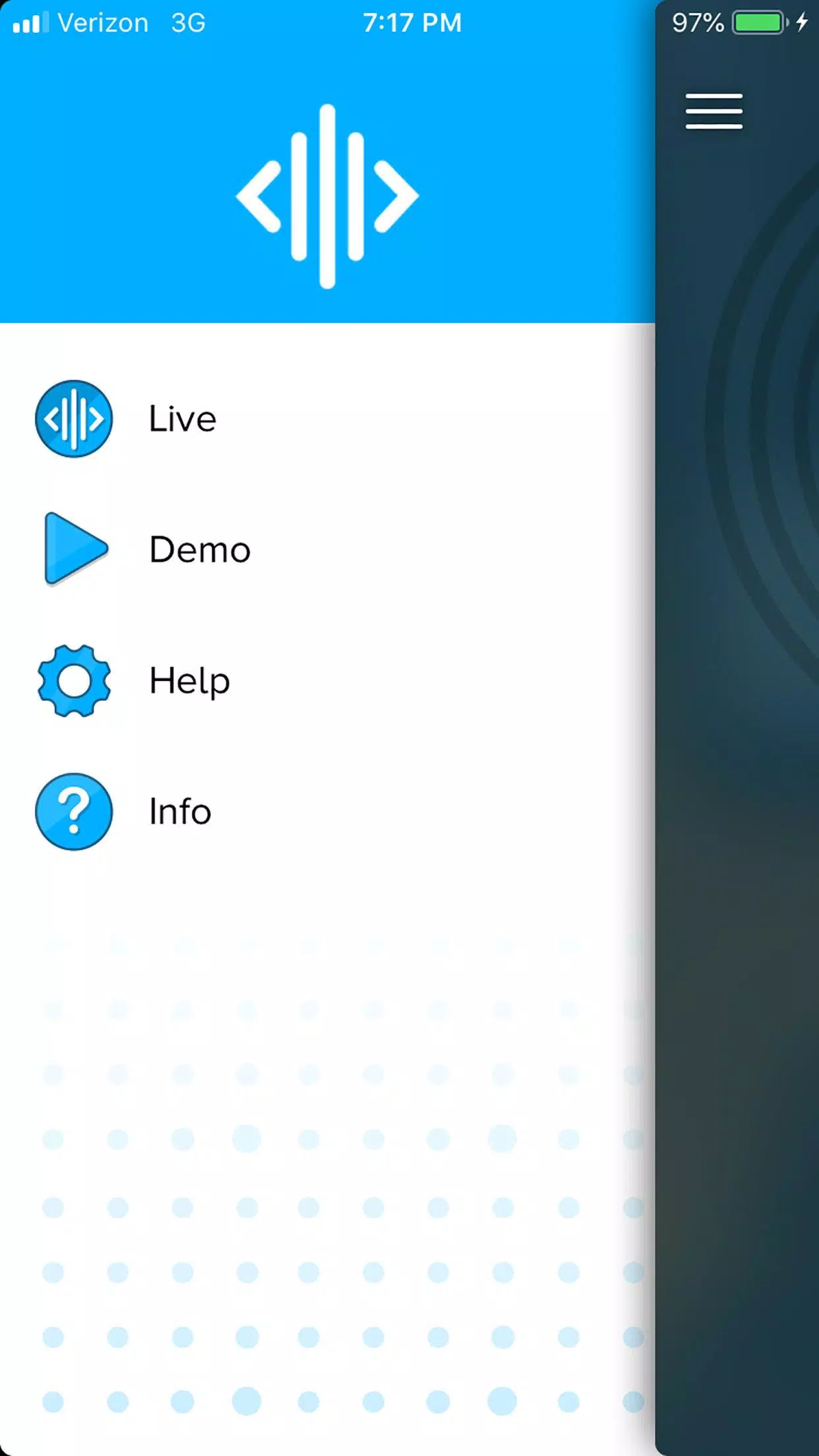
The layout in CUE Live emphasizes clarity. Large, tappable cue buttons reduce accidental triggers while a dedicated timeline view helps technicians anticipate upcoming transitions. Playlists are drag-and-drop editable, and cues can be grouped into folders for specific segments. The app's workflow is designed so a single operator can set up and monitor an entire show without flipping between screens.
CUE Live supports local network control and simple remote triggering. Use the app as a master console or pair it with companion devices to distribute control among team members. MIDI and OSC output options allow integration with studio hardware, while lightweight webhooks let producers trigger cues from external automation systems.
Customize each cue with labels, duration limits, and visual indicators. CUE Live enables scene snapshots so you can recall entire configurations instantly. Adjust fade curves, assign priority levels to critical cues, and save multiple variants of a sequence for rehearsals versus live performance. These tools reduce setup time and minimize human error.
Stability is a priority in live environments. CUE Live uses efficient audio buffering to avoid dropouts and keeps memory usage low for older devices. Offline playback mode ensures cues still run when network connectivity is interrupted. The app also includes automatic recovery features and a failover log to help teams diagnose issues after a show.
CUE Live works across a wide range of Android devices and maintains compatibility with common audio formats such as MP3, WAV, and AAC. Networked control supports both Wi-Fi and wired Ethernet through compatible adapters. Integration with streaming software via virtual audio devices and the ability to export cue logs as CSV make it easy to incorporate CUE Live into existing production pipelines.
Setting up CUE Live is straightforward: import audio files, arrange them into playlists, and assign timing or trigger conditions. Built-in tutorials walk new users through creating the first show and configuring remote control options. For advanced setups, the app offers detailed settings for latency tuning, network behavior, and file management.
Project files in CUE Live can be exported and shared to maintain continuity between team members. User roles allow administrators to lock critical cues while granting limited access to operators. All stored data uses standard Android storage permissions, and the app refrains from requesting unnecessary system access to protect user privacy.
Teams favor CUE Live for its balance of power and simplicity. It brings professional cueing capabilities to mobile devices without overwhelming users with complexity. Whether coordinating a small podcast or a multi-act live event, the app provides predictable behavior, quick recovery, and a clear record of what happened during a performance.