

Bitcoin Wallet is a secure, user-friendly mobile application built to help you store, send, and receive Bitcoin with clear controls and strong privacy defaults. From the first guided setup to everyday use, Bitcoin Wallet keeps private keys on your device while offering straightforward transaction flows so beginners can complete basic operations and experienced users can access more advanced tools without clutter. The interface emphasizes readable typography and compact navigation so common tasks are quick and predictable.
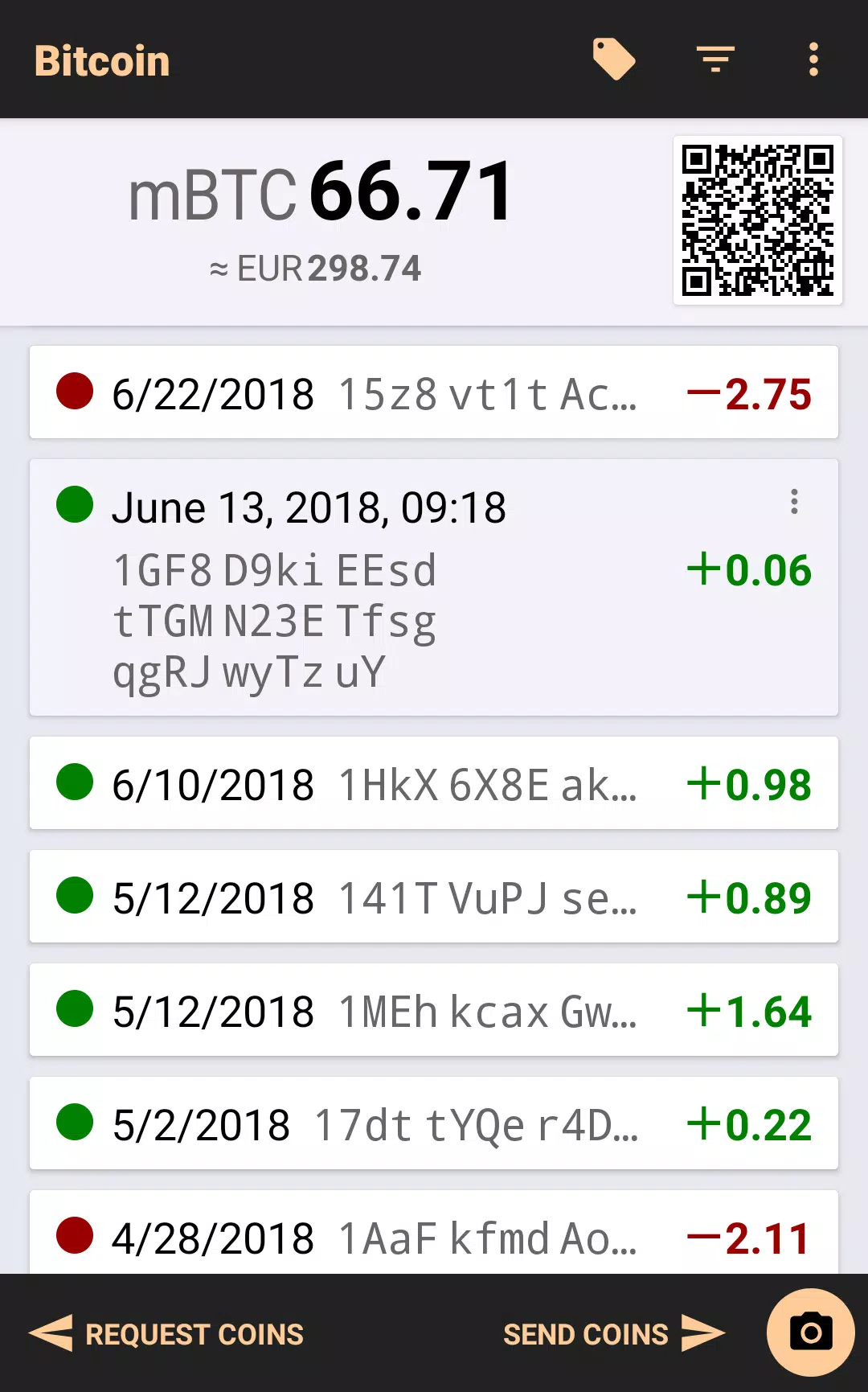
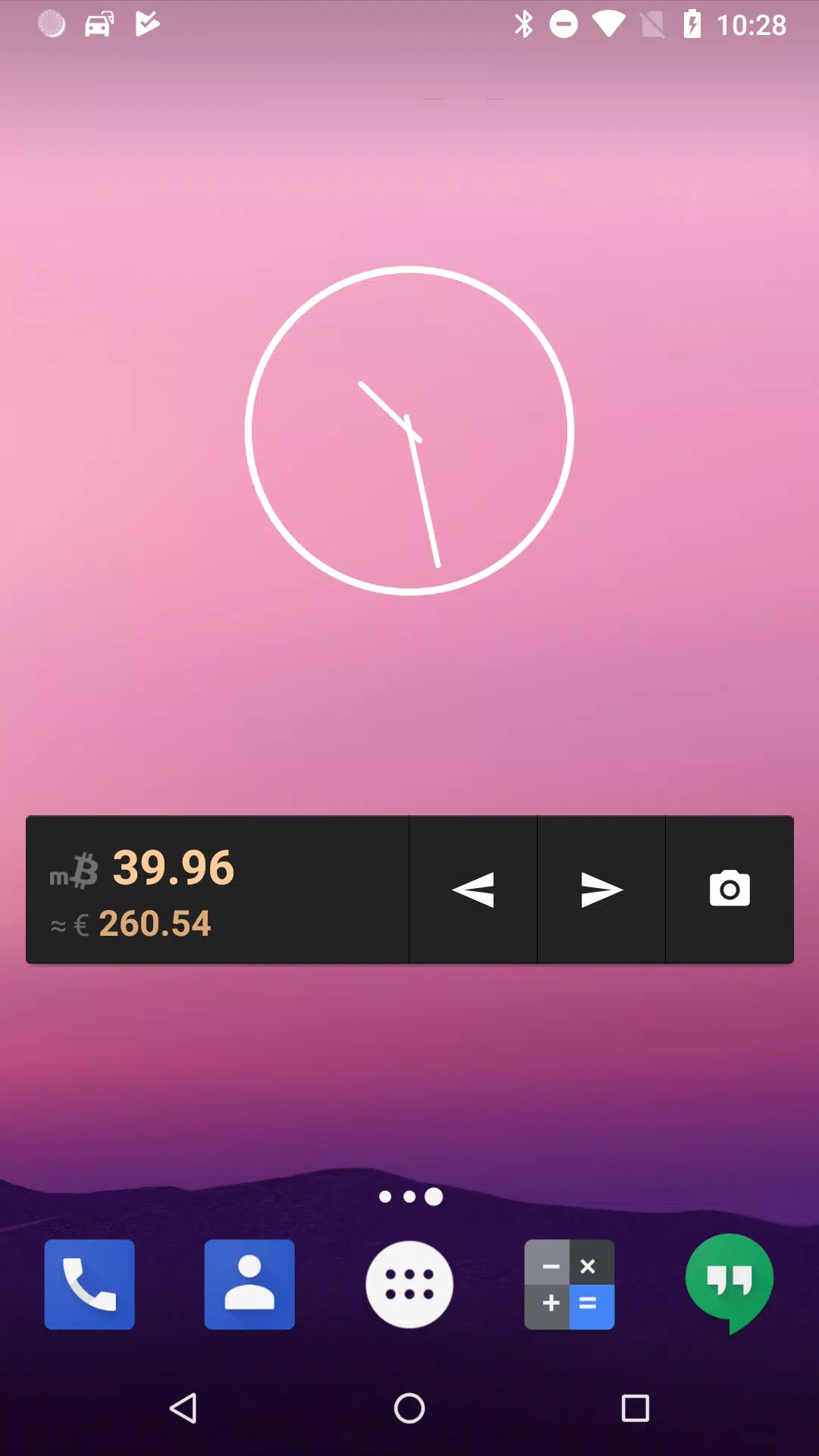
This wallet acts as a practical daily tool for managing Bitcoin balances and common workflows. You can create a new wallet or import an existing seed phrase, manage multiple addresses, and label recurring recipients to reduce mistakes when sending funds. The app reduces confusing choices by surfacing sensible fee suggestions, clear transaction status, and contextual help during the flow. Rather than overwhelming you with every option at once, Bitcoin Wallet organizes features so essential functions—balance overview, send/receive, and transaction history—are always reachable in a few taps.
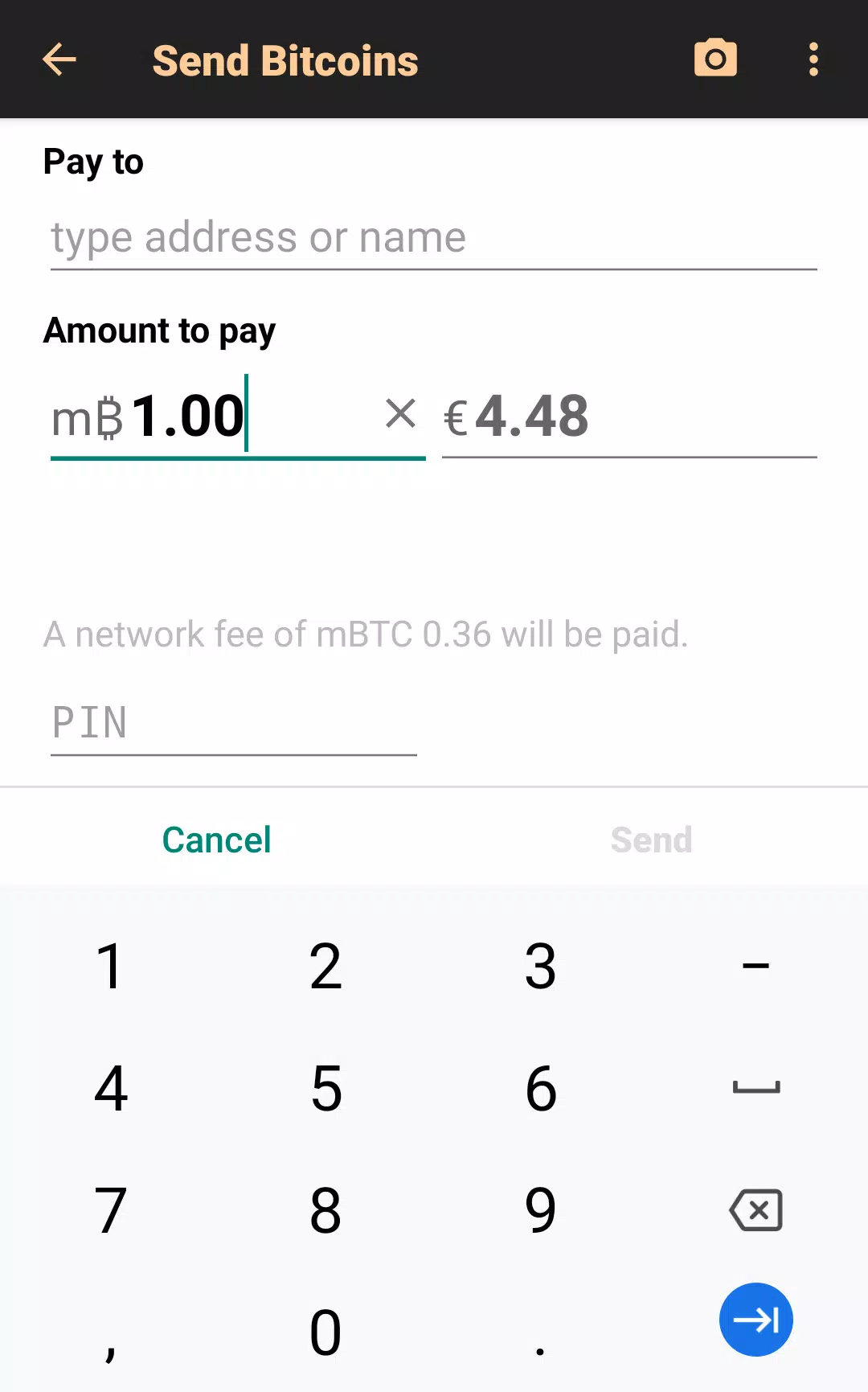
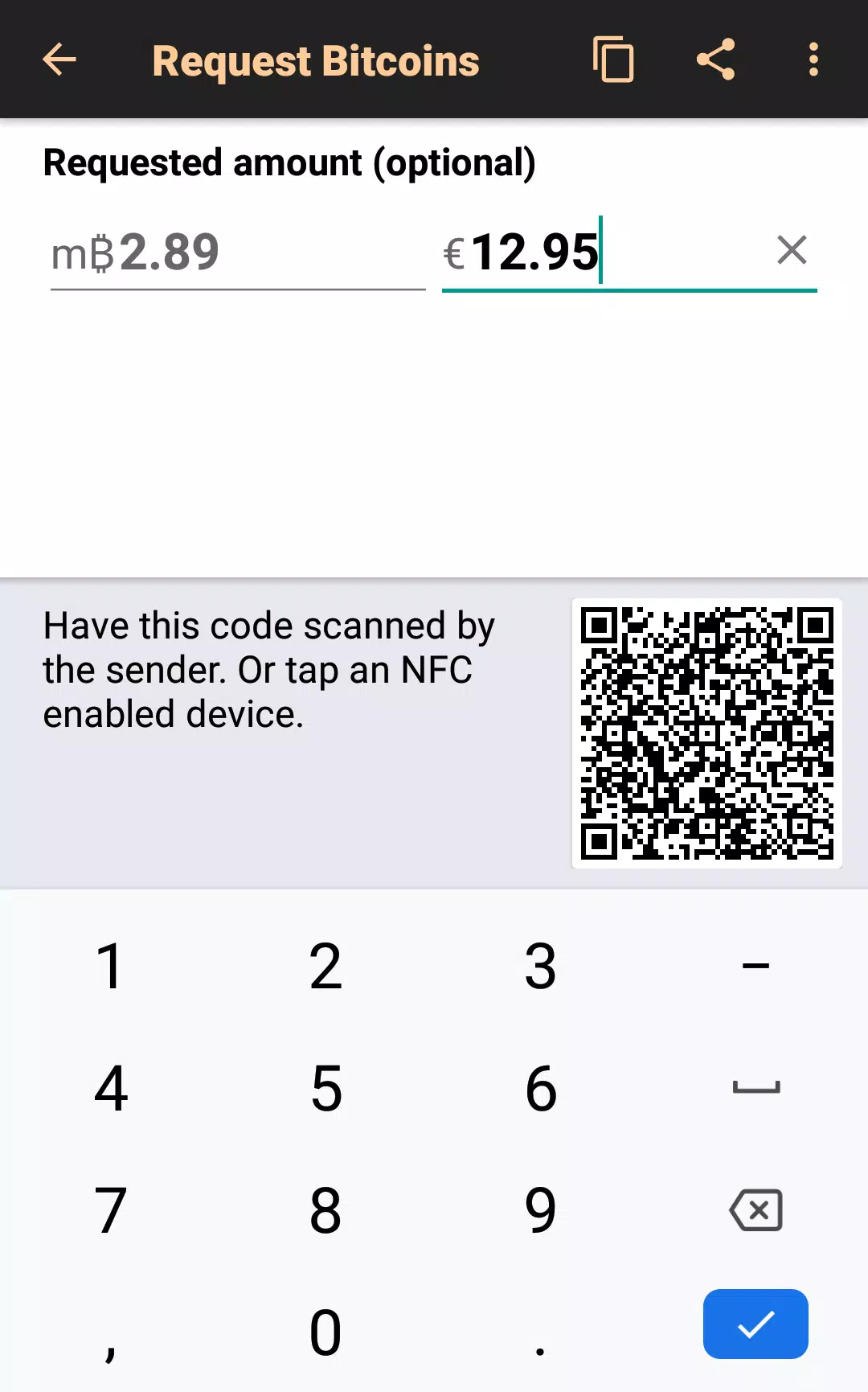
Sending and receiving are built as short, repeatable interactions suited to phones and tablets. To send, choose a contact from your address book, paste an address, or scan a QR code; enter an amount; then select a suggested fee or enter a custom value using an intuitive fee control. A final preview page shows the exact fee, estimated confirmation time, and the raw transaction before you confirm. To receive, generate a fresh address or reuse an address with an on-screen QR code and label. Controls prioritize large touch targets, clear back navigation to undo accidental steps, and inline guidance so operations feel consistent across different devices.
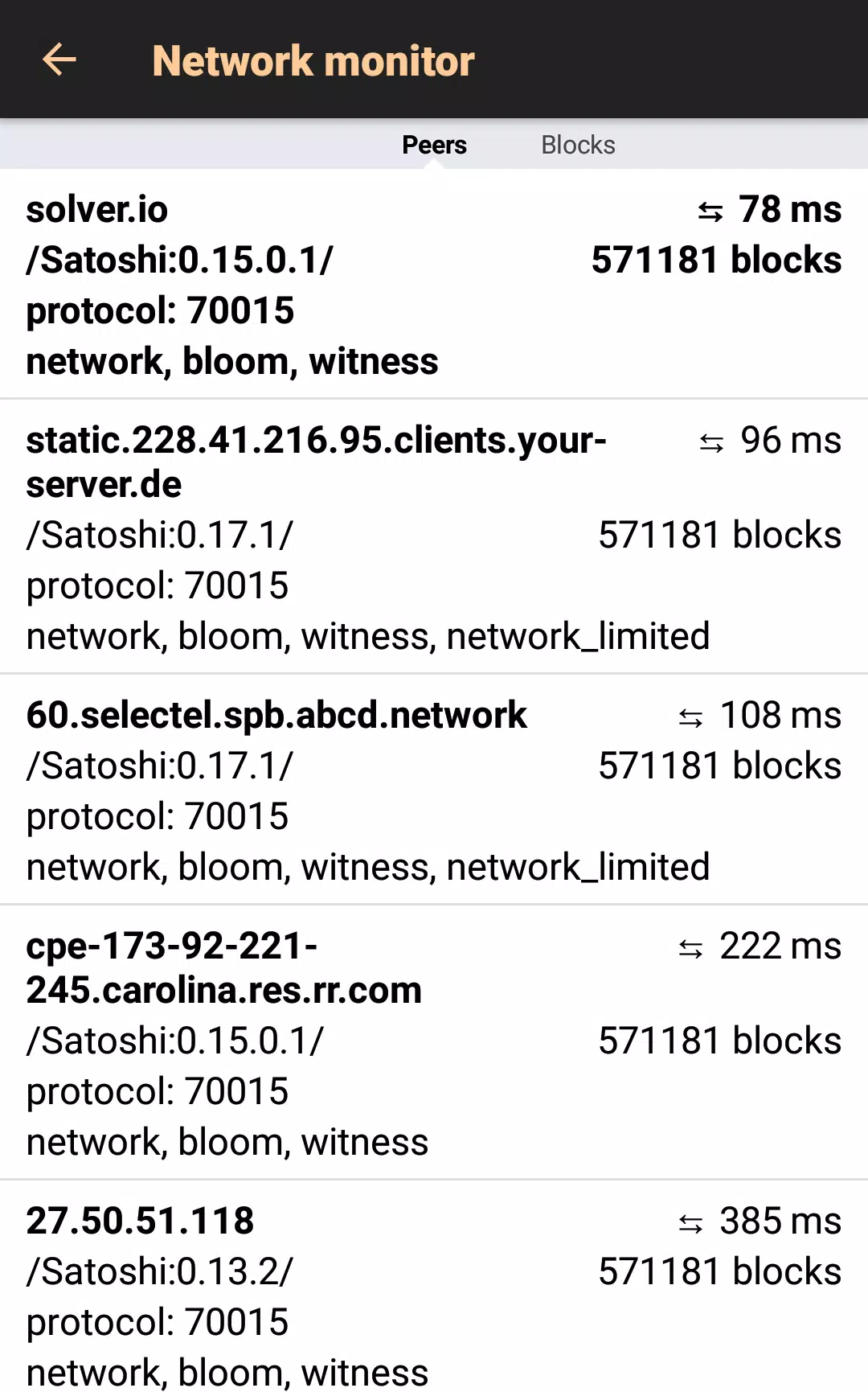
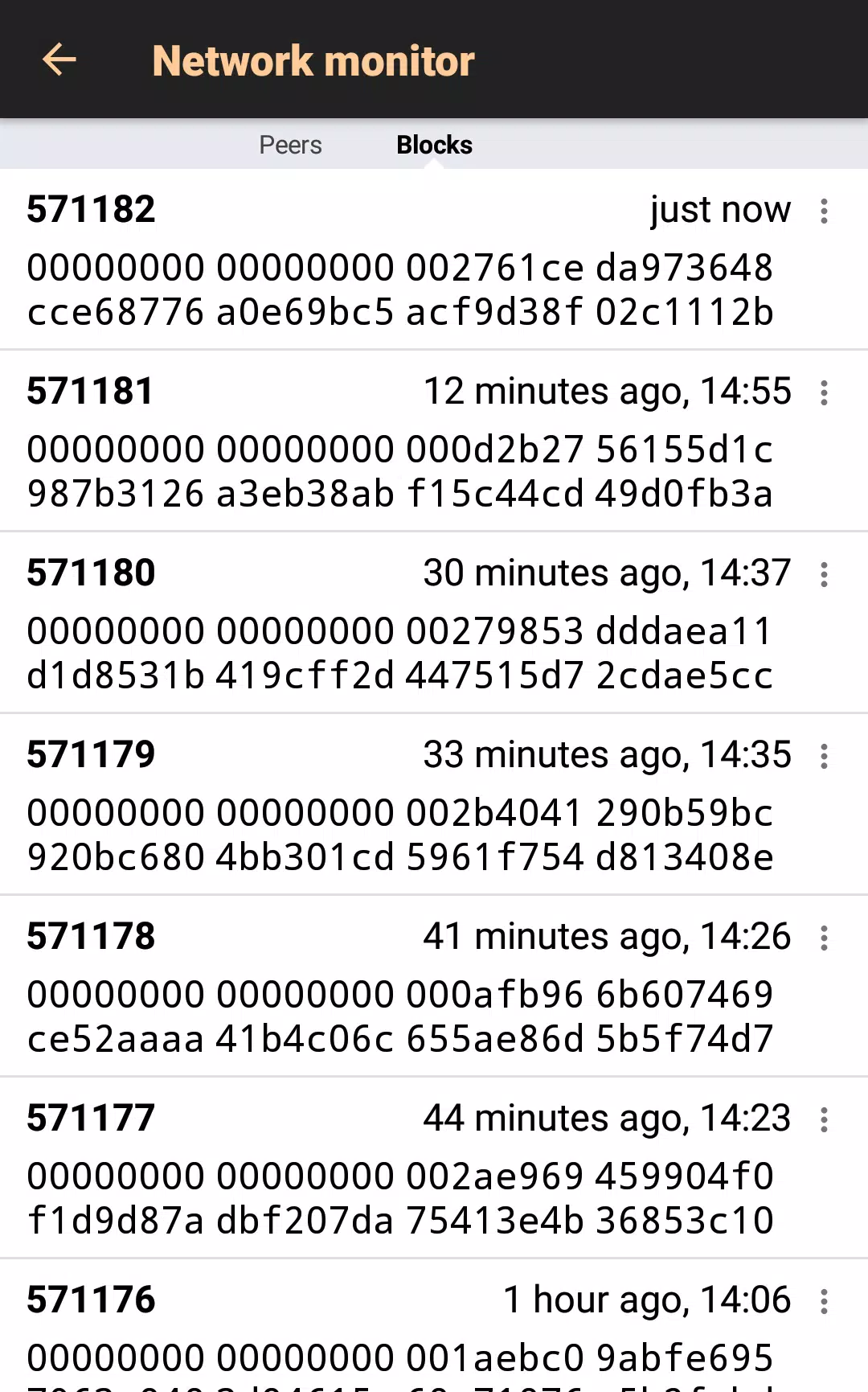
Security is central to the design: private keys are encrypted on your device and never uploaded to third-party servers. During setup the app guides you through writing down or exporting your recovery phrase and encourages secure offline storage. Optional PIN and biometric locks prevent casual access, and the app minimizes persistent network connections to reduce tracking exposure. Users who require extra privacy can configure custom node endpoints or route traffic through privacy-enhancing services; transaction detail screens also expose confirmations and raw transaction data to help you independently verify behavior.
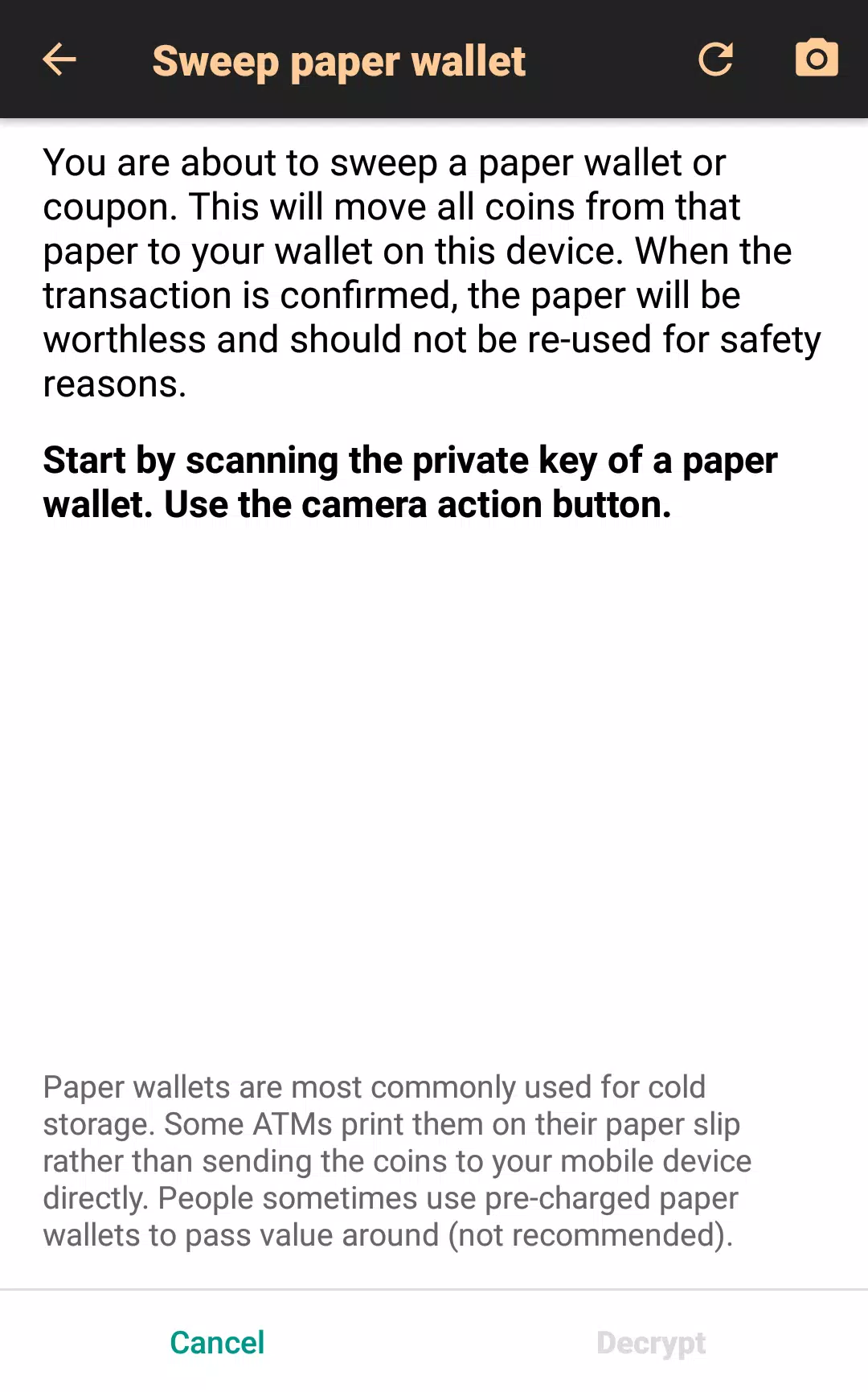
Advanced tools are available without being intrusive. Power users can switch address formats, import common seed phrase types, set precise custom fees, and export raw transactions for offline signing or manual broadcasting. The export feature provides a hex representation of unsigned or signed transactions so you can move work to an air-gapped device, integrate with external signers, or hand off a transaction to another tool while keeping your private keys isolated on the original device. These options support migration from other wallets and allow integration into more secure signing workflows.
The design prioritizes responsiveness on mid-range hardware: synchronization, address generation, and transaction signing are optimized to conserve battery and data. Accessibility features include high-contrast elements, readable fonts, and compatibility with screen readers where supported, while biometric unlocking speeds access for users who prefer it. Offline signing workflows are supported through raw transaction export and later manual broadcasting, enabling an added security layer for users who prefer to sign transactions on an isolated device and publish them from a separate connection.
Address book and labeling features speed repeat transfers and reduce the risk of sending to the wrong address. You can sort and filter transaction history to track recurring payments, incoming funds, and fee trends over time. Notification preferences let you choose which events trigger alerts, and synchronization frequency can be tuned to balance immediacy with data usage. Simple organization tools, such as address groups and recipient tags, help keep multiple accounts and use cases separated without adding visual clutter.
To begin with Bitcoin Wallet, install the app and follow the step-by-step creation flow that prompts you to back up the recovery phrase securely. If you are migrating from another wallet, use the import option that accepts standard seed phrases; test a small transfer first to confirm addresses and workflow. Keep your recovery phrase offline in multiple secure locations, update the app regularly for security patches, and use the preview and confirmation screens to double-check fees and destinations before sending. With practical safeguards and clear interactions, Bitcoin Wallet supports everyday Bitcoin use while keeping privacy and user control central to the experience.





















