Romanian for AnySoftKeyboard is a lightweight language pack that brings Romanian layout, dictionaries and smart typing support to AnySoftKeyboard. It delivers accurate word suggestions, diacritic handling and standard keyboard layouts, helping bilingual users and learners type Romanian quickly and reliably on Android devices.
Romanian for AnySoftKeyboard extends AnySoftKeyboard with localized resources tailored to Romanian orthography and usage. The package includes a keyboard layout with diacritics, a predictive dictionary tuned for modern Romanian, and common punctuation and abbreviation patterns. It works as an add-on so it doesn’t replace your main keyboard app but integrates seamlessly when you switch languages.
Installation is straightforward: add Romanian for AnySoftKeyboard through the Play Store or APK installer, then enable it from AnySoftKeyboard’s language settings. Once activated, switching between languages is fast and the layout adapts without reloading the keyboard application. This plug-in model preserves user preferences and custom dictionaries already configured in AnySoftKeyboard.
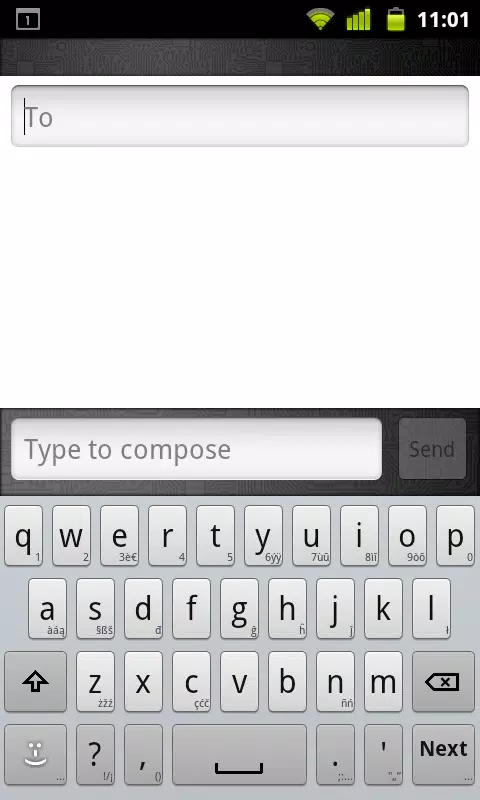
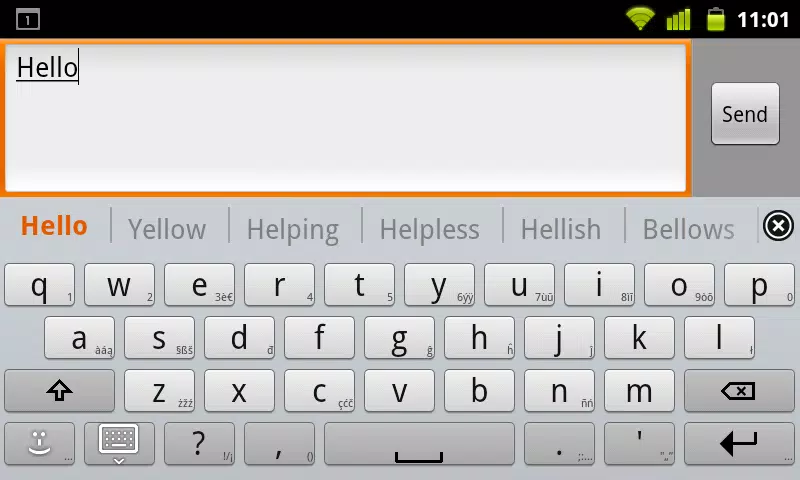
The layout provided by Romanian for AnySoftKeyboard mirrors standard Romanian physical keyboards while offering mobile-friendly tweaks. Long-press menus expose additional characters and alternate diacritics. You can choose between compact and extended layouts, toggle numeric rows, and enable a one-handed mode for easier reachability on large screens.
Designed to be lightweight, Romanian for AnySoftKeyboard minimizes CPU and battery impact during typing sessions. Prediction and autocorrect run locally, so there is no constant network activity required for suggestions. Memory footprint is modest, and startup time when switching languages remains nearly instantaneous on modern midrange devices.
For bilingual professionals, students, and language learners, Romanian for AnySoftKeyboard streamlines daily communication. Faster word suggestions reduce keystrokes, while accurate diacritic handling prevents common spelling mistakes. The pack also helps learners internalize correct accent usage by offering consistent corrections and completions aligned with standard Romanian.
Users can fine-tune Romanian for AnySoftKeyboard to suit personal preferences. Options include switching between formal and casual suggestion modes, adding custom entries to the user dictionary, adjusting correction aggressiveness, and enabling or disabling emoji suggestions. Saved shortcuts and keyboard themes from AnySoftKeyboard remain compatible, so visual and functional customizations carry over.
Romanian for AnySoftKeyboard is an efficient solution for anyone needing reliable Romanian typing on Android. Its focused feature set emphasizes correct diacritics, useful suggestions, and low resource use. Because it functions as an add-on, it keeps your existing AnySoftKeyboard setup intact while adding native-level Romanian support.
To begin, download Romanian for AnySoftKeyboard and follow the brief setup prompts in AnySoftKeyboard’s language menu. After enabling the language, test typing in a messaging app to confirm diacritics and predictions behave as expected. If needed, tweak settings within AnySoftKeyboard to match your typing style.
Whether you write Romanian daily or occasionally need accurate input, Romanian for AnySoftKeyboard provides a pragmatic, well-integrated typing experience that boosts speed and correctness without adding overhead to your device.