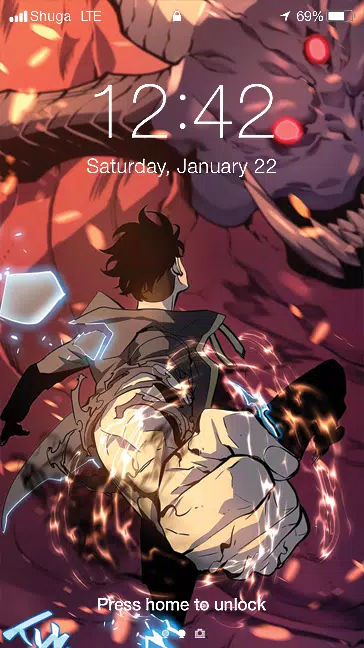
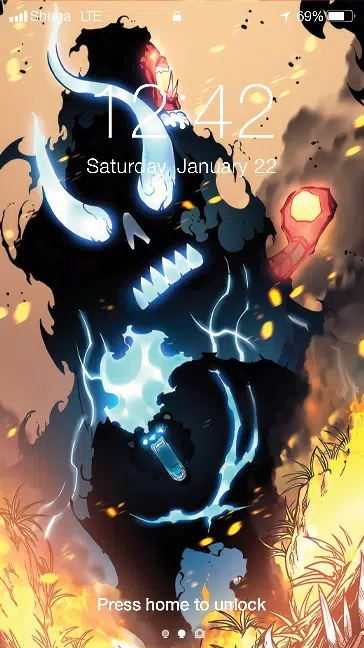

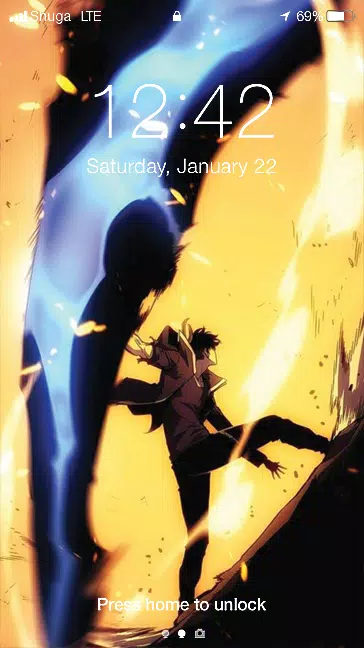
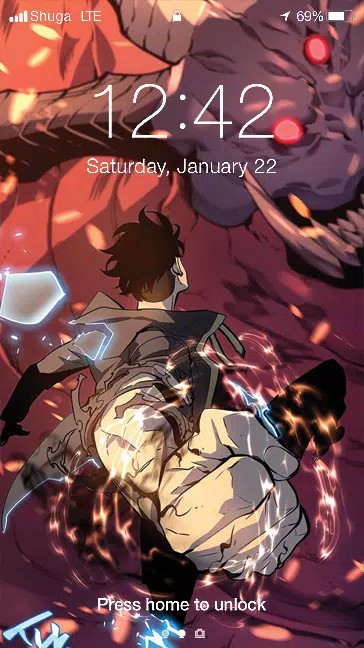
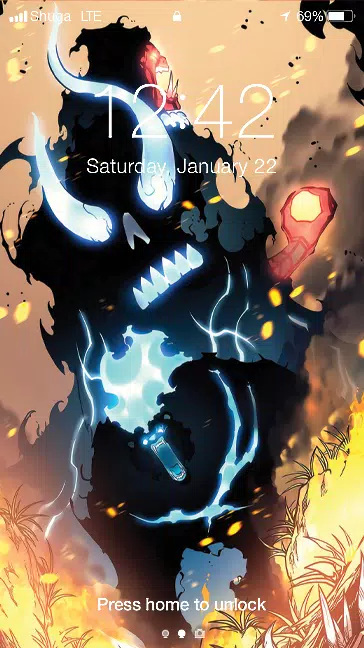

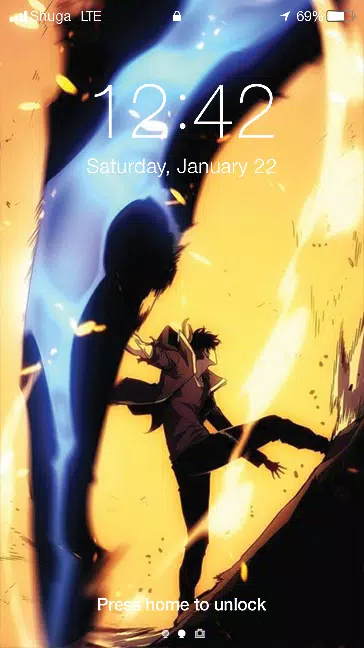
Sung-jin Woo Live Wallpaper brings detailed animated backgrounds to Android devices, creating a vivid, responsive home and lock screen experience. The app offers multiple animated scenes, adjustable motion and lighting, and quick preview options so you can personalize wallpapers efficiently while keeping battery and performance in mind during everyday use.
Sung-jin Woo Live Wallpaper is designed to replace static backgrounds with dynamic, high-quality visuals that react to touch, tilt, and time of day. It focuses on smooth animations, layered effects, and a selection of themed scenes so you can refresh the visual feel of your device without complicated setup or excessive resource drain.
The interface is laid out for fast previews and straightforward adjustments. A main gallery displays available themes with live thumbnails, while a settings panel exposes sliders for animation speed, brightness, and parallax depth. Applying a wallpaper takes two taps: preview then set, and you can choose whether to apply to the home screen, lock screen, or both.
Beyond switching scenes, Sung-jin Woo Live Wallpaper lets you fine-tune colors, overlay gradients, and select particle styles. Color filters can be applied globally or per-layer, and you can combine multiple effects to build a unique look. Saved presets make it easy to return to your preferred combinations without repeating the configuration steps.
Performance is optimized for a wide range of Android devices. The app automatically scales resolution to match your screen and includes options to limit frame rate or disable intensive effects on older phones. Compatibility notes and recommended settings are shown during initial setup so you can select the balance between visual fidelity and battery life that fits your device.
After installing, open the app to browse the live theme gallery. Tap any thumbnail to see a full-screen preview, then adjust motion, color, and intensity using the available sliders. When ready, hit apply and confirm whether to set it on the home or lock screen. For users who want to explore, try switching presets or enabling schedule mode to rotate wallpapers automatically.
If animations appear choppy, check the frame rate setting inside the app and try a lower value. Grant any required permissions for the wallpaper to run on the lock screen, and ensure the app is excluded from restrictive battery optimization settings on certain brands. For persistent issues, the app includes a help section with FAQs and a contact option for direct feedback.
Regular updates add new scenes, tweak performance, and expand customization choices. Community-driven additions may introduce seasonal themes or limited-time visuals. Keep the app updated to access the latest optimizations and new background packs as they become available.
Sung-jin Woo Live Wallpaper blends artistic visuals with practical controls, letting you create a personalized and responsive home screen without sacrificing battery life. With simple controls, a range of presets, and thoughtful performance options, the app is a flexible choice for anyone who wants a livelier Android experience.