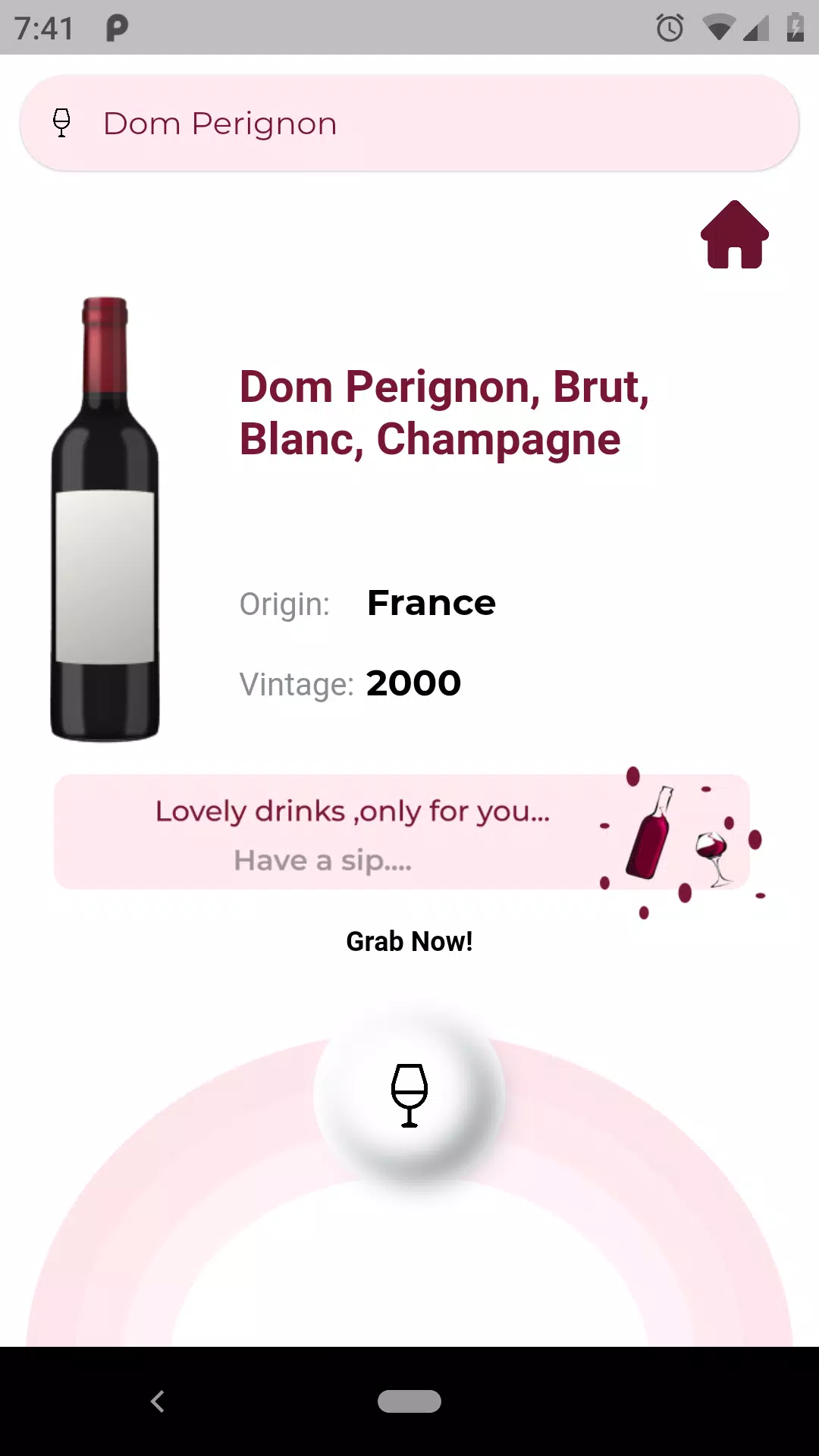
VintWein is a modern wine cellar manager designed to catalog bottles, track tasting notes and plan pairings with ease. It combines barcode scanning, custom tags and vintage tracking into a focused mobile workflow for collectors and casual drinkers who want clean organization and searchable bottle histories on their Android device.
VintWein helps users organize a personal wine collection by capturing bottle details, monitoring cellar conditions and generating quick summaries for tastings. The app is built around fast data entry and retrieval so you can find a bottle, review past tasting notes or prepare a list for an upcoming dinner without switching between multiple tools.
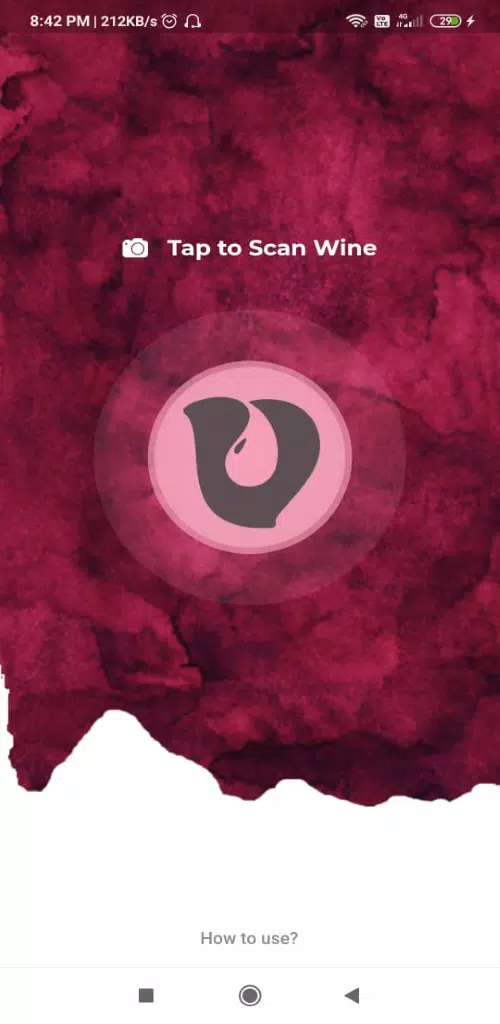
The interface favors clarity: large type for bottle names, collapsible fields for technical data and quick-access buttons for adding bottles or scans. VintWein feels responsive during common tasks like searching and filtering; even large collections remain snappy because the app caches results locally and optimizes image handling.
Set up starts with a few essentials: create a cellar profile, choose preferred units (bottles, cases) and import existing catalogs if needed. Add a bottle using the camera, search the built-in wine database, or enter details directly. When tasting, open the bottle entry to add new notes and photographs — each entry is timestamped for later comparison.
Serious collectors appreciate the historical tracking: VintWein records when bottles were purchased, their cellar location and any change in status (opened, reserved, sold). The app’s timeline view lets you compare tasting notes across years, which is useful for observing how a vintage develops.
Share tasting notes or export lists to send to friends, a sommelier or a market platform. The app supports simple share sheets and generates lightweight PDFs for printing cellar inventories or planning purchases.
VintWein emphasizes offline access—critical when cellars have poor connectivity. Data syncs when a network is available, minimizing conflicts with clear revision history. Image compression reduces storage demands while preserving enough detail for label recognition.
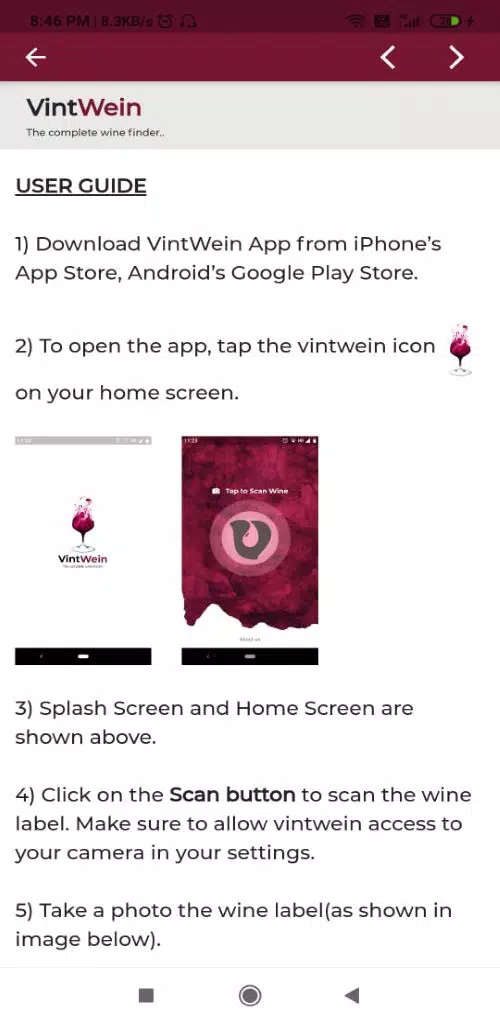
Installing and configuring VintWein takes only a few minutes. After granting camera and storage permissions, run a quick import or scan a handful of bottles to become familiar with the flow. The in-app help section explains barcode formats, tag creation and export steps.
For anyone who values both the practical and archival aspects of wine collecting, VintWein provides a concise set of tools focused on speed, clarity and reliable record-keeping. With straightforward sharing, secure backups and native Android performance, it’s a useful companion for organizing bottles and capturing tasting memories over time.