
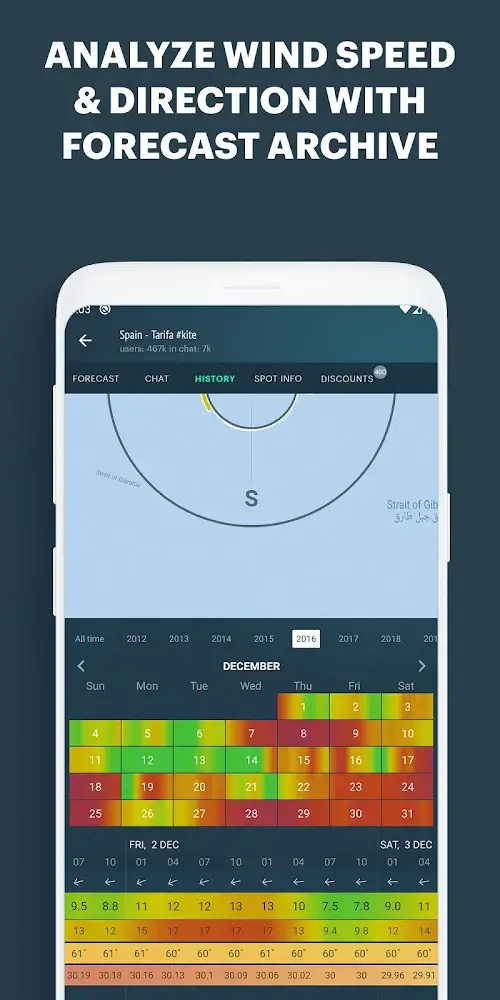
Windy.app is a specialist weather and wind-forecasting application designed for outdoor enthusiasts, watersports athletes, and professionals. It combines detailed wind models, live observations, and activity-specific forecasts to help users plan outings, choose best windows, and stay safe. Quick, customizable, and data-rich.
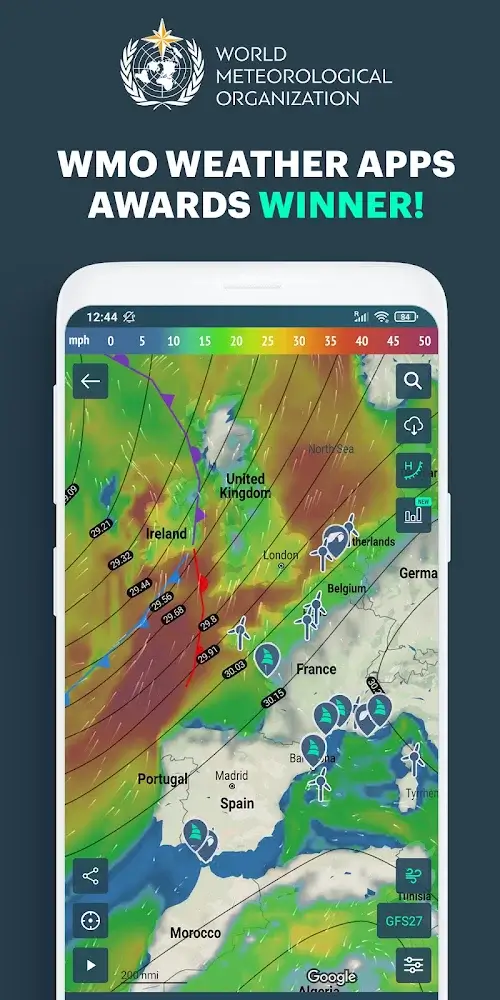
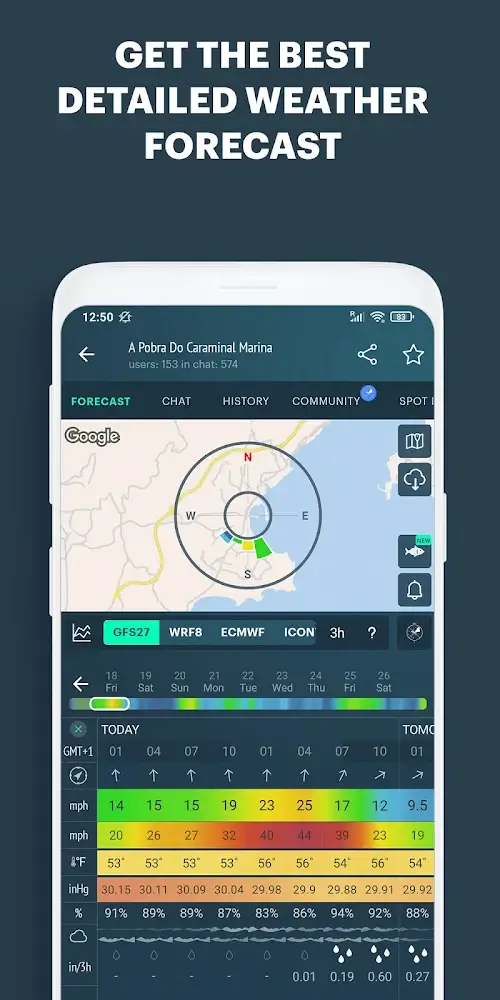
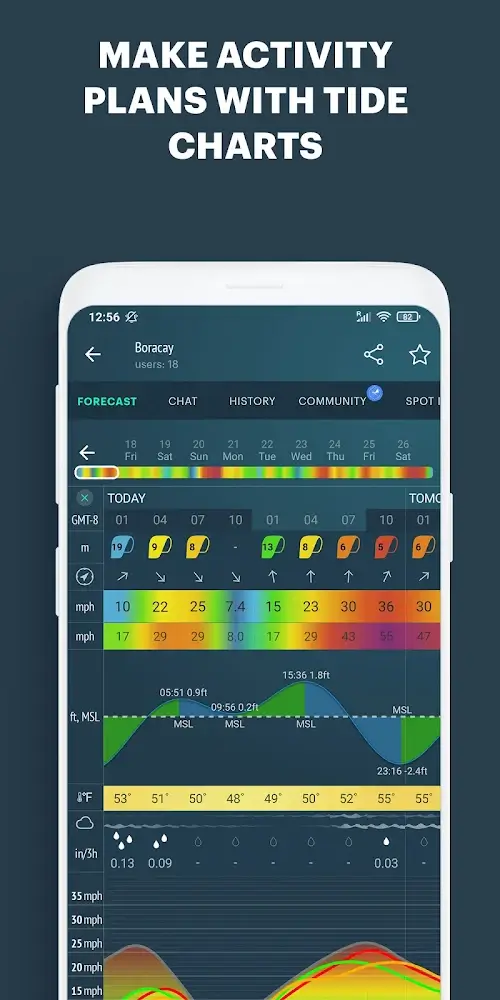
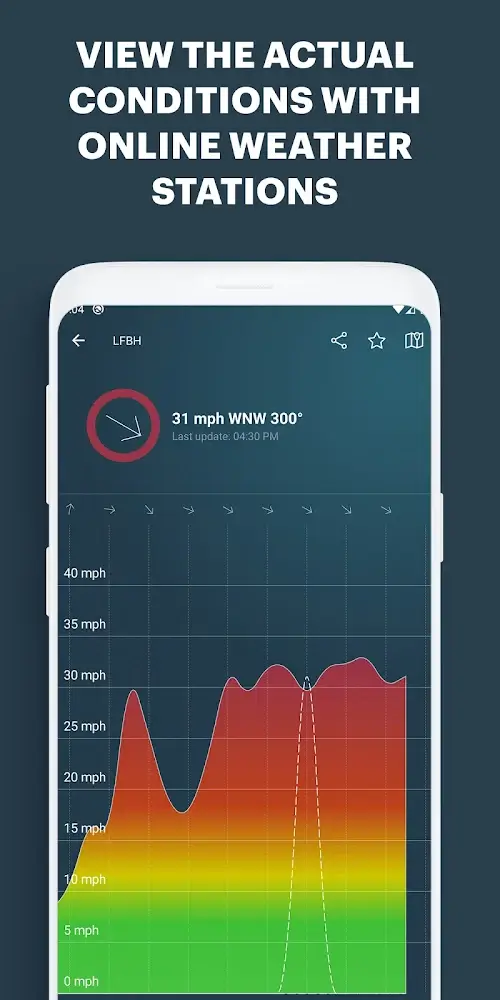
At its core Windy.app transforms raw meteorological data into actionable insights. The app aggregates multiple forecast models, marine and land observations, and radar overlays so you can see wind direction, gusts, pressure trends, precipitation, and temperature at a glance. It is particularly well suited to sailing, kitesurfing, fishing, cycling, and hiking.
Using Windy.app starts with choosing an activity and a location. The interface overlays relevant layers, such as wind speed arrows and gust markers, on top of a high-resolution map. You can scrub forward hour-by-hour or examine multi-day trends. For trips, the route planner samples forecast points along your path so you can identify favorable or risky segments before you leave.
The app balances visual detail with responsiveness. Map rendering is fast on modern devices, and the layer controls are intuitive: toggle radar, clouds, waves, or tides with a tap. Widgets and lock-screen summaries keep critical information visible without opening the app. Performance varies by device and map detail, but users can reduce data intensity by disabling some layers or limiting update frequency.
Customization is a strong point. Create saved locations and folders for regular spots. Configure alert thresholds for wind, precipitation, or temperature so you only get notified when conditions matter. The activity profiles are editable: change parameter units, thresholds, and display order to match your priorities.
Windy.app's layout targets both newcomers and power users. Casual users can rely on activity presets and clear visuals. Experienced users will appreciate the depth of data and the ability to dive into model-specific outputs. The onboarding flow highlights essentials without overwhelming the user with technical jargon.
The app provides a free tier with core features and optional subscriptions that unlock advanced models, higher-resolution radar, offline map downloads, and priority support. If your use depends on long-term planning or professional decisions, a paid plan brings more detailed datasets and additional export options.
Many users pick Windy.app for its focus on wind and activity-specific forecasting. The combination of clear visualizations, model transparency, and practical tools like route planning and alerts makes it an efficient companion for outdoor planning. It reduces guesswork and helps users make more informed timing and safety choices.
Download, grant location permissions if you want automatic spot updates, and explore the activity presets. Add at least one saved location and try the hour-by-hour playback to see how conditions evolve. If you plan to rely on the app in remote areas, test offline maps before you travel.
Windy.app blends detailed meteorological data with a user-oriented interface. Whether you need quick checks or deep analysis, it provides a layered approach that adapts to both casual planning and professional preparation.