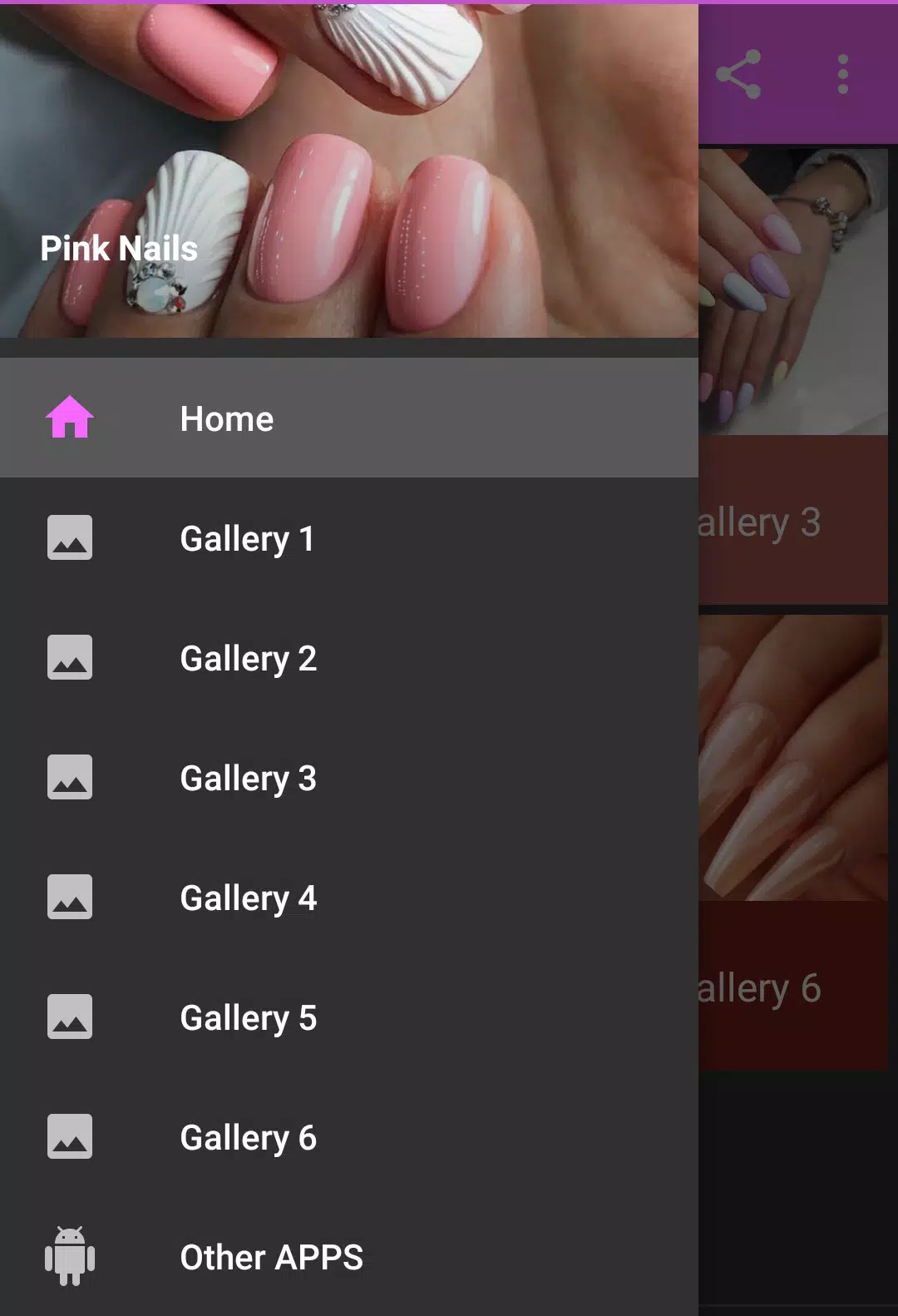
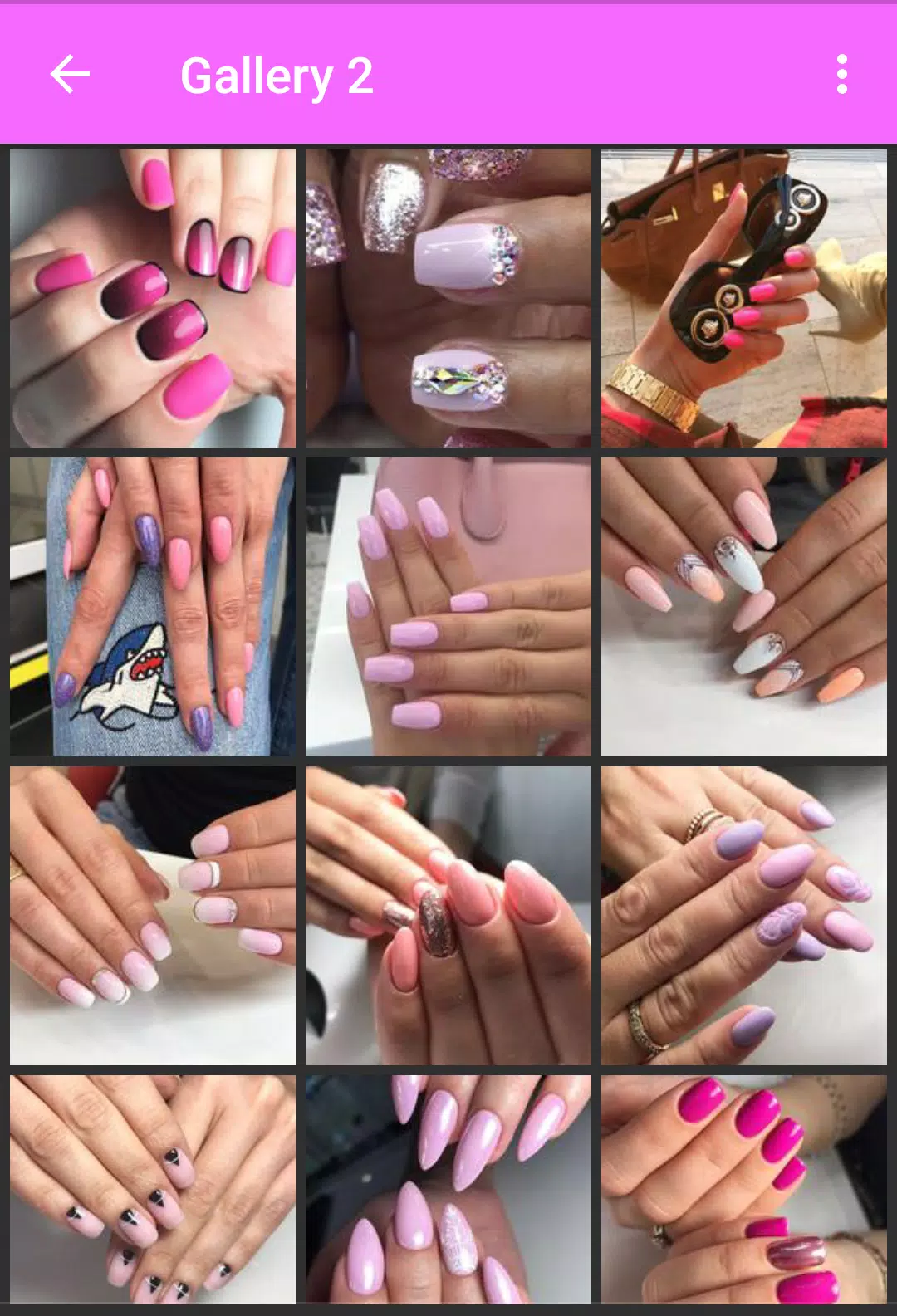
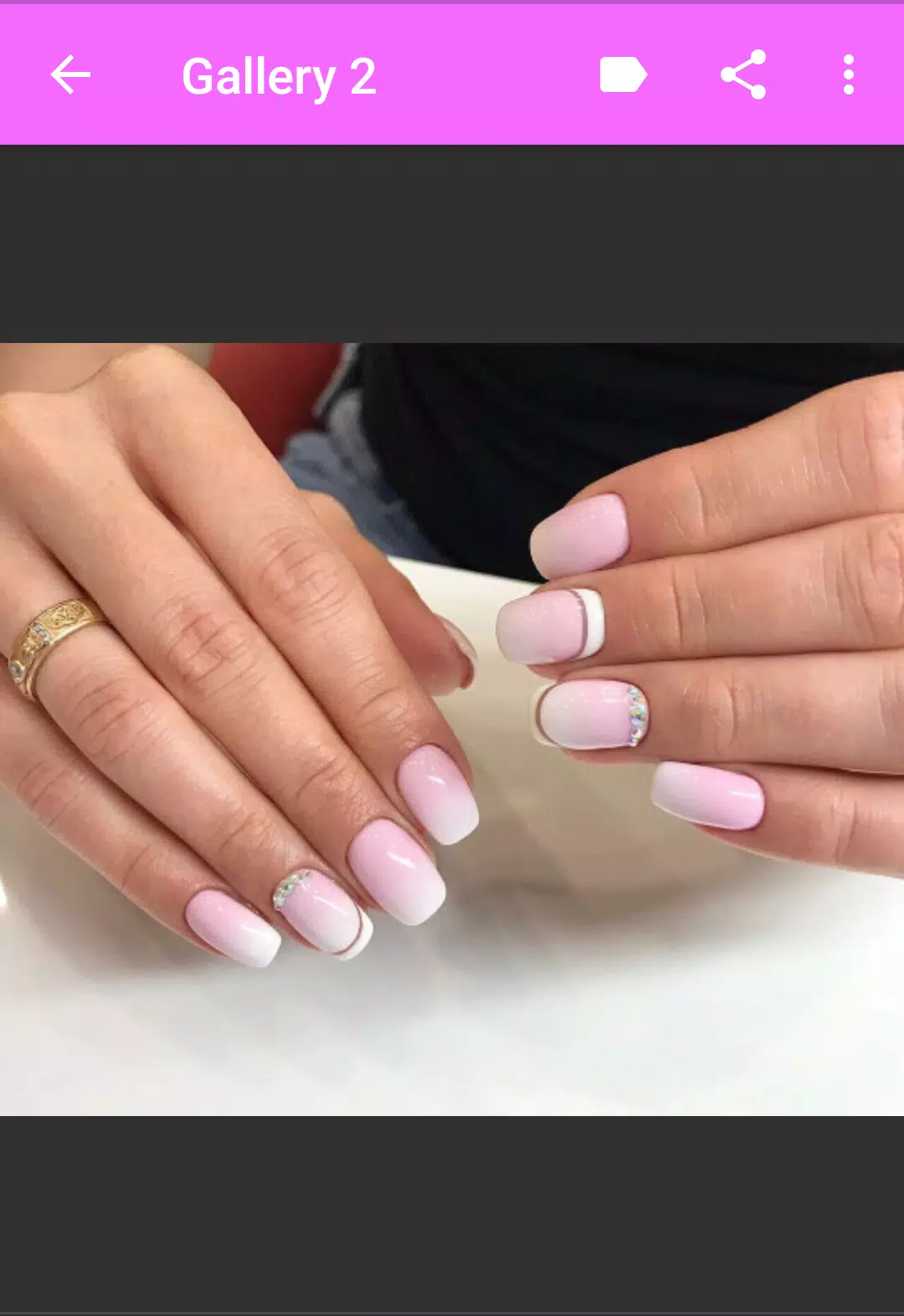
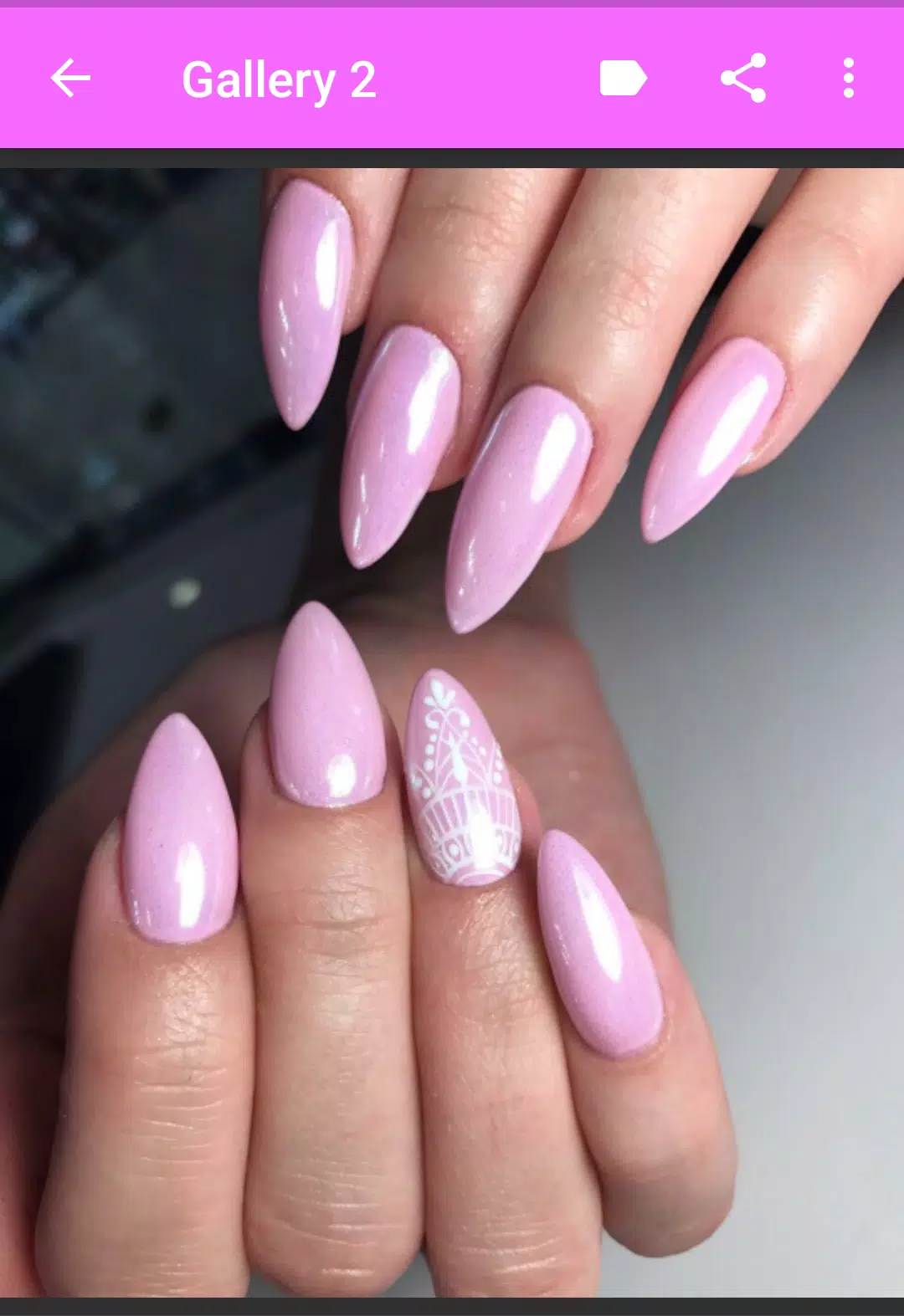
Pink Nail art is a mobile beauty studio that puts creative nail design tools, step-by-step tutorials, and vibrant polish collections at your fingertips. Designed for DIY enthusiasts and salon professionals, the app simplifies creating custom manicures, testing looks with virtual try-ons, and sharing polished results with a few taps.
Pink Nail art offers a broad toolbox for nail creativity. Browse a curated library of colors, gradients, textures, and seasonal collections. Use precision brushes, stamping patterns, rhinestone placement, and layered stickers to compose complex looks. Built-in templates and trending design packs speed up the process, while a freehand mode provides full artistic control for experienced users.
The interface prioritizes clarity and speed. Layers are clearly labeled and editable, with an undo history and snap-to-grid for detailed work. A visual timeline lets you toggle elements on and off and adjust opacity or blending. Quick access toolbars and gesture support make common actions—like switching brushes or rotating decals—fast and intuitive, reducing friction between idea and finished design.
Test designs on real hands with the app’s camera overlay and AR-assisted try-on. Adjust nail shapes, lengths, and skin tones to preview results before committing. Export high-resolution images or short videos optimized for social platforms. Built-in sharing integrates with major networks so you can post step-by-step progress, before-and-after shots, or save to a personal gallery for client consultations.
Pink Nail art is engineered for smooth performance on modern Android devices. Vector-based brushes and optimized texture rendering keep memory use low while preserving detail. An offline mode lets you access saved palettes and templates without a connection. The app supports a wide range of screen sizes and input methods, including stylus support for precision work and accessibility options for clearer contrast and larger UI elements.
Get the most from your designs with a few practical techniques:
Launch the app, create a profile, and tap New Project to begin. Select nail shape and length, then pick a base color from the library or create a custom shade. Apply patterns, adjust layer order, and add accents like gems or decals. Save versions as you iterate so you can compare variations or present options to clients. Pink Nail art also offers short guided tutorials to learn each tool quickly.
For hobbyists and professionals seeking a compact design studio, Pink Nail art balances creative power with approachable controls. It streamlines the design process, from inspiration to shareable image, and provides tools that scale with your skill level. Regular updates add seasonal packs and performance improvements, keeping the app fresh and reliable for daily use.