Stock Master is a streamlined Android app that lets users monitor markets, track portfolios, and set real-time alerts with a clean, responsive interface. Designed for casual investors and active traders alike, Stock Master combines live charts, news feeds, and automated watchlists to help you take faster, data-driven decisions on the go.
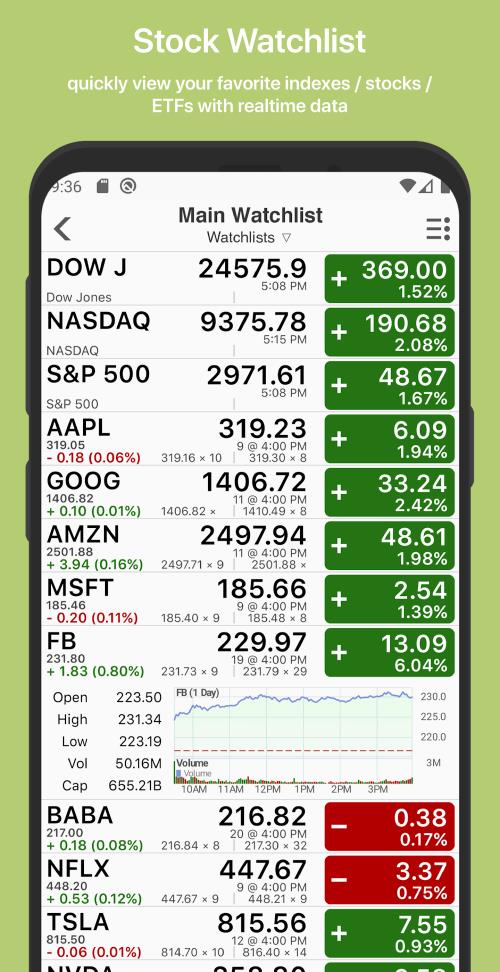
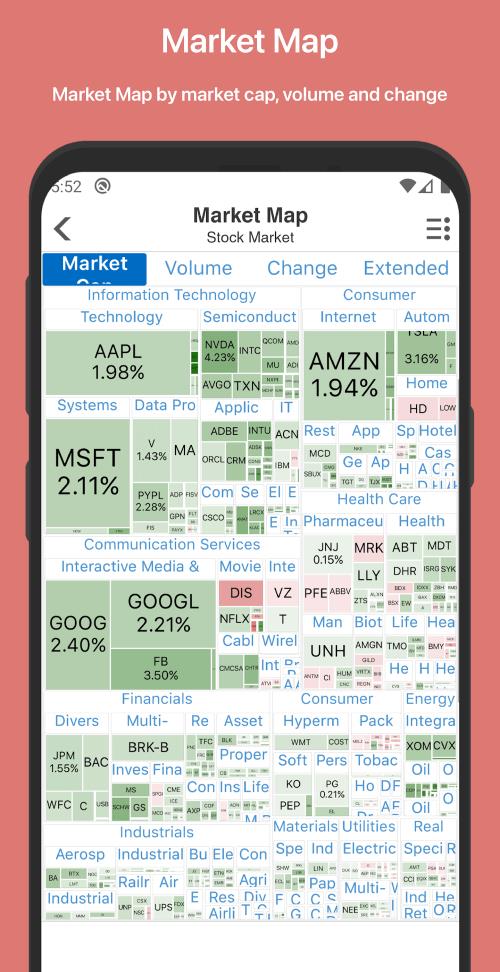
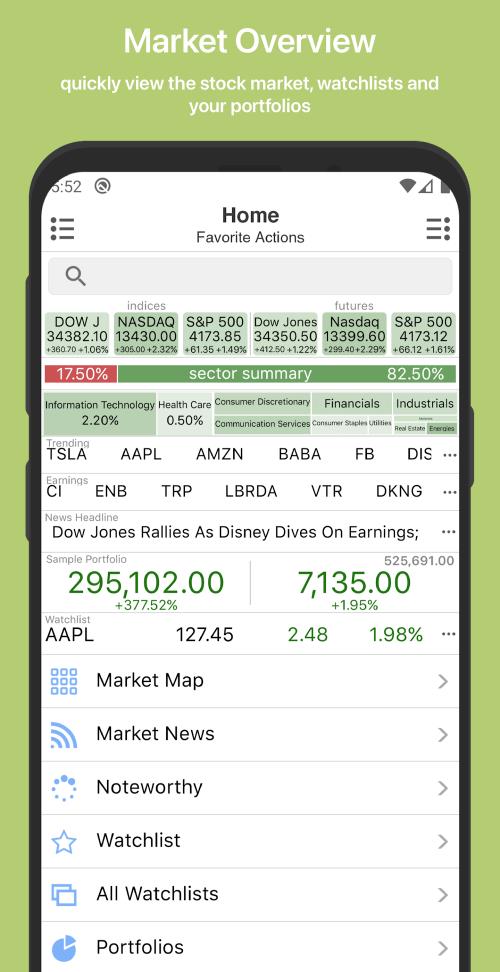
At its core, Stock Master is a market dashboard built for mobile-first workflows. The app aggregates price quotes, historical charts, and relevant headlines into a single view so you can check holdings and opportunity windows quickly. It supports a range of global exchanges and instruments, letting you follow stocks, ETFs, and indices without juggling multiple apps.
Stock Master organizes information around your priorities. Start by adding symbols to watchlists, then use charting tools to identify trends and support/resistance levels. The notification engine lets you set conditional alerts — price crosses, percentage moves, or volume spikes — so the app can notify you even when it runs in the background. Portfolio views calculate unrealized gains, allocation breakdowns, and recent activity to give a quick health check of your positions.
Personalization is a strong suit: choose light or dark themes, configure metric displays, and pick preferred base currencies. Data refresh intervals and notification rules are adjustable per symbol or list. For users who want tight control, Stock Master supports custom sorting fields and saved chart templates that recall your most-used indicators at a tap.
The interface balances density and clarity. Controls are designed for one-handed use on phones, while tablets get expanded grid views. Animations are minimal so the app stays responsive even on mid-range devices. Memory usage is modest, and offline caching reduces data churn during reconnects. When moving between screens, transitions feel immediate, reducing friction during fast market hours.
Prices and news come from reputable financial feeds with timestamped updates. While the app includes real-time quotes for many regions, some exchanges may provide slightly delayed data depending on licensing. Users can verify feed quality in the settings panel and choose to enable premium data subscriptions for guaranteed real-time coverage where needed.
Stock Master also includes contextual help and guided tours that introduce core concepts like trend analysis and allocation views. Those resources help newcomers build a disciplined routine without having to read long manuals.
Installing Stock Master is straightforward: download from the Play Store, grant permissions for notifications, and opt into data feeds. Account creation is optional for basic use, but signing in unlocks cloud-syncing for your watchlists and alert rules. Once set up, spend a few minutes customizing the home screen to surface the instruments you check most.
For investors who value clarity and fast access to market intelligence, Stock Master delivers a compact mix of feeds, charts, and alerts wrapped in a polished Android experience. Its combination of customization and lightweight performance makes it a solid companion whether you’re scanning markets between meetings or refining a multi-asset portfolio at home.