HabitKit is a privacy-first habit tracker designed to help you form new routines and break unwanted ones by turning daily tasks into a simple, visual practice. HabitKit places a customizable grid at the center of the experience so you can set habits, choose how often they should appear, and get timely reminders so nothing slips through the cracks. The app keeps everything on your device and offers import/export tools for manual transfers, making it a practical choice for anyone who wants focused, offline habit management.
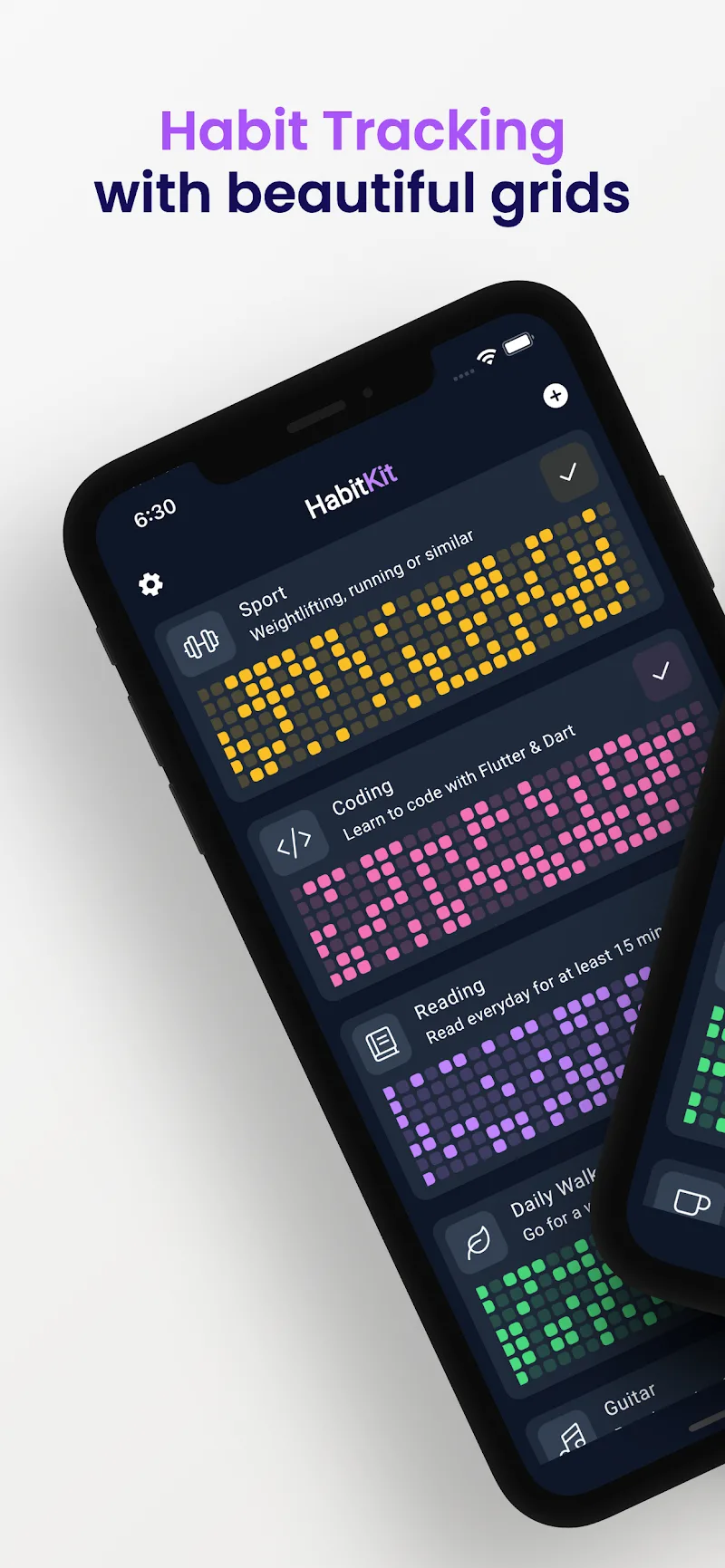
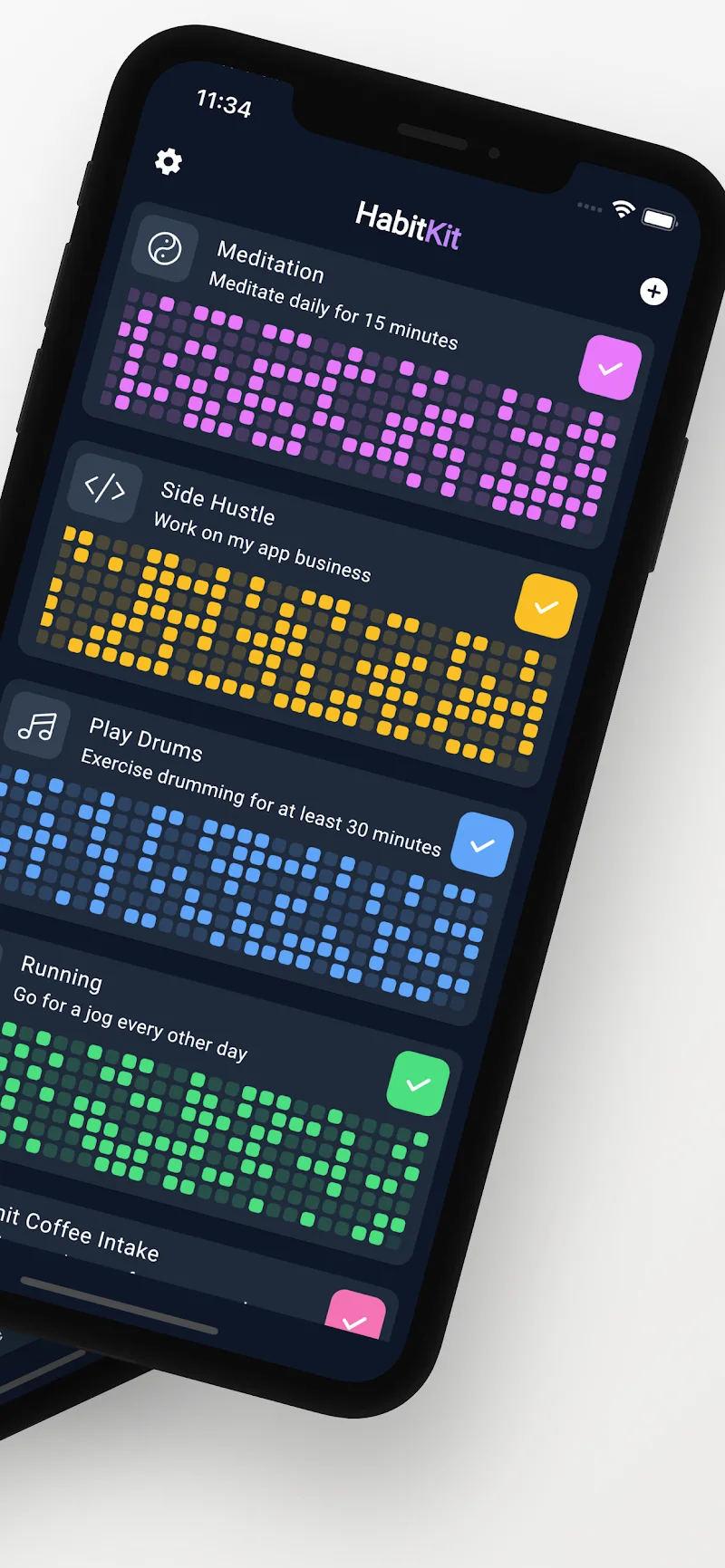
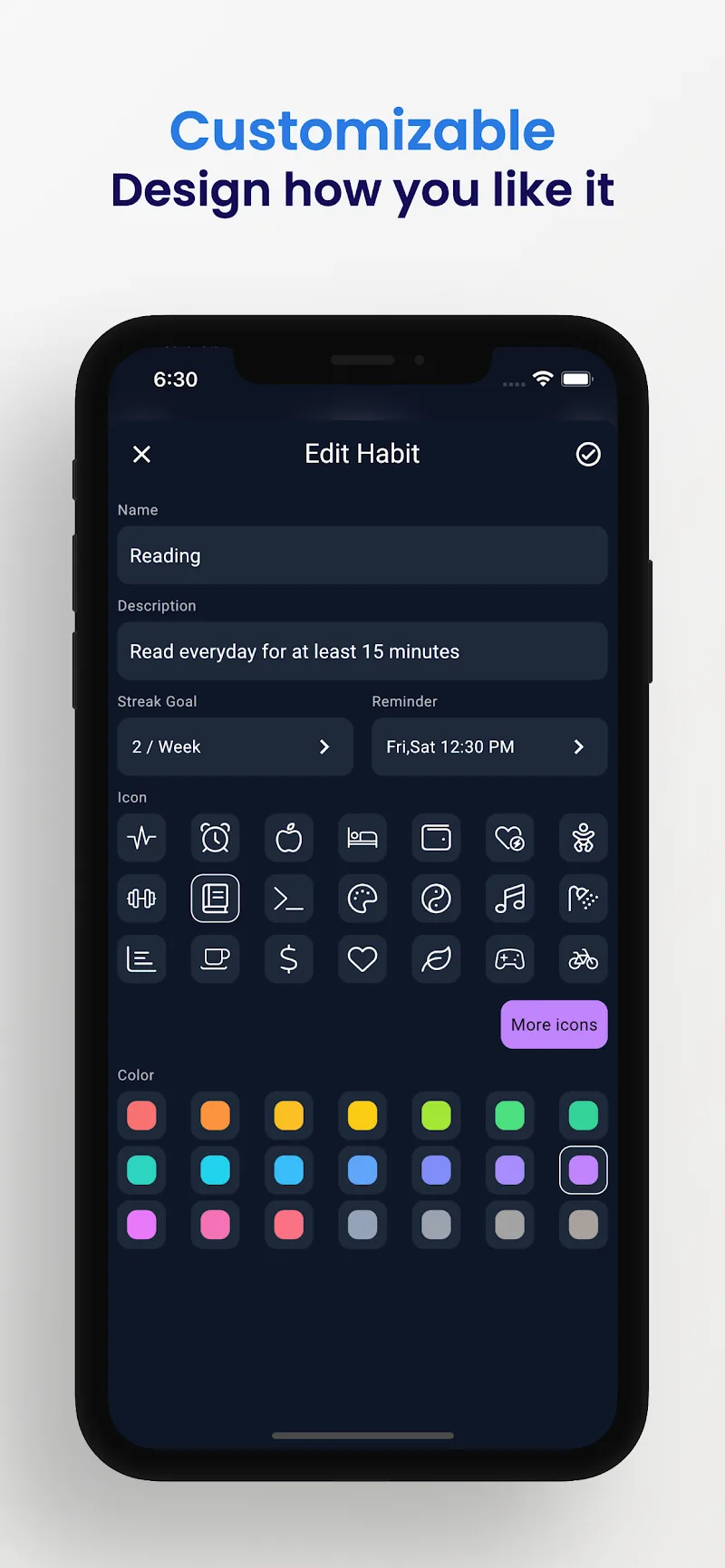
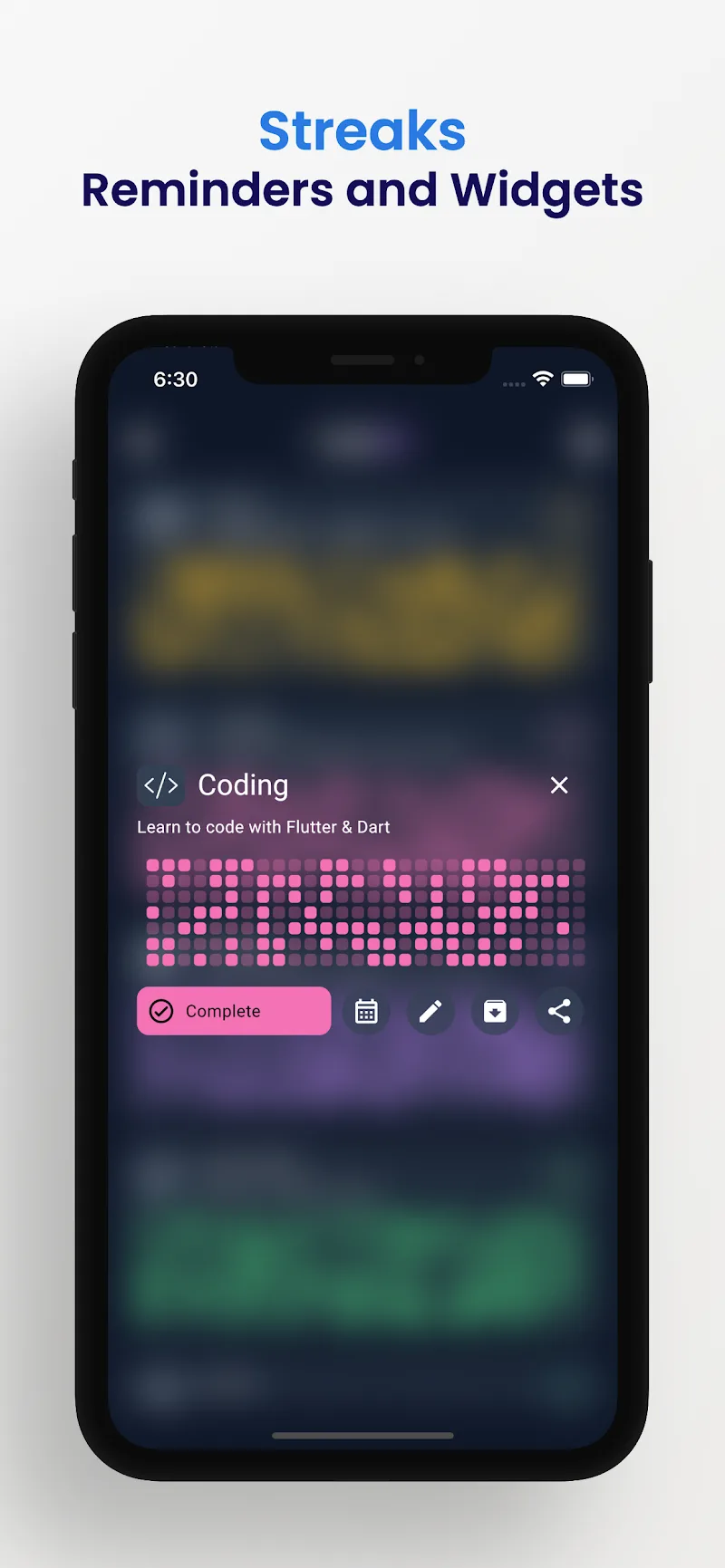
The core interface uses a grid of colorful tiles that represent individual habit days; tapping a tile marks the habit as completed for that time period, and long-press or a dedicated edit control lets you change details without breaking your streak. Reminders are configurable so you receive notifications at appropriate times, and frequency settings allow daily, weekly, or custom schedules. Dashboards are adaptable: change colors, icons, and descriptions to match each routine, and reorganize tiles to prioritize what matters most to you.
Progression in HabitKit is simple and motivating rather than gamified with points. Streak counters display consecutive completions, while grid charts reveal gaps and momentum at a glance. You set frequency goals and can try to beat personal records for consecutive on-target days. Habit progress is shown both in single-habit views and in combined dashboard summaries so you can see micro progress for each routine and an overall consistency picture for the week or month.
The visual language emphasizes clarity: colorful tiles, clear icons, and compact streak badges give immediate feedback when you complete a task. Tiles change appearance based on completion state and recent history to make patterns visible without digging into menus. The interface is intentionally restrained to keep attention on routines rather than distractions, and color customization helps make the app visually accessible and personally meaningful.
Customization extends to habit descriptions, icons, and color schemes so each habit feels distinct and easy to scan. You can group habits by category or priority within dashboards to create a level-like structure: morning routines, work tasks, fitness goals, or quit-smoking programs can each form their own set with independent frequencies. Schedules support flexible repetition rules so you can track habits that occur on specific days, alternate-day patterns, or multiple times per day.
Because HabitKit focuses on repeatable tracking rather than one-off achievements, replay value comes from building momentum and maintaining streaks over weeks and months. Daily check-ins become a lightweight ritual, and the visual grid encourages returning to the app to keep streaks intact. Small personal challenges—like a seven-day consistency push or a monthly target—add optional structure without requiring complex management.
The app aims for low friction: clear controls, concise text, and predictable flows reduce cognitive load when marking habits. Basic accessibility considerations such as adjustable visual contrast through color choices and readable labels make the interface usable for a broad audience. Menus are designed to be straightforward so new users can set up their first habits in minutes and adapt settings as they learn what works for them.
All data is stored on your device so HabitKit works fully offline and does not require an account. Import/export tools let you transfer your data manually between devices if you change phones. This design keeps sensitive information local and under your control, at the expense of automatic cloud synchronization. If you prioritize privacy and offline reliability, the on-device approach provides a clear advantage.
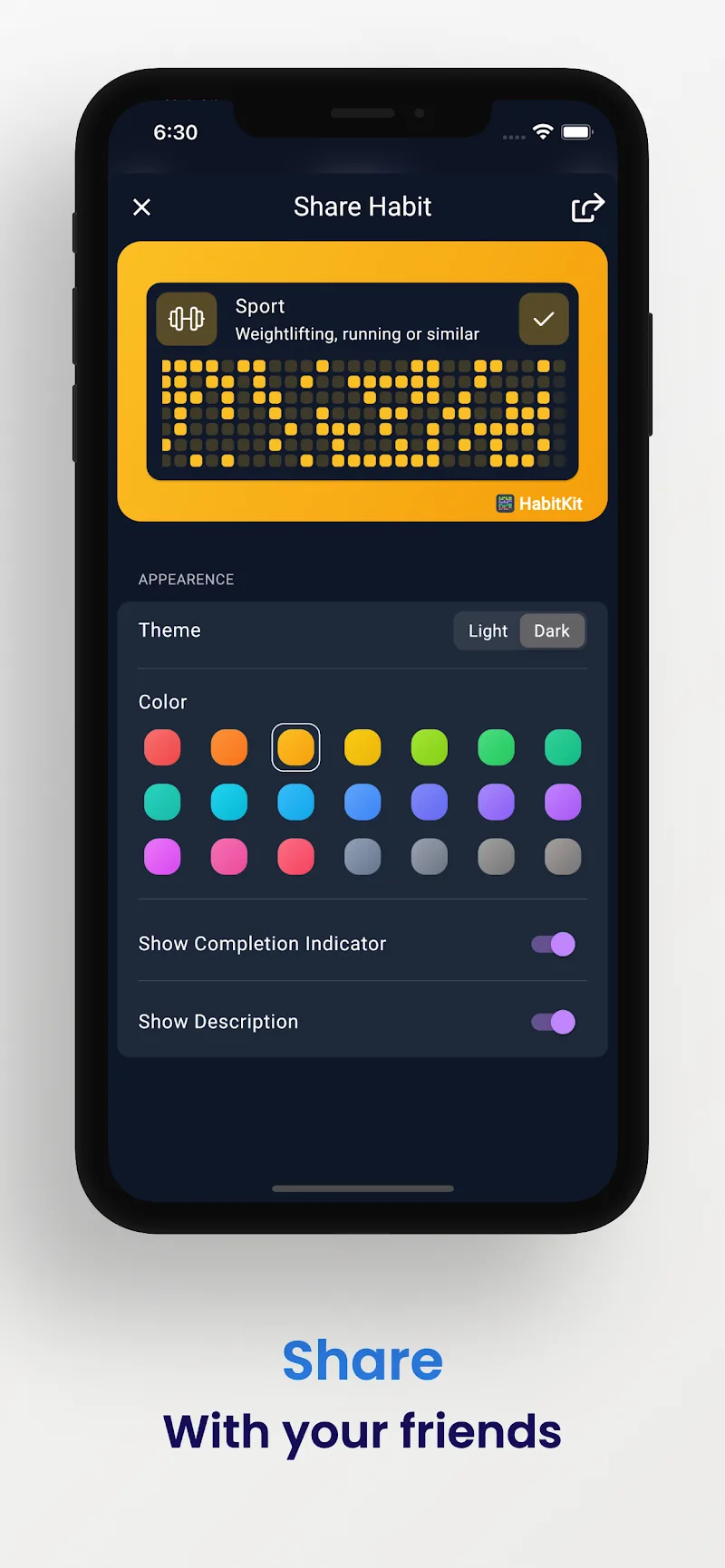
HabitKit intentionally avoids account-based features and automatic cloud backups, so users who prefer seamless device sync will need to export and import data manually. The app does not include built-in sharing, collaborative tracking, or advanced analytics; reporting centers on visual charts and streaks rather than detailed performance breakdowns. These trade-offs reflect a focus on single-user, private habit management rather than social or enterprise functionality.
HabitKit is well suited for users who want a clean, private tool to manage routines like exercise, meal tracking, meditation, or stopping an unwanted behavior. Its straightforward controls, visual progress indicators, and flexible scheduling make it useful for a wide range of goals while keeping personal data out of the cloud. If you value simplicity, privacy, and a motivating visual system for daily consistency, HabitKit provides a lightweight but capable solution.