InSaver is a lightweight Android utility that lets you download and organize photos, videos, and stories for offline viewing, quick reposting, or personal backup. It supports batch downloads, high-resolution saving, and a private gallery, making media management fast and accessible for everyday social media users and content curators.
Designed for people who want a simple way to capture social media content, InSaver focuses on speed and convenience. It handles common formats and preserves original quality where possible. The app streamlines repeated tasks like saving multiple items at once and moving files into categorized folders, reducing the friction often found in manual downloads.
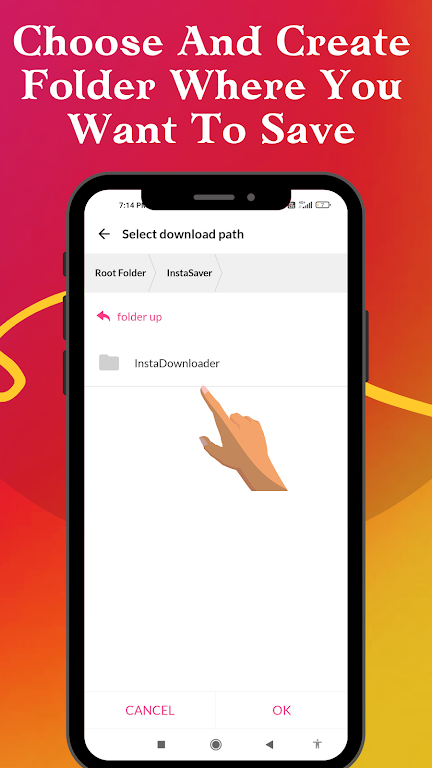
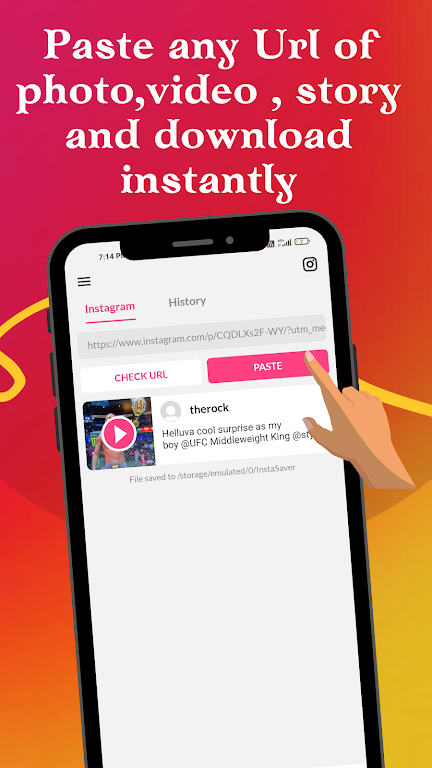
After installation, InSaver integrates with your sharing menu and offers a clipboard monitor (optional) to detect copied links. Open a post or story in your preferred social app, tap share, and choose InSaver. The app parses the link and queues the media for download. Users can review items before saving, change destination folders, or tag content for easier retrieval.
Turn on batch mode when curating content for a collection. Use the built-in tags and folders to separate personal keepsakes from assets intended for reposting. When multiple formats exist for the same item (standard and high resolution), InSaver prompts for a preferred option so you can balance storage and quality.
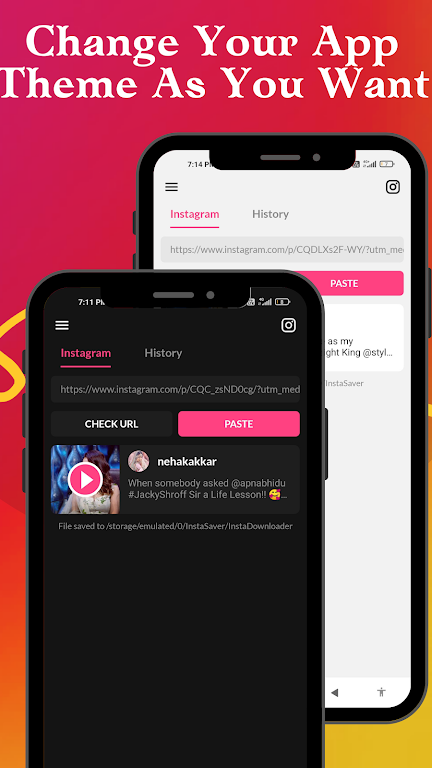
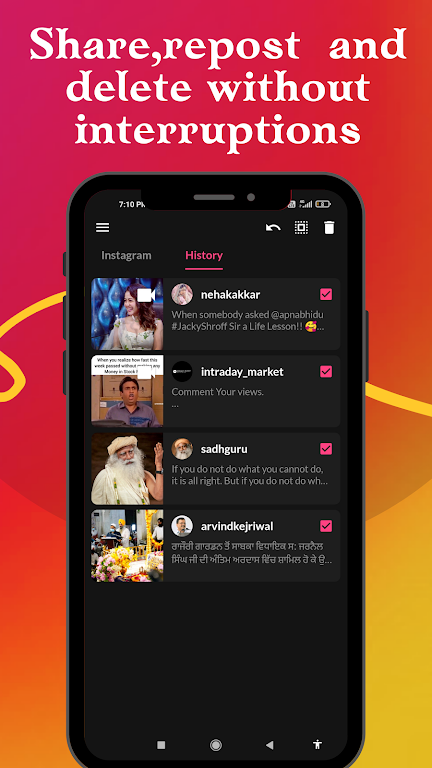
InSaver keeps the interface uncluttered with a focus on thumbnails and quick actions. Menus are shallow: most common tasks (download, share, delete) are reachable with one or two taps. The app is optimized to limit background processing, which helps preserve battery life during extended downloads. On modern mid-range devices performance is smooth, with downloads running concurrently up to the configured limit.
Users can adjust download locations, change file naming patterns, and set simultaneous download counts. There are options to automatically clear temporary files and to enable notifications when large jobs complete. For privacy-conscious users, the private gallery and automatic cleanup settings reduce the chance of unwanted exposure.
InSaver provides tools to protect your local files, such as PIN protection and an optional private gallery. Respecting copyrights and platform terms remains the user’s responsibility. The app is built to work with publicly available content and is not a tool for bypassing account restrictions or paid access.
Install the app from a trusted source, open it, and grant the minimal permissions requested. Try a single-file download first to verify settings and destination folders. Once comfortable, enable batch downloads and experiment with the private gallery to safeguard personal media. InSaver also includes an in-app tutorial to walk through core workflows.
People pick InSaver because it balances functionality with simplicity. It removes repetitive steps present in other workflows and keeps downloaded content organized without heavy-handed features. For content creators who collect reference material or casual users who want offline access, the app offers a practical, no-nonsense solution that adapts to different needs.