My Notes is a lightweight notepad built for people who want a straightforward, secure place to capture text, ideas and daily entries on Android phones and tablets. My Notes opens quickly, supports PIN and password protection plus biometric locking where supported, and keeps your writing organized in folders so you spend less time managing files and more time writing. The app balances a simple visual approach with practical tools like quick search, export to plain text or HTML and cloud synchronization so your notes stay available across devices without extra complexity.
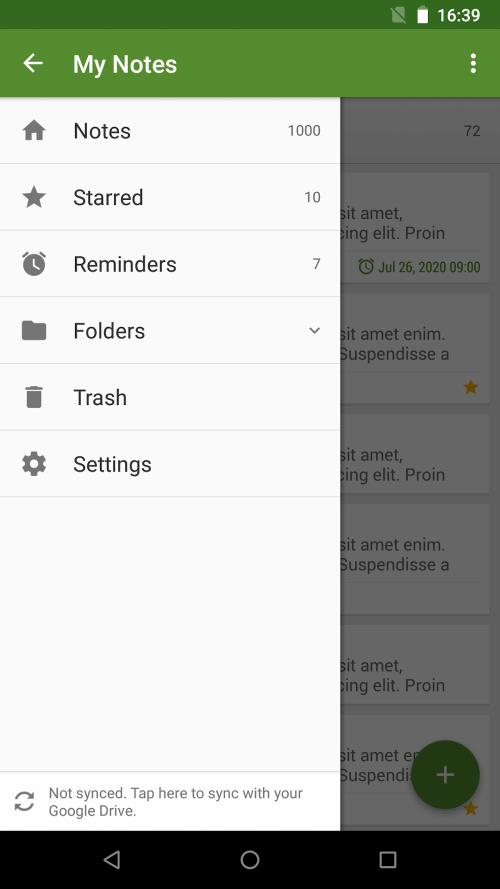
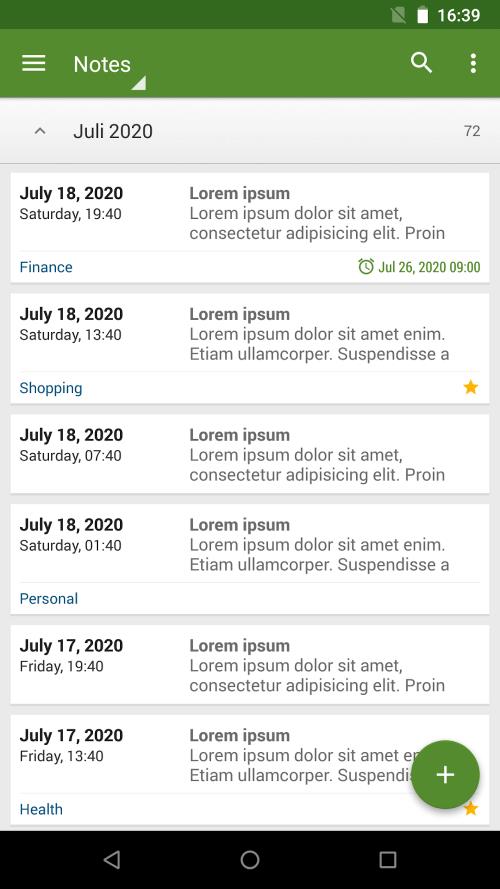
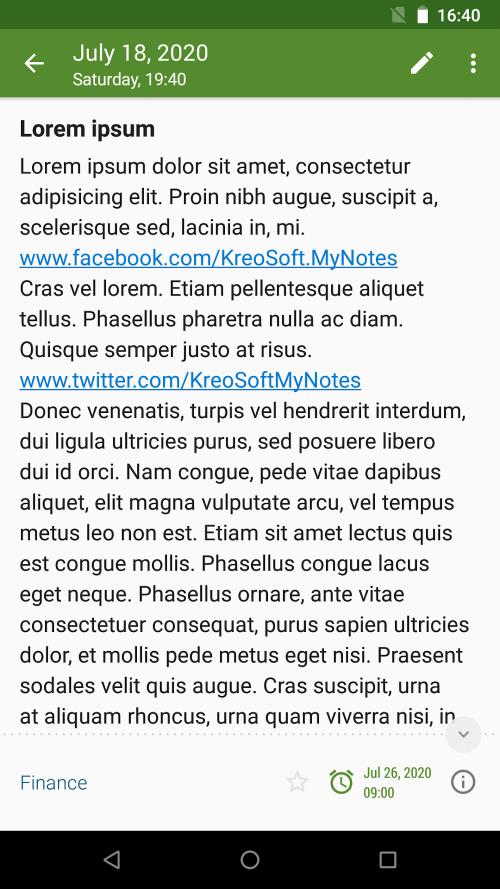
The user interface in My Notes focuses on clarity and speed: a side drawer presents folders and sorting options, a persistent search field surfaces recent results, and tap-and-hold or swipe gestures are used to manage notes without deep menus. Creating a new note is a single tap from the home screen or from an app widget; saving is automatic, and basic editing controls let you copy, paste and share text with other apps. On devices with gestures enabled you can use back-swipe and long-press shortcuts to move quickly between entries, while the app keeps a predictable navigation flow for users who prefer traditional buttons.
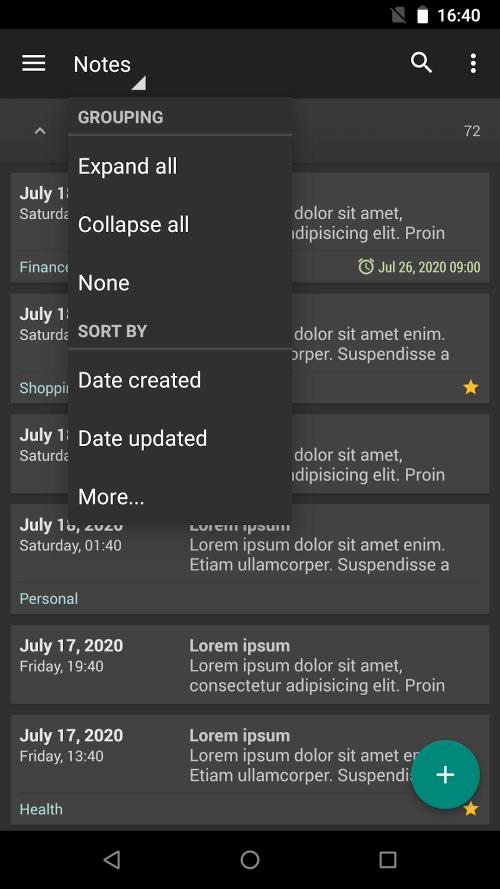
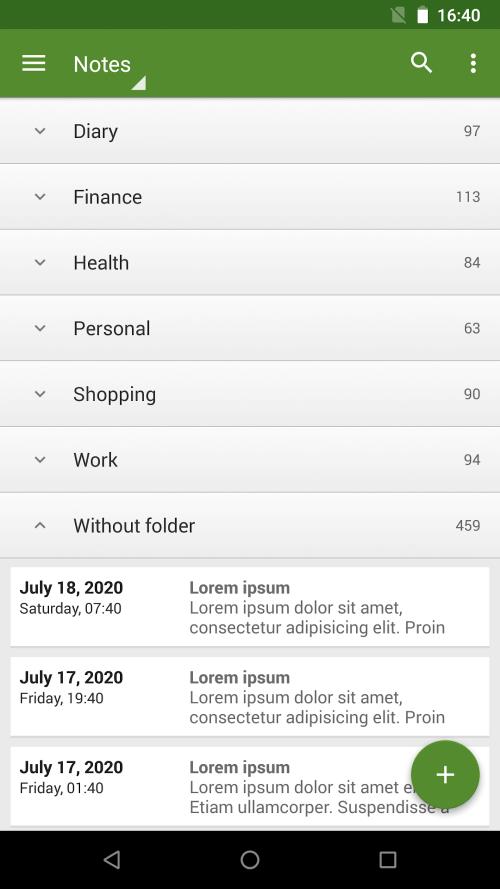
Notes are arranged into folders so you can mirror a real-world filing system: a folder might represent a class, a project, a journal or a recurring topic. As your library grows, sorting by creation date, modification date or title helps maintain an orderly progression through older and newer material. Search and folder filters act as lightweight progression systems — instead of leveling up, you refine how you store and retrieve information, and periodic export or backup steps create milestones that protect important work over time.
Cloud synchronization keeps entries accessible between Android devices while continuing to allow full offline use: you can create, edit and browse notes without a connection and changes will sync when connectivity returns. The app offers clear indicators when notes are pending upload and provides simple options to retry synchronization. If a conflict occurs because the same note was modified on two devices, My Notes flags the discrepancy and preserves both versions so you can compare and merge content manually, giving you control over the final text.
Exporting notes to plain text or HTML is supported for long-term storage or for sharing with other tools. Built-in backup and restore features let you create local copies to an external folder or integrate with your preferred cloud provider, so regular backups become part of a safe writing routine. Export files are straightforward to read and import into other editors, making it easy to move between apps without locking content inside a proprietary format.
My Notes includes home-screen widgets and app shortcuts that let you jump directly to a folder or create a new entry with one tap, which speeds up common workflows like jotting a quick shopping list or starting a diary entry. Swipe gestures and configurable sort orders allow you to tailor how notes are presented, and the responsive layout adapts well to different screen sizes so the same app works comfortably on small phones and larger tablets. These customization options let you shape the app to your daily habits rather than forcing a single rigid workflow.
The design emphasizes legibility and simple controls to support a broad range of users. Font sizes and contrast are chosen for easy reading, and standard Android accessibility features such as screen reader compatibility and large-touch targets are respected to improve navigation. Because the core editing and organization features work offline, people can rely on My Notes in low-connectivity situations and still have full access to their recent entries.
Whether you use My Notes for lecture notes, a private journal, idea drafts or quick reminders, the app aims to stay out of the way while protecting your content. Frequent automatic saves, export and restore tools, and clear locking options help make the app dependable for everyday tasks. The straightforward layout reduces friction when capturing thoughts, and the combination of local backups plus optional cloud sync gives peace of mind about long-term data safety.