Fast Scan by CamScanner is a compact document scanner that converts paper pages into crisp, editable digital files so you can store, share and reuse them quickly. This APK builds a straightforward scanning workflow: position the camera, capture one or multiple pages, apply automatic cropping and enhancement, then export as a searchable PDF with OCR-ready text. Fast Scan by CamScanner is designed for users who need reliable, quick conversions of receipts, notes, contracts and book pages without a steep learning curve.
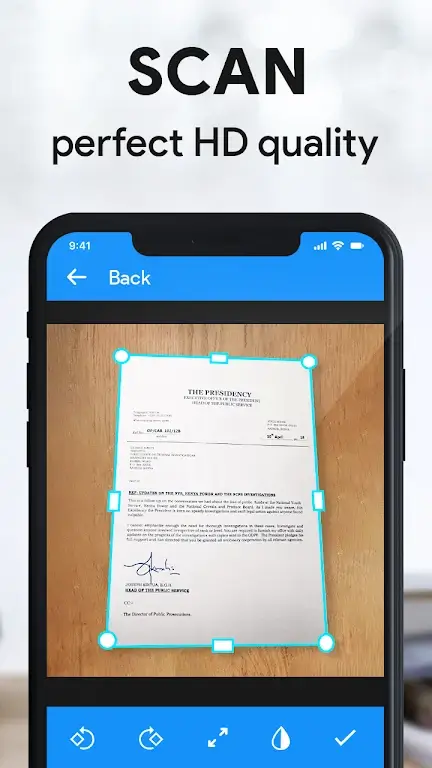
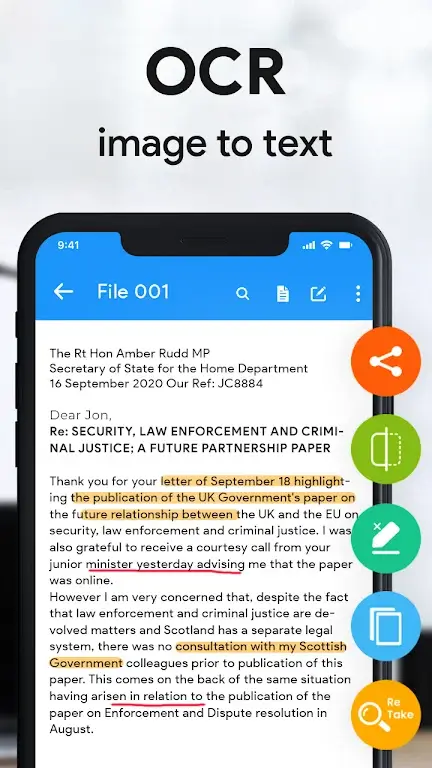
The app provides automatic edge detection, perspective correction and image enhancement to improve legibility across a range of document types. Multi-page scanning is supported so you can combine receipts, invoices or book spreads into a single PDF. Built-in OCR extracts text from images so you can copy, edit or search within saved documents. Simple export options let you save locally, rename files and share PDFs through email or messaging apps without extra steps.
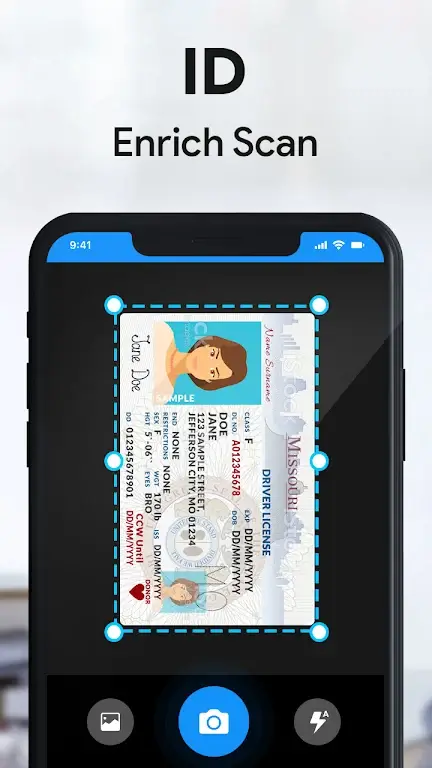
Scanning works in a few predictable steps: frame the document on screen, let the app detect edges and capture, then review the preview to reorder pages or apply filters. Automatic cropping trims background clutter and perspective correction flattens angled shots. If you prefer manual control, you can fine-tune cropping, rotate pages and adjust basic image filters before finalizing the PDF. The resulting file is optimized for readability and storage.
Controls are optimized for one-handed phone use: a simple shutter button, on-screen indicators for edge detection and quick toggles for flash or filter modes. You can import photos from the gallery or capture directly within the scanner module. Page reordering is accomplished through an intuitive thumbnail view; long-press and drag to change sequence. The workflow emphasizes speed for users scanning several pages in succession, with clear prompts for next steps.
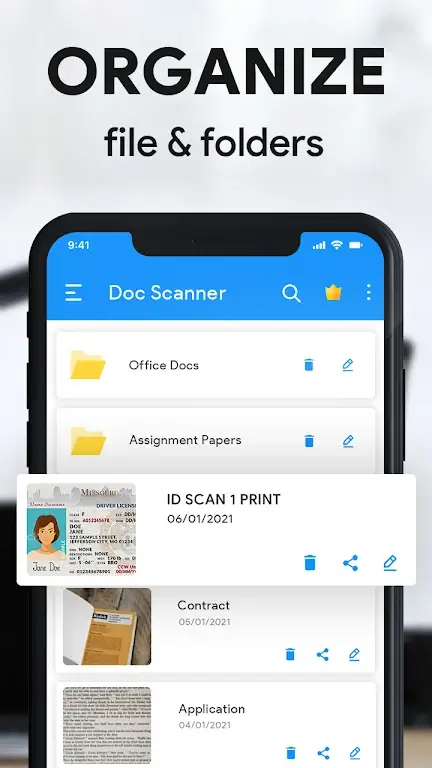
Instead of rigid levels or achievements, the app’s progression comes from building organized document collections. Folder-style management helps you group invoices, receipts or project papers into named folders and subfolders. Consistent use creates a searchable archive where OCR text and file names speed retrieval. Regular users will appreciate the time savings from repeatable workflows and consistent scanning settings for recurring document types.
Image processing focuses on producing clear, printable PDFs even from imperfect source material. OCR works well on typed text and standard fonts, though results may vary with poor lighting, low-resolution photos or cursive handwriting. To improve accuracy, the app offers filter options (color, grayscale, black-and-white) and instructions to stabilize the camera for sharper captures. When scanning books or bound pages, take multiple overlapping shots and use the app’s crop tools to isolate text regions.
Users can customize file names, choose default image filters and select preferred export formats to match personal or workplace needs. The interface favors high-contrast controls and large tap targets to support accessibility; text labels and clear icons reduce confusion. Most core functions operate offline, letting you scan and save documents without a data connection. Export and sharing are optional steps that you can perform later when a connection is available.
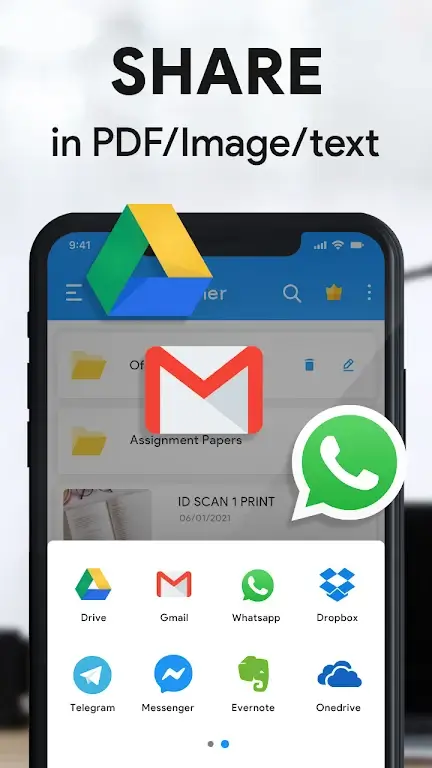
Export options prioritize compatibility: save as standard PDF, attach to an email, or share through messaging apps. Searchable PDFs created with OCR make it easier to index and find content on-device. Limitations include variable OCR accuracy on handwritten or decorative fonts, and occasional need for manual corrections on documents with complex layouts. Overall, Fast Scan by CamScanner is a practical tool for everyday digitization that balances automated processing with controls for users who need finer adjustments.