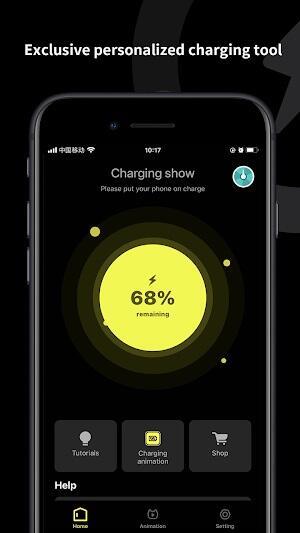
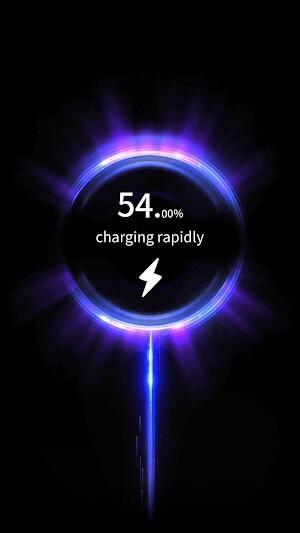
Pika! Charging show is a playful Android utility that transforms the mundane act of plugging in your phone into a lively visual experience with animated effects and customizable themes. The app delivers charging animations, sound cues, and quick settings so users can personalize battery feedback without changing system behavior or performance.
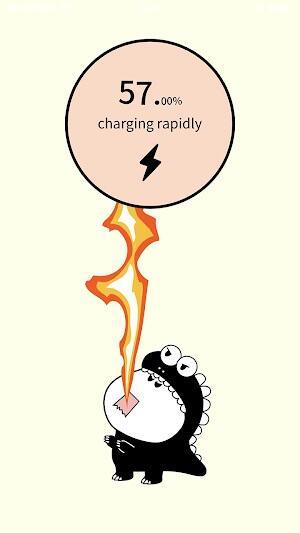
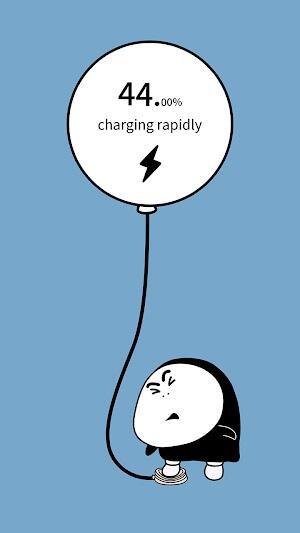
Pika! Charging show provides an interactive overlay that appears when your device is connected to a charger. Rather than just a static icon, the app displays animations, progress indicators and optional sound effects that celebrate charging milestones. It works alongside your phone’s native battery management to provide information at a glance while remaining lightweight and unobtrusive.
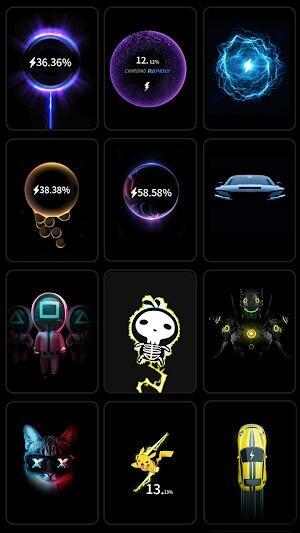
The app includes a suite of features aimed at customization and clarity. Users can choose from multiple animation packs, enable percentage readouts, and toggle haptic or audio feedback. A persistent preview mode lets you see how an animation will look before applying it. Background resource use is minimized so animations are smooth but do not drain the battery or reduce charging speed.
Pika! Charging show shines in its personalization options. You can switch colors, alter animation speed, and select themed overlays for holidays or special events. The app supports different display styles for lock screen and home screen, and it allows separate profiles for wired and wireless charging. For those who prefer minimalism, a low-profile theme removes sound and motion while keeping numeric battery updates visible.
Integration focuses on convenience and compatibility. Pika! Charging show uses Android’s accessibility and overlay permissions to render visuals when a charger is detected. It does not require root access and respects Do Not Disturb rules, so notifications and critical alerts behave normally. Permission prompts are explained in-app to guide users through setup safely and transparently.
The interface is designed with fast access in mind. A compact control panel allows you to preview animations, change themes, and set timers for when animations should stop. Animations are optimized for touch interaction; tapping an animation can bring up battery details, open a power-saving guide, or dismiss the overlay. Small touches like adjustable entrance animations and fade-outs make the experience feel polished.
Pika! Charging show prioritizes performance by using efficient rendering techniques and limiting background processes. It supports a wide range of Android versions and device resolutions, adjusting assets to suit screen density. The app includes an auto-detect tool to test compatibility and will suggest a lower-resolution animation if your device lacks GPU support for complex effects.
Beyond visual flair, the app adds practical value: quick access to battery stats, timed charging reminders to avoid overcharging, and optional logging of charge sessions to monitor long-term battery health. Users who frequently dock or charge overnight can set quiet hours to suppress sounds, while those who want a fun notification can enable congratulatory animations when the battery reaches full charge.
Installation is straightforward: download and install, grant the requested permissions, and choose your first animation pack. The setup wizard walks through options like sound, vibration, and display priority. After initial configuration, Pika! Charging show runs automatically when charging events are detected and can be disabled quickly from the notification shade.
For users who enjoy a bit of personality added to everyday moments, Pika! Charging show offers a tasteful mix of aesthetics and utility. It lets you customize how your device signals charging states without interfering with core battery functions, and its attention to performance and compatibility ensures a smooth experience across many Android devices.