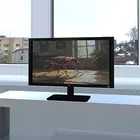
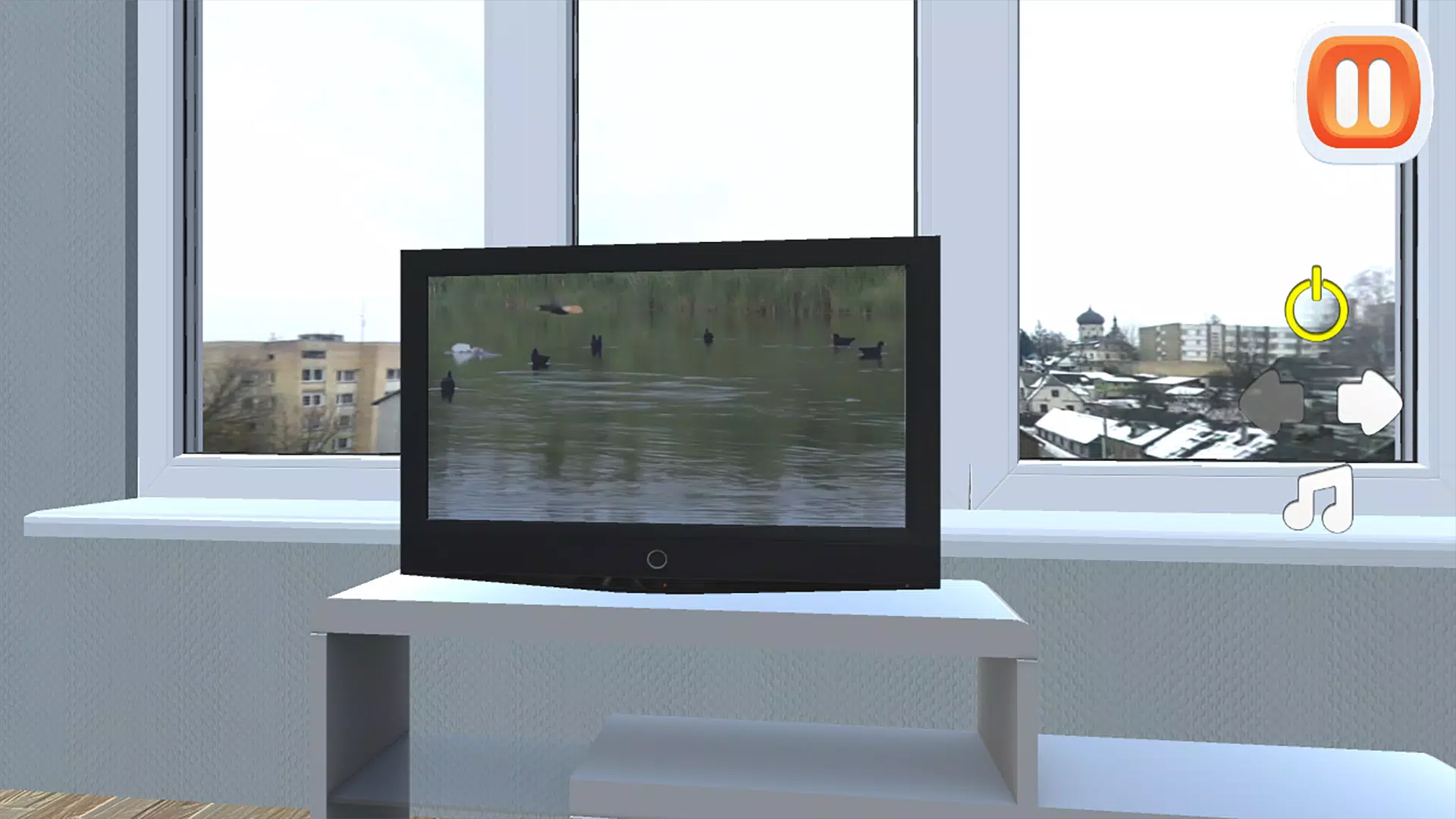
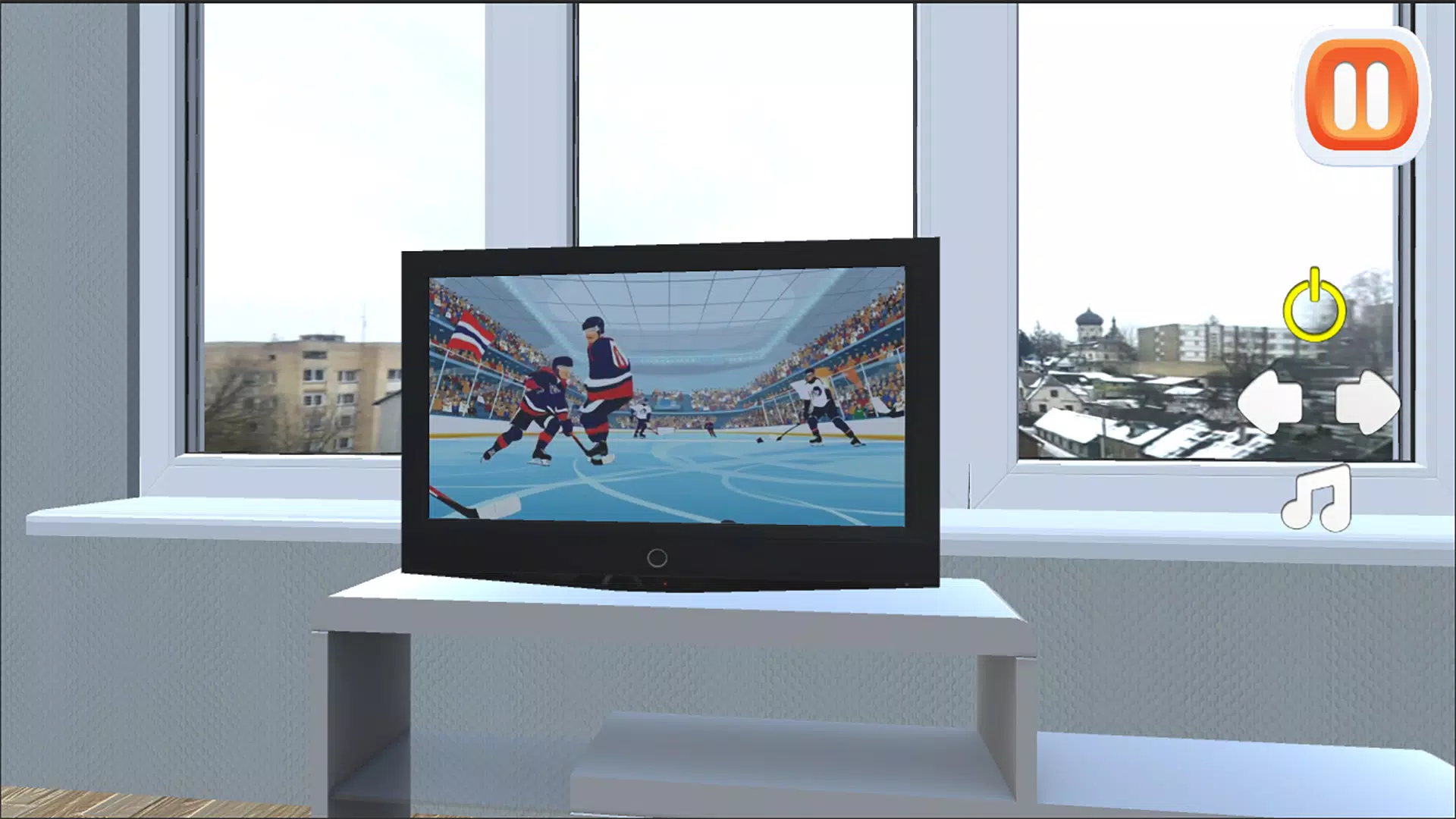
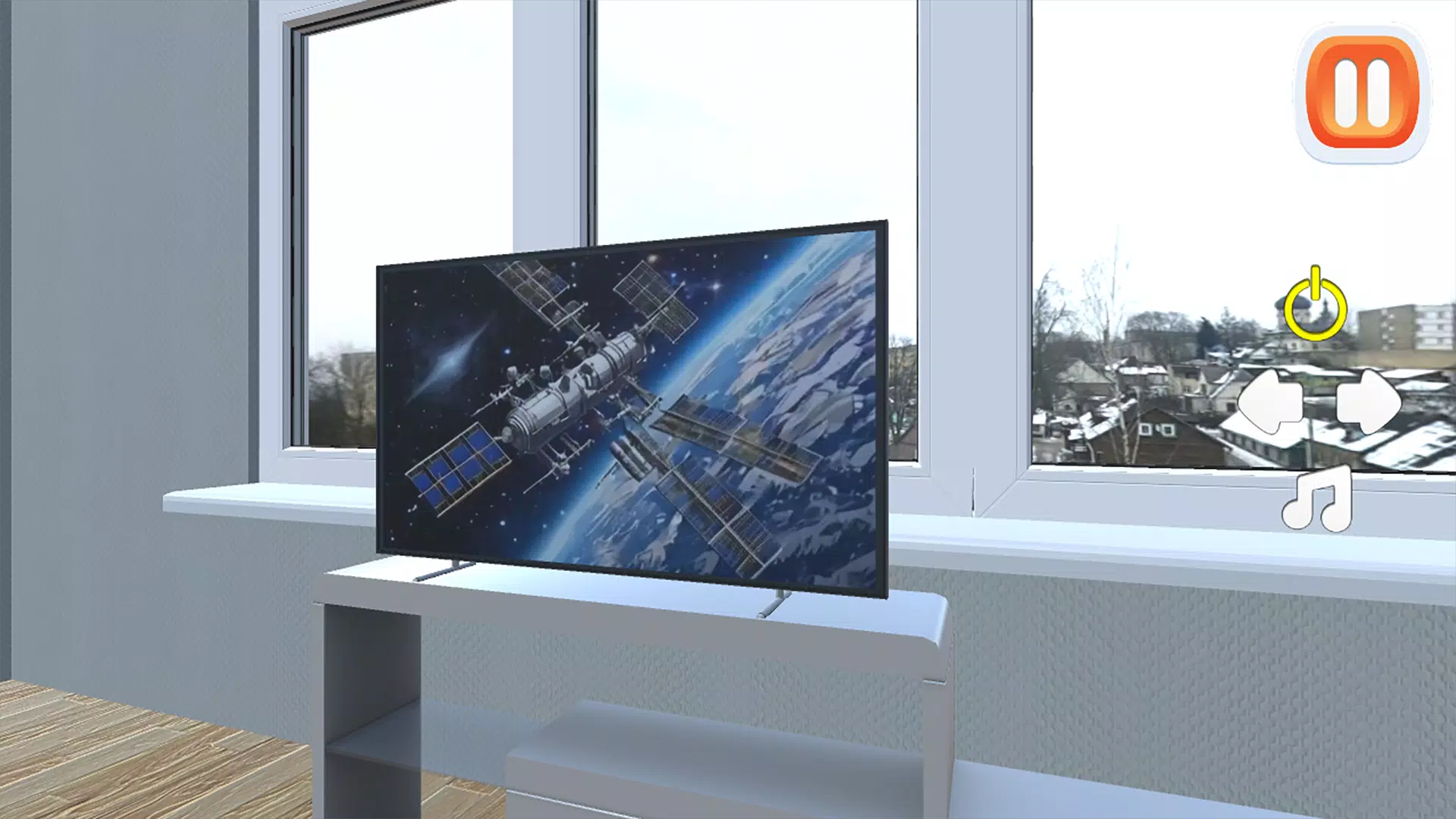
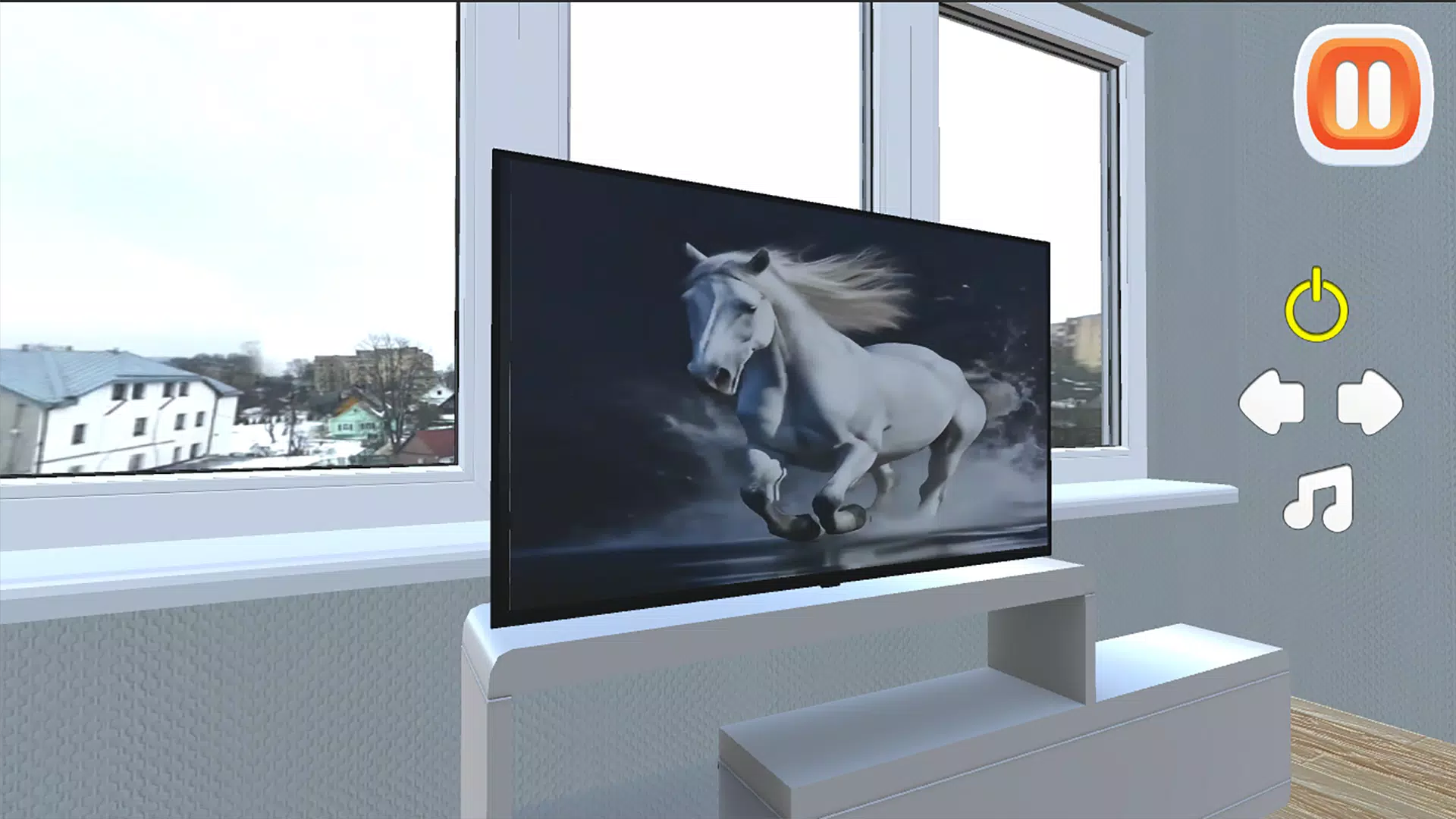
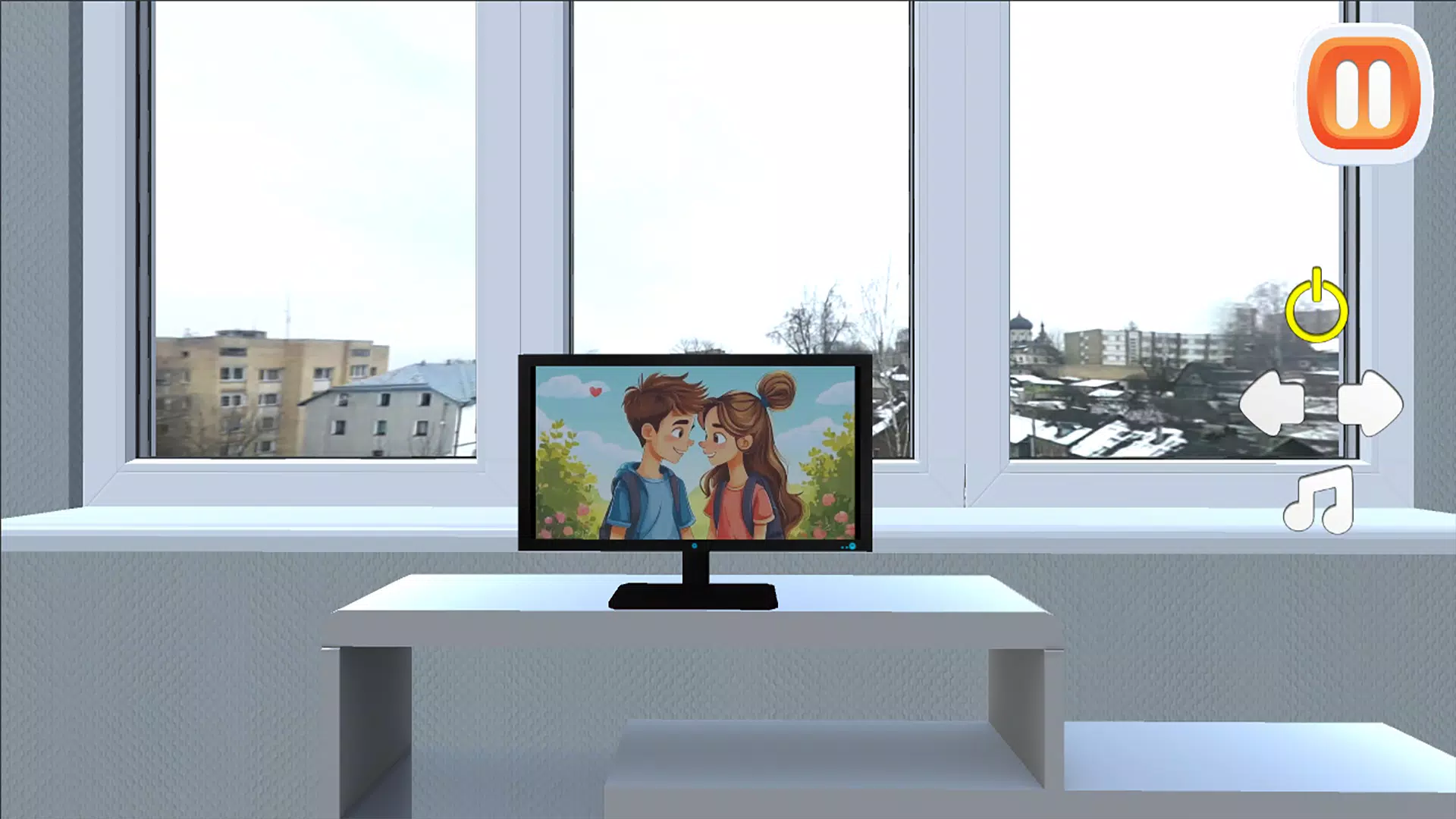
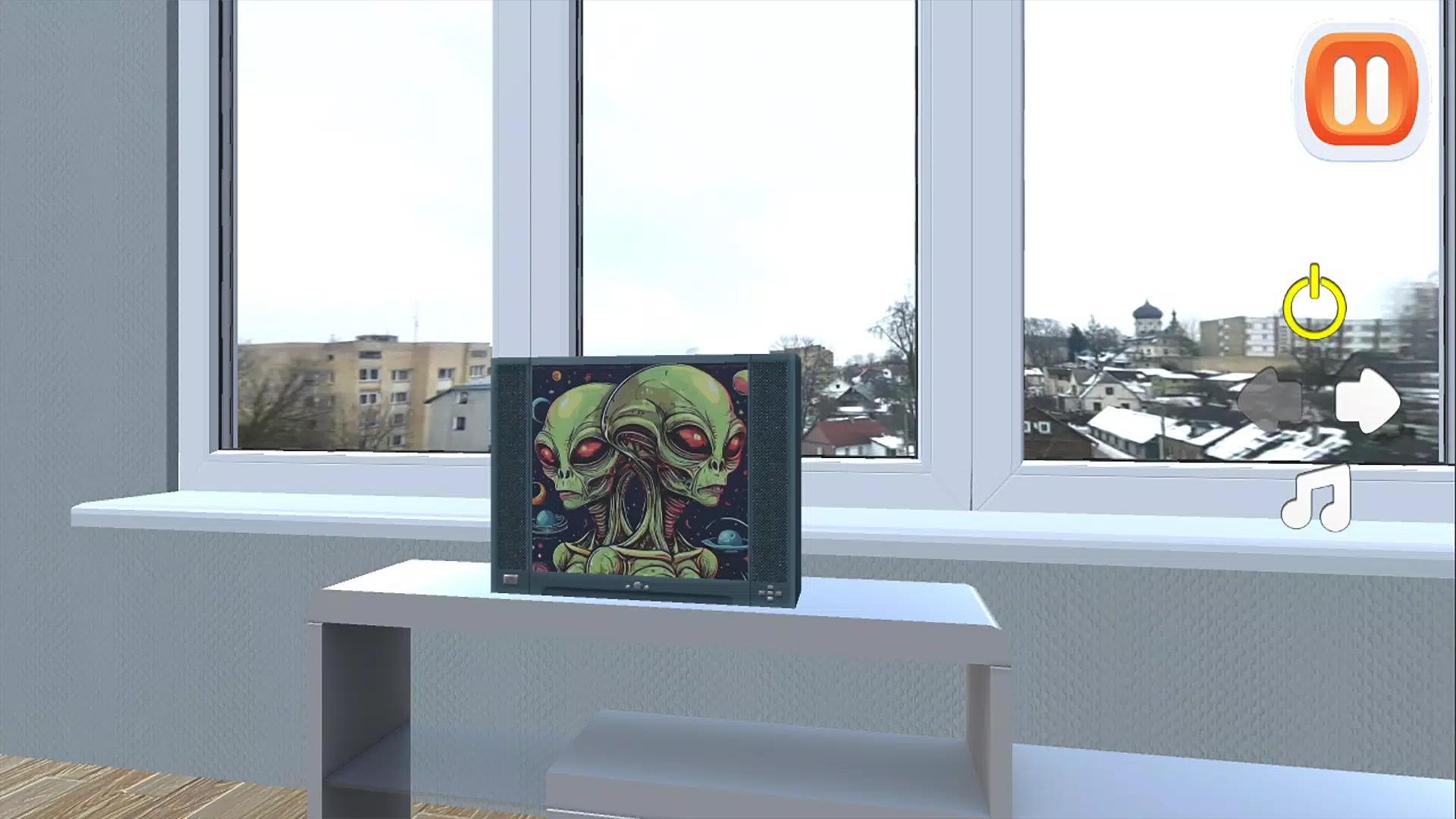
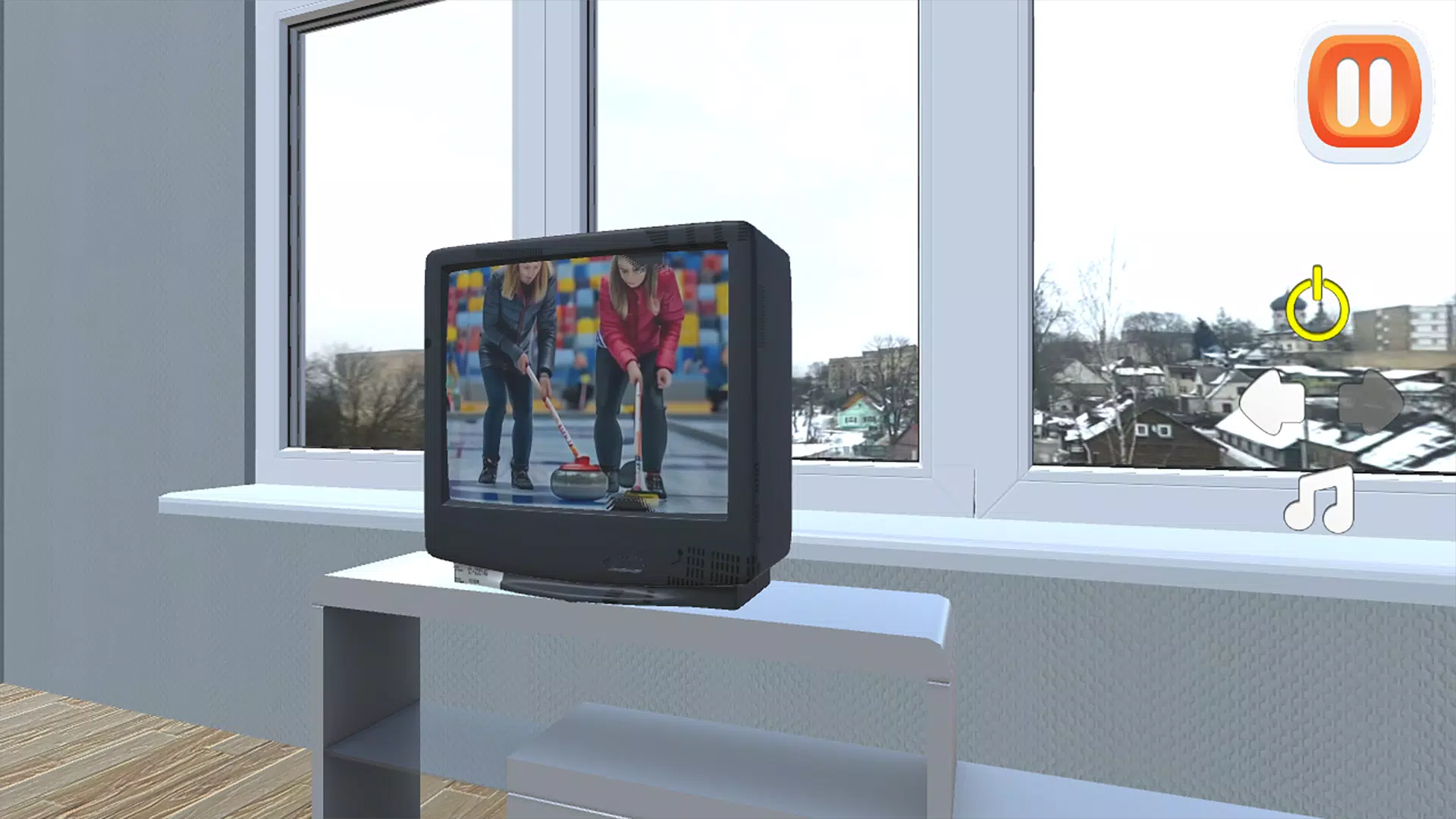
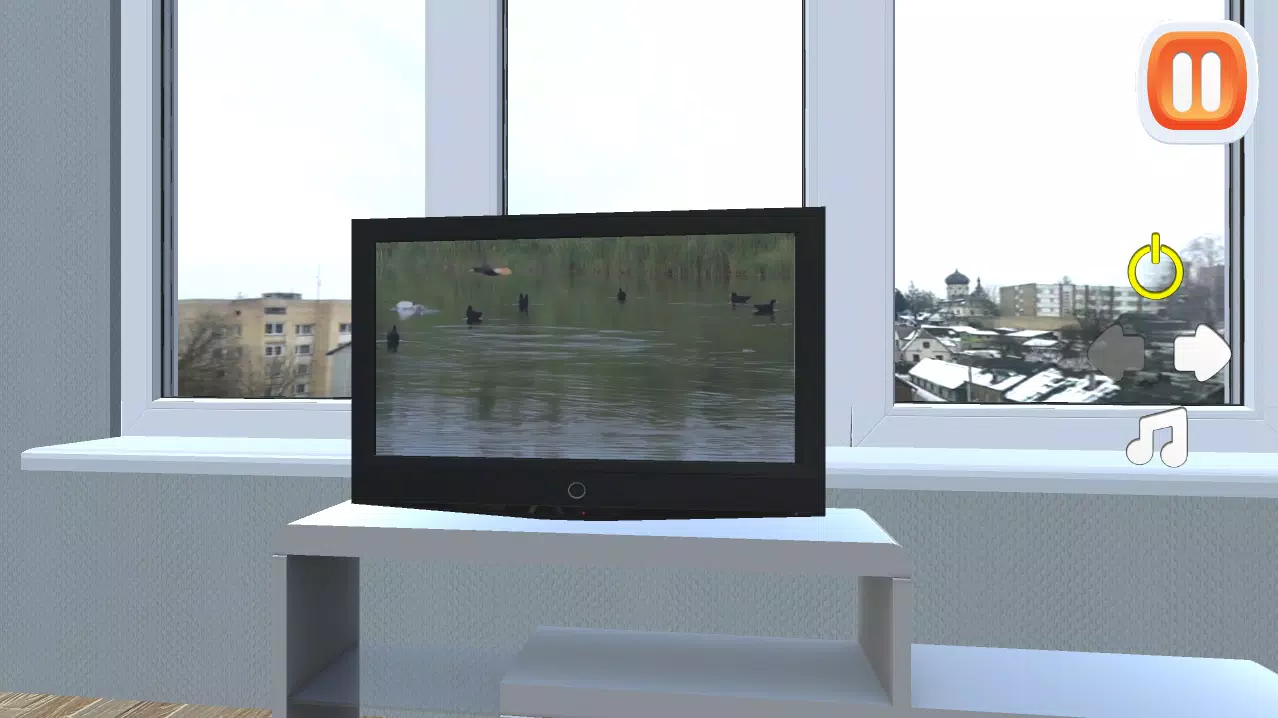
TV Simulator 2 brings a shelf of virtual televisions to your phone, recreating the low-key pleasure of channel surfing and leisurely viewing in a compact, casual app. From the moment you open TV Simulator 2 you can flip through multiple simulated channels, arrange devices in a small collection, and enjoy short sessions that emphasize atmosphere over complex rules. The experience is deliberately relaxed: there are no timers forcing you on a schedule, just an easy loop of browsing, collecting, and rediscovering content that evokes the feel of late-night channel surfing.
The design of TV Simulator 2 focuses on straightforward interaction and collectible variety. Several distinct TV models are available to place on a virtual shelf, each with its own channel lineup and visual character. Channels range from static vignette-style clips to animated idents and short program snippets, all intended to create a nostalgic and meditative viewing space. Controls are intentionally simple so that players can step in and start exploring right away without a steep learning curve.
Gameplay in TV Simulator 2 centers on two familiar actions: switching channels and managing which TVs are active. Tapping a TV changes channels, swiping moves between devices, and a long press opens a context panel for viewing details or relocating a television. The interface mimics familiar physical interactions to keep the experience intuitive: a quick tap for a new channel, a drag to rearrange your collection, and a single menu to adjust volume or visual filters. Sessions are short by design, making the app suited to micro-play whenever you have a few spare moments.
Progression is paced around collecting and personalization rather than points or rankings. As you spend time exploring, you unlock additional TV models and channel sets that can be added to your collection. Unlocks are earned by simple in-game activities such as viewing new channels, discovering rare clips, or completing optional viewing goals that encourage exploration. Collected TVs are stored in a personal gallery so you can curate a set that matches your preferred mood or visual style.
TV Simulator 2 uses a variety of visual treatments to suggest different eras and broadcast styles without relying on licensed content. Some sets lean toward retro scanlines and muted palettes, while others use cleaner, modern overlays and brighter colors. Audio is subtle and atmospheric: ambient hums, channel transitions, and short audio cues help sell the illusion of a living broadcast without distracting from the relaxed pace. Settings let you adjust brightness, contrast, and volume to suit ambient light and listening conditions.
The app does not present levels in the traditional sense; instead it organizes content into themed channel packs and display slots. This flexible structure supports occasional challenge-like activities such as timed discovery tasks or sequence-finding goals that add optional variety for players who want low-stakes objectives. Challenges are single-player and self-contained, designed to complement the passive viewing loop rather than introduce competitive or multiplayer systems.
Customization focuses on how you present and organize your set. You can save multiple layouts, swap TVs between slots, and change channel lineups to create different atmospheres. Randomized channel content and rotating packs keep sessions fresh, and a modest progression curve of unlocks provides a steady stream of new items to discover. Because the core loop is intentionally simple, many players find replay value in rediscovering channels and experimenting with different combinations of screens.
Accessibility options aim to make TV Simulator 2 approachable for a wide audience. Adjustable control sensitivity, scalable interface text, and color contrast settings help accommodate different preferences and needs. The app is designed to run offline for its core experience, so you can use it without a network connection; any optional downloads are clearly marked and are not required to enjoy the main features. Performance options reduce visual effects for low-power devices.
Getting started is simple: install TV Simulator 2, open the app, and tap any television to begin channel surfing. Use swipes to navigate between devices and the options panel to manage your collection. The app is intentionally low-pressure and ideal for casual play, short relaxation breaks, or as a nostalgic distraction between tasks. With a small learning curve and a steady stream of unlockable content, the app offers a gentle, collectible-focused experience for players who prefer calm simulation to intensive gameplay.